Sale




Sale!

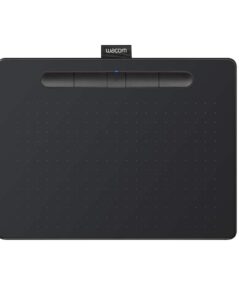
Wacom Model 6196636
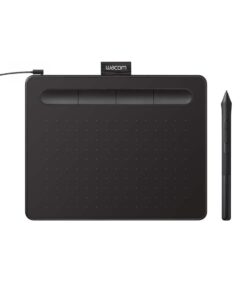
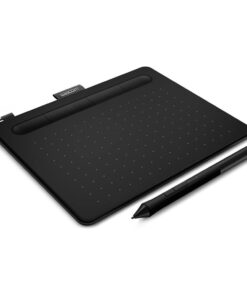
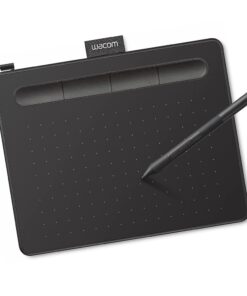
Wacom – Intuos Small Wired Graphics Drawing Tablet, Includes Training & Software; Works w/ Chromebook Mac Android & Windows – Black
★★★★★★★★★★ (4.8) 20 reviews
Original price was: $39.95.$31.96Current price is: $31.96. Save $7.99
In stock · Ready to ship
Delivery Mon, Nov 9 – Wed, Nov 11 Free shipping on orders $60+
Secure checkout · Visa · Mastercard · Amex · Discover · PayPal
Questions? Talk to a product specialist
(888) 519-3048
- Free shipping $60+3–5 business days
- 30-day returnsMoney-back guarantee
- Brand-newManufacturer warranty
- Ships from the USColumbus, OH
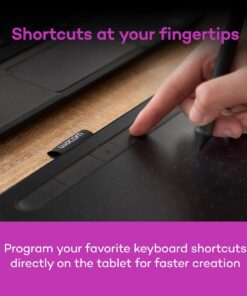
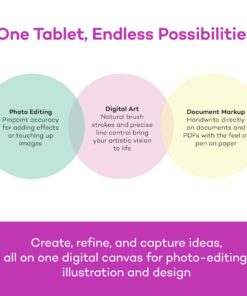
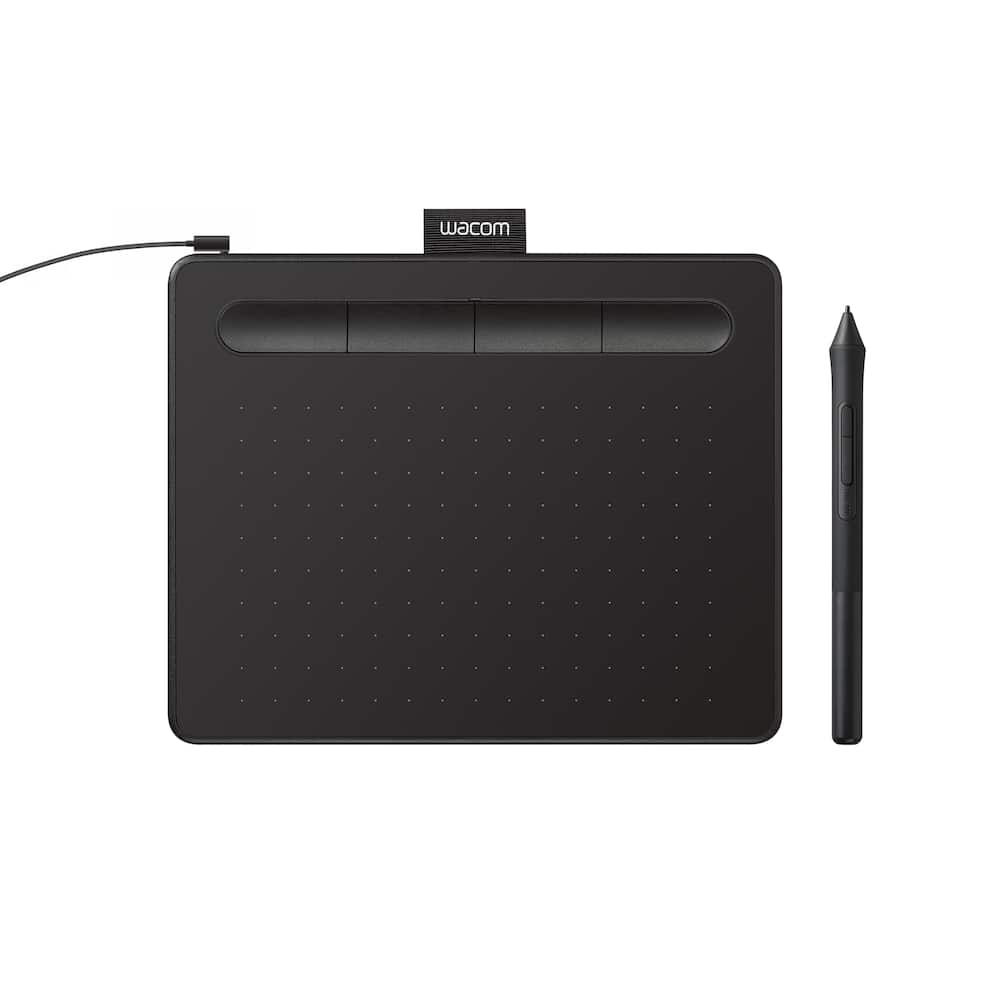
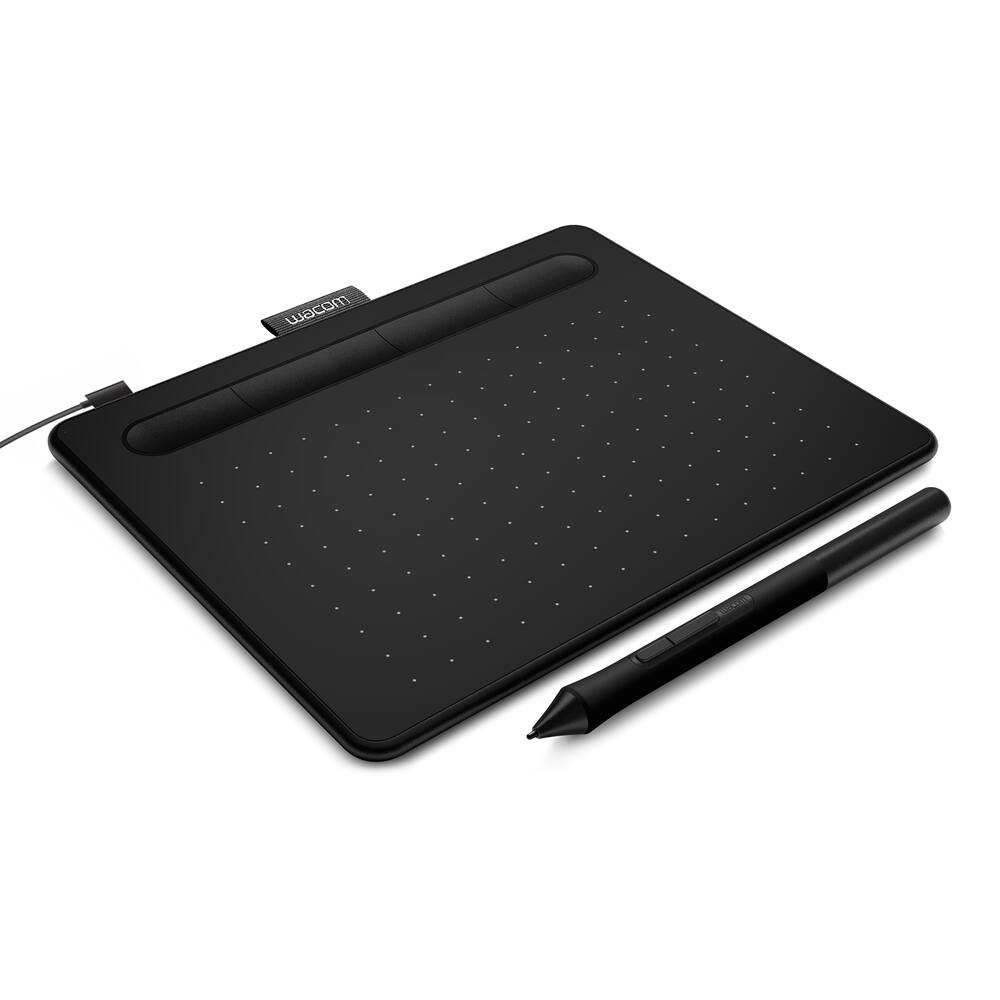
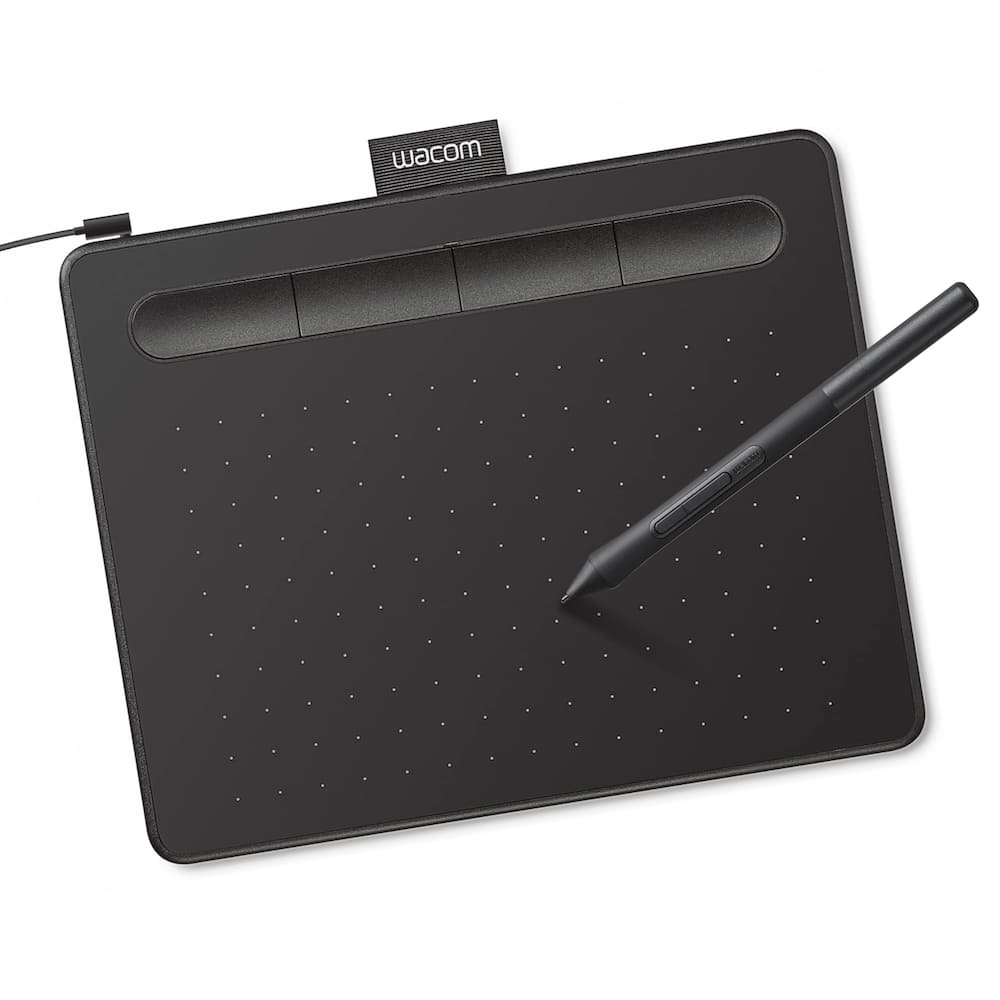
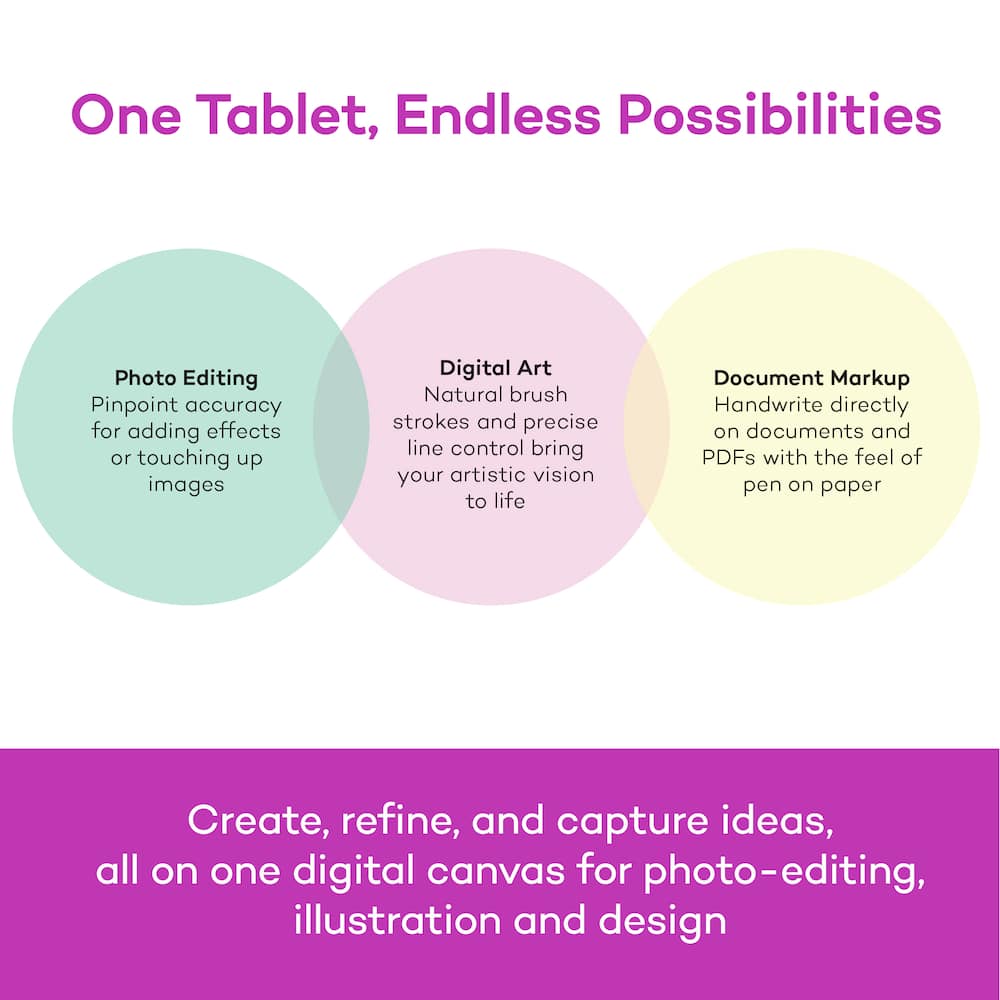
- COMPLETE CREATIVE STARTER KIT: Register your Intuos tablet and gain access to some of the best creative software and online training.NATURAL, PRECISE DRAWING EXPERIENCE: Battery-free pressure-sensitive Wacom EMR technology delivers accurate control with no charging or batteries needed - just pick up the pen and draw with instant response and true-to-life precision.PERFECT FOR BEGINNERS & EDUCATION: Easy setup gets you drawing in minutes on Windows, Mac, or Chromebook; ideal for drawing, sketching, photo editing, note-taking, document annotation, and classroom use.COMPACT & COMFORTABLE: Lightweight design with a paper-like drawing surface and four customizable ExpressKeys for instant access to your favorite shortcuts; small active area perfect for limited desk space while maintaining full creative control.RELIABLE PERFORMANCE: Wacom's proven reliability works seamlessly with your computer – no driver headaches, mysterious disconnects, or frustrating "why isn't this working?" moments common with cheaper alternatives.READY FOR YOUR FAVORITE SOFTWARE: Works seamlessly with all major creative applications such as Photoshop, Krita, Affinity, Sketchbook, as well as OneNote or Canvas for notes, presentations, annotation and markup.
Key specs
- Weight
- 8.1 lbs
- Dimensions
- 6.3 × 7.87 × 0.35 in
- Brand
- Wacom
- Model Number
- CTL4100
- Product Name
- Intuos Small Wired Graphics Drawing Tablet, Includes Training & Software; Works w/ Chromebook Mac Android & Windows
- Color
- Black
- Screen Size
- 0 inches
- Weight
- 8.1 lbs
- Dimensions
- 6.3 × 7.87 × 0.35 in
- Brand
- Wacom
- Model Number
- CTL4100
- Product Name
- Intuos Small Wired Graphics Drawing Tablet, Includes Training & Software; Works w/ Chromebook Mac Android & Windows
- Color
- Black
- Screen Size
- 0 inches
- Stylus Input
- Active (Electromagnetic Resonance)
- Graphic Resolution
- 2540 lines per inch
- Active Area
- 6.0 x 3.7 in.
- Total Storage Capacity
- 0 gigabytes
- Operating System Compatibility
- Mac OS
- System Requirements
- Windows 7 or later, Mac OS X 10.11 or later; Chromebook (devices running the latest Chrome OS), and Android smartphones/ tablets (OS version 6.0 or later); Easy plug-in via USB-A: some devices require USB-C or OTG adapters; internet access
- Wireless Connectivity
- None
- Interface(s)
- USB-A
- Charging Interface(s)
- USB-A
- Battery Life (up to)
- 0 hours
- Battery Capacity
- 0 milliampere hours
- Battery Chemistry
- Not battery powered
- Pressure Levels
- 4096
- Number of Shortcut Keys
- 4
- Product Height
- 0.35 inches
- Product Width
- 7.87 inches
- Product Depth
- 6.3 inches
- Product Weight
- 8.1 ounces
- Stylus Included
- Yes
- Stylus Model Included
- Wacom 4K Pen
- Stylus Stand Included
- Yes
- Warranty - Parts
- 1 year
- Warranty - Labor
- 1 year
- Model Family
- Wacom Intuos
- Year of Release
- 2018
- UPC
- 753218986887
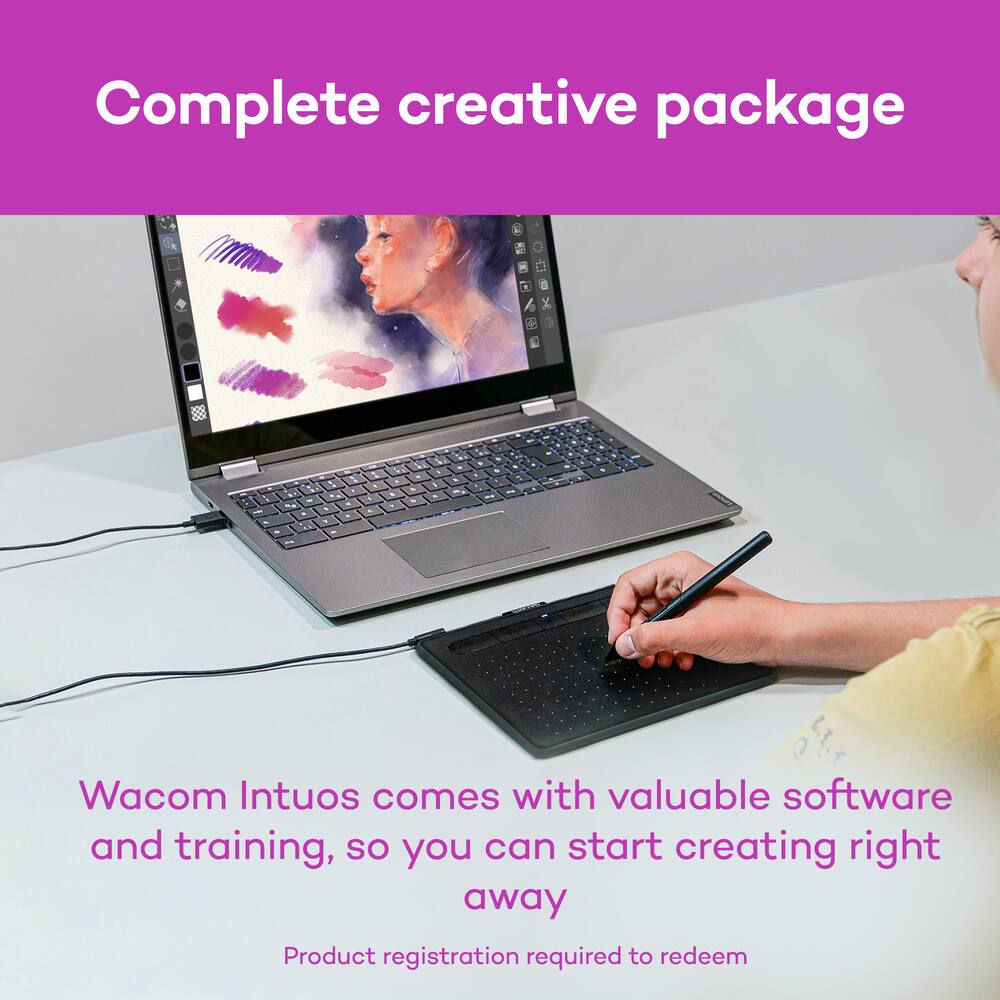
- COMPLETE CREATIVE STARTER KIT:
Register your Intuos tablet and gain access to some of the best creative software and online training. - NATURAL, PRECISE DRAWING EXPERIENCE:
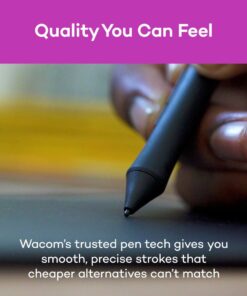
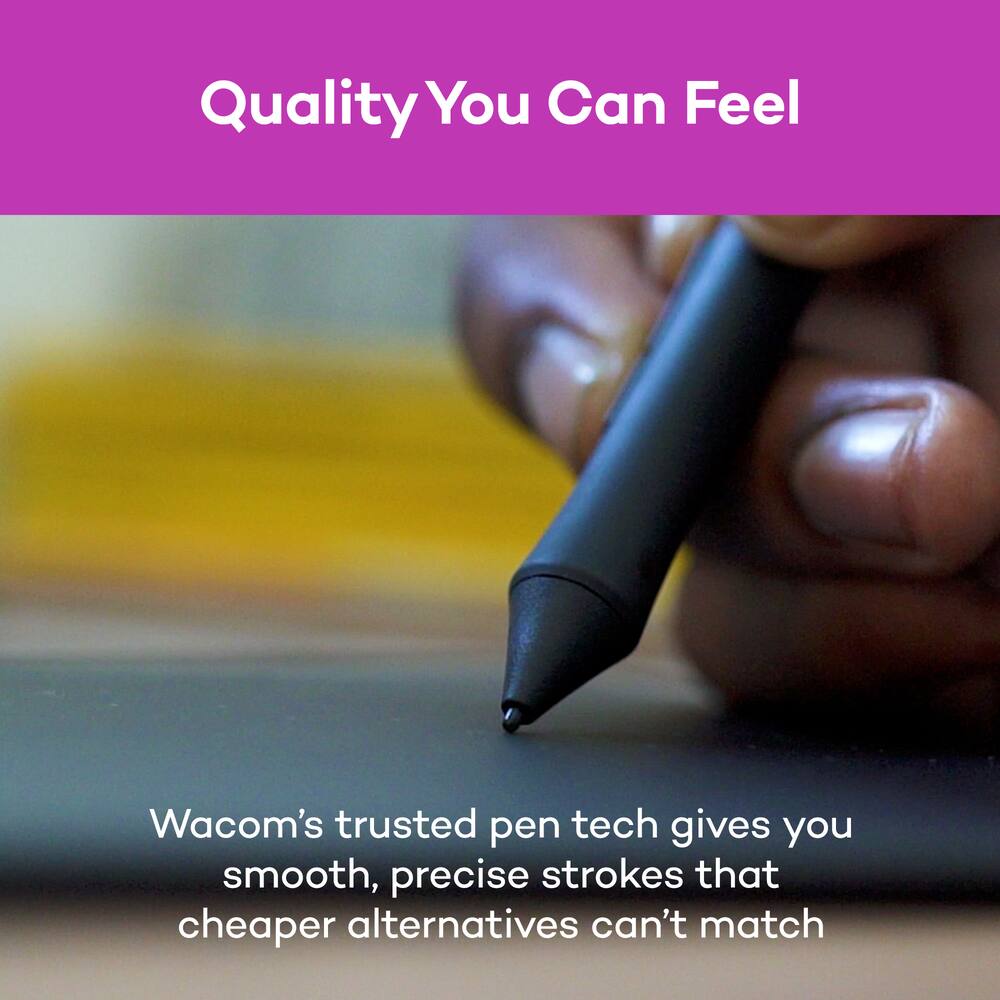
Battery-free pressure-sensitive Wacom EMR technology delivers accurate control with no charging or batteries needed – just pick up the pen and draw with instant response and true-to-life precision. - PERFECT FOR BEGINNERS & EDUCATION:
Easy setup gets you drawing in minutes on Windows, Mac, or Chromebook; ideal for drawing, sketching, photo editing, note-taking, document annotation, and classroom use. - COMPACT & COMFORTABLE:
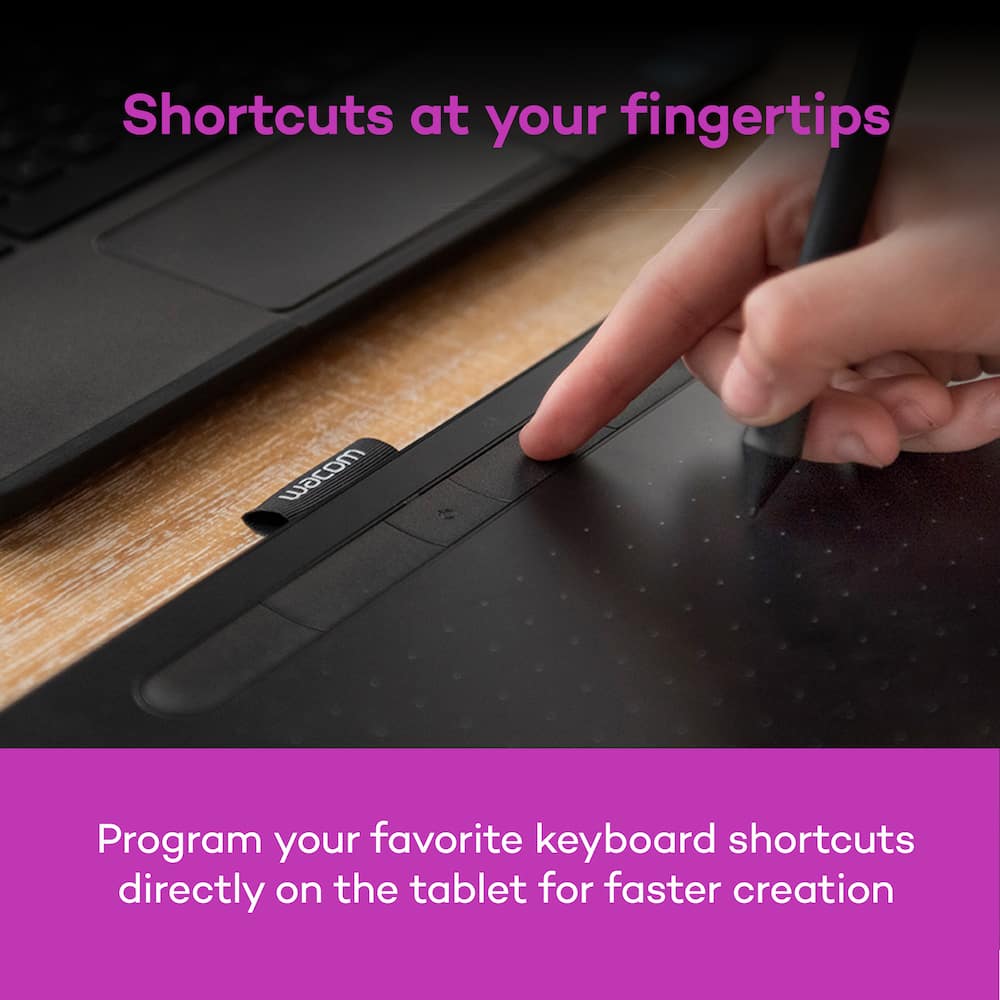
Lightweight design with a paper-like drawing surface and four customizable ExpressKeys for instant access to your favorite shortcuts; small active area perfect for limited desk space while maintaining full creative control. - RELIABLE PERFORMANCE:
Wacom’s proven reliability works seamlessly with your computer – no driver headaches, mysterious disconnects, or frustrating “why isn’t this working?” moments common with cheaper alternatives. - READY FOR YOUR FAVORITE SOFTWARE:
Works seamlessly with all major creative applications such as Photoshop, Krita, Affinity, Sketchbook, as well as OneNote or Canvas for notes, presentations, annotation and markup.
Standard US ground delivery is $5.49 and arrives in 3–5 business days. Orders over $60 ship free. Returns are accepted within 30 days of delivery.
VICTORIAM (verified owner) –
Great drawing pad! – Responsive interface, great included software offers. I’ve been using it mostly for graphic design, and I’ve had a lot of fun! As a beginner, I definitely recommend this drawing pad.
CAYDENJ (verified owner) –
Wacom Review – I’m going to give you my first impressions and overall review for the Wacom screen-less tablet starting with the negatives and moving my way up to any positives.
Starting with the negatives, the most annoying thing is going to be driver connectivity. I own a XP-pen tablet, but I decided to get this tablet so that I could work on the go and the issue is that each tablet is going to require its own unique drivers to install, and since some drivers overlap with your system, that means that certain features will not work and you cannot freely alternate between one tablet and another without fidgeting around in your art program of choice. I wish that this weren’t the case, especially since it is a screen-less tablet however I was able to find a workaround in Clip, so that issue has been circumvented for the time being.
Another issue although this might be a skill issue on my part is the size. Now for its price and quality the size definitely works however, there is a very notable learning curve. You will need to get comfortable understanding how far you can move your hands and wrist before they hit the corners of the tablet and by extension the screen, so it feels a little less natural than it would be on a tablet with a screen. I understand that there are other sizes for higher prices, so the learning curve might just be a byproduct of the tablet, being screen-less. One more thing that I want to add on is that I wish there were more pen tips included. I’ve never used Wacom before, so I don’t know how long the pen tips last for so it might be an issue if I need to get it replace.
Onto the positives, this thing is light. Like really light. I’m used to carrying around my laptop, which is kind of heavy so having a tablet that I could carry that freely is such a game changer. I know that I also gave some criticism towards its size, but the size also makes it easy to carry in the same laptop case as your laptop. They’re also aren’t that many added components. It’s just a tablet, one pen, and the wire to connect your tablet to your computer, which helps contribute to how easy it is to carry around. It also feels very nice for something worth $40. I was not expecting a tablet to feel this good but I was pleasantly surprised. It’s responsive. It’s quick. It feels good to use.
Overall, why do you have some issues? I feel like they could be boiled down to personal opinion. This thing is a monster and will come in clutch when you need it.
SleepI (verified owner) –
I would perfer this one for quick, fast drawings. – It works very well as a mouse, its very easy to get use to it, I would recommended it for users that want to draw quick and fast drawings.
MATT (verified owner) –
Good Starter for drawing – This tablet has great value for something starting digital art. It comes with several free trials of drawing software as well, which is a really good motivator for an amateur. Though it of course takes practice to learn hand and eye coordination to track your mouse with the stylus on a monitor screen, that’s expected.
TivaB (verified owner) –
Easy to use! – Very good drawing tablet for beginners that don’t wanna spend a arm and a leg just to make beautiful pieces of art, highly recommend
ALEX (verified owner) –
Smooth – For someone who has very unsteady hands and has handwriting, this product has been very easy to use.
KIROGAL (verified owner) –
Excellent product – My daughter has been very satisfied with this product
KATHERINEM (verified owner) –
Great – Works great with my laptop. Love it for traveling and camping.
Pearl (verified owner) –
Works just as expected – The screen directly maps onto the tablet and only the stylus moves your mouse. This lets you lean on the tablet for more precise control. The stylus also sits nicely where the buttons are and the orientation can be changed. Don’t forget to download the drivers!!
DickH (verified owner) –
Just OK – I was hoping for finer drawing abilities. I’m still trying to find the software programs that were supposed to come with it.
OsuGamer67 (verified owner) –
Easy setup and works great. – This is my second time buying this specific tablet cause you simply cannot beat it for the price. I lost my other one and got the same one again and it works perfectly. (If u play osu! this is the best budget tablet out there.) 727/10
Toccoa (verified owner) –
Really smooth device – Works really well and was easy to set up! I use it for drawing.
KennyA (verified owner) –
Simple and effective – For the price it’s great and I have no complaints.
kagag (verified owner) –
takes some time to get used to – i really like how smooth the trackpad is, it helps my drawings or sketches come out clean, but it does take some time getting used to, as you kind of have to draw and look at the device (laptop) you have this hooked up to in order to see what you’ve draen
RodolfoC (verified owner) –
Perfect Drawing Tablet for Beginners and Creators – The Wacom Intuos Small has been an excellent drawing tablet for learning digital art and editing photos. Setup was quick and easy, and it worked perfectly with my Windows computer right out of the box.
The pen is very responsive and comfortable to use, with great accuracy and pressure sensitivity that makes drawing feel natural. The compact size fits nicely on my desk without taking up too much space, and it’s easy to carry when needed.
I also appreciate the wide compatibility with Windows, Mac, Chromebook, and Android devices. The included software and training resources were helpful for getting started and improving my workflow.
Overall, this is a high-quality, reliable graphics tablet that offers fantastic value for the price. I would definitely recommend it to beginners, students, and anyone looking to get into digital art or photo editing.
JORDANG (verified owner) –
Pretty good – It works well and does what I hoped it would. That’s about it
CHRISTOPHER (verified owner) –
Drawing tablet – Pretty good product, haven’t had any issues with it and it works well for my class, overall pretty happy with it
Champ (verified owner) –
Amazing first tablet – I got this tablet because i was bad at drawing with a mouse and it was a gamechanger.
Katie (verified owner) –
Great Tablet for People who are just Starting – I really liked this drawing pad. My only issue was I had to replace the pen nib fairly quickly, but I think that is because I am kind of heavy handed. I do not like that you have to buy a subscription to utilize all of the features, but for someone who does not need all the bells and whistles this is fully capable.
SparrowsNestLearningCo (verified owner) –
Love It! Just Takes Some Practice! – I purchased this drawing tablet to create my own illustrations and educational resources. I’m really happy with it so far! There is definitely a learning curve, especially when you’re used to working with a mouse instead of a drawing pen. I’ve been using it with Canva and experimenting with creating my own designs. I’m still learning, but I enjoy the creative possibilities it gives me. I’m looking forward to getting more comfortable with it as I continue using it. Definitely a worthwhile purchase for my creative projects!