Sale





Sale!
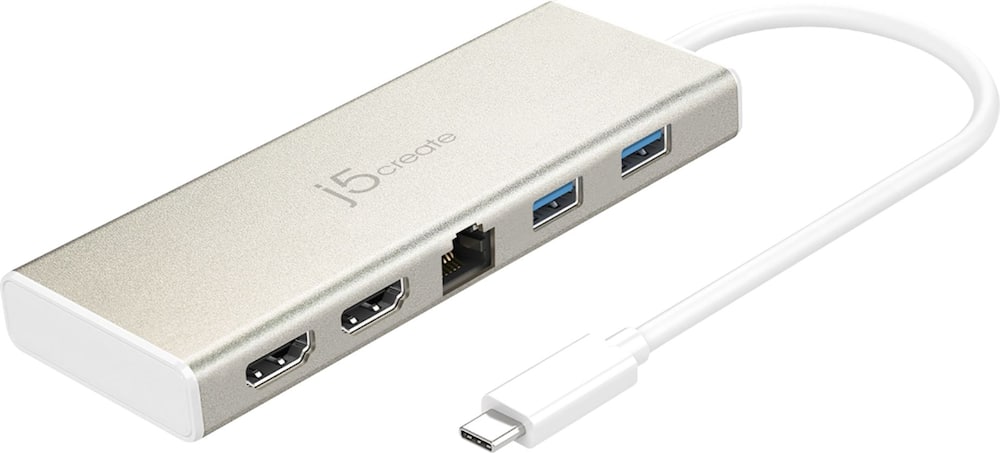
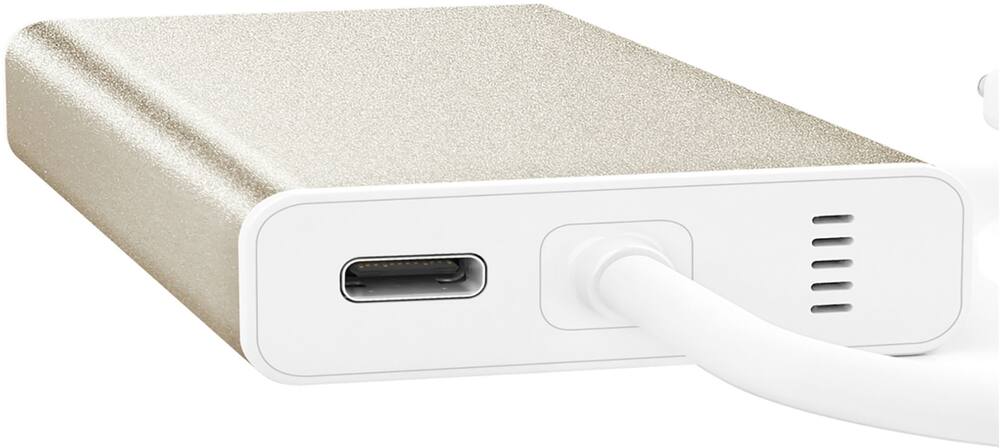
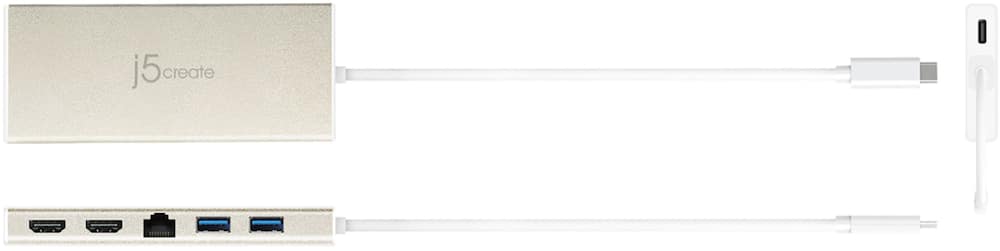

j5create Model 6201440
j5create – USB-C Dual HDMI Mini Dock – Gold
★★★★★★★★★★ (4.5) 20 reviews
Original price was: $79.99.$63.99Current price is: $63.99. Save $16
In stock · Ready to ship
Delivery Mon, Nov 9 – Wed, Nov 11 Free shipping
Secure checkout · Visa · Mastercard · Amex · Discover · PayPal
Questions? Talk to a product specialist
(888) 519-3048
- Free shipping $60+3–5 business days
- 30-day returnsMoney-back guarantee
- Brand-newManufacturer warranty
- Ships from the USColumbus, OH
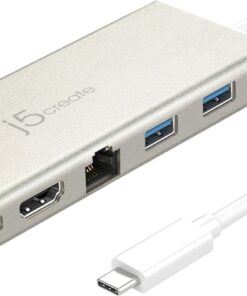
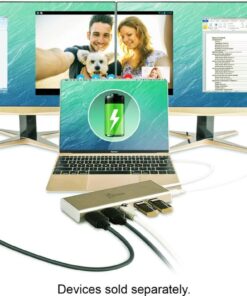
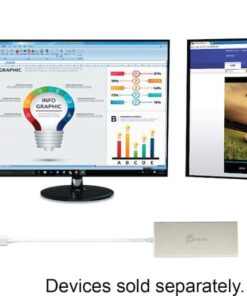
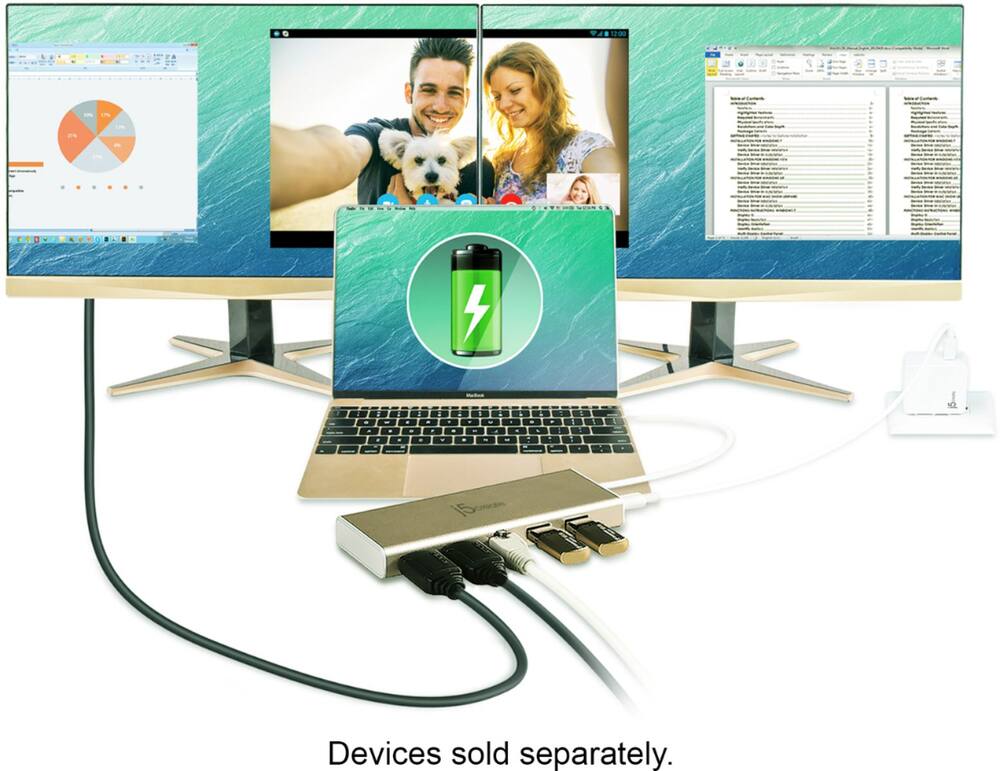
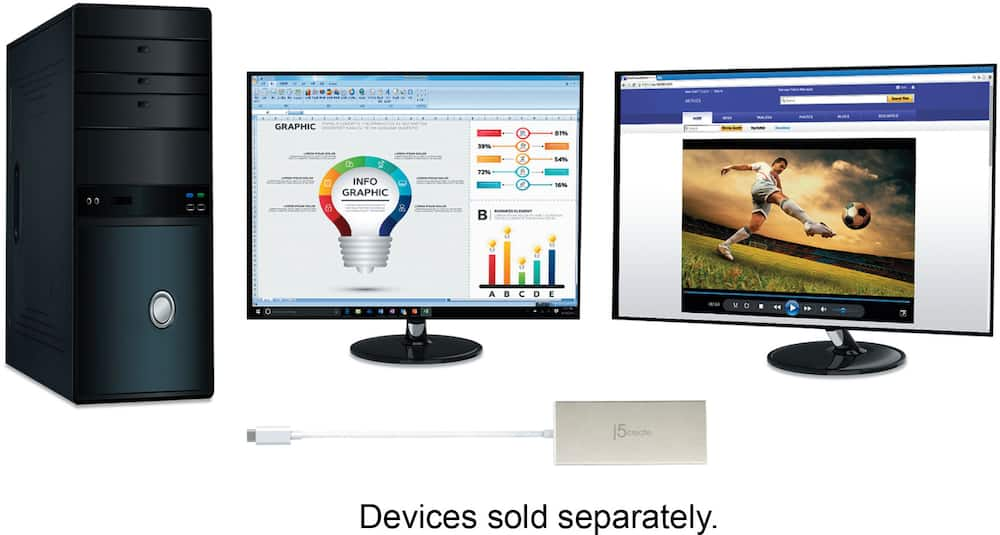
- Dual Display HDMI 4K + 2K Easily add a 4K or two 2K displays via HDMI to increase your efficiency at work through your USB-C port.
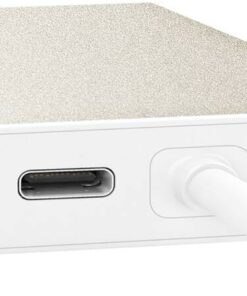
- Extend your visual workplace with excellent dual-video HDMI.Power Delivery USB-C power delivery 2.0 provides charging power up to 60W to the connected devices.Extra Connectivity for Your Computer USB 3.0, Ethernet, Power Delivery and 2 HDMI video ports over a single USB-C connection.
- Connect to a computer or tablet with a USB-C port.5 Gbps Transfer Speed 2-Port USB 3.0 supports transfer speeds at 5 Gbps.Gigabit Ethernet Port Reliable 10/100/1000 Mbps high speed transfer network connectivity via the Gigabit Ethernet port.
Key specs
- Weight
- 4 lbs
- Dimensions
- 0.6 × 5.1 × 2.1 in
- Brand
- j5create
- Model Number
- JCD381
- Product Name
- USB-C Dual HDMI Mini Dock
- Color
- Gold
- Maximum Number of Displays Supported
- 2
- Weight
- 4 lbs
- Dimensions
- 0.6 × 5.1 × 2.1 in
- Brand
- j5create
- Model Number
- JCD381
- Product Name
- USB-C Dual HDMI Mini Dock
- Color
- Gold
- Maximum Number of Displays Supported
- 2
- Maximum Supported Resolution
- 4K (2160p)
- Display Connector(s)
- 2 x HDMI
- Number of DisplayPort Outputs (Total)
- 0
- Number of HDMI Ports (Total)
- 2
- Number of VGA Ports
- 0
- Number Of Ethernet Ports
- 1
- Number of USB Ports (Total)
- 3
- USB Ports
- 1 x USB-C 2.0
- Headphone Jack
- No
- Powered
- Yes
- Power Supply Included
- No
- Power Supply Input
- USB-C
- Maximum Input Power
- 60 watts
- Passthrough Power
- Yes
- Power Supply Output
- USB-C
- Maximum Output Power
- 60 watts
- System Requirements
- Windows 10 or later, macOS X 10.8 or later. Available USB-C port that supports USB Power Delivery 2.0 or 3.0. (USB 3.0 is recommended)
- Brand Compatibility
- Universal
- Model Compatibility
- Available USB-C port that supports USB Power Delivery 2.0 or 3.0. (USB 3.0 is recommended)
- Cable Lock Slot
- None
- Indicator Light(s)
- No
- Product Height
- 2.1 inches
- Product Length
- 0.6 inches
- Product Width
- 5.1 inches
- Product Weight
- 4 ounces
- Warranty - Parts
- 2 year limited
- Warranty - Labor
- 2 year limited
- UPC
- 847626002335
- Dual Display HDMI 4K + 2K
Easily add a 4K or two 2K displays via HDMI to increase your efficiency at work through your USB-C port. Extend your visual workplace with excellent dual-video HDMI. - Power Delivery
USB-C power delivery 2.0 provides charging power up to 60W to the connected devices. - Extra Connectivity for Your Computer
USB 3.0, Ethernet, Power Delivery and 2 HDMI video ports over a single USB-C connection. Connect to a computer or tablet with a USB-C port. - 5 Gbps Transfer Speed
2-Port USB 3.0 supports transfer speeds at 5 Gbps. - Gigabit Ethernet Port
Reliable 10/100/1000 Mbps high speed transfer network connectivity via the Gigabit Ethernet port.
Standard US ground delivery is $5.49 and arrives in 3–5 business days. Orders over $60 ship free. Returns are accepted within 30 days of delivery.


Rexy (verified owner) –
Portable and Perfect! – Perfect for my dual monitor set up at home and portable enough for me to take with me when I need to travel. Easy to set up and easy to use. Be sure to download the drivers, as the instructions tell you- not always required for all laptops; my personal laptop was plug n play, but found out my work laptop model definitely needed the drivers installed before it worked correctly.
JAGADISHV (verified owner) –
USB-C Dual HDMI Mini Dock – Best USB-C Dual HDMI Mini Dock. It’s very compact and sleek
BB007 (verified owner) –
Multi-port j5create mini dock – Works fine for my purposes. Used in my home office with my laptop and display monitors.
SASHIAI (verified owner) –
For my pc – Love it. Stuck it to the side of pc being there is additonal hook ups. Well worth it. Thank you
JAVIERV (verified owner) –
Game changer – This small device upgraded my remote office. Small enough to not take up space and big enough to plug in all my devices and ethernet.
KXTGE633M (verified owner) –
j5create – usb-c dual hdmi mini dock – gold – The size is just right for a single use. The other selections did not have as many outlets.
Tankola (verified owner) –
Great purchase – Love the product and would 1000% recommend to others.
ThomasM (verified owner) –
Multi purpose – Really enjoyed that I could use this to connect
My printer to my computer and print documents I needed. Really easy to use. Bluetooth was having issues connecting it to my laptop but this device solves that problem.
2muchcoffee (verified owner) –
Excellent Dock Device – It is a bit pricey, but I feel that it’s worth it. This j5 dock was easy to set up, which I especially appreciate because I’m not a techie. it has all of the ports that I need, and it is working beautifully.
Brenda659 (verified owner) –
Mini Dock – Easy to use, great performance, HDMI and very productive
AUSTIND (verified owner) –
Excellent product – This product makes plugging in a laptop to any monitor setup or accessories a breeze
JHDH (verified owner) –
USB Dual converter – Product makes sense, very bulky, pricing can get pricey but worth the buy to assure practicality. I would recommend this item and in comparison is better priced at BestBuy than other whole sellers
AmandaD (verified owner) –
Not compatible with surface laptop – Did not work for me. Didn’t charge my laptop and connection was on and off with my dual monitors. I tried DP and hdmi. Didn’t like this docking station at all.
RT621 (verified owner) –
Quick set up – Pretty quick set up right out of the box, install driver then connect monitors via HDMI cables, also connected ethernet for a higher speed, took about 15 minutes and I was set with 2 extra monitors for my laptop set up.
Bill (verified owner) –
Very effective and reasonably priced – No software to download and easy to use out of the box. One thing not perfectly clear out of the box is that you don’t need to plug it in to power. It only requires power if you want to charge your laptop through it. I did not check how well it can charge a gaming laptop.
JayTalk (verified owner) –
The Answer – Multiple screens and a laptop love story made in eltronicsy
VCan (verified owner) –
Good Quality – Works well ( dual monitor setups ) -Don’t forget to install drivers
MICHELLET (verified owner) –
Now this changes things for work. – What a great addition to my new laptop which did not have a connection for an ethernet cable and for my work from home I have to have one. Not to mention with all the additional usb, HDMI, etc inputs, I am able to connect multiple displays.
ClaudiaP (verified owner) –
Too hot – It works but it gets very hot to the touch. I exchanged it and the new one was the same.
Dave (verified owner) –
Finally the Right Docking Station! – This compact docking station was easy to install, and only slightly difficult to find updated drivers for. It generally works well, but needs to be reset once every 20 launches or so.