Sale



Sale!

Logitech
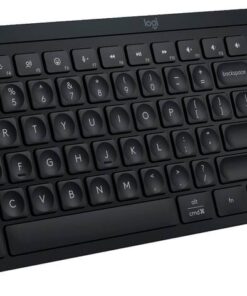
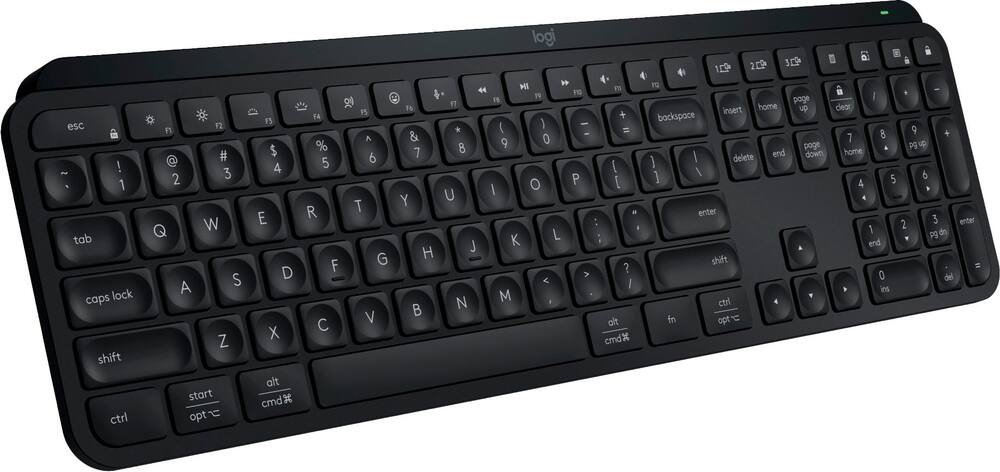
Logitech – MX Keys S Universal Full-size Wireless Scissor Keyboard for PC and Mac with Backlit keys – Black
★★★★★★★★★★ (4.6) 20 reviews
Original price was: $129.99.$103.99Current price is: $103.99. Save $26
In stock · Ready to ship
Delivery Fri, Nov 20 – Tue, Nov 24 Free shipping
Secure checkout · Visa · Mastercard · Amex · Discover · PayPal
Questions? Talk to a product specialist
(888) 519-3048
- Free shipping $60+3–5 business days
- 30-day returnsMoney-back guarantee
- Brand-newManufacturer warranty
- Ships from the USColumbus, OH
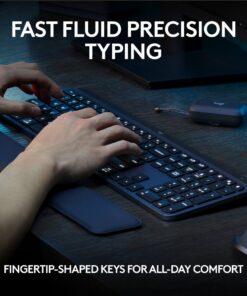
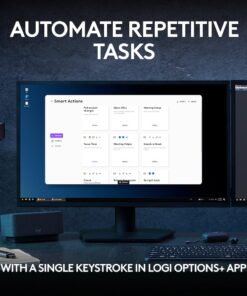
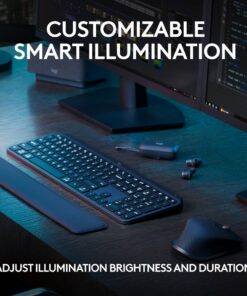
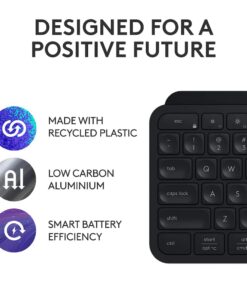
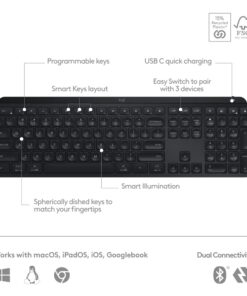
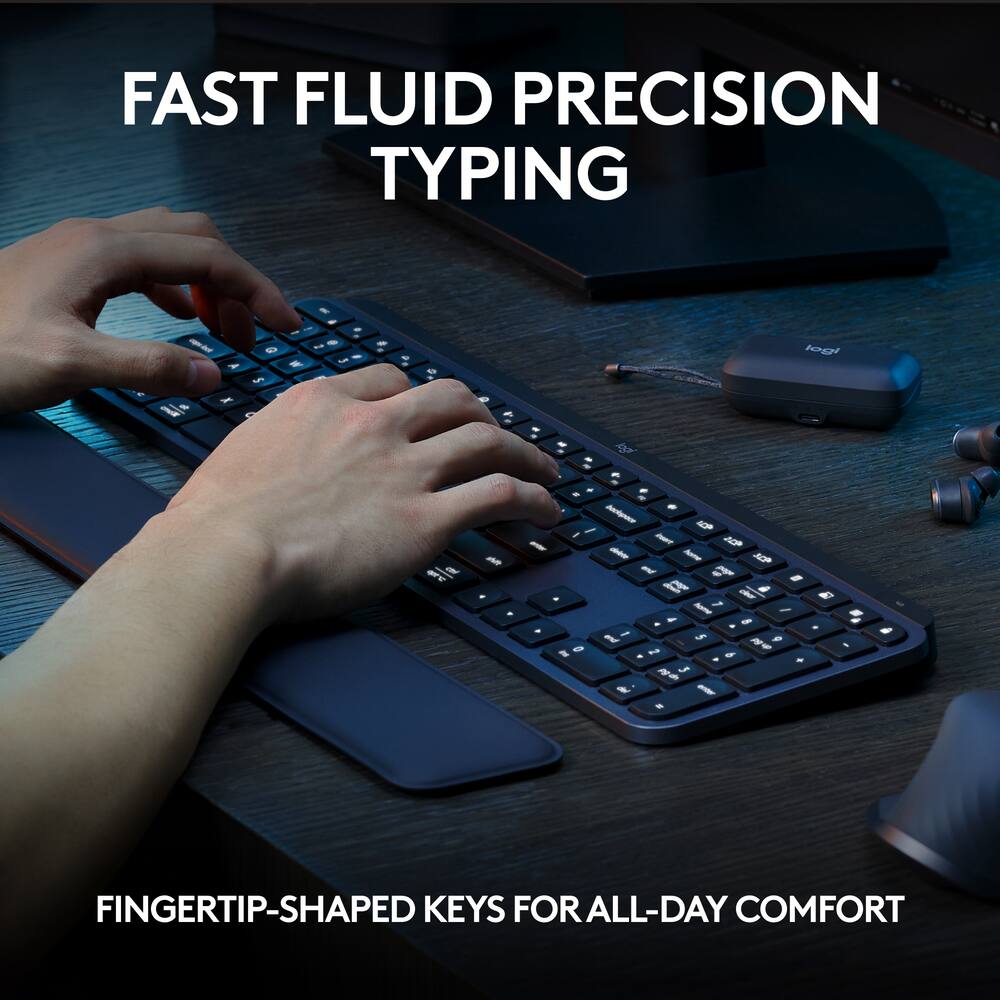
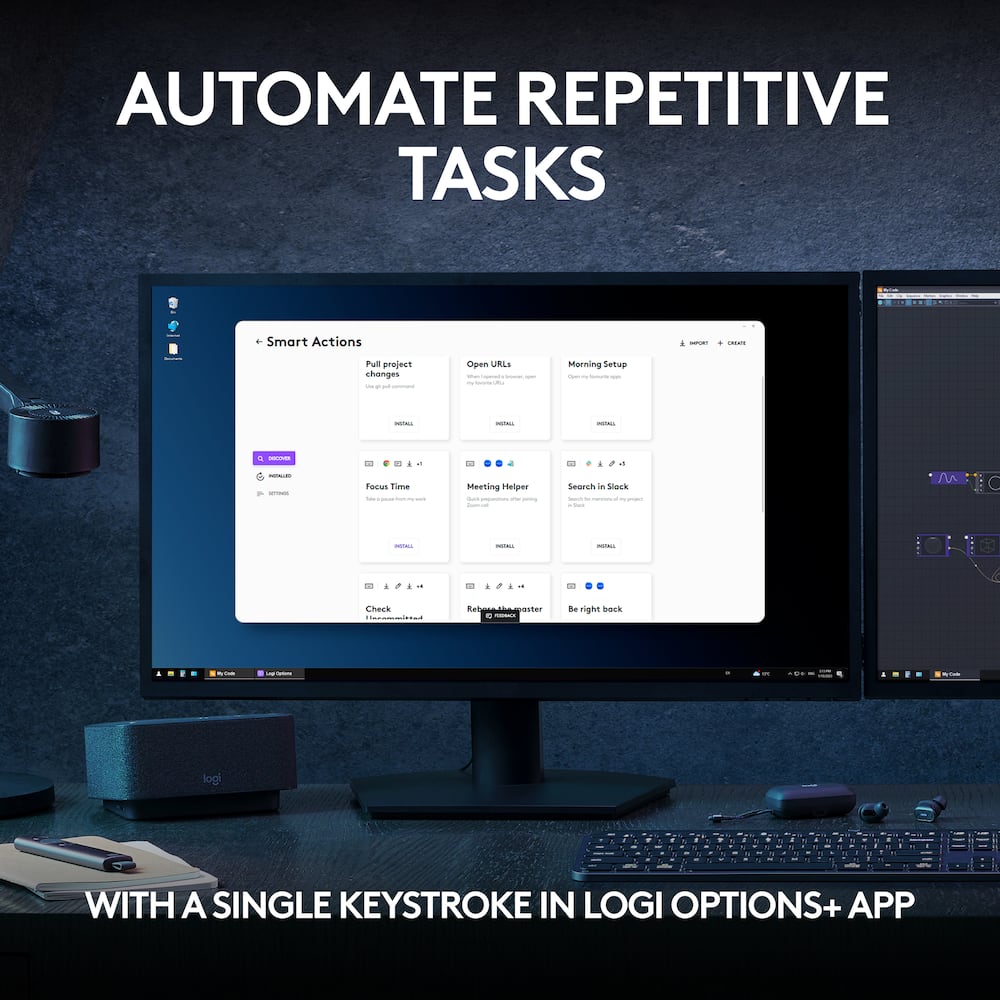
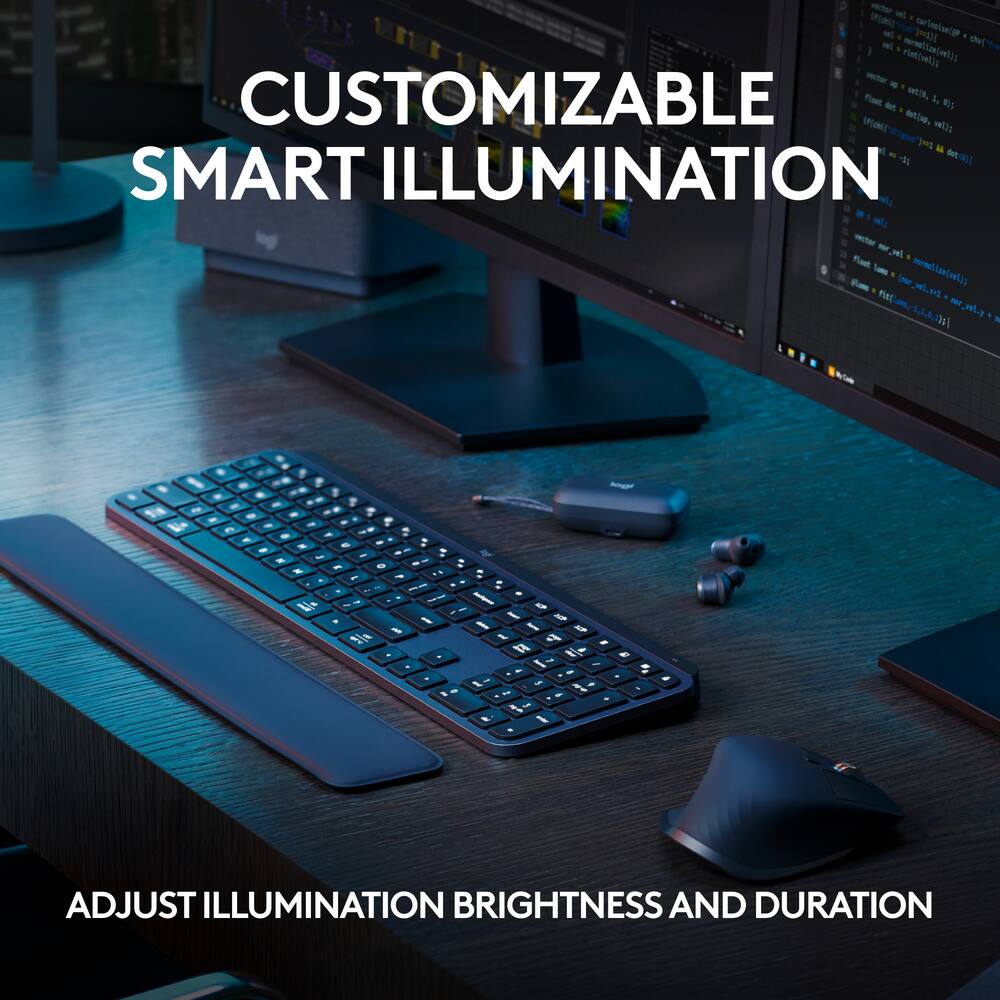
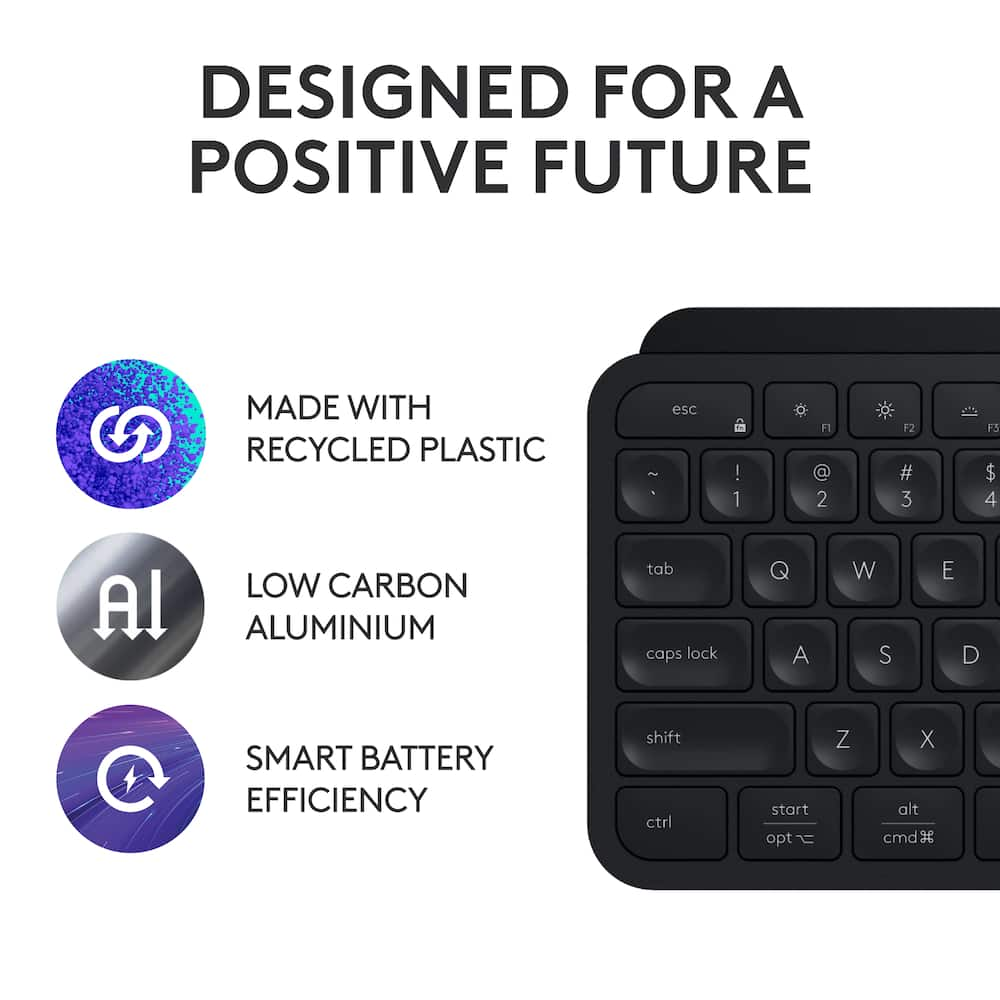
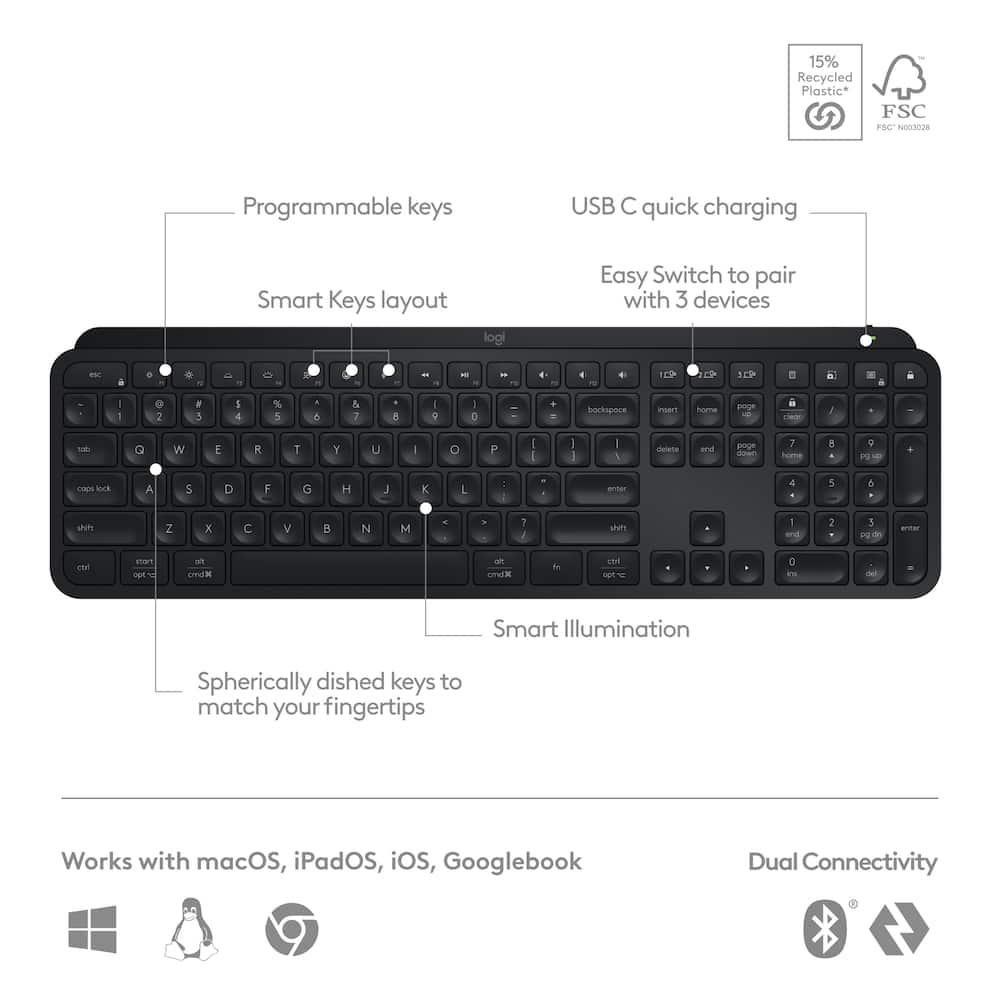
- Fluid typing experience Laptop-like profile with spherically-dished keys shaped for your fingertips delivers a fast, fluid, precise and quieter typing experience.Automate repetitive tasks Easily create and share time-saving Smart Actions shortcuts that perform multiple actions with a single keystroke with the Logi Options+ app.¹Smarter illumination Backlit keyboard keys light up as your hands approach and adapt to the environment; now with more lighting customizations on Logi Options+.¹More comfort, deeper focus Work for longer with a solid build, low-profile design and an optimum keyboard angle that is better for your wrist posture.Multi-Device, Multi OS Bluetooth Keyboard Pair with up to 3 devices on nearly any operating system (Windows, macOS, Linux, Googlebook OS) via Bluetooth Low Energy or included Logi Bolt USB receiver²USB C rechargeable keyboard Stays powered for up to 10 days on a full charge or up to 5 months (backlighting turned off); quick charge with the included USB-C charging cable.³Team with MX Master 3S mouse Pair any MX wireless keyboard and mouse with Logi Options+ and seamlessly work, transfer text and files between up to 3 computers (Windows & macOS).Made with recycled plastic Plastic parts in MX Keys S Wireless Keyboard include certified post-consumer recycled plastic — 15% for Black and 11% for Pale Grey.⁴¹ Requires Logi Options+ app, available for Windows and macOS.² The keyboard is not compatible with other Logitech USB receivers.³ Battery life may vary based on user and computing conditions⁴ Excludes plastic in printed wiring assembly (PWA), receiver, wire, FFC cable, and packaging.1-month of Adobe Creative Cloud on us (a value of $59.99)* Pair two of the world’s top creative tools.
- Buy one MX Keys S and claim your free 1-month Adobe Creative Cloud membership.
- *Value calculated based on Adobe Creative Cloud All Apps monthly value of $59.99 valid on Adobe.com on Sept 12, 2024.
- Terms & Conditions apply.¹ ² ³¹ Terms and Conditions: Offer starts on October 2024, and expires on October 31st, 2026.
- Offer available worldwide to customers who purchase the Logitech MX Keys S who are new or existing Adobe customers.
- When you purchase an MX Keys S you receive a complimentary 1-month membership of Adobe Creative Cloud All apps when you go to logi.com/adobe-offer offer page and follow the redemption steps.² Limit: 1 subscribing customer per product.
Key specs
- Weight
- 28.57 lbs
- Dimensions
- 5.18 × 16.94 × 0.81 in
- Color
- Black, Pale Gray
- Brand
- Logitech
- Model Number
- 920-011406
- Product Name
- MX Keys S Universal Full-size Wireless Scissor Keyboard for PC and Mac with Backlit keys
- Lighting Type
- Single color
- Weight
- 28.57 lbs
- Dimensions
- 5.18 × 16.94 × 0.81 in
- Color
- Black, Pale Gray
- Brand
- Logitech
- Model Number
- 920-011406
- Product Name
- MX Keys S Universal Full-size Wireless Scissor Keyboard for PC and Mac with Backlit keys
- Lighting Type
- Single color
- Customizable Lighting
- No
- Numeric Keypad
- Yes
- Touchpad
- No
- Keyboard Type
- Programmable
- Palm Rest
- No
- Spill Resistant
- No
- Keyboard Features
- Spherically dished keys, smart illumination, programmable keys, Smart Keys layout, Easy Switch to pair with up to 3 devices
- Foldable
- No
- Form Factor
- Full-size
- Keyboard Technology
- Scissor
- Adjustable Tilt Function
- No
- Multimedia Keys
- Yes
- Connection Type
- Wireless
- Wireless Connectivity
- Radio Frequency (RF - 2.4 Ghz/Low Latency)
- Maximum Wireless Range
- 33 feet
- Number Of USB Port(s)
- 1
- Number of Devices Connectable Simultaneously
- 3
- Operating System Compatibility
- Windows
- Plug and Play Operation
- Yes
- System Requirements
- Via Bluetooth Low Energy technology: Windows 10, 11 or later, macOS 10.15 or later, Linux, Chrome OS, iPadOS 14 or later, Android 8.0 or later. Via Logi Bolt USB Receiver: Windows 10, 11 or later, macOS 10.15 or later, Linux, Chrome OS
- Rechargeable Battery
- Yes
- Battery Chemistry
- Lithium
- On/Off Switch
- Yes
- Product Height
- 0.81 inches
- Product Width
- 16.94 inches
- Product Depth
- 5.18 inches
- Product Weight
- 28.57 ounces
- Mouse Included
- No
- Warranty - Parts
- 1 year
- Warranty - Labor
- None
- UPC
- 097855187918, 097855187857
- Fluid typing experience
Laptop-like profile with spherically-dished keys shaped for your fingertips delivers a fast, fluid, precise and quieter typing experience. - Automate repetitive tasks
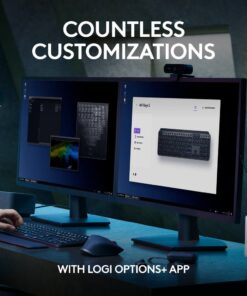
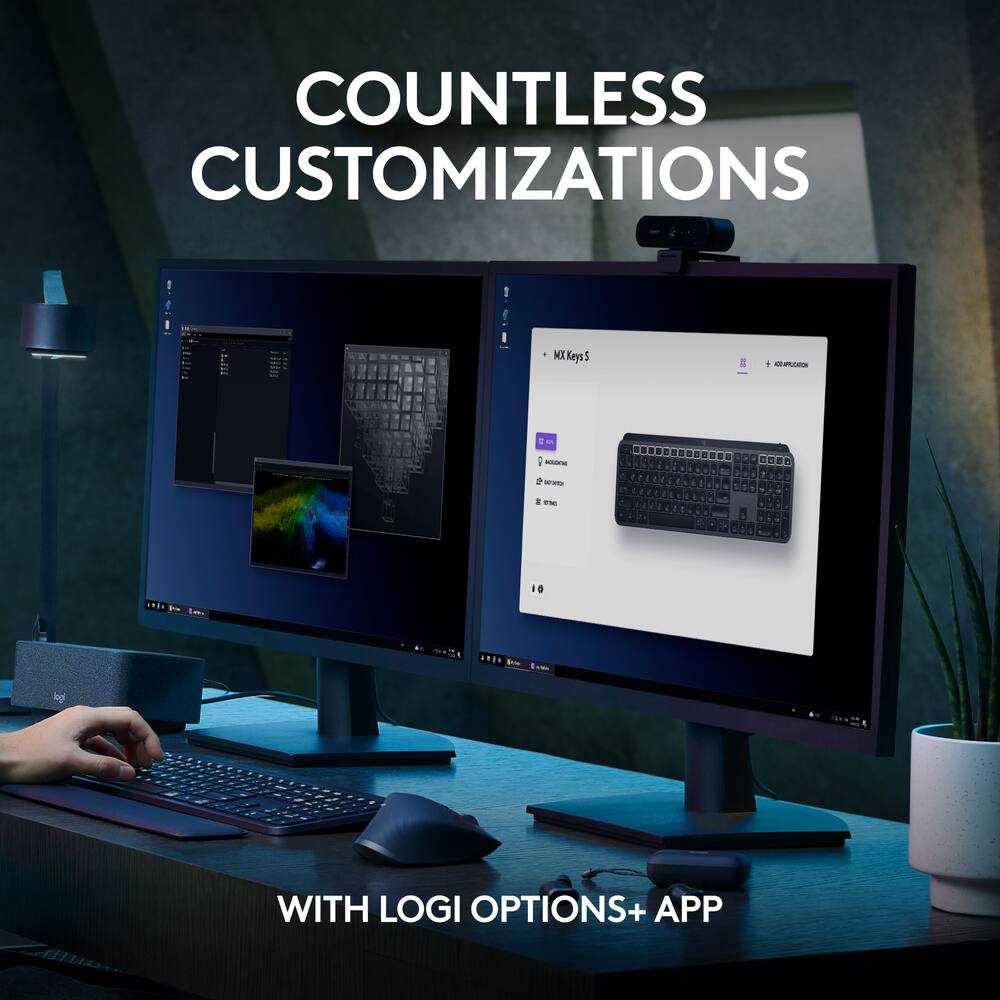
Easily create and share time-saving Smart Actions shortcuts that perform multiple actions with a single keystroke with the Logi Options+ app.¹ - Smarter illumination
Backlit keyboard keys light up as your hands approach and adapt to the environment; now with more lighting customizations on Logi Options+.¹ - More comfort, deeper focus
Work for longer with a solid build, low-profile design and an optimum keyboard angle that is better for your wrist posture. - Multi-Device, Multi OS Bluetooth Keyboard
Pair with up to 3 devices on nearly any operating system (Windows, macOS, Linux, Googlebook OS) via Bluetooth Low Energy or included Logi Bolt USB receiver² - USB C rechargeable keyboard
Stays powered for up to 10 days on a full charge or up to 5 months (backlighting turned off); quick charge with the included USB-C charging cable.³ - Team with MX Master 3S mouse
Pair any MX wireless keyboard and mouse with Logi Options+ and seamlessly work, transfer text and files between up to 3 computers (Windows & macOS). - Made with recycled plastic
Plastic parts in MX Keys S Wireless Keyboard include certified post-consumer recycled plastic — 15% for Black and 11% for Pale Grey.⁴ - ¹ Requires Logi Options+ app, available for Windows and macOS.
- ² The keyboard is not compatible with other Logitech USB receivers.
- ³ Battery life may vary based on user and computing conditions
- ⁴ Excludes plastic in printed wiring assembly (PWA), receiver, wire, FFC cable, and packaging.
- 1-month of Adobe Creative Cloud on us (a value of $59.99)*
Pair two of the world’s top creative tools. Buy one MX Keys S and claim your free 1-month Adobe Creative Cloud membership. *Value calculated based on Adobe Creative Cloud All Apps monthly value of $59.99 valid on Adobe.com on Sept 12, 2024. Terms & Conditions apply.¹ ² ³ - ¹ Terms and Conditions: Offer starts on October 2024, and expires on October 31st, 2026. Offer available worldwide to customers who purchase the Logitech MX Keys S who are new or existing Adobe customers. When you purchase an MX Keys S you receive a complimentary 1-month membership of Adobe Creative Cloud All apps when you go to logi.com/adobe-offer offer page and follow the redemption steps.
- ² Limit: 1 subscribing customer per product. At the end of the trial period, if you provided a payment method, your subscription would automatically renew, and you will be charged the then-current subscription rate unless you elect to change or cancel your subscription.For Creative Cloud All apps, the current subscription rate is US$89.99/mo or US$659.88/yr (annual, prepaid) (plus applicable taxes/VAT/GST).Cancellations can be made through Customer Support or https://account.adobe.com/plans
- ³ Valid only for eligible persons who are 18+. Residents or persons in embargoed countries or countries subject to U.S. or local export restrictions are not eligible. Offer and prices are subject to change. Offer may not be assigned, exchanged, sold, transferred, combined, or redeemed for cash or other goods and services not expressly stated here as included. Subject to availability where the recipient resides. Additional terms may apply. VOID WHERE PROHIBITED OR RESTRICTED BY LAW.
- ⁴ The purchase of an MX Keys S includes 1 month of Adobe Creative Cloud All Apps membership. Terms and conditions apply.
- ⁵ Requires Logi Options+ app, available for recent versions of Windows and macOS
- ⁶ Battery life may vary based on user and computing conditions
- Compatible with Googlebook laptops
Unlock the speed and precision needed to power through your heaviest workflows
Standard US ground delivery is $5.49 and arrives in 3–5 business days. Orders over $60 ship free. Returns are accepted within 30 days of delivery.
JACOB (verified owner) –
Well made but overpriced – A good low profile keyboard, but overpriced for what it is.
nicoF (verified owner) –
Easy setup – Key feel And with a Mac-style keyboard sound, you can work late without making noise and disturbing others.
SAL17 (verified owner) –
Love this keyboard! – I purchased this for work because I’m on the keyboard A LOT, 40 hours/week. You only need to have a light touch on the keys which is what I was looking for. I love how it lights up. I’m still learning how to use the smart keys.
Meag (verified owner) –
First bluetooth keyboard – Works right out the box. Very convenient and nice.
Dale (verified owner) –
Excellent keyboard on the go – I bought this a couple years ago and have been nothing but satisfied. I run Linux on two systems, and it integrated flawlessly with each. If you’re having trouble in this area, remember that with all things Linux, you have to find your own software. Solaar can handle all the necessary features of this keyboard, including F-key priority, which is all but essential on Linux. The third system is my Windows work computer, which doesn’t need any special software at all unless you need advanced options.
The battery lasts a full week at minimum with 8-hr daily use. I’ve seen other reviews that state battery issues and can only suggest they got bad stock. Charge time is reasonable for an item of this size, and charging while using poses no trouble. The keyboard is rugged and can handle a few bumps with no effect. (… as well as a minimal amount of liquids. No, don’t ask… )
If I had the need for a second one of these keyboards, I would buy it for sure. Highly recommended!
Standsbyriver (verified owner) –
High quality keyboard – Disappointed it had no track pad as it looked
After trying to use it a while it never works right I have to constanlt reboot my computer to get it to work, and now it can’t be returned
LAL4 (verified owner) –
Logitech Quiet Keyboard – I was researching and looking for weeks. Was between 2 Logitech keyboards and so happy I purchased this on. Absolutely love it!!! Quoet and very comfortable. Has full number pad. Highly recommend.
SeYaf (verified owner) –
Terrific Wireless Keyboard – I really like how easy it is to use this wireless keyboard. At my desk, I use the wireless keyboard and my laptop as a “monitor” so I can elevate it and look at my laptop at eye level. I really appreciate the number key pad which my laptop doesn’t have. I haven’t had time to use the reprogrammable keys option. I don’t have anything that I dislike about this keyboard at this time.
Bobby (verified owner) –
BUY IT – Excellent keyboard if you have the extra $, go for it. it is worth every penny in my opinion
Rich (verified owner) –
Good Keyboard – Works very good. I like the fact there is no cord, easy to move around.
RosieLaptop (verified owner) –
Perfectly perfect, – I’m a full time remote transcriptionist and need a keyboard that’s responsive, light to the touch, and importantly, long lasting. Very slim profile is easy on the hands and wrists. Nearly soundless , improving accuracy. Appreciate and recommend highly.
Brandon (verified owner) –
Very nice and has good weight and feel to it. – I had a different wireless Logitech keyboard for around 10 years. I definitely got my moneys worth. It was time to replace it and I first went with the newer version of the one that I had. I decided to return it for this one and the quality of this keyboard is amazing. I really like the weight and build quality of it, and it’s nice that the lights will detect if your fingers/hands are near the keys and will go from off to on. The only thing that I’m still getting used to is that it’s rechargeable and not battery powered. It says that it’s rated for 5 days, but I hardly have to recharge it. You do lose the mouse pad from the cheaper version, but you gain the number pad, which I do use a lot. I shall be enjoying this keyboard for many years to come.
JENNIFER (verified owner) –
Good Replacement for the Discontinued K800 – I was a dedicated K800 user for years so I was disappointed that my beloved keyboard was discontinued. I tried this keyboard and it is a very good replacement. Is it 100% better….no, but it has been growing in me more and more. Definitely would purchase again.
maybe42 (verified owner) –
Great Keyboard – I purchased this to replace my favorite K800 which is no longer made. I would still prefer the K800, but since I no longer have a choice, MX Keys S is a good solid replacement.
RCIII (verified owner) –
⭐⭐⭐⭐⭐ Best Keyboard I’ve Owned! – I’m extremely happy with the Logitech MX Keys S. The keys feel smooth, quiet, and very comfortable to type on, and the build quality feels premium. I really like the backlit keys and how responsive everything is. Setup was quick and easy, and the wireless connection has been flawless. If you spend a lot of time on a computer and want a high-quality keyboard, this one is definitely worth the money. Highly recommended!
SAVANNHAM (verified owner) –
Great for work – Does the job, low profile, quiet.
Feels easier to quick input.
Paul (verified owner) –
Great – Definitely is comfy in my hands but sometimes it squeaks. Overall it’s great and lasts a while
Adam (verified owner) –
Reliable and quiet – Some people like the feel of a clicky-clacky keyboard. I prefer a soft touch keyboard that is similar to the feel of a mac. It allows me to type during meetings without feedback. I love the screenshot shortcut and the ability to connect to multiple devices; this makes switching to another laptop a breeze. Perhaps my favorite feature is the length of the battery. I’ve had this keyboard for 3 years and I’ve only had to charge it 4-5 times.
MILIAD (verified owner) –
Soft and buttery – If you prefer soft and buttery clicking in a keyboard then this one is for you. The low profile buttons are a little inconvenient though if you have long nails
DEVONM (verified owner) –
Best keyboard – Easy to use. Afordable. Comfortable. No typing fatigue.