Sale


Sale!
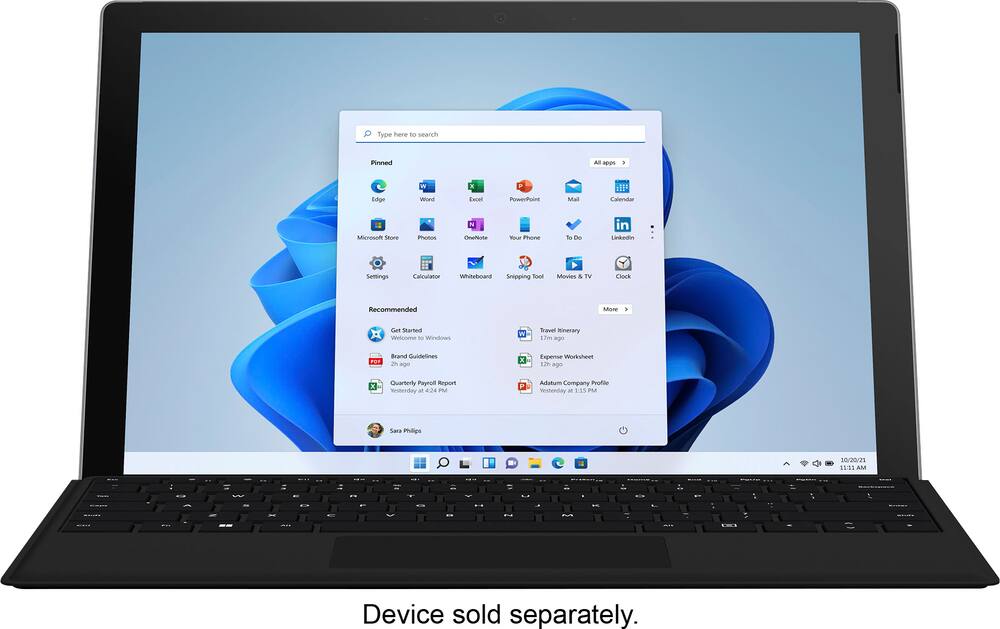
Microsoft Model 6583050
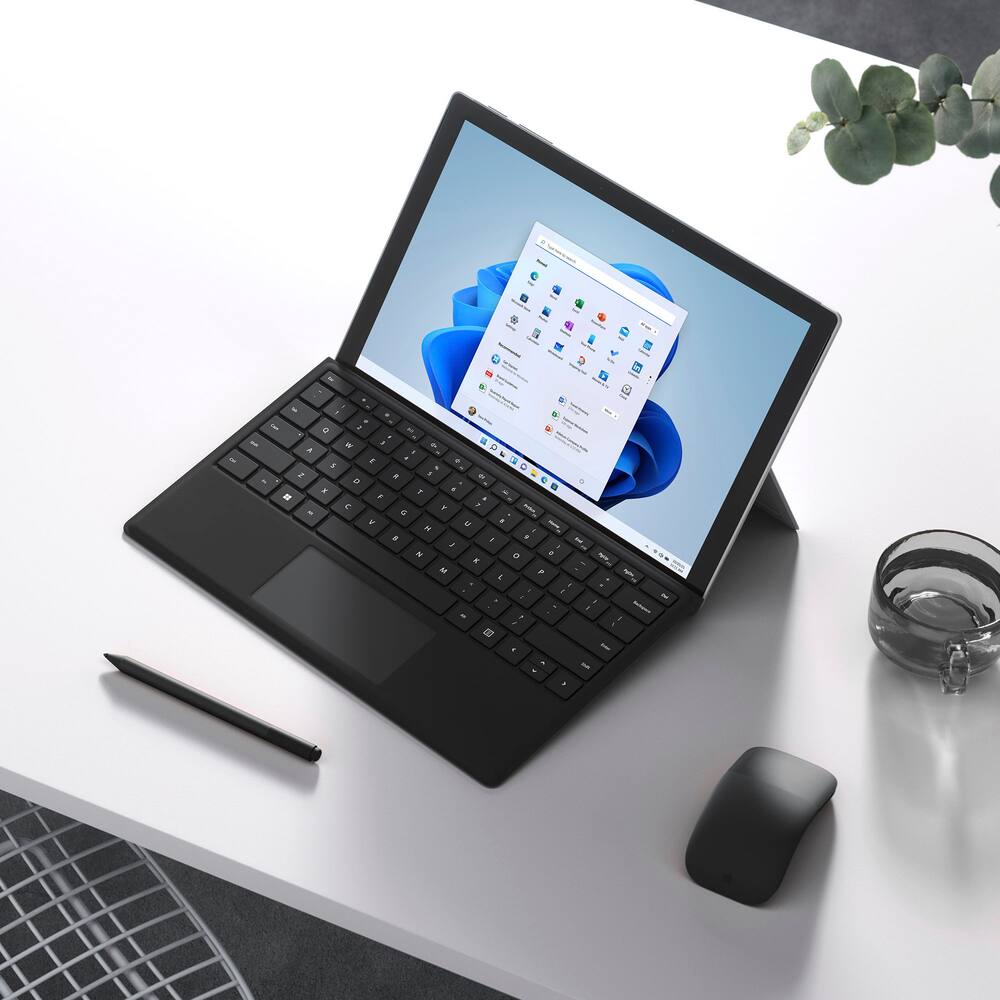
Microsoft – Surface Pro Keyboard for Pro 13″ (11th Edition), Pro 9, and Pro 8 – Black
★★★★★★★★★★ (4.8) 20 reviews
Original price was: $169.99.$135.99Current price is: $135.99. Save $34
In stock · Ready to ship
Delivery Wed, Nov 11 – Fri, Nov 13 Free shipping
Secure checkout · Visa · Mastercard · Amex · Discover · PayPal
Questions? Talk to a product specialist
(888) 519-3048
- Free shipping $60+3–5 business days
- 30-day returnsMoney-back guarantee
- Brand-newManufacturer warranty
- Ships from the USColumbus, OH
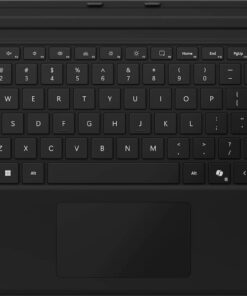
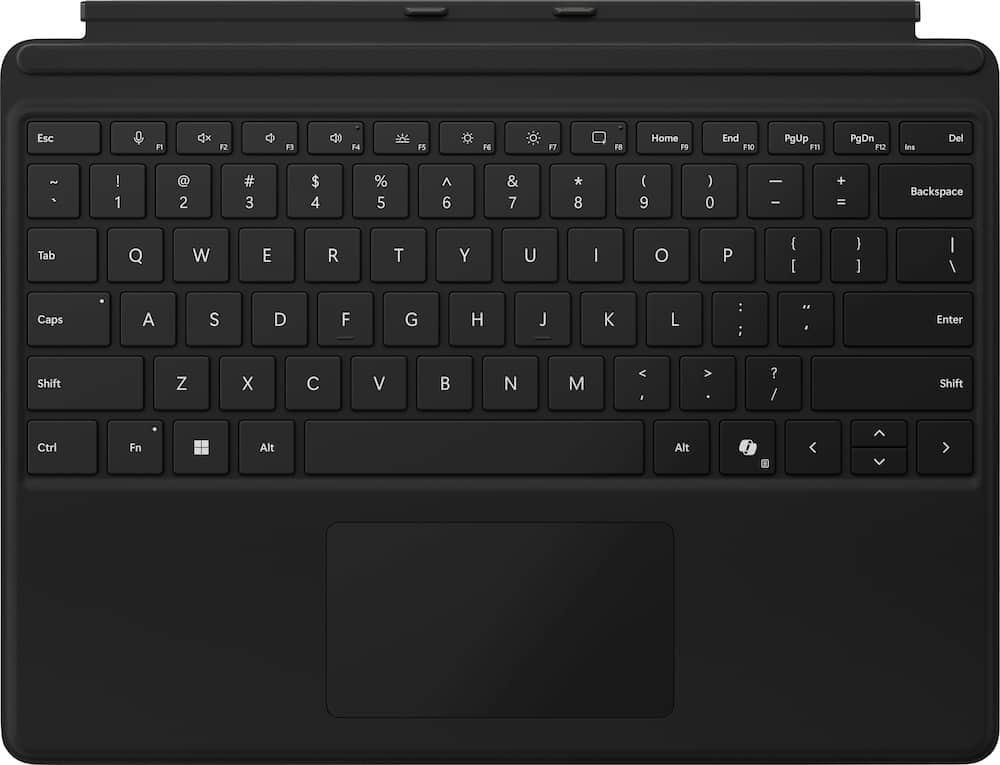
- Instant Copilot Unlock new possibilities with the dedicated Copilot key, which gives you instant access to experiences that can enhance your productivity¹.Enhance your experience With the new microphone mute key and snipping keyFull keyboard experience Features a full mechanical keyset, backlit keys, and a large trackpad for precise navigation and control.
- Optimal key spacing allows fast, fluid typing.Slim and compact Performs like a traditional, full-size keyboard.Clicks in place instantly Use in combination with the Surface Pro (11th Edition), Pro 9 and Pro 8* kickstand for a perfect laptop experience anywhere.Protective and power saving Close to protect the screen and conserve battery, or fold back completely for a take-anywhere tablet.Enhanced magnetic stability Adjusts to almost any angle.
Key specs
- Weight
- 12 lbs
- Dimensions
- 12.5 × 0.63 × 10.03 in
- Brand
- Microsoft
- Model Number
- EP2-00425
- Product Name
- Surface Pro Keyboard for Pro 13" (11th Edition), Pro 9, and Pro 8
- Color
- Black
- Brand Compatibility
- Microsoft
- Weight
- 12 lbs
- Dimensions
- 12.5 × 0.63 × 10.03 in
- Brand
- Microsoft
- Model Number
- EP2-00425
- Product Name
- Surface Pro Keyboard for Pro 13" (11th Edition), Pro 9, and Pro 8
- Color
- Black
- Brand Compatibility
- Microsoft
- Model Compatibility
- Microsoft Surface Pro (11th Edition)
- Operating System Compatibility
- Windows
- Maximum Compatible Display Size
- 13 inches
- Wireless
- Yes
- Number of USB Port(s)
- 0
- Interface(s)
- Bluetooth
- Plug and Play Operation
- Yes
- Touchpad
- Yes
- Adjustable Tilt
- No
- On/Off Switch
- No
- Number Of Keys
- 78
- Palm Rest Included
- Yes
- Material
- Alcantara
- Product Height
- 10.03 inches
- Product Width
- 0.63 inches
- Product Depth
- 12.5 inches
- Product Weight
- 12 ounces
- Warranty - Parts
- 1-year limited hardware warranty
- Warranty - Labor
- None
- Illuminated
- Yes
- UPC
- 196388361908
- Instant Copilot
Unlock new possibilities with the dedicated Copilot key, which gives you instant access to experiences that can enhance your productivity¹. - Enhance your experience
With the new microphone mute key and snipping key - Full keyboard experience
Features a full mechanical keyset, backlit keys, and a large trackpad for precise navigation and control. Optimal key spacing allows fast, fluid typing. - Slim and compact
Performs like a traditional, full-size keyboard. - Clicks in place instantly
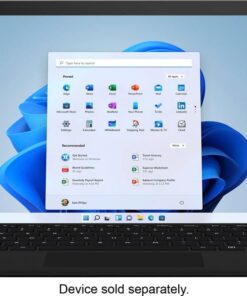
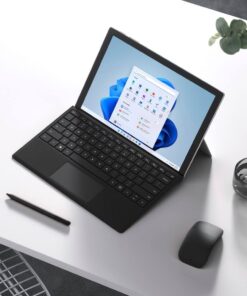
Use in combination with the Surface Pro (11th Edition), Pro 9 and Pro 8* kickstand for a perfect laptop experience anywhere. - Protective and power saving
Close to protect the screen and conserve battery, or fold back completely for a take-anywhere tablet. - Enhanced magnetic stability
Adjusts to almost any angle.
Standard US ground delivery is $5.49 and arrives in 3–5 business days. Orders over $60 ship free. Returns are accepted within 30 days of delivery.
DarshanaS (verified owner) –
Key pad detached for Microsoft surface pro – Very sleek and compatible to Microsoft surface 13″ just loved the combination
AugustineB (verified owner) –
Surface keyboard – I would not use a knockoff brand for a surface since they usually don’t have the lighting keys.
CrystalD (verified owner) –
Love love love!!! – My son loves this for his surface pro and wish he got the version with the pen but it does the job.
SirWal (verified owner) –
Works great – Perfect replacment, espically if you dont use the stylus pen.
OfirZ (verified owner) –
good for a portable keyboard – for the life of me i don’t understand why it is sold separately?
it takes a little time to get used to the flex of this keyboard
STEPHENS (verified owner) –
Nice keyboard – Works great, easy to attach and detach from my laptop
LEVIT (verified owner) –
Works great – No complaints. Works great! I bought an open box one and had no problems.
Only recommendation is to make sure that you are buying the keyboard with the pen charger if you are also buying the pen as you may not have a way to charge this pen otherwise.
The only way to get a pen charger otherwise is either by the Microsoft surface. 12 or go to the Microsoft store and buy the pen charger separately as unable to find it anywhere else for sale.
SGodinez (verified owner) –
Nice !!! – Very nice look. And works perfectly.i would definitely recommend.
BARRYL (verified owner) –
Happy with My Microsoft Surface Pro Keyboard – The keyboard works like a charm!
Nothing I dislike about it.
JOSEPHRA (verified owner) –
Great portable – very light weight – Works as advertised and very portable and light weight
MichaelL (verified owner) –
Great keyboard – Perfect and easy to use with the MicroSoft Computer
JAYs (verified owner) –
Good keyboard – It works good and easily connects to the laptop for work
Dellallinonessd (verified owner) –
Surface Pro Keyboard – Excellent keyboard, lighted, charges off tablet. A bit over priced. But better than any other keypad.
GRIOSJR (verified owner) –
Nice Keyboard – This is a nice keyboard for the Surface Pro 13. It works great with jo connectivity issues.
Jt33 (verified owner) –
Microsoft surface keyboard review – We bought this to replace the original keyboard that came with my wife’s surface pro. Keyboard is slightly different than old keyboard, but this is easily adjusted to. Other than that, the keyboard functions as the original did.
MADALYN (verified owner) –
Surface pro keyboard for pro 13 – This Keyboard is easier to clean than other surface pro keyboard I have gotten making it look new longer. The only down side to the keyboard is it has no charging port for a pen so if that something you want this keyboard isn’t for you.
DIANEB (verified owner) –
New connection to tablet – The keyboard is fine. My annoyance was that they’ve changed the way it connects to the tablet, so I had to buy a new one even though I have two working keyboards at home.
JordanM (verified owner) –
everyone needs – Got this for our superintendent on site and it made his life a bunch easier.
CrJV (verified owner) –
Replacement keyboard – Needed a new keyboard – previous one quit working.
Tedd (verified owner) –
Microsoft Surface Keyboard Replacement – Best Buy staff were superb in their help. I started with Geek Squad instore who diagnosed my keyboard had failed. Identified replacement keyboard replacement was in stock so I went to computer area of Best Buy. They quickly found replacement and showed me how to install. Exceptional service by the Best Buy staff.