Sale




Sale!

Microsoft
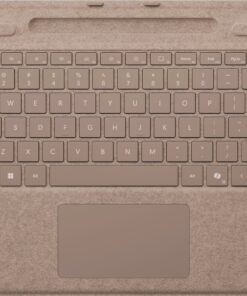
Microsoft – Surface Pro Keyboard for Pro 13″ (11th Edition), Pro 9, and Pro 8 with Pen Storage – Dune
★★★★★★★★★★ (4.5) 20 reviews
Original price was: $179.99.$143.99Current price is: $143.99. Save $36
In stock · Ready to ship
Delivery Wed, Nov 18 – Fri, Nov 20 Free shipping
Secure checkout · Visa · Mastercard · Amex · Discover · PayPal
Questions? Talk to a product specialist
(888) 519-3048
- Free shipping $60+3–5 business days
- 30-day returnsMoney-back guarantee
- Brand-newManufacturer warranty
- Ships from the USColumbus, OH
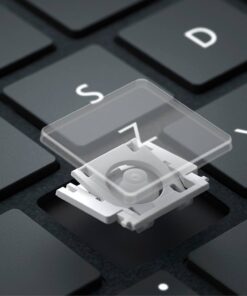
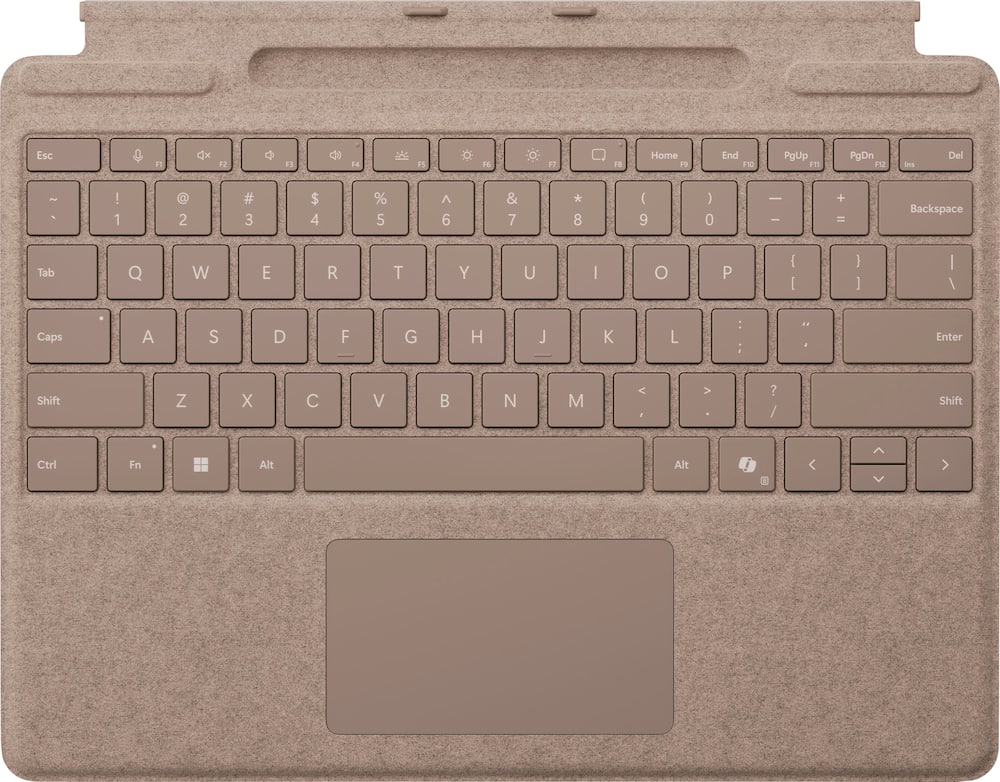
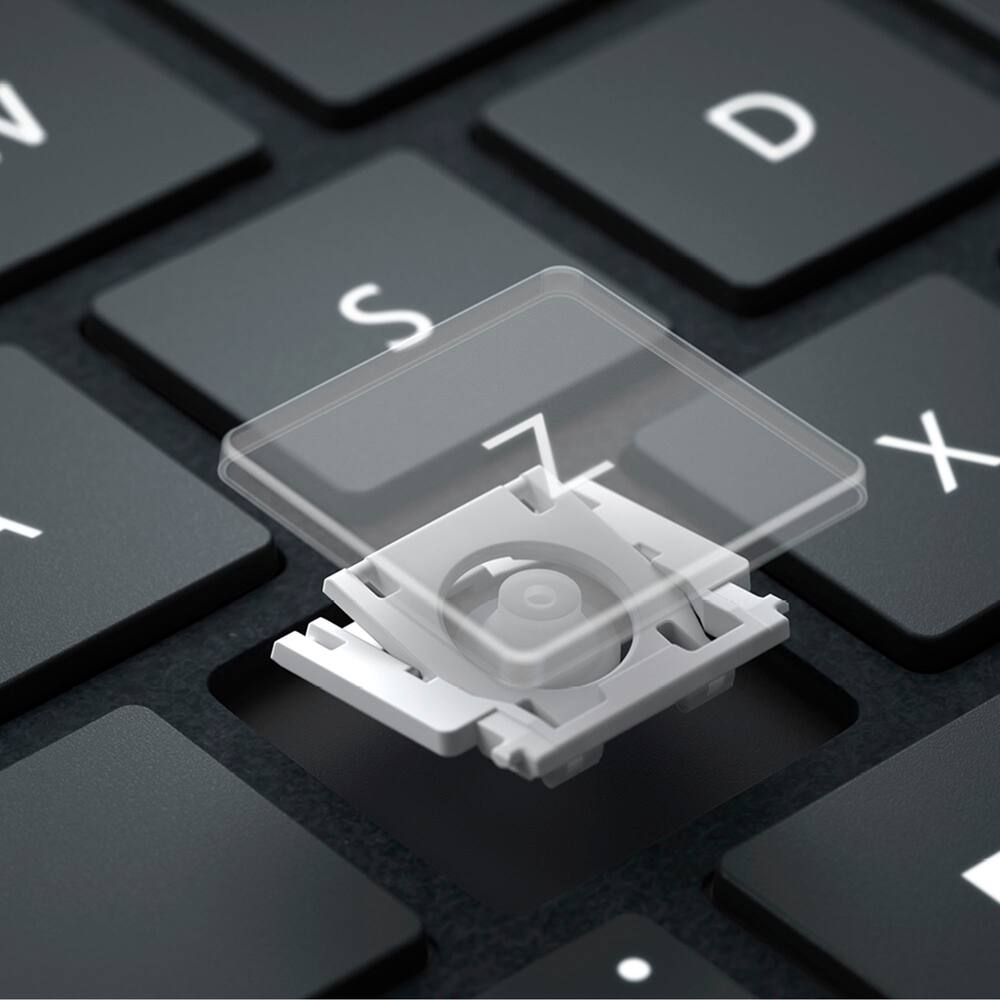
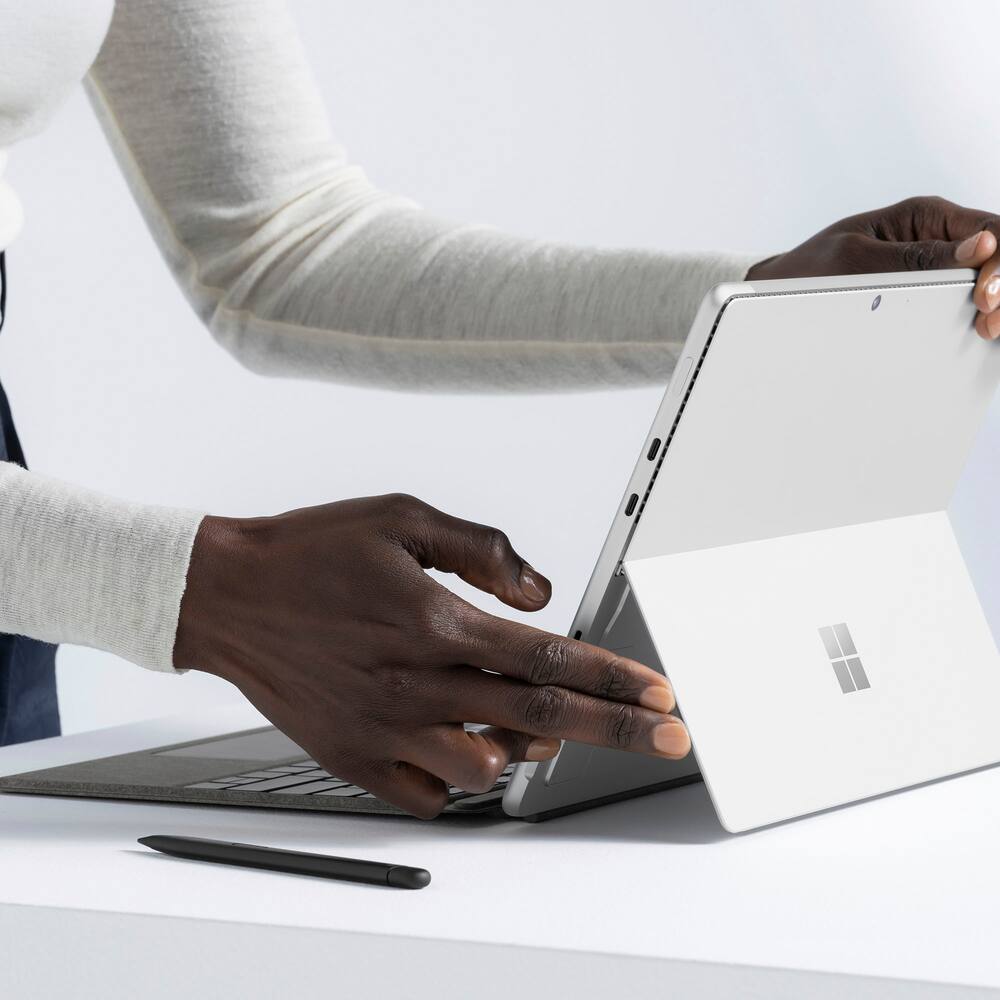
- Instant Copilot Unlock new possibilities with the dedicated Copilot key, which gives you instant access to experiences that can enhance your productivity¹.Enhance your experience With the new microphone mute key and snipping keyAlways at your fingertips Surface Slim Pen (2nd Edition)* securely sits and recharges in the keyboard’s built-in storage tray (sold separately or as part of a bundle with Surface Pro Keyboard).An exceptional typing experience Type in comfort with Surface Pro Keyboard.
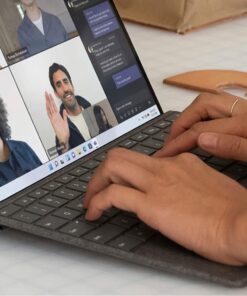
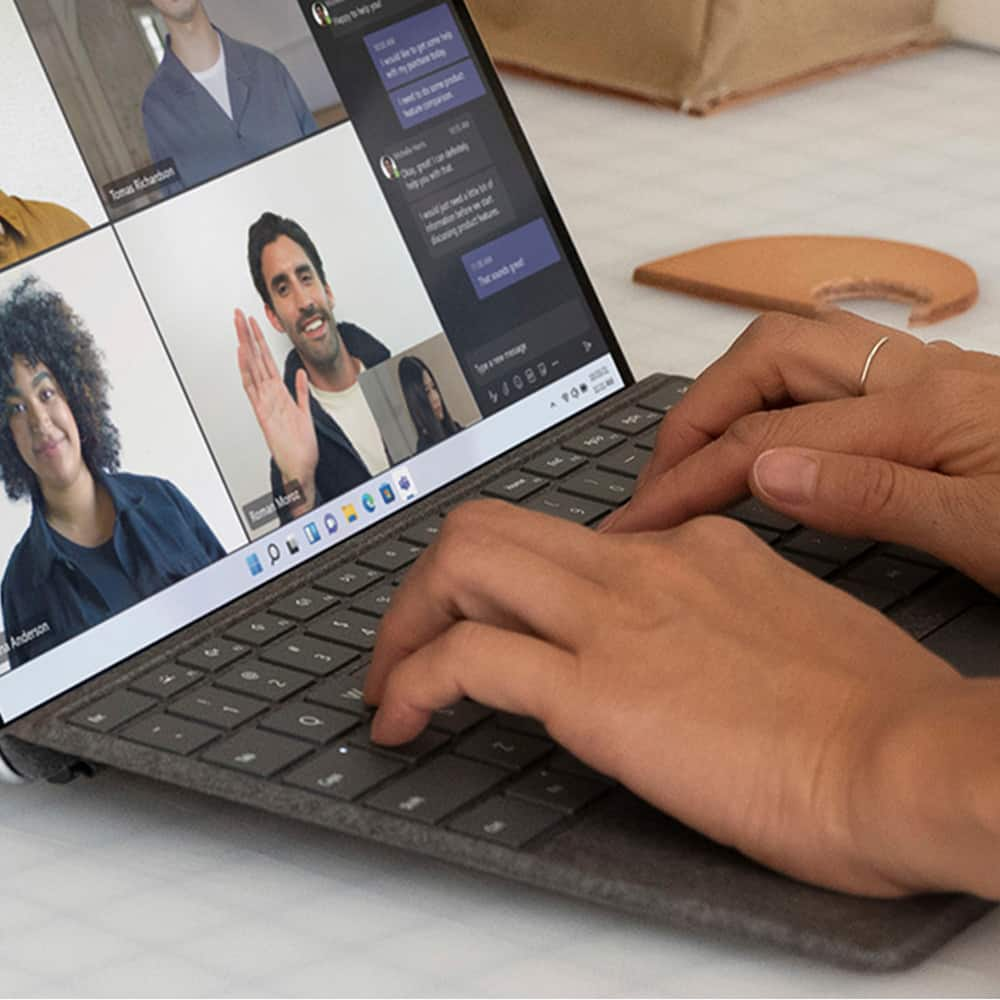
- Sleek and compact, it performs like a traditional laptop keyboard, complete with a large trackpad for precise control and navigation.Adjusts instantly Work your way anywhere.
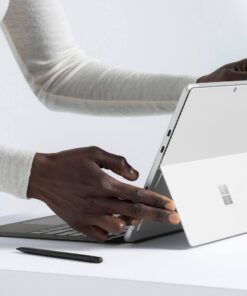
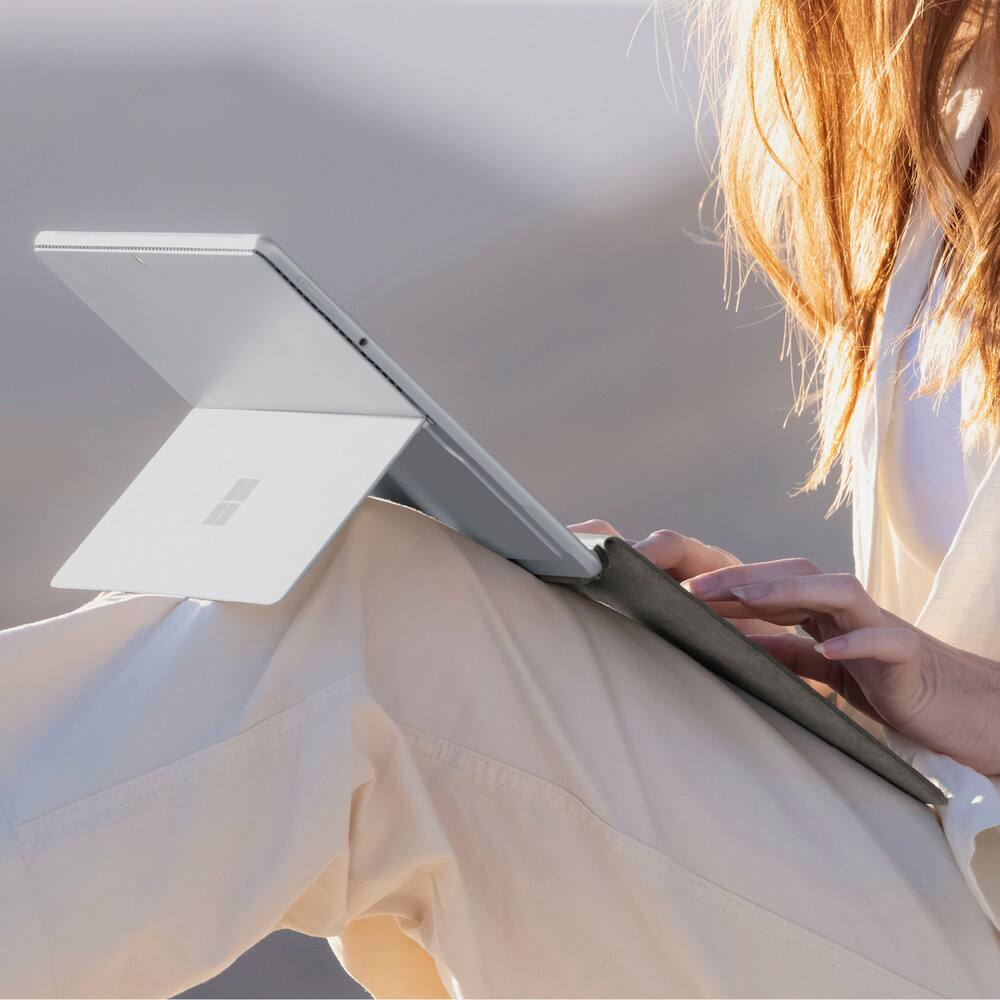
- Surface Pro Keyboard is designed to adjust to virtually any angle.
- Click into place and use with the Surface Pro (11th Edition), Surface Pro 9 or Surface Pro 8* Kickstand open for a complete laptop.Choose your color Available in rich colors,¹ Surface Pro Keyboard adds a warm, comfortable touch to everyday tasks.
- Covered with luxurious Alcantara material.
Key specs
- Weight
- 12 lbs
- Dimensions
- 12.5 × 0.63 × 10.03 in
- Color
- Dune, Platinum, Black
- Brand
- Microsoft
- Model Number
- 8XA-00145
- Product Name
- Surface Pro Keyboard for Pro 13" (11th Edition), Pro 9, and Pro 8 with Pen Storage
- Brand Compatibility
- Microsoft
- Weight
- 12 lbs
- Dimensions
- 12.5 × 0.63 × 10.03 in
- Color
- Dune, Platinum, Black
- Brand
- Microsoft
- Model Number
- 8XA-00145
- Product Name
- Surface Pro Keyboard for Pro 13" (11th Edition), Pro 9, and Pro 8 with Pen Storage
- Brand Compatibility
- Microsoft
- Model Compatibility
- Microsoft Surface Pro (11th Edition)
- Operating System Compatibility
- Windows
- Maximum Compatible Display Size
- 13 inches
- Wireless
- Yes
- Number of USB Port(s)
- 0
- Interface(s)
- Bluetooth
- Plug and Play Operation
- Yes
- Touchpad
- Yes
- Adjustable Tilt
- No
- On/Off Switch
- No
- Number Of Keys
- 78
- Palm Rest Included
- Yes
- Material
- Alcantara
- Product Height
- 10.03 inches
- Product Width
- 0.63 inches
- Product Depth
- 12.5 inches
- Product Weight
- 12 ounces
- Warranty - Parts
- 1-year limited hardware warranty
- Warranty - Labor
- None
- Illuminated
- Yes
- UPC
- 196388338535, 196388357727, 196388355815
- Instant Copilot
Unlock new possibilities with the dedicated Copilot key, which gives you instant access to experiences that can enhance your productivity¹. - Enhance your experience
With the new microphone mute key and snipping key - Always at your fingertips
Surface Slim Pen (2nd Edition)* securely sits and recharges in the keyboard’s built-in storage tray (sold separately or as part of a bundle with Surface Pro Keyboard). - An exceptional typing experience
Type in comfort with Surface Pro Keyboard. Sleek and compact, it performs like a traditional laptop keyboard, complete with a large trackpad for precise control and navigation. - Adjusts instantly
Work your way anywhere. Surface Pro Keyboard is designed to adjust to virtually any angle. Click into place and use with the Surface Pro (11th Edition), Surface Pro 9 or Surface Pro 8* Kickstand open for a complete laptop. - Choose your color
Available in rich colors,¹ Surface Pro Keyboard adds a warm, comfortable touch to everyday tasks. Covered with luxurious Alcantara material.
Standard US ground delivery is $5.49 and arrives in 3–5 business days. Orders over $60 ship free. Returns are accepted within 30 days of delivery.
KCChiefs (verified owner) –
Average keyboard- sometimes lights don’t work – This keyboard is fine and matches the Surface so it looks nice, but the lights sometimes will not turn on when using the keyboard.
JWCASTER (verified owner) –
SURFACE KEYBOARD – IT SHOWS THAT IT IS THE BLUETOOTH VERSION IN SPECIFICATIONS BUT IT IS NOT
cowboymedic (verified owner) –
Type type – It’s a keyboard, I was able to type this review with it
WaterfordGamer (verified owner) –
Great keyboard for the Surface Pro – This is a great addition for the surface pro. Exceptionally durable!
Sweetie (verified owner) –
Microsoft Detachable Keyboard – It’s nice though you really need to be careful in using this because it may not work otherwise.
TIMB (verified owner) –
Great feel and color looks great – Feels nice, clicks well and works great, I like it.
Hael (verified owner) –
Nice keyboard for the 13″ Surface Pro Copilot+ – This is a decent keyboard cover for my Surface. Microsoft really should either include these with each Surface tablet as a standard or chop the price, but since they don’t, I chose to go with a refurbished one. The price was decent for an excellent open-box quality, and I saved quite a bit of money for a device that looks and runs like it wasn’t ever touched after opening.
The keyboard is a perfect fit for my 13″ Surface Pro Copilot+. It attaches magnetically to the bottom side edge of the Surface with a satisfying snap that lets you know the power connectors are in contact. When in use, lights under the keys will activate. It’s fairly sturdy for something so thin; though it won’t feel quite the same as a traditional laptop keyboard or separate USB/Bluetooth keyboard, they keys don’t feel flimsy at all. When not in use, the keyboard folds over the Surface’s screen to offer some protection when traveling.
There’s a slot for a Surface Slim Pen which, honestly, I don’t get to use as I still have a 4th gen Surface Pen that works great, but if that ever breaks down I know I’ll have a convenient place to store an upgrade in the future.
One thing I like in particular about this is that it provides a quick power option for my Surface. I have my power settings adjusted where, if I just want my device to sleep, I flip the keyboard cover up, but if I want it to hibernate, I press the power button on the Surface itself. I know that’s kind of a small deal, but it’s a pretty convenient alternative to selecting a power mode from the start menu.
MOSESV (verified owner) –
Microsoft surface pro 9 keyboard – Very affordable price, works very well smooth typing of our performance excellent superior connectivity with the PC and easy portability when on the move
MONICAF (verified owner) –
Microsoft – Surface Pro Keyboard for Pro 13″ – It is a great product. It is practical, light and easy to attach or remove from my surface. I recommend it.
ELIZABETHM (verified owner) –
Just like the original keyboard – The original keyboard stopped working and this was a replacement. I especially like that it protects the screen when I am traveling.
ISAACM (verified owner) –
Microsoft Surface Pro 13” keyboard with Pen – The keyboard is light, easy to use and the highest quality I’ve ever used.
JJen (verified owner) –
Good portable Keyboard for your Surface Pro – Works well as a keyboard and fits perfectly on your tablet during travel. Adds screen protection to the Surface Pro during transport, Stays securely attached.When I use my tablet in my ‘office’ I have a stand and this keyboard folds away if I want to use a plug in keyboard with a different feel. but this works well. When I travel, this is perfect for packing my tablet away, providing a secuire cover to its screen and avoiding damage or scratches, but works as a good keyboard.
STEVENV (verified owner) –
Goes with the tablet to make laptop – Great kit and colour matches too. Daughter absolutely rates this one
Eddddd (verified owner) –
Great Color, Smooth – The keyboard types well, it’s light, easy to connect and disconnect, and I like the color gradient that it comes with.
ELVIAM (verified owner) –
Very efficient – It’s lightweight and very comfortable to carry, it adheres very well to the Surface Pro and works perfectly to cover the screen. I love it!
LAURENL (verified owner) –
Keyboard – Love this keyboard. Works perfectly. Easy to use and stays connected.
Verified Buyer (verified owner) –
Microsoft Surface Pro Keyboard for Pro 13′ – I love that it can stand alone or attach to the laptop
I love that it is compact and very lightweight
abcd (verified owner) –
Negligent Advertising – Died after 12 months. Why, Best Buy, did you rate the condition of the purchased keyboard as “Good”? Shame on you, Best Buy.
DeborahT (verified owner) –
As Expected – Easy to use. Easy to type on. Attaches magnetically.
DavidS (verified owner) –
Works Great – Light, well price. Easy to use. Allows me to switch from computer to tablet mode.