Sale





Sale!

Logitech Model 6609150
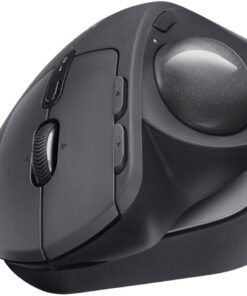
Logitech – MX ERGO S PLUS Wireless Ergonomic Trackball Mouse with 6 Programmable Buttons – Wireless – Graphite
★★★★★★★★★★ (4.5) 20 reviews
Original price was: $119.99.$95.99Current price is: $95.99. Save $24
In stock · Ready to ship
Delivery Tue, Nov 10 – Thu, Nov 12 Free shipping
Secure checkout · Visa · Mastercard · Amex · Discover · PayPal
Questions? Talk to a product specialist
(888) 519-3048
- Free shipping $60+3–5 business days
- 30-day returnsMoney-back guarantee
- Brand-newManufacturer warranty
- Ships from the USColumbus, OH
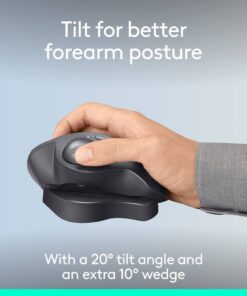
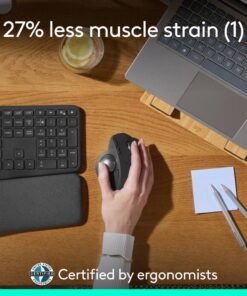
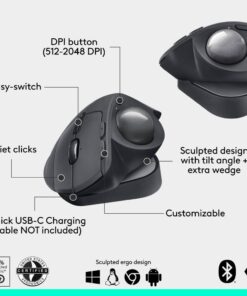
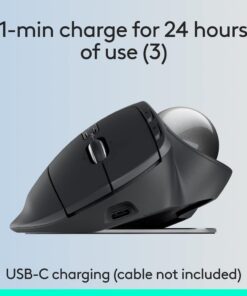
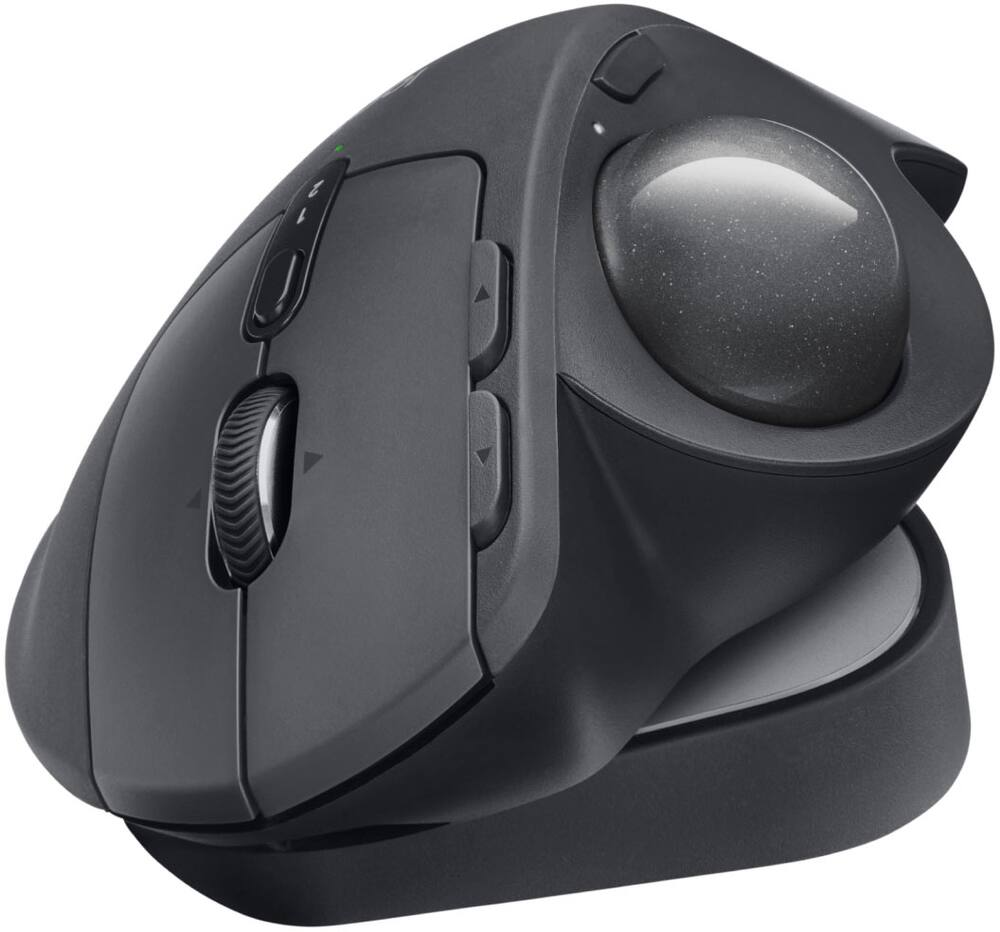
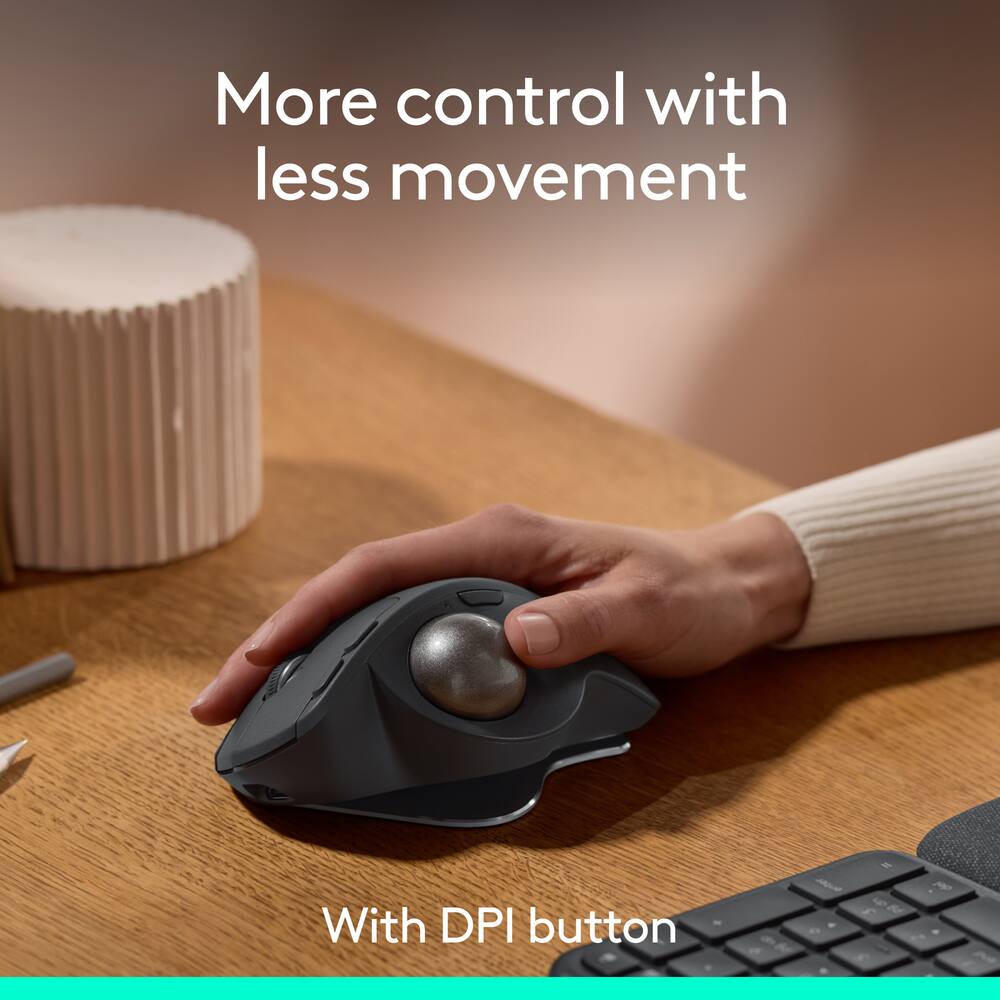
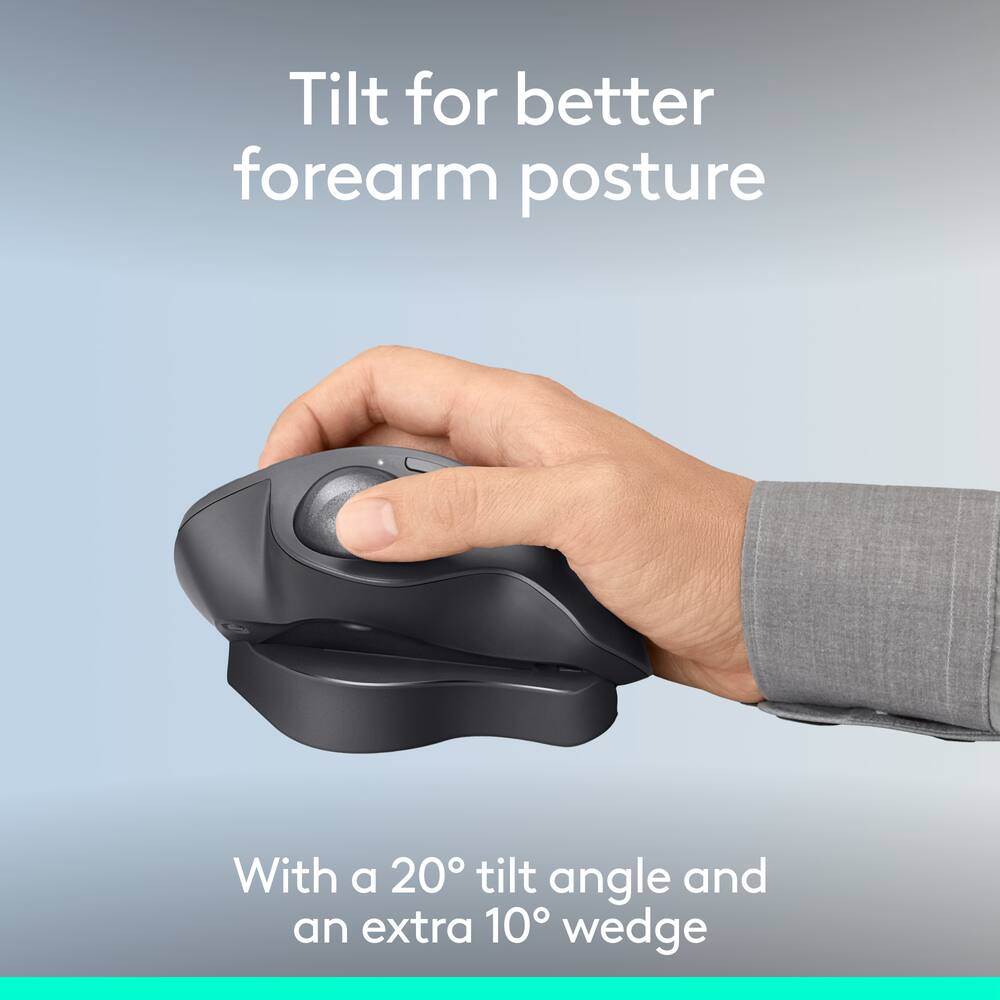
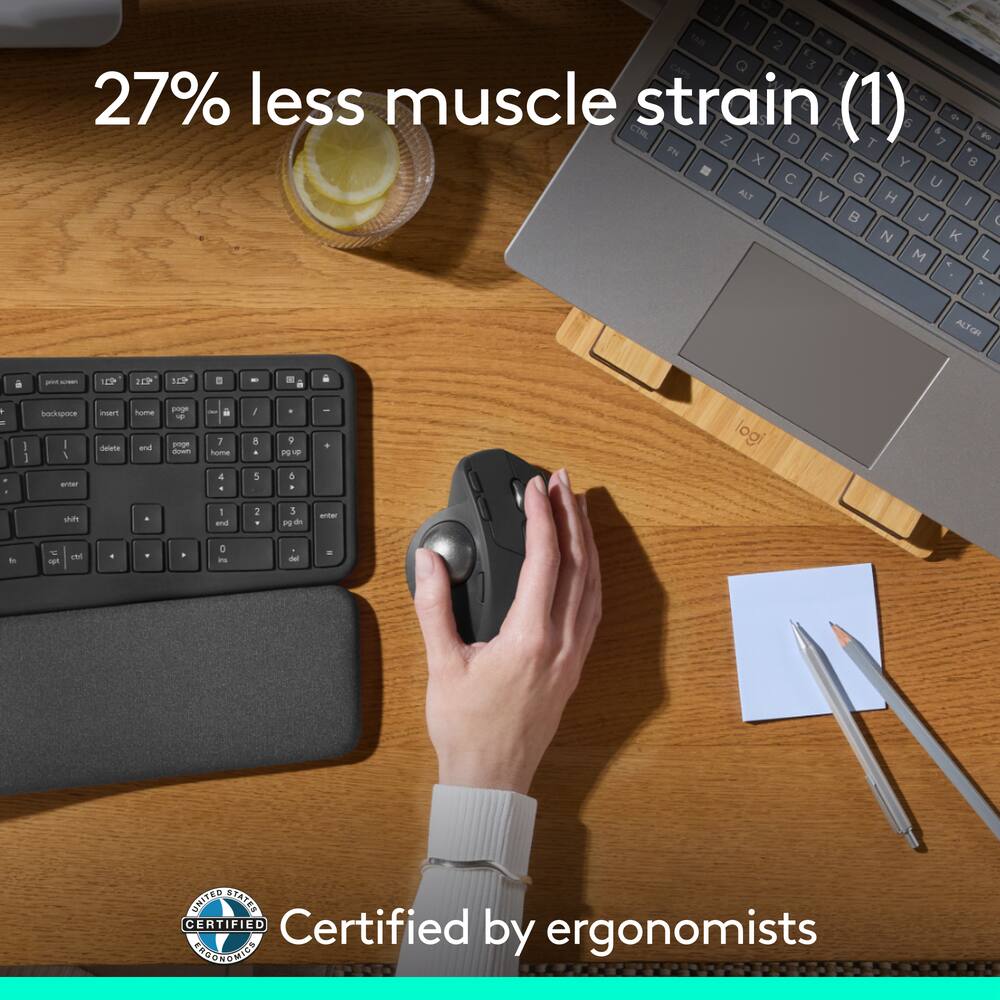
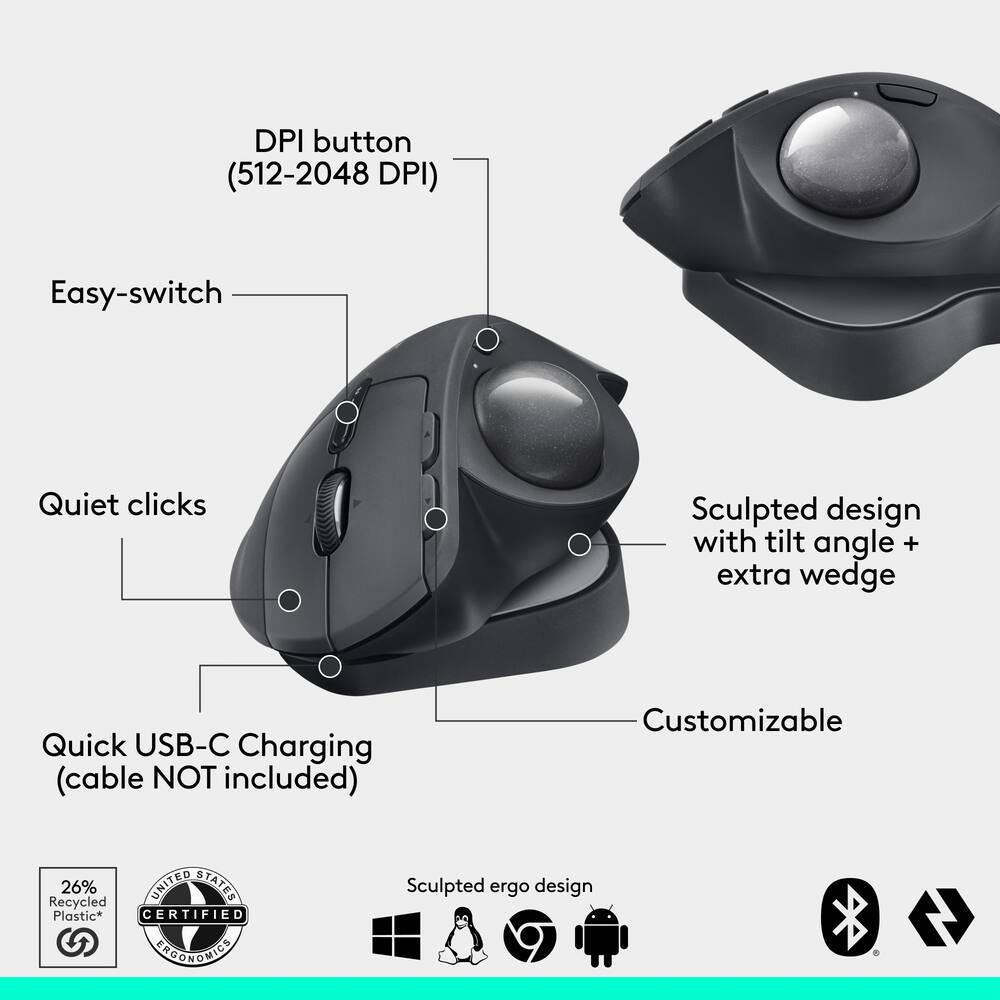
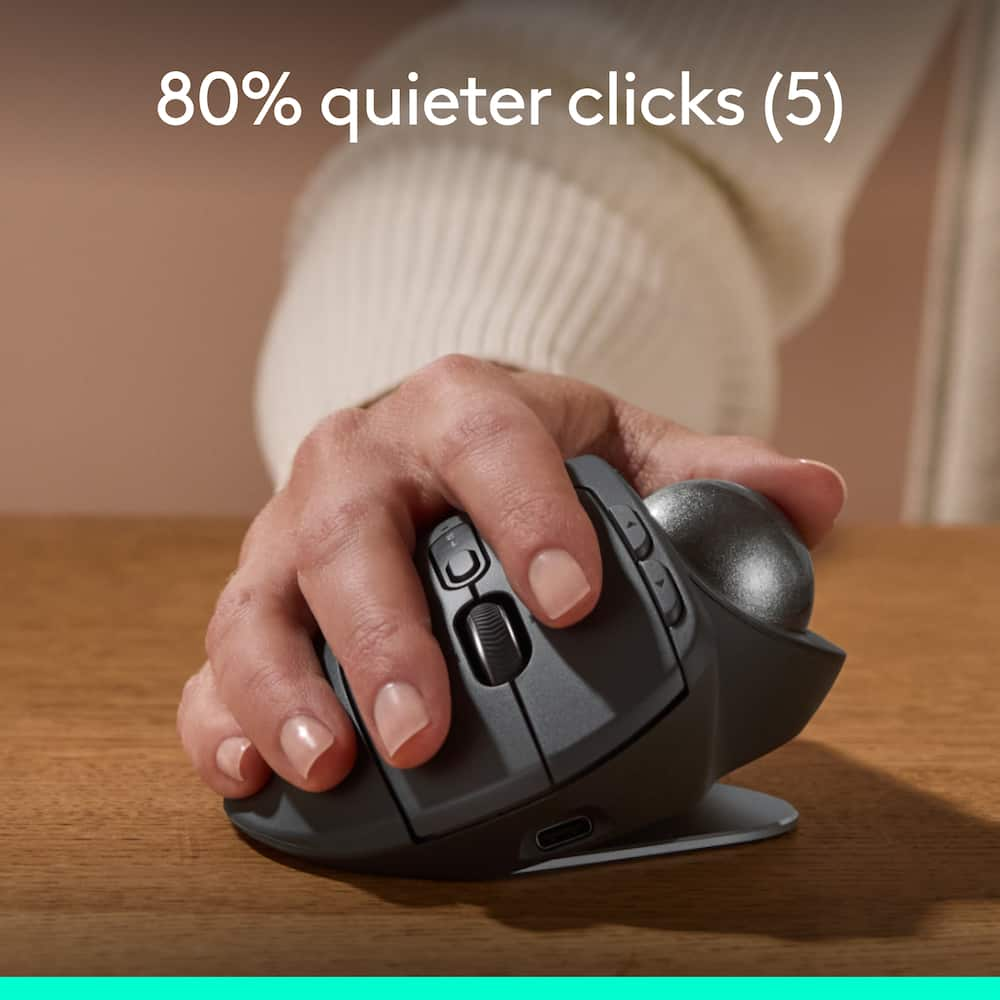
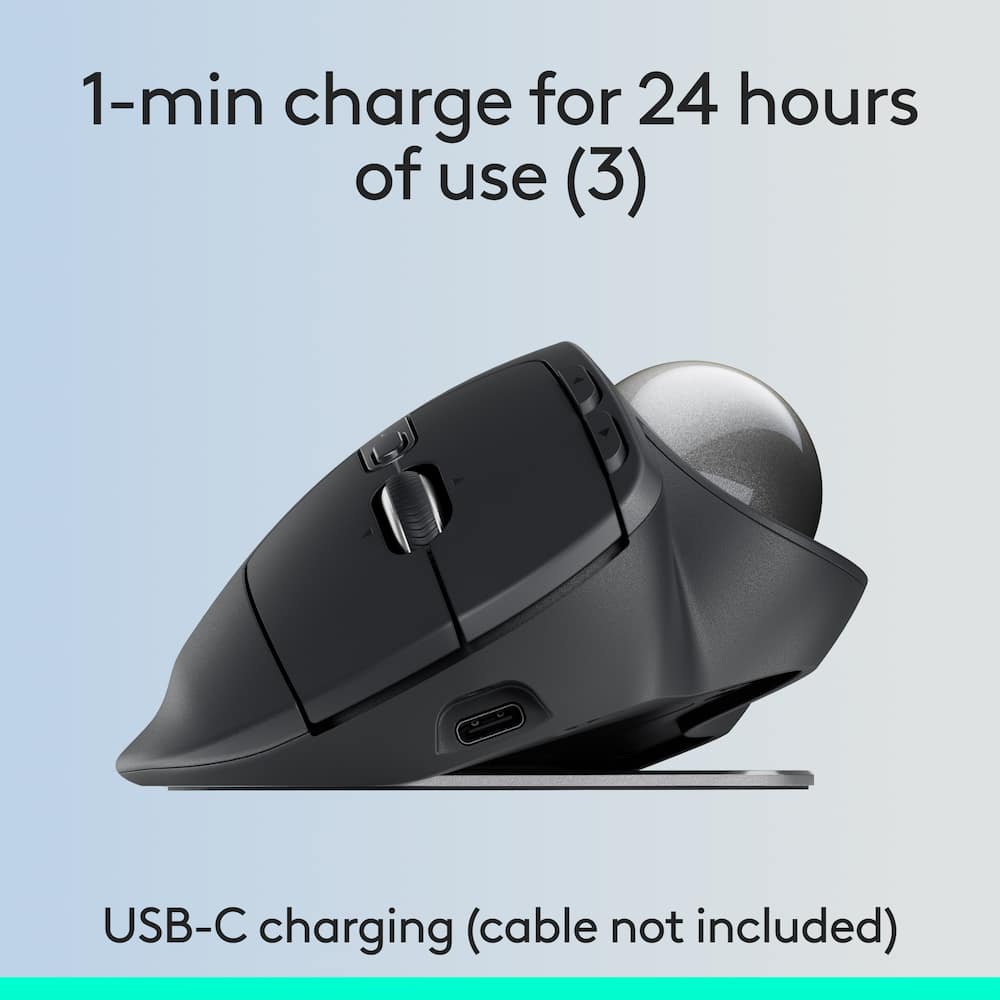
- Advanced thumb control The MX Ergo S Advanced wireless trackball mouse gives more control with less movement; switch between speed and high-precision tracking at the tap of a button.20-degree tilt angle or 30-degree with a detachable wedge An advanced wireless ergonomic mouse with a tilt angle for better forearm posture, reducing muscle strain by 27%; now with 80% quieter clicks.¹ ⁵Contoured for your hand The MX Ergo S Plus is certified by United States Ergonomics for improved comfort, with a sculpted ergonomic design, 20-degree tilt angle, and 10-degree detachable wedge.Boost your productivity using the Logi Options+ App Experience enhanced control in your daily tasks with 6 customizable buttons, time-saving shortcuts, and Smart Actions.²Quick USB-C charging Enjoy up to 24h of use from a 1 min charge or up to 120 days with a full charge; charges with a USB Type C to Type C or USB Type A to Type C cable (not included).³Dual wireless connectivity Connect your rechargeable wireless mouse via Bluetooth or Logi Bolt USB receiver (included); switch between computers with a tap of the Easy-Switch button.Made with recycled plastic The plastic parts in the MX Ergo S Plus wireless rechargeable mouse are made of 26% certified post-consumer recycled plastic.⁴Complete your advanced setup Pair the MX Ergo S Plus with the ERGO K860 ergonomic split-curved keyboard, featuring an integrated cushioned palm rest for all-day comfort.1-month of Adobe Creative Cloud on us (a value of $59.99)* Pair two of the world’s top creative tools.
- Buy one MX Ergo S Plus and claim your free 1-month Adobe Creative Cloud membership.
- *Value calculated based on Adobe Creative Cloud All Apps monthly value of $59.99 valid on Adobe.com on Sept 12, 2024.
- Terms & Conditions apply.¹ ² ³¹ Terms and Conditions: Offer starts on October 2024, and expires on October 31st, 2026.
- Offer available worldwide to customers who purchase the Logitech MX Ergo S Plus who are new or existing Adobe customers.
- When you purchase an MX Ergo S Plus you receive a complimentary 1-month membership of Adobe Creative Cloud All apps when you go to logi.com/adobe-offer offer page and follow the redemption steps.² Limit: 1 subscribing customer per product.
Key specs
- Weight
- 164 lbs
- Dimensions
- 2.02 × 3.93 × 5.22 in
- Brand
- Logitech
- Model Number
- 910-007247
- Product Name
- MX ERGO S PLUS Wireless Ergonomic Trackball Mouse with 6 Programmable Buttons
- Color
- Graphite
- Mouse Type
- Standard
- Weight
- 164 lbs
- Dimensions
- 2.02 × 3.93 × 5.22 in
- Brand
- Logitech
- Model Number
- 910-007247
- Product Name
- MX ERGO S PLUS Wireless Ergonomic Trackball Mouse with 6 Programmable Buttons
- Color
- Graphite
- Mouse Type
- Standard
- Lighting Type
- None
- Mouse Operation
- Button(s)
- Mouse Grip Style
- Ergonomic
- Handedness
- Right-handed
- Tracking Method
- Trackball
- Maximum Sensitivity
- 2048 dots per inch
- Minimum Sensitivity
- 512 dots per inch
- Number of Buttons (Total)
- 8
- Number of Programmable Buttons
- 6
- Adjustable Weight
- No
- Connection Type
- Wireless
- Wireless Connectivity
- Radio Frequency (RF - 2.4 Ghz/Low Latency)
- Maximum Wireless Range
- 33 feet
- Operating System Compatibility
- Windows
- Plug and Play Operation
- Yes
- Number of Devices Connectable Simultaneously
- 2
- Mouse Power Source
- Battery-powered
- On/Off Switch
- Yes
- Rechargeable Battery (Mouse)
- Yes
- Battery Chemistry
- Lithium
- Mouse Pad Included
- No
- Product Height
- 5.22 inches
- Product Length
- 2.02 inches
- Product Width
- 3.93 inches
- Product Weight
- 164 grams
- System Requirements
- BluetoothⓇ Low Energy, Windows 10 or later, macOS 11 or later, iPadOS 14 or later, ChromeOS, Linux. Logi Bolt USB receiver, Required: Available USB Port, Windows 10 or later, macOS 11 or later, ChromeOS, Linux
- Warranty - Parts
- 1 year limited
- Warranty - Labor
- None
- UPC
- 097855196668
- Advanced thumb control
The MX Ergo S Advanced wireless trackball mouse gives more control with less movement; switch between speed and high-precision tracking at the tap of a button. - 20-degree tilt angle or 30-degree with a detachable wedge
An advanced wireless ergonomic mouse with a tilt angle for better forearm posture, reducing muscle strain by 27%; now with 80% quieter clicks.¹ ⁵ - Contoured for your hand
The MX Ergo S Plus is certified by United States Ergonomics for improved comfort, with a sculpted ergonomic design, 20-degree tilt angle, and 10-degree detachable wedge. - Boost your productivity using the Logi Options+ App
Experience enhanced control in your daily tasks with 6 customizable buttons, time-saving shortcuts, and Smart Actions.² - Quick USB-C charging
Enjoy up to 24h of use from a 1 min charge or up to 120 days with a full charge; charges with a USB Type C to Type C or USB Type A to Type C cable (not included).³ - Dual wireless connectivity
Connect your rechargeable wireless mouse via Bluetooth or Logi Bolt USB receiver (included); switch between computers with a tap of the Easy-Switch button. - Made with recycled plastic
The plastic parts in the MX Ergo S Plus wireless rechargeable mouse are made of 26% certified post-consumer recycled plastic.⁴ - Complete your advanced setup
Pair the MX Ergo S Plus with the ERGO K860 ergonomic split-curved keyboard, featuring an integrated cushioned palm rest for all-day comfort. - 1-month of Adobe Creative Cloud on us (a value of $59.99)*
Pair two of the world’s top creative tools. Buy one MX Ergo S Plus and claim your free 1-month Adobe Creative Cloud membership. *Value calculated based on Adobe Creative Cloud All Apps monthly value of $59.99 valid on Adobe.com on Sept 12, 2024. Terms & Conditions apply.¹ ² ³ - ¹ Terms and Conditions: Offer starts on October 2024, and expires on October 31st, 2026. Offer available worldwide to customers who purchase the Logitech MX Ergo S Plus who are new or existing Adobe customers. When you purchase an MX Ergo S Plus you receive a complimentary 1-month membership of Adobe Creative Cloud All apps when you go to logi.com/adobe-offer offer page and follow the redemption steps.
- ² Limit: 1 subscribing customer per product. At the end of the trial period, if you provided a payment method, your subscription would automatically renew, and you will be charged the then-current subscription rate unless you elect to change or cancel your subscription.For Creative Cloud All apps, the current subscription rate is US$89.99/mo or US$659.88/yr (annual, prepaid) (plus applicable taxes/VAT/GST).Cancellations can be made through Customer Support or https://account.adobe.com/plans
- ³ Valid only for eligible persons who are 18+. Residents or persons in embargoed countries or countries subject to U.S. or local export restrictions are not eligible. Offer and prices are subject to change. Offer may not be assigned, exchanged, sold, transferred, combined, or redeemed for cash or other goods and services not expressly stated here as included. Subject to availability where the recipient resides. Additional terms may apply. VOID WHERE PROHIBITED OR RESTRICTED BY LAW.
- ⁴ The purchase of an MX Ergo S Plus includes 1 month of Adobe Creative Cloud All Apps membership. Terms and conditions apply.
- ⁵ Requires Logi Options+ app, available for recent versions of Windows and macOS
- ⁶ Battery life may vary based on user and computing conditions
Standard US ground delivery is $5.49 and arrives in 3–5 business days. Orders over $60 ship free. Returns are accepted within 30 days of delivery.
MARLEENC (verified owner) –
MY HUSBAND LOVES IT AND IS HANDICAP TOO – GREAT HELP FOR HANDICAP PEOPLE AND EASY TO USE!!!!
Prosethewriter (verified owner) –
Hands Down – the best trackball Logi’s ever made – Likes… the tilt makes a serious difference. I was skeptical about this, but they’ve proven it works. I use this device a minimum of 8 hours or more 5 days a week and love it so much, I’m getting it for the house because the performance falloff when I get home, incenses me. LOL It’s got very smooth movement; it’s easy to customize; holds a charge and checked every possible box. I Again, I was a skeptic because I was thinking, “What the heck makes this one so darn expensive?” Nut it’s the same thing they did with the MX Keys… just took their tech to a whole other level that I can’t live without.
Trey (verified owner) –
Good product feel battery ergonomics performance overall
JoelM (verified owner) –
Great mouse, this is my 2nd one in 7years. I can’t go back to a regular mouse.
DAVEH (verified owner) –
Pricey Track Ball Mouse – Its a good product , but a bit pricey ..there are other options that are more economical
SCGN (verified owner) –
Logictech Mouse – Ever since I tried someone’s trackball mouse back in the day.. I have loved them. I got my first one and went from there. They are sturdy and have a long life. This one is my 4th one and it is a little bit different .. but again it is just as great. A lot mote ergonomic than past models. Bery easy to operate, and still dont’ have to move the whole mouse around. I rhibk this one will be just as great as it’s predecessors.
CHRISTY (verified owner) –
Carpal tunnel Mouse – This allows your wrist to stay straight and in one place helping to not have any issues long-term
FEDNOM (verified owner) –
Mr. Review – Very comfortable. Great buy great product. Satisfied with purchase.
SAIMAKHAN (verified owner) –
Unsealed – The product arrived without the seal/opened box, when it was supposed to be brand new. The product was easily returned at best BB location.
GmanB (verified owner) –
Not Bad – I have used the trackerball for many years and thought this would be the next upgrade. It allows diffrent hand positions, but it does not stay in one place.
Gilly89 (verified owner) –
Extremely ergonomic and adjustable – This unit is extremely ergonomic and also adjustable. I like it better than other one by Logitech because this one doesn’t require batteries.
Aerox (verified owner) –
Nice! – Solid, smooth, fast and dows everything i need it to do with no problems
Dgyrl (verified owner) –
Good could be better – The mouse is great for ergonomics but the mouse still slides all over the desk.
CalvisM (verified owner) –
LOVE this product. – As far as ergonomic mice go, this is the best one I’ve come across. My only complaint is that I have to hit the device switch button twice on this one, whereas on Logitech’s previous version of it, I only had to hit it once, even when the mouse was dormant.
Other than that, fantastic product!
maggar (verified owner) –
love it but mac had scroll issue – loce the mouse as i have one at work. Just the scroll wheel stopped working periodically with my macbook pro laptop. But all other mouses with scroll wheels worked fine. Other than that its a great mouse. Got it for the ergonomics and better for wrist but the horizontal scroll as well.
CHARLESC (verified owner) –
Amazing – New to the game of having a nice mouse for everyday task, this has been a huge upgrade from the built in track pad, multiple buttons to program to your liking for different tasks, website and apps (ex. Adobe)
DIANAD (verified owner) –
MX Ergo S Pkus Wireless mouse – Hand positioning during mouse usage is perfect, no hand pain pain or cramping.
MarkB (verified owner) –
Love the Ergonomics – I’m very happy with the MX Ergo S Plus mouse. The price is high, but the ergonomics, smooth operation, and Logitech customization are worth it. The left click on my old one started to give out after several years of daily use, and I immediately ordered a new one.
LimarisS (verified owner) –
no what expected – I did not like it. i did not like it. I didnt like
ERICS (verified owner) –
Very comfortable – The angle this trackball sits at is incredibly comfortable, your hand rests naturally on it and you don’t have to move your arm around like on a mouse.
If you have multiple computers you can use the a/b switch on the unit to connect it to two computers and swap back and forth, I use it for my laptop and my desktop this way