Sale








Sale!



Logitech Model 6633199
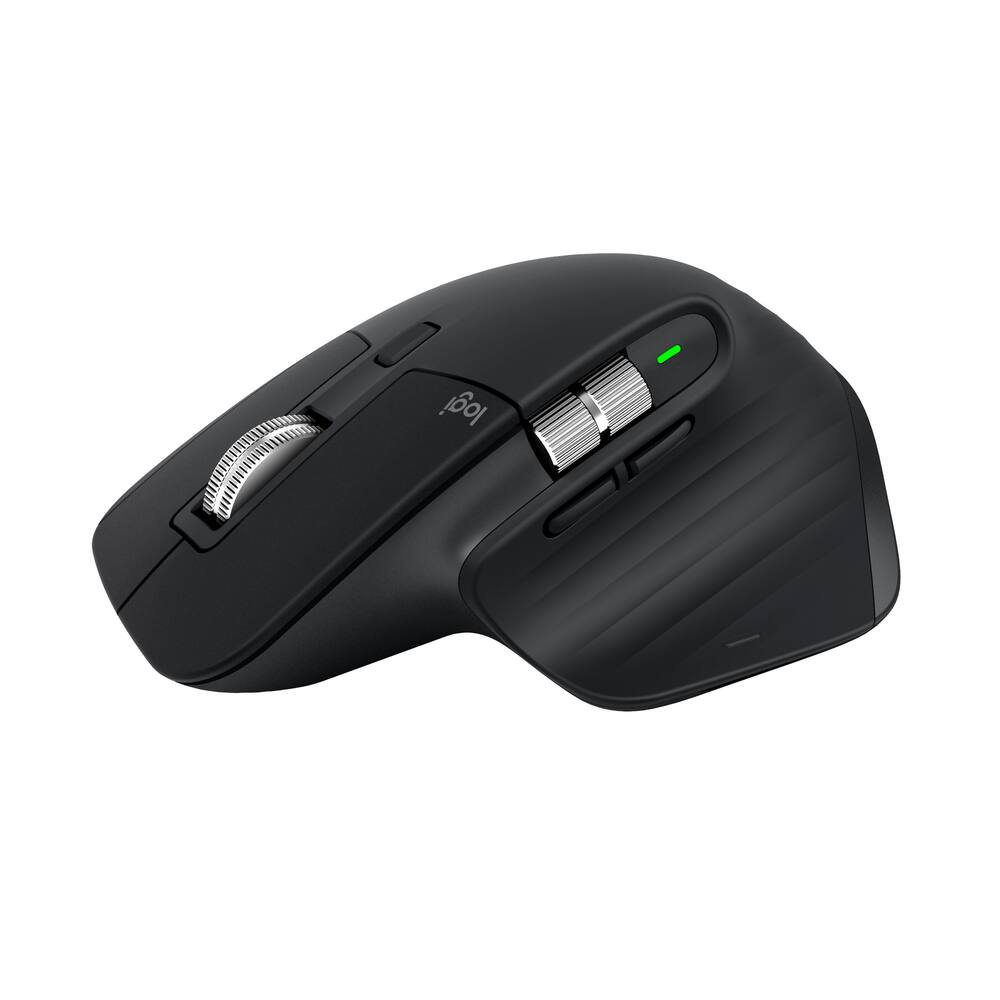
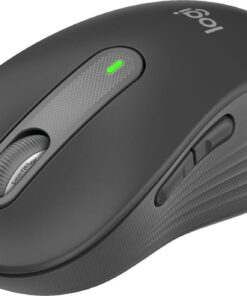
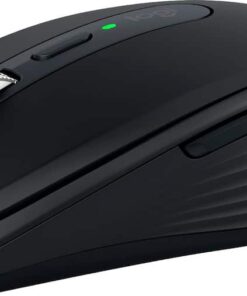
Logitech – MX Master 3S Bluetooth Edition Performance Wireless Optical Mouse with Ultra-fast Scrolling and Quiet Clicks – Wireless – Black
★★★★★★★★★★ (4.8) 20 reviews
Original price was: $99.99.$79.99Current price is: $79.99. Save $20
In stock · Ready to ship
Delivery Wed, Nov 11 – Fri, Nov 13 Free shipping
Secure checkout · Visa · Mastercard · Amex · Discover · PayPal
Questions? Talk to a product specialist
(888) 519-3048
- Free shipping $60+3–5 business days
- 30-day returnsMoney-back guarantee
- Brand-newManufacturer warranty
- Ships from the USColumbus, OH
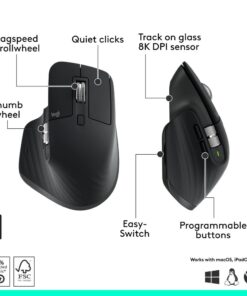
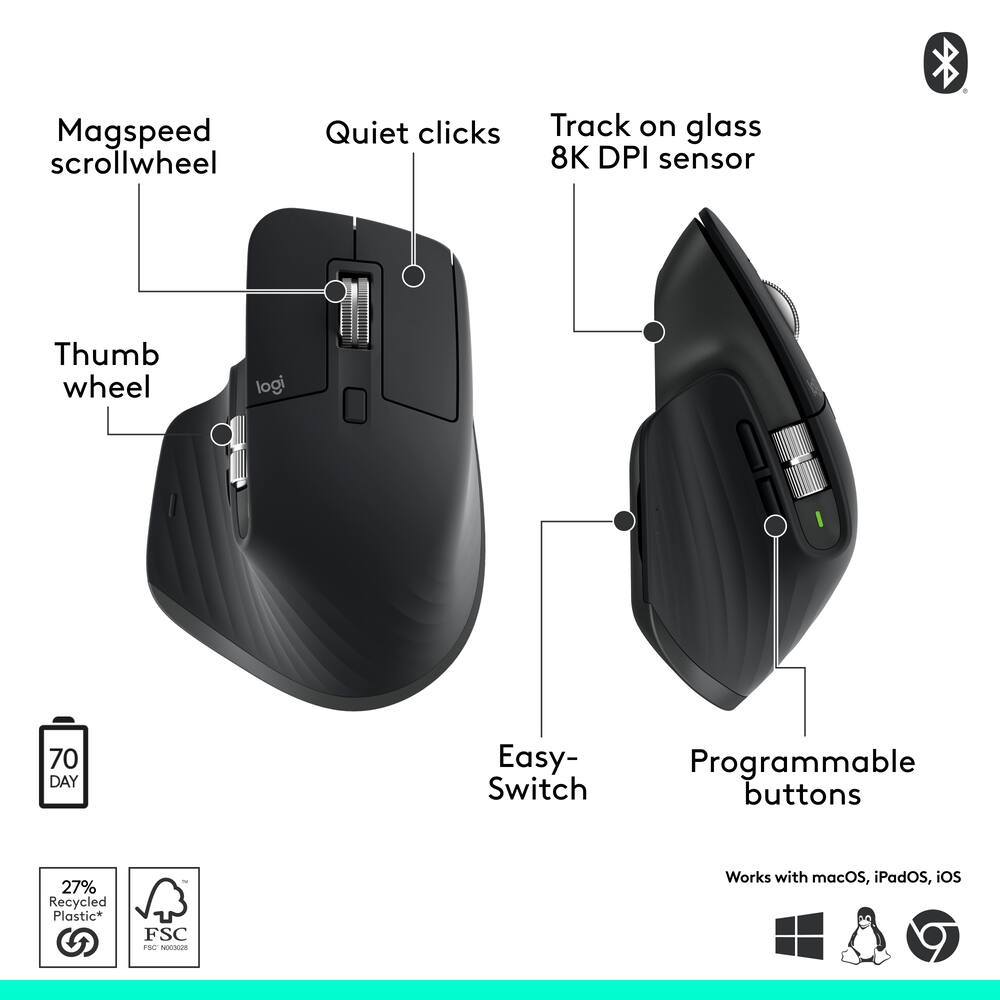
- 8K DPI any-surface tracking Use MX Master 3S cordless computer mouse to work on any surface - even glass - with an 8000 DPI sensor with customizable sensitivity.¹Quiet clicks MX Master 3S Bluetooth mouse with Quiet Clicks - offering the same satisfying feel but with 90% less click noise.
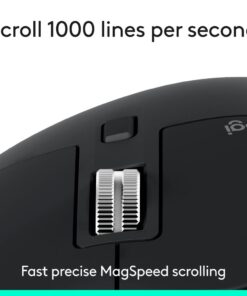
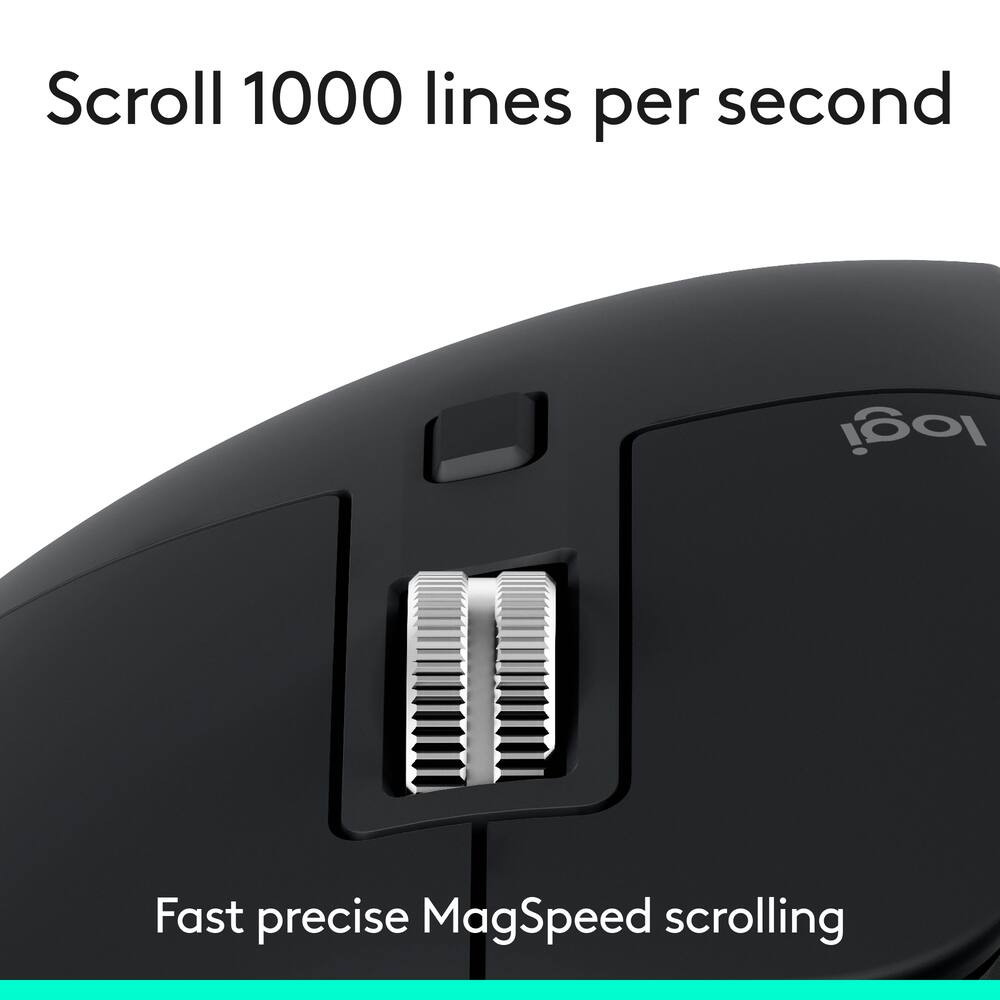
- ²Magspeed scrolling A computer mouse with remarkable speed, precision, and near silence - MagSpeed scrolling is 90% faster, 87% more precise, and ultra quiet.³ ⁴Ergonomic design Work comfortably with a precision mouse featuring a silhouette crafted for a more natural wrist posture and optimally placed thumb controls.Countless customizations Customize buttons and optimize your workflow with App specific profiles in the Logi Options+ app.
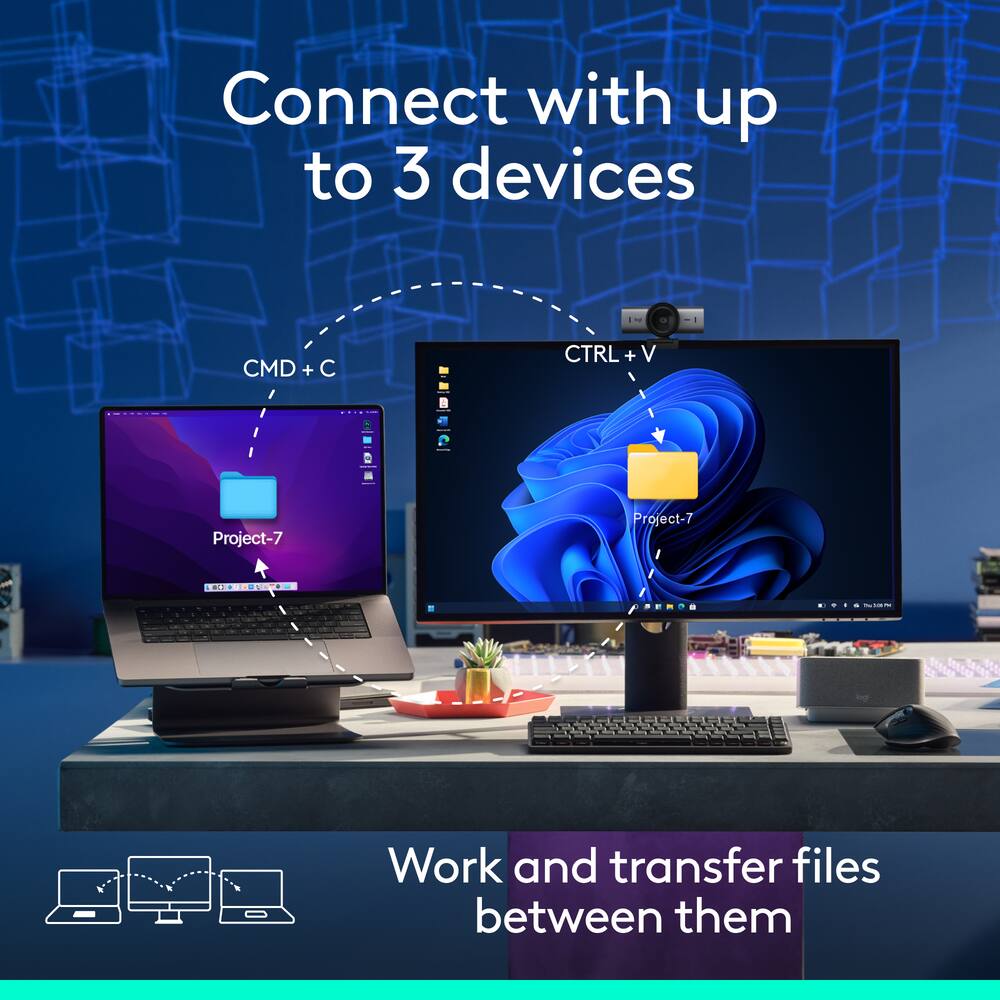
- ⁵FLOW cross-computer control Work seamlessly on multiple computers or laptops, and transfer text, images, and files – between Windows & macOS.
- ⁵Multi-device and multi-OS Connect the comfort mouse with up to 3 devices via Bluetooth on Windows, macOS, Chrome OS or Linux.
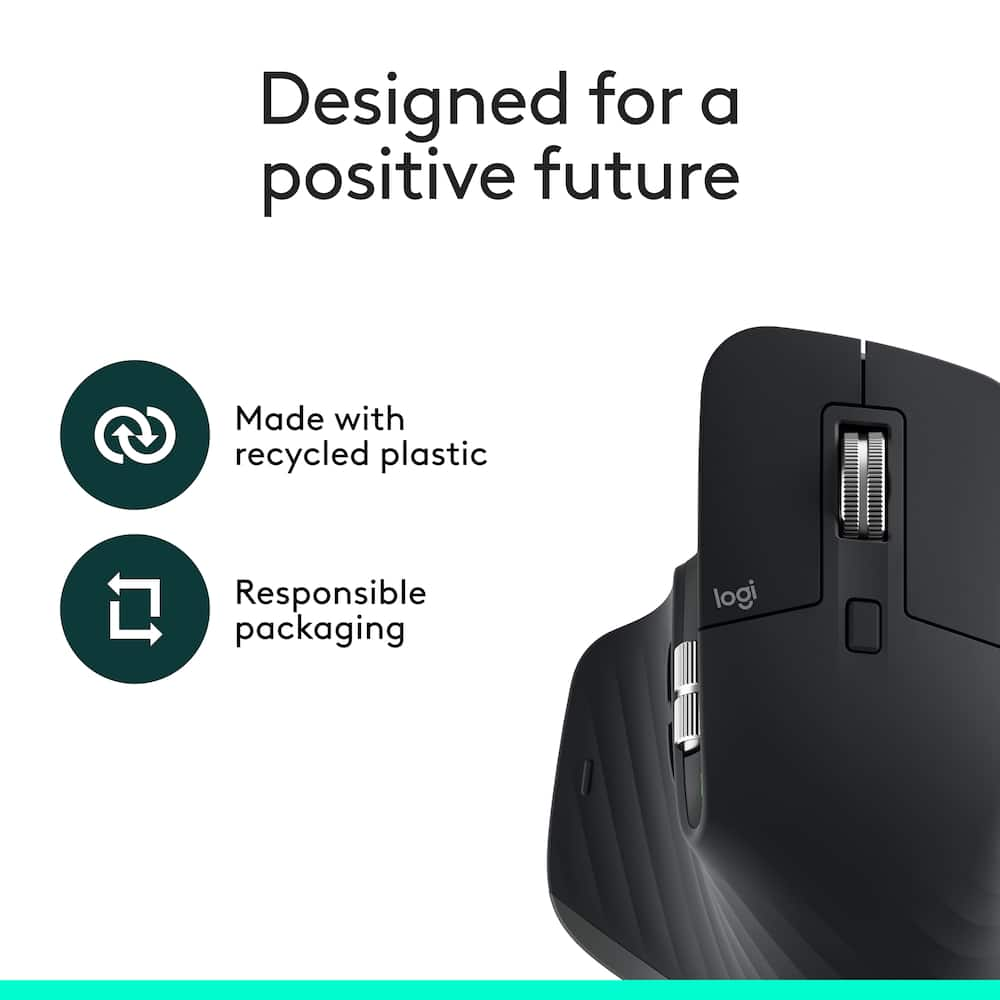
- Compatible with Logi Bolt USB receiver (not included).⁶More sustainable Plastic parts in MX Master 3S include certified post consumer recycled plastic (Black: 27%).
- ⁷1-month of Adobe Creative Cloud on us (a value of $59.99)* Pair two of the world’s top creative tools.
Key specs
- Weight
- 141 lbs
- Dimensions
- 4.92 × 3.3 × 2 in
- Brand
- Logitech
- Model Number
- 910-007500
- Product Name
- MX Master 3S Bluetooth Edition Performance Wireless Optical Mouse with Ultra-fast Scrolling and Quiet Clicks
- Color
- Black
- Mouse Type
- Standard
- Weight
- 141 lbs
- Dimensions
- 4.92 × 3.3 × 2 in
- Brand
- Logitech
- Model Number
- 910-007500
- Product Name
- MX Master 3S Bluetooth Edition Performance Wireless Optical Mouse with Ultra-fast Scrolling and Quiet Clicks
- Color
- Black
- Mouse Type
- Standard
- Lighting Type
- None
- Mouse Operation
- Button(s)
- Mouse Grip Style
- Ergonomic
- Handedness
- Right-handed
- Tracking Method
- Optical
- Maximum Sensitivity
- 8000 dots per inch
- Minimum Sensitivity
- 200 dots per inch
- Number of Buttons (Total)
- 7
- Number of Thumb Buttons
- 2
- Number of Programmable Buttons
- 7
- Adjustable Weight
- No
- Connection Type
- Wireless
- Wireless Connectivity
- Bluetooth
- Maximum Wireless Range
- 32.8 feet
- Operating System Compatibility
- Windows
- Plug and Play Operation
- No
- Number of Devices Connectable Simultaneously
- 3
- Mouse Power Source
- Battery-powered
- On/Off Switch
- Yes
- Rechargeable Battery (Mouse)
- Yes
- Battery Chemistry
- Lithium
- Mouse Pad Included
- No
- Product Height
- 2 inches
- Product Length
- 4.92 inches
- Product Width
- 3.3 inches
- Product Weight
- 141 grams
- System Requirements
- Requires Bluetooth Low Energy technology, Windows® 10, 11 or later, macOS 10.15 or later, Linux®, Chrome OS™, iPadOS 14 or later, AndroidTM 8.0 or later
- Warranty - Parts
- 1 year
- Warranty - Labor
- None
- UPC
- 097855201812
- 8K DPI any-surface tracking
Use MX Master 3S cordless computer mouse to work on any surface – even glass – with an 8000 DPI sensor with customizable sensitivity.¹ - Quiet clicks
MX Master 3S Bluetooth mouse with Quiet Clicks – offering the same satisfying feel but with 90% less click noise. ² - Magspeed scrolling
A computer mouse with remarkable speed, precision, and near silence – MagSpeed scrolling is 90% faster, 87% more precise, and ultra quiet.³ ⁴ - Ergonomic design
Work comfortably with a precision mouse featuring a silhouette crafted for a more natural wrist posture and optimally placed thumb controls. - Countless customizations
Customize buttons and optimize your workflow with App specific profiles in the Logi Options+ app. ⁵ - FLOW cross-computer control
Work seamlessly on multiple computers or laptops, and transfer text, images, and files – between Windows & macOS. ⁵ - Multi-device and multi-OS
Connect the comfort mouse with up to 3 devices via Bluetooth on Windows, macOS, Chrome OS or Linux. Compatible with Logi Bolt USB receiver (not included).⁶ - More sustainable
Plastic parts in MX Master 3S include certified post consumer recycled plastic (Black: 27%). ⁷ - 1-month of Adobe Creative Cloud on us (a value of $59.99)*
Pair two of the world’s top creative tools. Buy one MX Master 3S and claim your free 1-month Adobe Creative Cloud membership. *Value calculated based on Adobe Creative Cloud All Apps monthly value of $59.99 valid on Adobe.com on Sept 12, 2024. Terms & Conditions apply.¹ ² ³ - ¹ Terms and Conditions: Offer starts on October 2024, and expires on October 31st, 2026. Offer available worldwide to customers who purchase the Logitech MX Master 3S who are new or existing Adobe customers. When you purchase an MX Master 3S you receive a complimentary 1-month membership of Adobe Creative Cloud All apps when you go to logi.com/adobe-offer offer page and follow the redemption steps.
- ² Limit: 1 subscribing customer per product. At the end of the trial period, if you provided a payment method, your subscription would automatically renew, and you will be charged the then-current subscription rate unless you elect to change or cancel your subscription.For Creative Cloud All apps, the current subscription rate is US$89.99/mo or US$659.88/yr (annual, prepaid) (plus applicable taxes/VAT/GST).Cancellations can be made through Customer Support or https://account.adobe.com/plans
- ³ Valid only for eligible persons who are 18+. Residents or persons in embargoed countries or countries subject to U.S. or local export restrictions are not eligible. Offer and prices are subject to change. Offer may not be assigned, exchanged, sold, transferred, combined, or redeemed for cash or other goods and services not expressly stated here as included. Subject to availability where the recipient resides. Additional terms may apply. VOID WHERE PROHIBITED OR RESTRICTED BY LAW.
- ⁴ The purchase of an MX Master 3S includes 1 month of Adobe Creative Cloud All Apps membership. Terms and conditions apply.
- ⁵ Requires Logi Options+ app, available for recent versions of Windows and macOS
- ⁶ Battery life may vary based on user and computing conditions
Standard US ground delivery is $5.49 and arrives in 3–5 business days. Orders over $60 ship free. Returns are accepted within 30 days of delivery.

JacksonC (verified owner) –
very comfortable – If you spend hours on your computer, this will help in long run for your wrist
LALALA (verified owner) –
Logitech never fails – Silent clicks are better than expected.
Accuracy detail on point.
Usually batteries are what to keep an eye on, I guess we’ll know that in due time. For now it is perfect.
MICHAELH (verified owner) –
Smooth – Bluetooth links well. Overall performance is flawless.
MattK (verified owner) –
Good mouse – I’ve been very happy with the Logitech MX Master 3S. It is comfortable to use for long periods of time, feels well built, and the quiet clicks are a nice improvement over a traditional mouse. The fast scroll wheel is especially useful when working through long documents or spreadsheets, and the side scroll wheel makes navigating wide Excel sheets much easier. The mouse connects reliably and tracks smoothly, even on different surfaces. Overall, it has been a great productivity mouse and is well worth it if you spend a lot of time working on a computer.
Jayz (verified owner) –
High tech mouse – Very pleased with this purchase. The mouse is highly customizable and very easy to set up. You can easily customize it to open apps and run commands with a click of a button. Very good and easy to use with LLMs and you can also automate tasks. Highly recommend 10/10.
ALEXANDERL (verified owner) –
Best mouse in the world – I use this mouse every day and it makes my life so much easier.
iamjstates (verified owner) –
Save money and get this – I know that the MX 4 is currently out and there are some nice features that make it a decent upgrade from this mouse. However I do not feel it’s worth the increased price. Do yourself a solid and purchase this mouse.
DONTEB (verified owner) –
Great Item – Brought this mouse for my significant other because she liked the way my MX Master 4 worked. After using it, it is exactly what I expected it to be. Not exactly the MX4 but It still carries some great features for a great price.
ahb0 (verified owner) –
Love it – Been using it for about a year now, and I can say i absolutely love using it.
CalvisM (verified owner) –
Incredible mouse! – There is no returning to a regular mouse after using this one. Incredible product. Especially love the auto scrolling wheel. So incredibly useful.
Nikolyonz (verified owner) –
Favorite work mouse! – Mouse is my must for work, easy to connect, easy to use.
Surprise (verified owner) –
Logitech mouse – It’s great, fits my hand well and is more comfortable then a normal mouse.
RENEED (verified owner) –
LOGITECH IS MY FAVORITE! – Logitech has always been my favorite brand. Their components are so simple to incorporate into your workstation regardless is you are on an Apple or PC platform. That being said this mouse is amazing and a great solution.
DanielE (verified owner) –
The best Mouse – Amazing and simple use I think one of the best mouses out there
ALEXK (verified owner) –
Best mouse money can buy – Amazing! This is truly a great mouse. I have yet to come across a Bette Rome for the price.
HSUI (verified owner) –
Solid mouse – Very comfortable to use and runs smoothly. Wish the battery life lasted longer though
Sant (verified owner) –
Smooth scrolling with better ergonomics to handle a mouse for longer use.
SaikrishnaS (verified owner) –
very good – Great product to use and helps the hand to reduce the stress for longer time use
LINDAG (verified owner) –
Wireless Optical Mouse – I can trust it, it is the latest of the newest in this type of mouse!!!!!!!!!
JEANPAULV (verified owner) –
Good mouse but Logitech Flow is risky – I was recommended this mouse by a friend and its functionality is great. I would still recommend it but not if you are buying solely on the Logitech Flow functionality which claims you can use the mouse to seamlessly work with 2 laptops at once, copying files and images. I will likely eventually get this system to work but even on my private network with all the firewalls disabled( something i woudl rather not do) i have not been able to get the system to work. I am sure with enough time and leveraging other resources I will get it to work eventually but it has not been a pleasant process so far. That not withstanding, the mouse itself is great if you didnt buy it for other gimmicks like Logitech Flow.