Sale






Sale!


Logitech Model 6640819
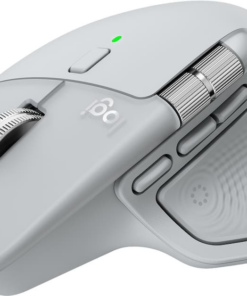
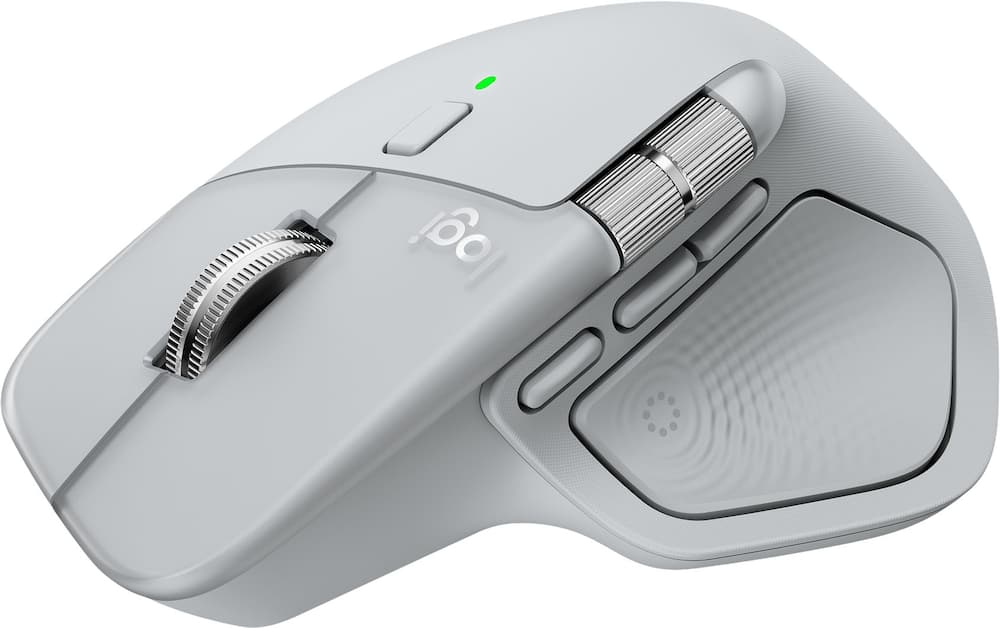
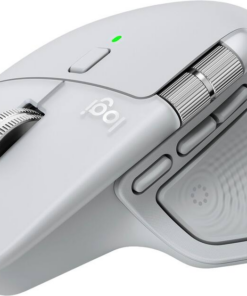
Logitech – MX Master 4 Wireless Laser Ergonomic Mouse with Advanced Performance Haptic Feedback – Wireless – Pale Gray
★★★★★★★★★★ (4.9) 20 reviews
Original price was: $119.99.$95.99Current price is: $95.99. Save $24
In stock · Ready to ship
Delivery Tue, Nov 10 – Thu, Nov 12 Free shipping
Secure checkout · Visa · Mastercard · Amex · Discover · PayPal
Questions? Talk to a product specialist
(888) 519-3048
- Free shipping $60+3–5 business days
- 30-day returnsMoney-back guarantee
- Brand-newManufacturer warranty
- Ships from the USColumbus, OH
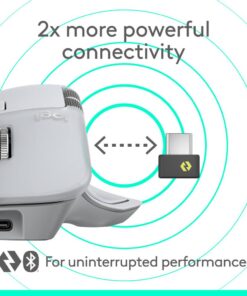
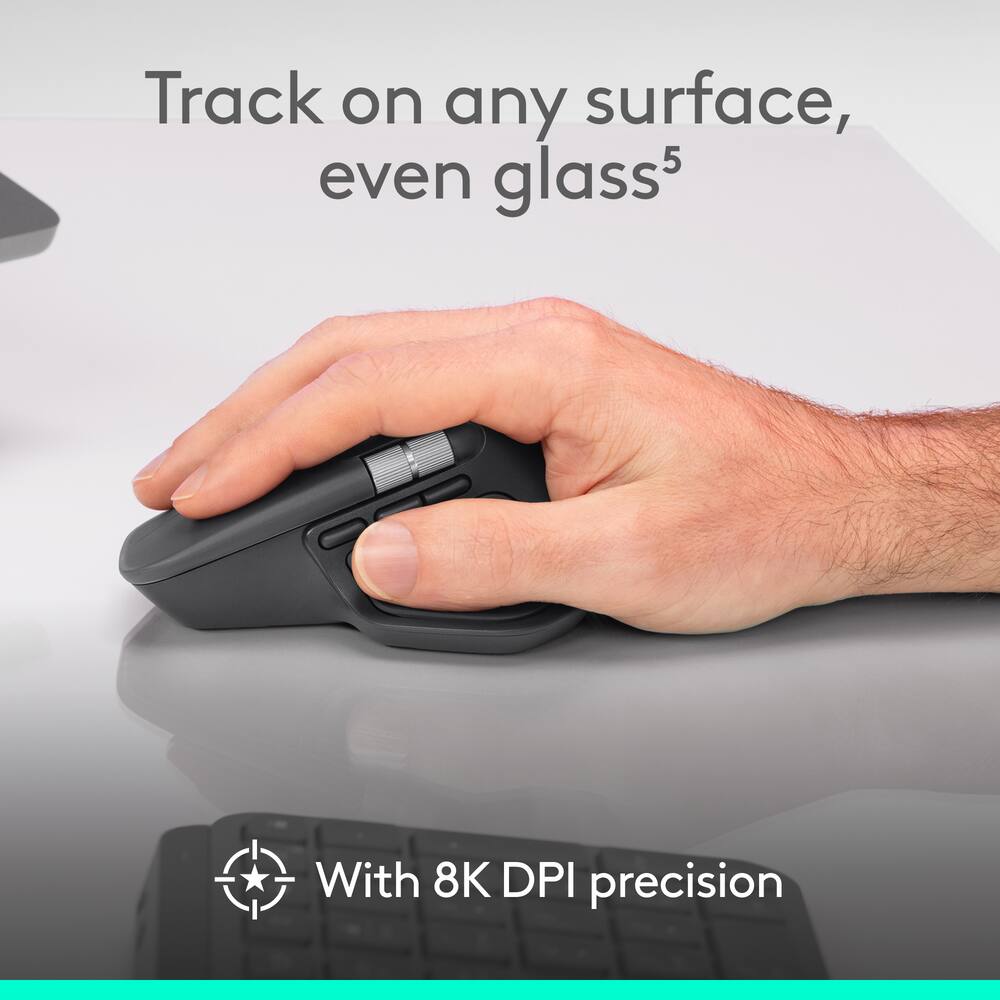
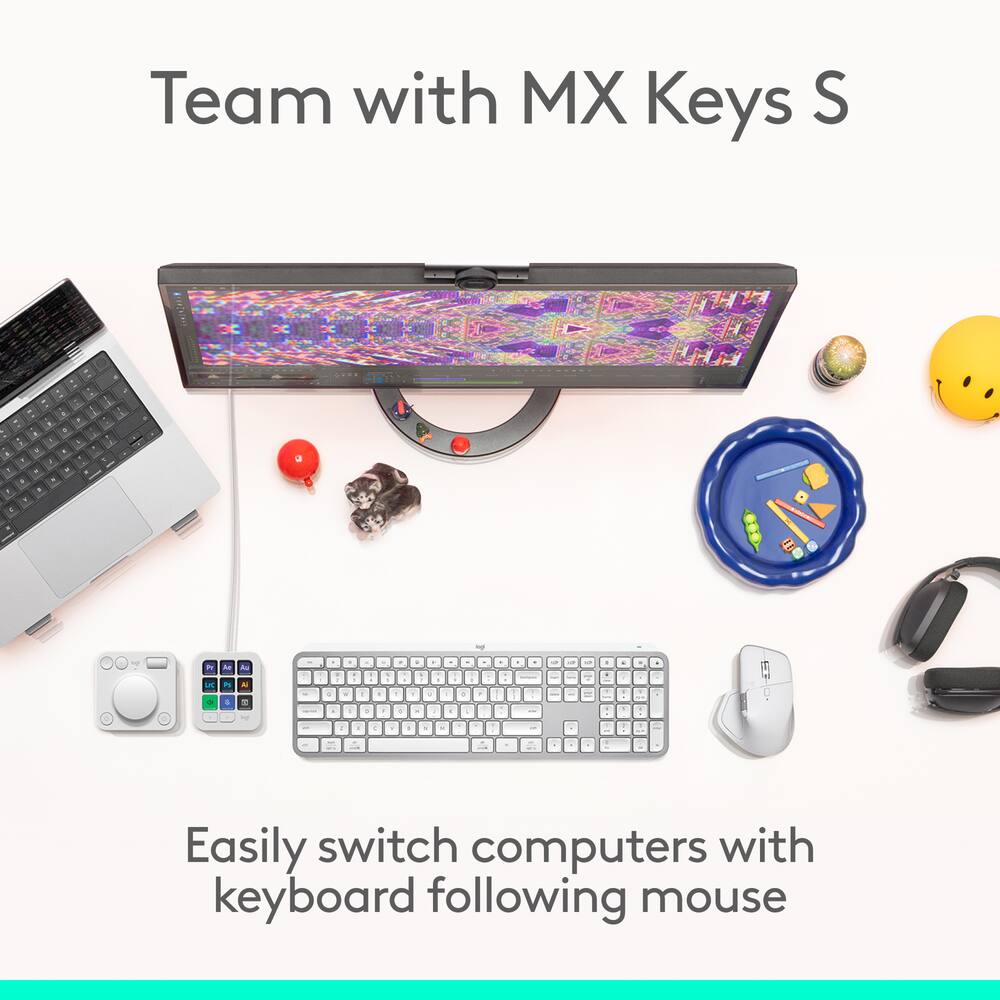
- Precision you can feel with the Haptic Sense Panel Customizable haptic feedback on specific actions, shortcuts, notifications enhancing productivity on this wireless Bluetooth mouse.¹Effortlessly access favorite tools with Actions Ring on this MX Series mouse A dynamic, customizable overlay adapts to each app, placing most used filters, adjustments, and shortcuts at your cursor.Ultra-fast scrolling Scroll 1,000 lines per second and stop on a pixel with the MagSpeed scroll wheel—Logitech’s fastest, quietest, and most precise scrolling experience.More powerful connectivity Enjoy 2X more powerful connectivity with a USB-C dongle, advanced radio chip, and optimized antenna for faster, stronger, reliable performance—or use Bluetooth for more versatility.²Ergonomic mouse designed for comfort MX Master 4 keeps you in flow with a natural tilt, intuitive buttons, and a thumb scroll wheel that reduces hand stress for fluid navigation.Quiet Clicks Quiet Clicks on MX Master 4 reduce noise and distractions, offering a soft, satisfying feel with 90% less click noise—perfect for focused workflows.³MX + Adobe Creative Cloud Get a complimentary 1-month Adobe Creative Cloud subscription with your purchase of MX Master 4.Designed for a positive future Plastic parts include recycled plastic - 54% Black; 48% Pale Grey; 100% recycled cobalt in the battery; built to last with improved stain resistance.⁴1-month of Adobe Creative Cloud on us (a value of $59.99)* Pair two of the world’s top creative tools.
- Buy one MX Master 4 and claim your free 1-month Adobe Creative Cloud membership.
- *Value calculated based on Adobe Creative Cloud All Apps monthly value of $59.99 valid on Adobe.com on Sept 12, 2024.
- Terms & Conditions apply.¹ ² ³¹ Terms and Conditions: Offer starts on October 2024, and expires on October 31st, 2026.
- Offer available worldwide to customers who purchase the Logitech MX Master 4 who are new or existing Adobe customers.
- When you purchase an MX Master 4 you receive a complimentary 1-month membership of Adobe Creative Cloud All apps when you go to logi.com/adobe-offer offer page and follow the redemption steps.² Limit: 1 subscribing customer per product.
Key specs
- Weight
- 150 lbs
- Dimensions
- 5.05 × 3.48 × 2 in
- Brand
- Logitech
- Model Number
- 910-007559
- Product Name
- MX Master 4 Wireless Laser Ergonomic Mouse with Advanced Performance Haptic Feedback
- Color
- Pale Gray
- Mouse Type
- Standard
- Weight
- 150 lbs
- Dimensions
- 5.05 × 3.48 × 2 in
- Brand
- Logitech
- Model Number
- 910-007559
- Product Name
- MX Master 4 Wireless Laser Ergonomic Mouse with Advanced Performance Haptic Feedback
- Color
- Pale Gray
- Mouse Type
- Standard
- Lighting Type
- None
- Mouse Operation
- Button(s)
- Mouse Grip Style
- Ergonomic
- Handedness
- Right-handed
- Tracking Method
- Laser
- Maximum Sensitivity
- 8000 dots per inch
- Minimum Sensitivity
- 200 dots per inch
- Number of Buttons (Total)
- 8
- Number of Thumb Buttons
- 3
- Number of Programmable Buttons
- 8
- Adjustable Weight
- No
- Connection Type
- Wireless
- Wireless Connectivity
- Radio Frequency (RF - 2.4 Ghz/Low Latency)
- Maximum Wireless Range
- 33 feet
- Operating System Compatibility
- Windows
- Plug and Play Operation
- Yes
- Number of Devices Connectable Simultaneously
- 3
- Mouse Power Source
- Battery-powered
- On/Off Switch
- Yes
- Rechargeable Battery (Mouse)
- Yes
- Wireless Charging
- No
- Charging Interface(s)
- USB-C
- Battery Chemistry
- Lithium
- Product Height
- 2 inches
- Product Length
- 5.05 inches
- Product Width
- 3.48 inches
- Product Weight
- 150 grams
- System Requirements
- Via Bluetooth® Low Energy (BLE): Windows 11, or later, macOS 13 or later, ChromeOS, Linux, Android 12 or later, iPadOS 15 or later. Via Logi Bolt receiver: available USB port, Windows 11, or later,macOS 13 or later, ChromeOS, Linux
- Warranty - Parts
- 1 year
- Warranty - Labor
- None
- UPC
- 097855207579
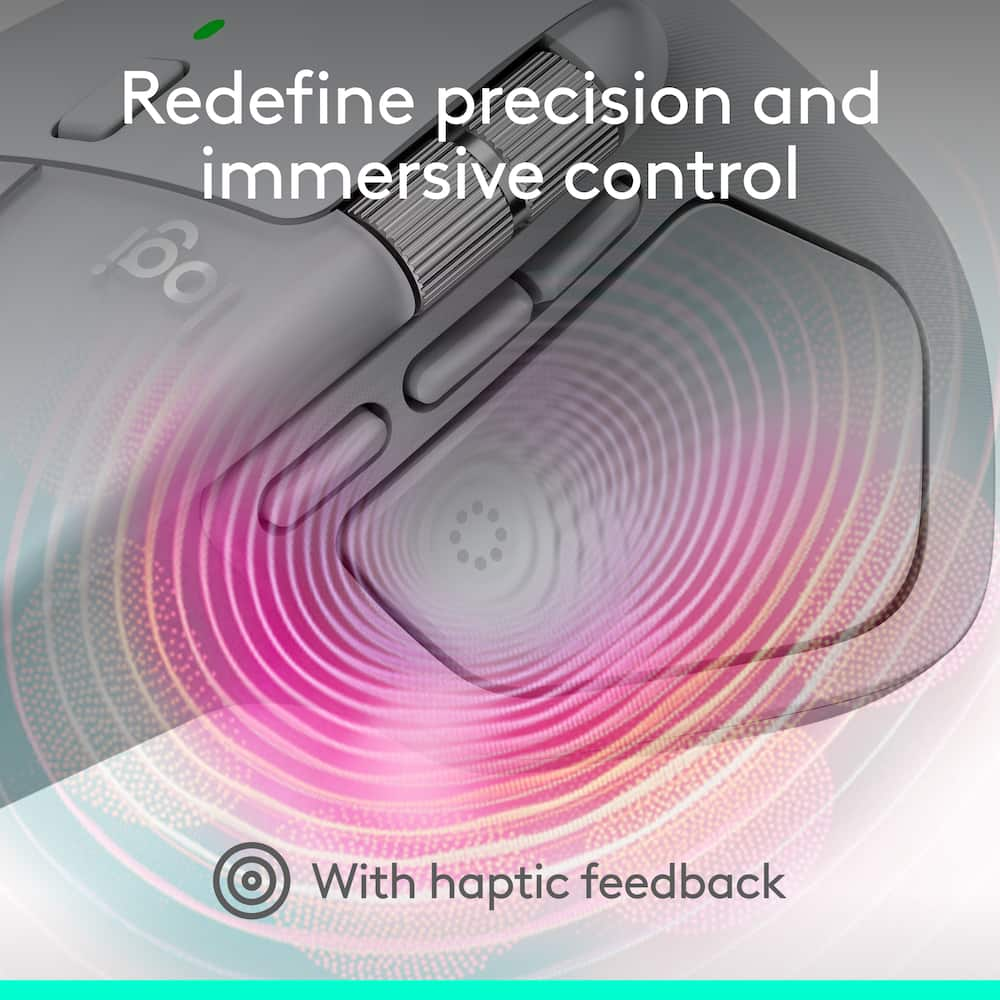
- Precision you can feel with the Haptic Sense Panel
Customizable haptic feedback on specific actions, shortcuts, notifications enhancing productivity on this wireless Bluetooth mouse.¹ - Effortlessly access favorite tools with Actions Ring on this MX Series mouse
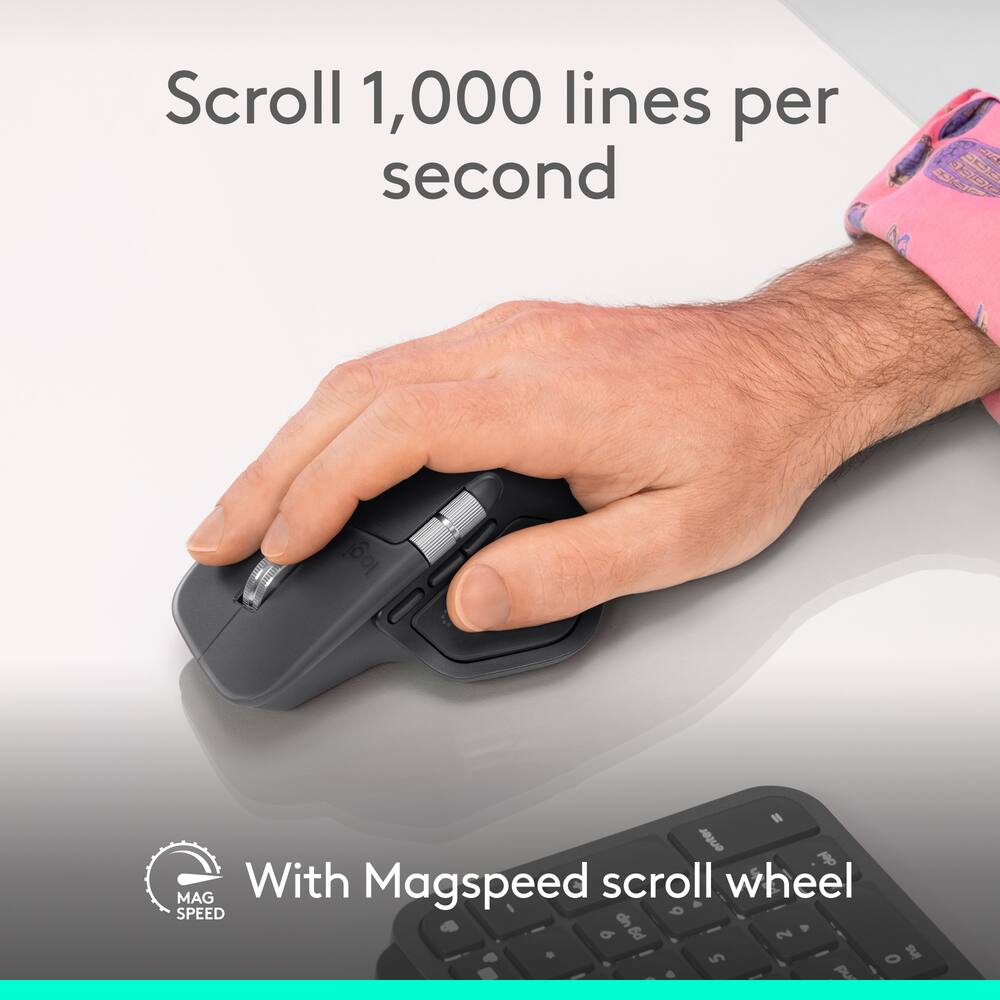
A dynamic, customizable overlay adapts to each app, placing most used filters, adjustments, and shortcuts at your cursor. - Ultra-fast scrolling
Scroll 1,000 lines per second and stop on a pixel with the MagSpeed scroll wheel—Logitech’s fastest, quietest, and most precise scrolling experience. - More powerful connectivity
Enjoy 2X more powerful connectivity with a USB-C dongle, advanced radio chip, and optimized antenna for faster, stronger, reliable performance—or use Bluetooth for more versatility.² - Ergonomic mouse designed for comfort
MX Master 4 keeps you in flow with a natural tilt, intuitive buttons, and a thumb scroll wheel that reduces hand stress for fluid navigation. - Quiet Clicks
Quiet Clicks on MX Master 4 reduce noise and distractions, offering a soft, satisfying feel with 90% less click noise—perfect for focused workflows.³ - MX + Adobe Creative Cloud
Get a complimentary 1-month Adobe Creative Cloud subscription with your purchase of MX Master 4. - Designed for a positive future
Plastic parts include recycled plastic – 54% Black; 48% Pale Grey; 100% recycled cobalt in the battery; built to last with improved stain resistance.⁴ - 1-month of Adobe Creative Cloud on us (a value of $59.99)*
Pair two of the world’s top creative tools. Buy one MX Master 4 and claim your free 1-month Adobe Creative Cloud membership. *Value calculated based on Adobe Creative Cloud All Apps monthly value of $59.99 valid on Adobe.com on Sept 12, 2024. Terms & Conditions apply.¹ ² ³ - ¹ Terms and Conditions: Offer starts on October 2024, and expires on October 31st, 2026. Offer available worldwide to customers who purchase the Logitech MX Master 4 who are new or existing Adobe customers. When you purchase an MX Master 4 you receive a complimentary 1-month membership of Adobe Creative Cloud All apps when you go to logi.com/adobe-offer offer page and follow the redemption steps.
- ² Limit: 1 subscribing customer per product. At the end of the trial period, if you provided a payment method, your subscription would automatically renew, and you will be charged the then-current subscription rate unless you elect to change or cancel your subscription.For Creative Cloud All apps, the current subscription rate is US$89.99/mo or US$659.88/yr (annual, prepaid) (plus applicable taxes/VAT/GST).Cancellations can be made through Customer Support or https://account.adobe.com/plans
- ³ Valid only for eligible persons who are 18+. Residents or persons in embargoed countries or countries subject to U.S. or local export restrictions are not eligible. Offer and prices are subject to change. Offer may not be assigned, exchanged, sold, transferred, combined, or redeemed for cash or other goods and services not expressly stated here as included. Subject to availability where the recipient resides. Additional terms may apply. VOID WHERE PROHIBITED OR RESTRICTED BY LAW.
- ⁴ The purchase of an MX Master 4 includes 1 month of Adobe Creative Cloud All Apps membership. Terms and conditions apply.
- ⁵ Requires Logi Options+ app, available for recent versions of Windows and macOS
- ⁶ Battery life may vary based on user and computing conditions
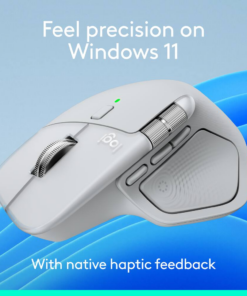
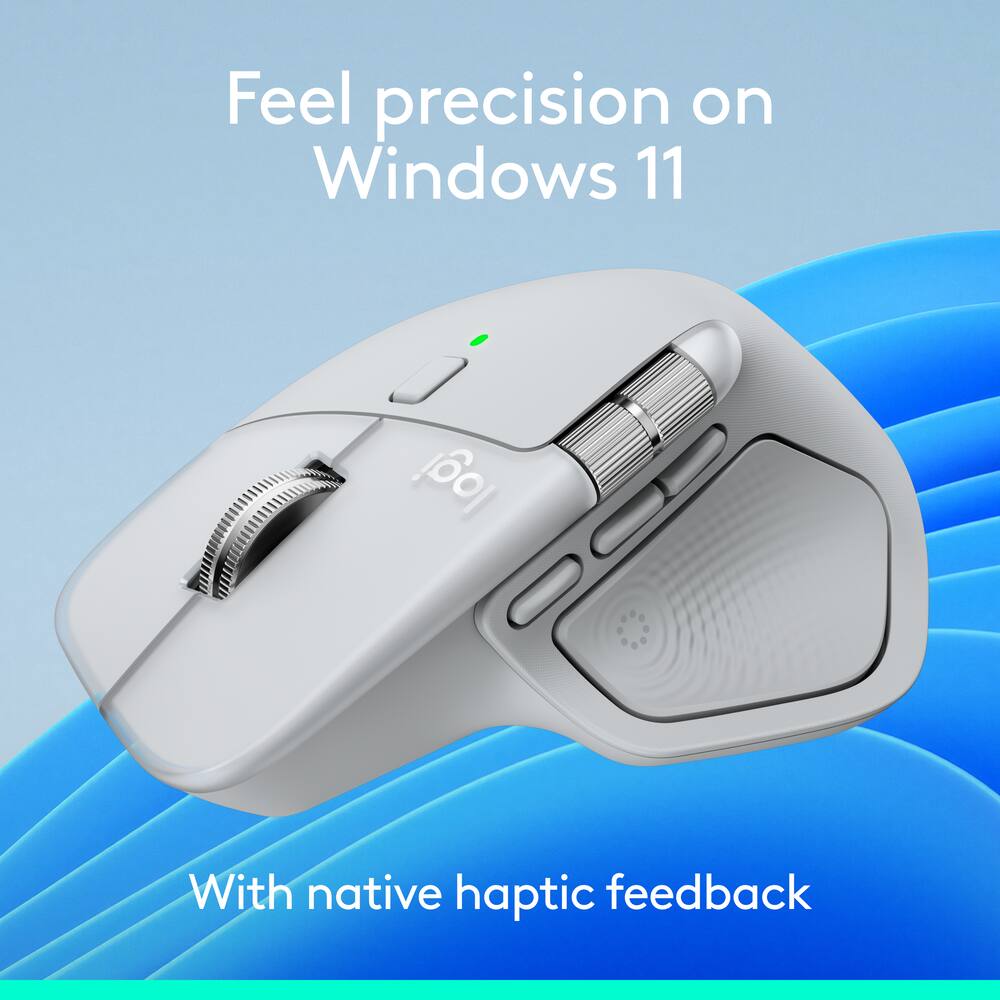
- Feel precision with native haptics on Windows 11 and MX Master 4
Unlock enhanced control and precision in PowerPoint and other compatible apps with native haptic support for Windows 11 - Compatible with Googlebook laptops
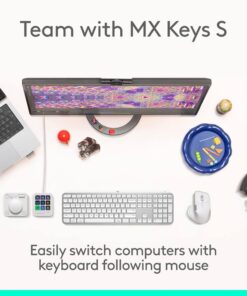
Unlock the speed, precision and ergonomic comfort needed to power through your heaviest workflows
Standard US ground delivery is $5.49 and arrives in 3–5 business days. Orders over $60 ship free. Returns are accepted within 30 days of delivery.
Mark (verified owner) –
Fantastic multitasking mouse! – This mouse is great ergonomically, multitasking for work or personal use and looks fantastic. I’ve used this mouse for all of 2026 and the charge lasts literally forever! Ive charged it myself 2 times but has never gotten even below 50% with constant use. I highly recommend this mouse for anyone that works on the computer or does a lot of research or even photo editing like I do.
ANGEL (verified owner) –
Comfort! – Really good feel. Mouse isn’t to big or too small, right in the middle as far as size for small or large hands. Love the extra widgets and customization to specific needs. Offers way more than I need which a is good problem to have but super easy to setup and use.
The side scroll is a game changer for me!
LarryC (verified owner) –
Amazing – Use on Mac and toggle to windows. It’s the best mouse I’ve had.
DEMETRIUSR (verified owner) –
Beautiful surprise. – I first looked at this because of all the research from Reddit and YouTube. I was surprised to find out this was something I didn’t know I needed… Now I can’t be without one and plan to buy a second one specifically for travel!
KevinC (verified owner) –
The perfect mouse – Perfect for office and travel. Once you get used to this, you can’t use any other mouse.
RocklinJoe (verified owner) –
Love this mouse – Love how the i can make the feeback button tap into another application like pieoneer
FEDNOM (verified owner) –
Mr. Review. – Great product great quality. Satisfied with purchase.
Bruce (verified owner) –
Great – I love all thw features and love how it feels it is sooooooooo comfy to use and hold and i like that it has 2 scroll wheel modes no limit and what i would call a llimiter
air4et (verified owner) –
Great product! – I love this mouse, i had the master 3 and decided to get thsi one too. best one on the maket period.
TUCKERBEAR (verified owner) –
Best Mouse Ever – The buton are so useful, espically clippin images, and the veritcal and horizontal scroll. My productivity has shot through the roof!
Crowbar01 (verified owner) –
Awesome Mouse – I bought this on the advise of a work colleague, and I am so glad I did! The feel and quality of this mouse is incredible. The app and the customization of the controls is easy and works great. The bluetooth is also great as you can connect to more than one device.
MATTHEWA (verified owner) –
A very comfortable and usable mouse – This worked right out of the box on Nobara Linux. You can use Solaar to pair this and the keyboard to the same LogiBolt connector without any hiccups.
DIEGOE (verified owner) –
comfortable – I love the mouse, it’s very comfortable to work and has many functions
ALEXANDER (verified owner) –
Less than impressed – Mouse is glitchy and skips around. Had some instances where it would shoot across the screens and I’d have to turned off to get it back under control. I tried updates, forum suggestions. Watched videos. Could not get this mouse under control. Otherwise loved the shape and versatility. Sad it’s connectivity was so poor
ANDYM (verified owner) –
Best mouse – This the best wireless mouse i have ever used. It is awesome as advertised. Super fast scrolling and it detects the screen from virtually anywhere.
siwonl (verified owner) –
Works great! – Can easily mutitask and switch between mac and windows. I like the weight of the mouse and all the customizable buttons
Shanny (verified owner) –
Love it so much…. – I love this mouse!!! I love it so much that I’ve purchased it three times (one for the office, one for the home office and one to carry in my laptop bag). I highly recommend. Go get you one!!!!
ADRIANG (verified owner) –
Comfortable Controller with Great Haptic Feedback – The controller feels comfortable to hold and has a clean, modern design. The haptic feedback adds a more immersive experience while gaming, making gameplay feel more engaging. The wireless connection is convenient, and the pale gray color looks great. Overall, it’s a solid controller for everyday gaming.
JEREMYZ (verified owner) –
Excellent upgrade from the MX Master – I used the MX Master until the rubber on the thumb groove had a hole worn through it. Not only was this an upgrade because of that, but the customizable button in front of the back/forward buttons and the action ring are a major upgrade in terms of what this mouse is able to do, and add some QOL to general use and for a bunch of applications. Absolutely worth it, and definitely recommended.
JEREMYG (verified owner) –
Mouse – Awesome mouse, worth the money. The mouse really is great, but I am only doing this review for a chance to win a gift card and it has a minimum characters required.