Sale



Sale!

Logitech Model 6640829
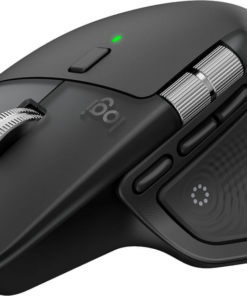
Logitech – MX Master 4 – Adobe Edition – Wireless Laser Ergonomic Mouse with Advanced Performance Haptic Feedback – Wireless – Black
★★★★★★★★★★ (4.7) 20 reviews
Original price was: $119.99.$95.99Current price is: $95.99. Save $24
In stock · Ready to ship
Delivery Tue, Nov 10 – Thu, Nov 12 Free shipping
Secure checkout · Visa · Mastercard · Amex · Discover · PayPal
Questions? Talk to a product specialist
(888) 519-3048
- Free shipping $60+3–5 business days
- 30-day returnsMoney-back guarantee
- Brand-newManufacturer warranty
- Ships from the USColumbus, OH
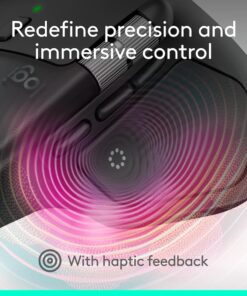
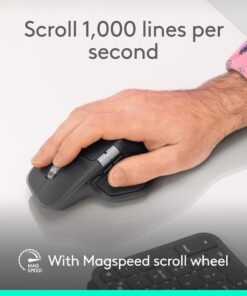
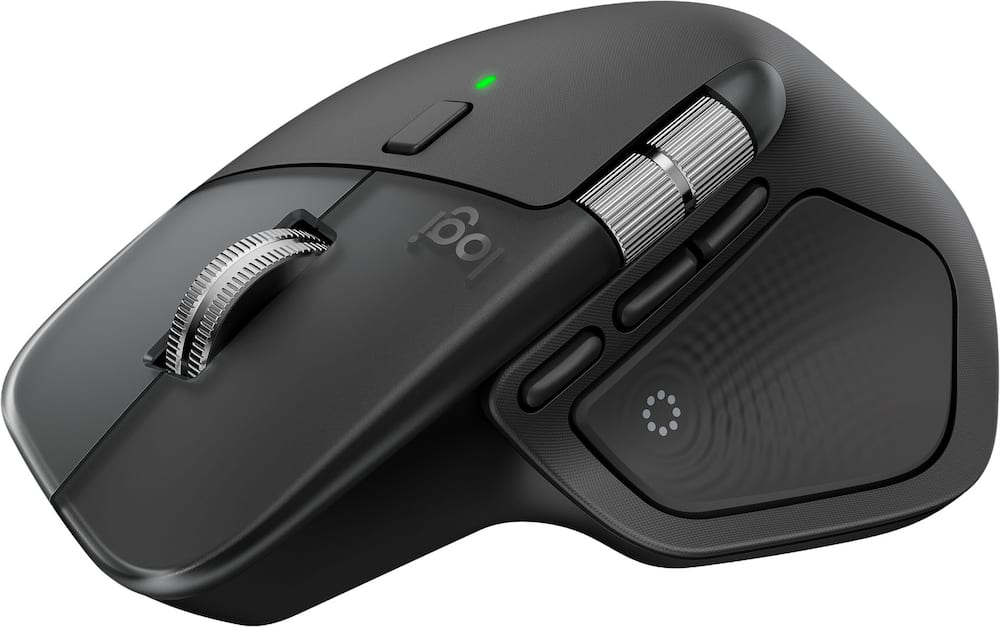
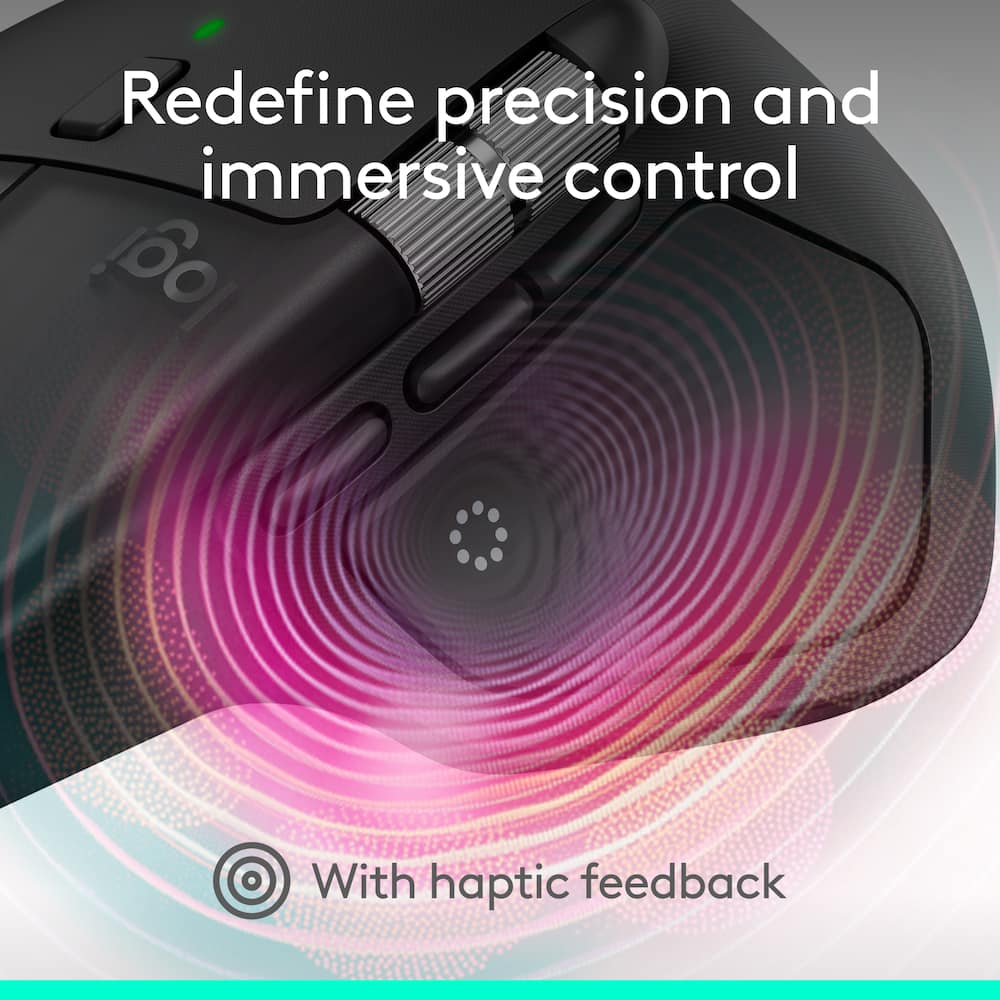
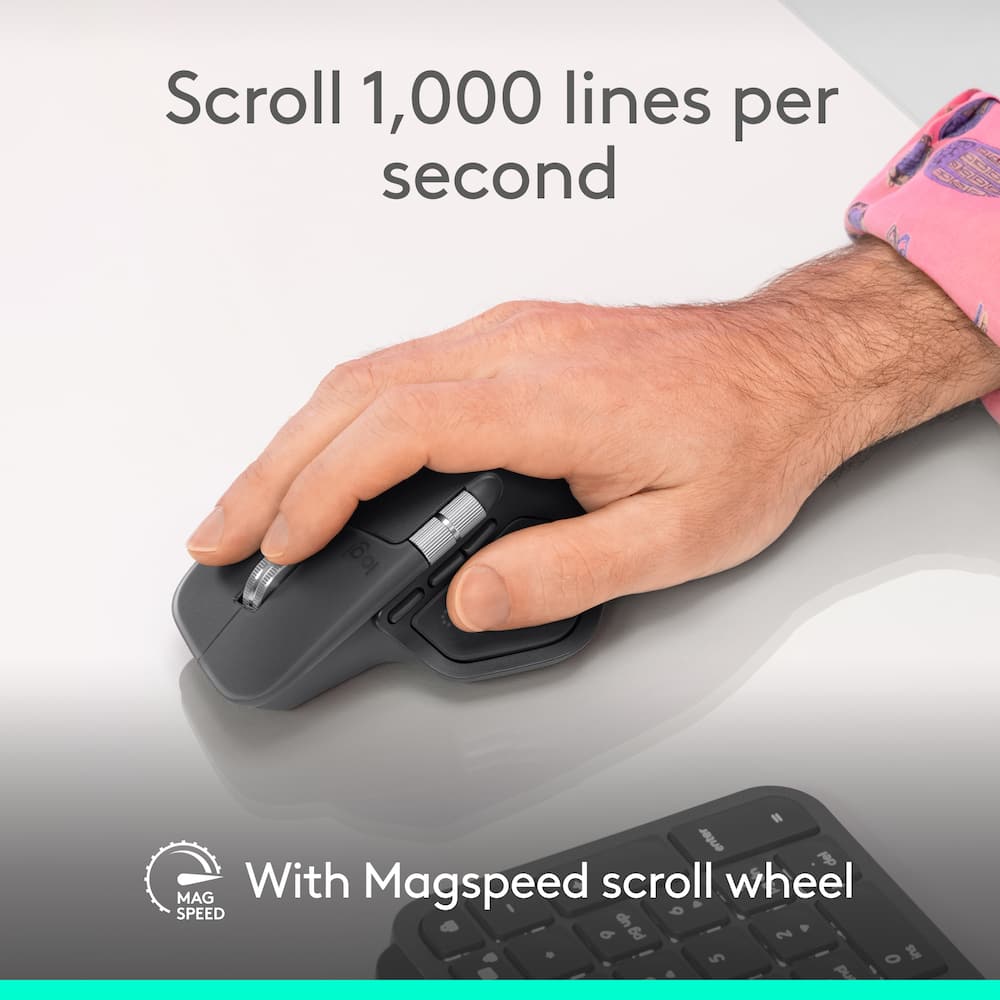
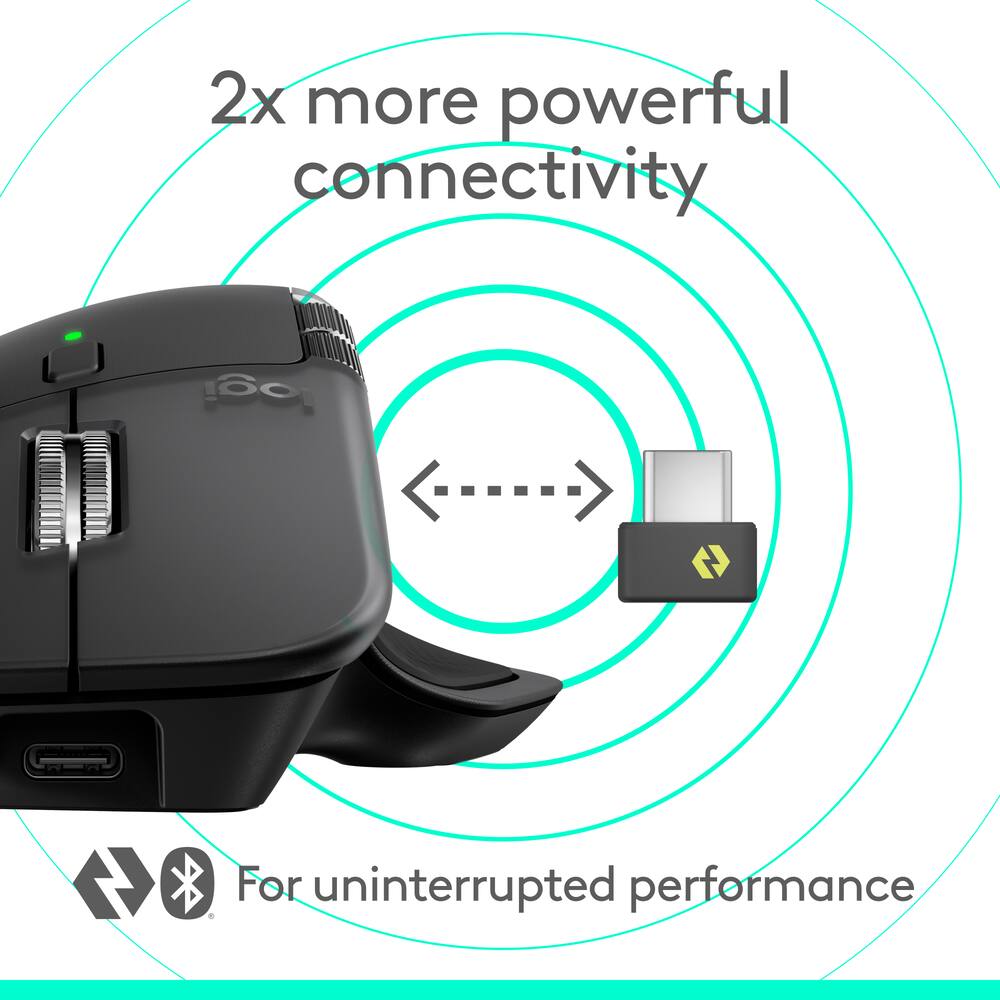
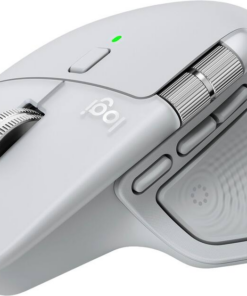
- Precision you can feel with the Haptic Sense Panel Customizable haptic feedback on specific actions, shortcuts, notifications enhancing productivity on this wireless Bluetooth mouse.¹Effortlessly access favorite tools with Actions Ring on this MX Series mouse A dynamic, customizable overlay adapts to each app, placing most used filters, adjustments, and shortcuts at your cursor.Ultra-fast scrolling Scroll 1,000 lines per second and stop on a pixel with the MagSpeed scroll wheel—Logitech’s fastest, quietest, and most precise scrolling experience.More powerful connectivity Enjoy 2X more powerful connectivity with a USB-C dongle, advanced radio chip, and optimized antenna for faster, stronger, reliable performance—or use Bluetooth for more versatility.²Ergonomic mouse designed for comfort MX Master 4 keeps you in flow with a natural tilt, intuitive buttons, and a thumb scroll wheel that reduces hand stress for fluid navigation.Quiet Clicks Quiet Clicks on MX Master 4 reduce noise and distractions, offering a soft, satisfying feel with 90% less click noise—perfect for focused workflows.³MX + Adobe Creative Cloud Get a complimentary 2-month Adobe Creative Cloud subscription with your purchase of MX Master 4 - Black, exclusively at Best Buy.Designed for a positive future Plastic parts include recycled plastic - 54% Black; 48% Pale Grey; 100% recycled cobalt in the battery; built to last with improved stain resistance.⁴2-months of Adobe Creative Cloud on us Pair two of the world’s top creative tools.
- Buy one MX Master 4 Adobe Version and claim your free 2-month Adobe Creative Cloud membership.
- *Value calculated based on Adobe Creative Cloud All Apps monthly value of $59.99 valid on Adobe.com on Sept 12, 2024.
- Terms & Conditions apply.¹ ² ³¹ Terms and Conditions: Offer starts on October 2024, and expires on October 31st, 2026.
- Offer available worldwide to customers who purchase the Logitech MX Master 4 who are new or existing Adobe customers.
- When you purchase an MX Master 4 you receive a complimentary 2-month membership of Adobe Creative Cloud All apps when you go to logi.com/adobe-offer offer page and follow the redemption steps.² Limit: 1 subscribing customer per product.
Key specs
- Weight
- 150 lbs
- Dimensions
- 5.05 × 3.48 × 2 in
- Brand
- Logitech
- Model Number
- 910-007561
- Product Name
- MX Master 4 - Black Adobe Edition - Wireless Laser Ergonomic Mouse with Advanced Performance Haptic Feedback
- Color
- Black
- Mouse Type
- Standard
- Weight
- 150 lbs
- Dimensions
- 5.05 × 3.48 × 2 in
- Brand
- Logitech
- Model Number
- 910-007561
- Product Name
- MX Master 4 - Black Adobe Edition - Wireless Laser Ergonomic Mouse with Advanced Performance Haptic Feedback
- Color
- Black
- Mouse Type
- Standard
- Lighting Type
- None
- Mouse Operation
- Button(s)
- Mouse Grip Style
- Ergonomic
- Handedness
- Right-handed
- Tracking Method
- Laser
- Maximum Sensitivity
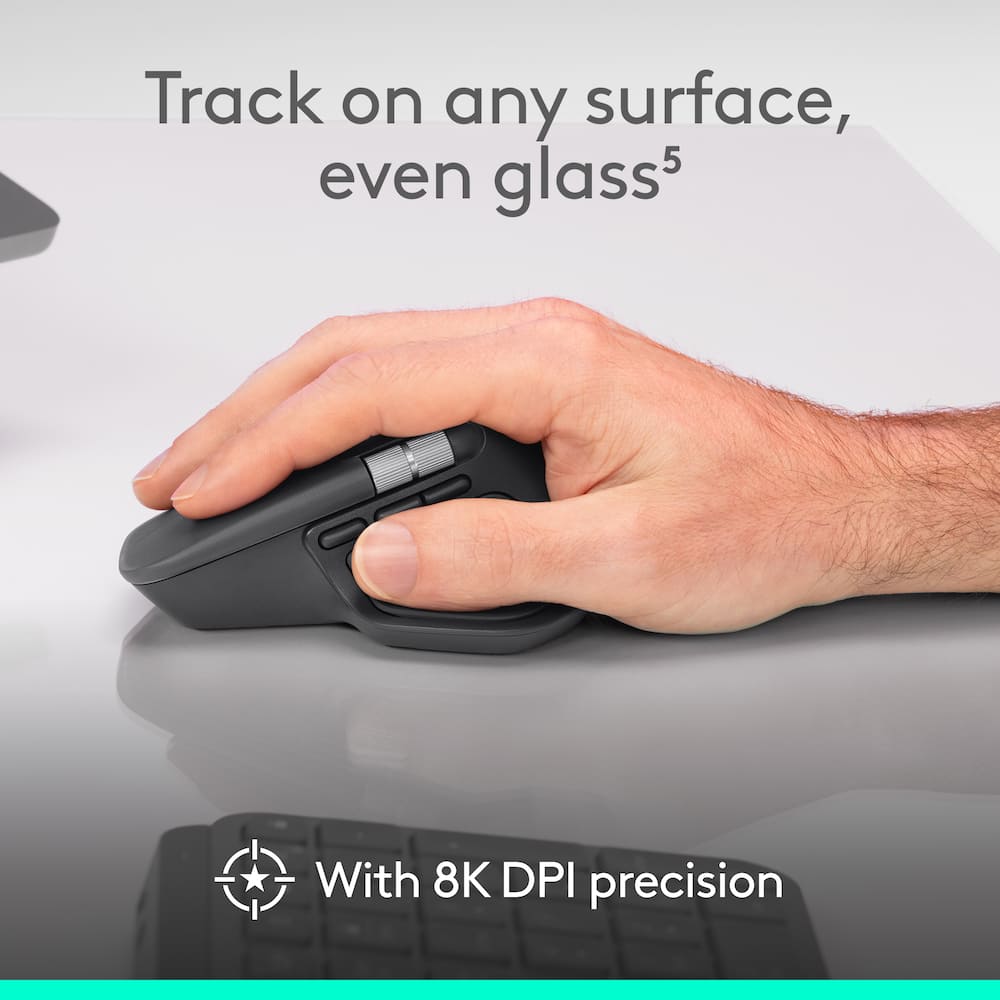
- 8000 dots per inch
- Minimum Sensitivity
- 200 dots per inch
- Number of Buttons (Total)
- 8
- Number of Thumb Buttons
- 3
- Number of Programmable Buttons
- 8
- Adjustable Weight
- No
- Connection Type
- Wireless
- Wireless Connectivity
- Radio Frequency (RF - 2.4 Ghz/Low Latency)
- Maximum Wireless Range
- 33 feet
- Operating System Compatibility
- Windows
- Plug and Play Operation
- Yes
- Number of Devices Connectable Simultaneously
- 3
- Mouse Power Source
- Battery-powered
- On/Off Switch
- Yes
- Rechargeable Battery (Mouse)
- Yes
- Wireless Charging
- No
- Charging Interface(s)
- USB-C
- Battery Chemistry
- Lithium
- Product Height
- 2 inches
- Product Length
- 5.05 inches
- Product Width
- 3.48 inches
- Product Weight
- 150 grams
- System Requirements
- Via Bluetooth® Low Energy (BLE): Windows 11, or later, macOS 13 or later, ChromeOS, Linux, Android 12 or later, iPadOS 15 or later. Via Logi Bolt receiver: available USB port, Windows 11, or later,macOS 13 or later, ChromeOS, Linux
- Warranty - Parts
- 1 year
- Warranty - Labor
- None
- UPC
- 097855207609
- Precision you can feel with the Haptic Sense Panel
Customizable haptic feedback on specific actions, shortcuts, notifications enhancing productivity on this wireless Bluetooth mouse.¹ - Effortlessly access favorite tools with Actions Ring on this MX Series mouse
A dynamic, customizable overlay adapts to each app, placing most used filters, adjustments, and shortcuts at your cursor. - Ultra-fast scrolling
Scroll 1,000 lines per second and stop on a pixel with the MagSpeed scroll wheel—Logitech’s fastest, quietest, and most precise scrolling experience. - More powerful connectivity
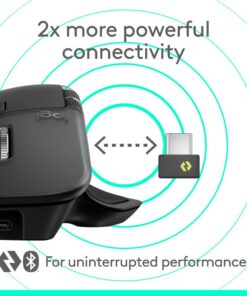
Enjoy 2X more powerful connectivity with a USB-C dongle, advanced radio chip, and optimized antenna for faster, stronger, reliable performance—or use Bluetooth for more versatility.² - Ergonomic mouse designed for comfort
MX Master 4 keeps you in flow with a natural tilt, intuitive buttons, and a thumb scroll wheel that reduces hand stress for fluid navigation. - Quiet Clicks
Quiet Clicks on MX Master 4 reduce noise and distractions, offering a soft, satisfying feel with 90% less click noise—perfect for focused workflows.³ - MX + Adobe Creative Cloud
Get a complimentary 2-month Adobe Creative Cloud subscription with your purchase of MX Master 4 – Black, exclusively at Best Buy. - Designed for a positive future
Plastic parts include recycled plastic – 54% Black; 48% Pale Grey; 100% recycled cobalt in the battery; built to last with improved stain resistance.⁴ - 2-months of Adobe Creative Cloud on us
Pair two of the world’s top creative tools. Buy one MX Master 4 Adobe Version and claim your free 2-month Adobe Creative Cloud membership. *Value calculated based on Adobe Creative Cloud All Apps monthly value of $59.99 valid on Adobe.com on Sept 12, 2024. Terms & Conditions apply.¹ ² ³ - ¹ Terms and Conditions: Offer starts on October 2024, and expires on October 31st, 2026. Offer available worldwide to customers who purchase the Logitech MX Master 4 who are new or existing Adobe customers. When you purchase an MX Master 4 you receive a complimentary 2-month membership of Adobe Creative Cloud All apps when you go to logi.com/adobe-offer offer page and follow the redemption steps.
- ² Limit: 1 subscribing customer per product. At the end of the trial period, if you provided a payment method, your subscription would automatically renew, and you will be charged the then-current subscription rate unless you elect to change or cancel your subscription.For Creative Cloud All apps, the current subscription rate is US$89.99/mo or US$659.88/yr (annual, prepaid) (plus applicable taxes/VAT/GST).Cancellations can be made through Customer Support or https://account.adobe.com/plans
- ³ Valid only for eligible persons who are 18+. Residents or persons in embargoed countries or countries subject to U.S. or local export restrictions are not eligible. Offer and prices are subject to change. Offer may not be assigned, exchanged, sold, transferred, combined, or redeemed for cash or other goods and services not expressly stated here as included. Subject to availability where the recipient resides. Additional terms may apply. VOID WHERE PROHIBITED OR RESTRICTED BY LAW.
- ⁴ The purchase of an MX Master 4 includes 2 months of Adobe Creative Cloud All Apps membership. Terms and conditions apply.
- ⁵ Requires Logi Options+ app, available for recent versions of Windows and macOS
- ⁶ Battery life may vary based on user and computing conditions
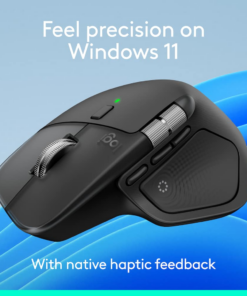
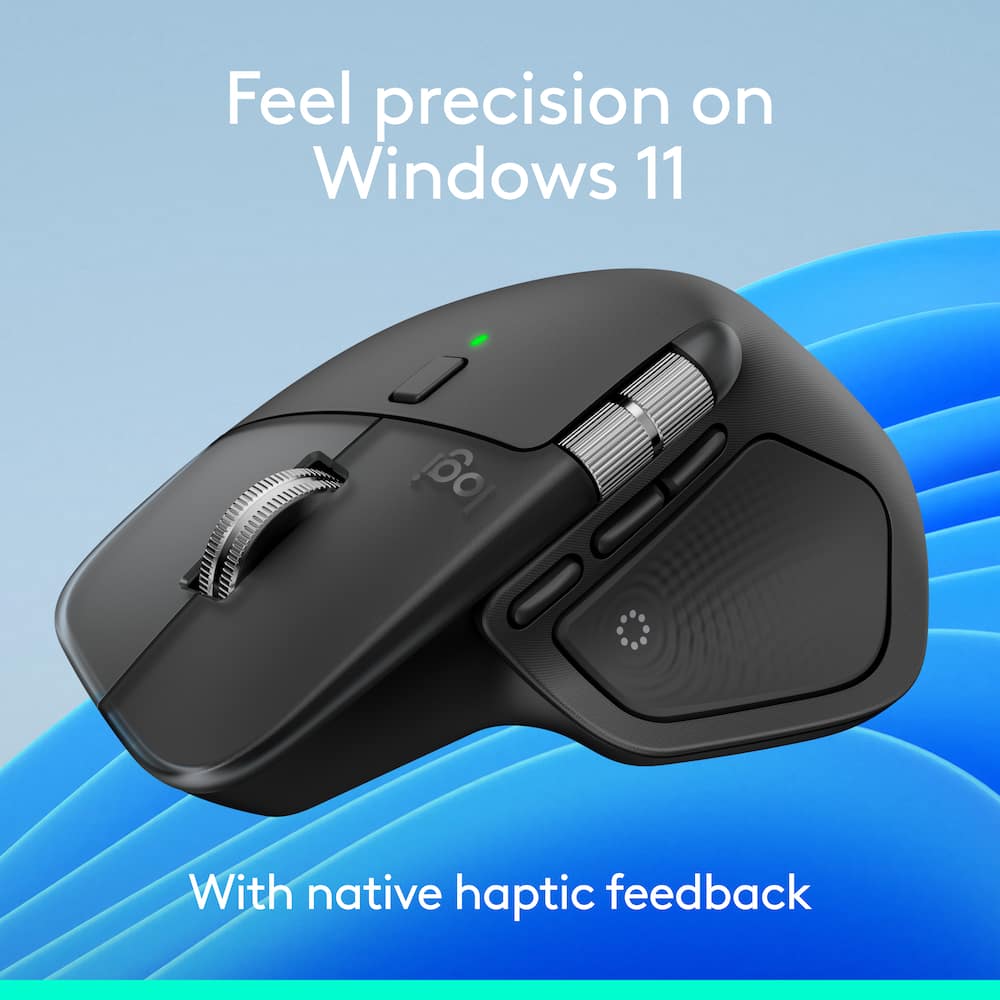
- Feel precision with native haptics on Windows 11 and MX Master 4
Unlock enhanced control and precision in PowerPoint and other compatible apps with native haptic support for Windows 11 - Compatible with Googlebook laptops
Unlock the speed, precision and ergonomic comfort needed to power through your heaviest workflows
Standard US ground delivery is $5.49 and arrives in 3–5 business days. Orders over $60 ship free. Returns are accepted within 30 days of delivery.
Mrrrt (verified owner) –
Love it! – I had the original mx master for years, and still worked just fine. However, I wanted the updated charging port and the extras that you could assign to the mouse itself as well. Comfort is great as always, and the assignable options for Mac are very usable. All in all, a great upgrade.
Josh (verified owner) –
Side scroll: the feature you don’t know you need – If you spend any portion of your day in Excel or navigating large documents, this mouse is a luxury worth more than a morning cup of coffee. Feels premium. Looks premium. Executes.
JBerky1 (verified owner) –
Scroll wheel broke already – I love the feel of the mouse, the weight, and the click is very satisfying. I find it to be very accurate and comfortable. But my scroll wheel has already broken after 4 months.
Flower (verified owner) –
Love this Mouse! – I really like the ergonomic feel of this mouse. I have pretty average sized hands for a female and while the mouse is super big in my hands it’s not unformortably so. I like the quick click feature of the mouse but I am not really a fan of the fact that you have to download the logitech software to utilize it’s full potential. However, comfort and durability and travel is where this little mouse shines! the only other flaw is that it comes with a C-donggle but there is no where to store it other than the charging port of the mouse and it is so small you could definitely loose it.
CodyO (verified owner) –
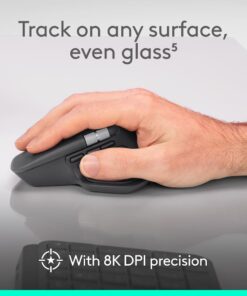
Best mouse I’ve used for all-day work – I use this mouse for about ten hours a day, and it’s the most comfortable one I’ve owned. The sculpted shape supports my hand well, and the thumb rest keeps my wrist in a natural position, so I no longer get the end-of-day fatigue I used to. Tracking is precise on every surface I’ve tried, including glass, and the scroll wheel is fast and smooth. The haptic feedback is the standout feature. It adds subtle, useful confirmation when you’re scrubbing, snapping, or switching tasks, and it makes the mouse feel more responsive than a standard one. The Adobe Edition customization is great for creative work, and I mapped my most-used shortcuts in Photoshop and Premiere to the side buttons within minutes. Multi-device pairing works reliably, and battery life has been excellent between charges.
It’s a premium price, but for anyone who spends real hours at a desk, it’s worth it.
ShawnP (verified owner) –
Best mouse yet – It glides like it’s on a hill of ice. Highly customizable!
NICK (verified owner) –
Great programming options – Great mouse with plenty of options to program for design software like Revit and Adobe
BROGAND (verified owner) –
Amazing mouse! – Love the ergonomic feel of the mouse as well as all the bells and whistles that you can customize to your liking!
TheOnlyBo (verified owner) –
Great for office work – Went from a triathlon m720, to a mx master 3s, and now have this one. This has by far solved any issues i had on prior mouses. It fits my larger hands and has great control. The buttons are solid and smooth, and overall the mouse makes precision accurate moves when used for editing and other office work. The Logi Options software has gotten better over the years, but once you have your settings dialed in the mouse wheel is amazing and dpi is predictable and smooth. Super happy with this mouse. Havent dove into haptic much yet, but the feedback given from it when it does activate is pretty decent.
JPac (verified owner) –
Lots of options – Hard to go wrong with Logitech. If you’re a gamer this mouse gives you so many options it almost makes a keyboard useless. Is ergonomic which means longer playing with less stress/cramping of the hand. Lazer gives a fast response across multiple surfaces.
LuisM (verified owner) –
Best mouse ever – If this is your first mx, go for it. You wont regret.
ROBERTW (verified owner) –
Best mouse – I liked this mouse so much I bought a second one for the office. Its comfortable in the hand. The charge lasts for a good month. I use the horizontal scroll wheel all the time and its amazing. The hepatic feedback is great for a noisy office where I keep the volume down low out of courtesy to others. You can feel new messages or emails right in your hand.
SebatianG (verified owner) –
Amazing ergonomics – This mouse is by far one of the most comfortable mouses that i have ever used and thile clicks are so nice especially when working from home or at the office
Matt (verified owner) –
Not worth it – I hated this mouse immediately. Too much going on and you click buttons on the mouse when you dont mean to. Waste of money!!!!!
Good (verified owner) –
the best mouse – It has been the best mouse; I always recommend it. It is ergonomic, precise, and quiet—the best one I’ve ever had for all kinds of activities.
socal16 (verified owner) –
Improved over the 3S – I have been using the MX Master since the 2 series. The 4 series just refines what is already a great mouse. It’s much easier to press the thumb gesture pad to bring up the new “Action Ring”. While I don’t use it too often, the fact that it’s easy to press is already a plus (I rarely used in on the 3S). Overall a great refinement to my favorite mouse.
LUISS (verified owner) –
The best mouse in the market ! – The best mouse in the market. you can easly scroll up and down, it is super accurate and smooth !
KenL (verified owner) –
Somewhat Better – I don’t see a lot of improvement for my purpose over the few MX 3S versions we’ve used the last few years. For one more active on Adobe, it might be worth upgrading.
DavySprockett (verified owner) –
Best scrolls ever – The free scroll middle mouse wheel is awesome for working with agents. The side scroll is amazing for working with Figma.
It’s a little heavy for me but some people are into that so I won’t ding it.
SANDYOMBICO (verified owner) –
GOOD PRODUCT – It’s a nice product and easy to use no worries of replacing the batteries.