Sale



Sale!
Logitech
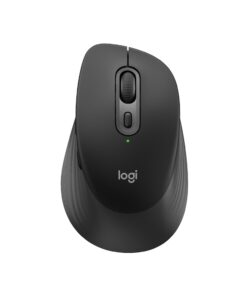
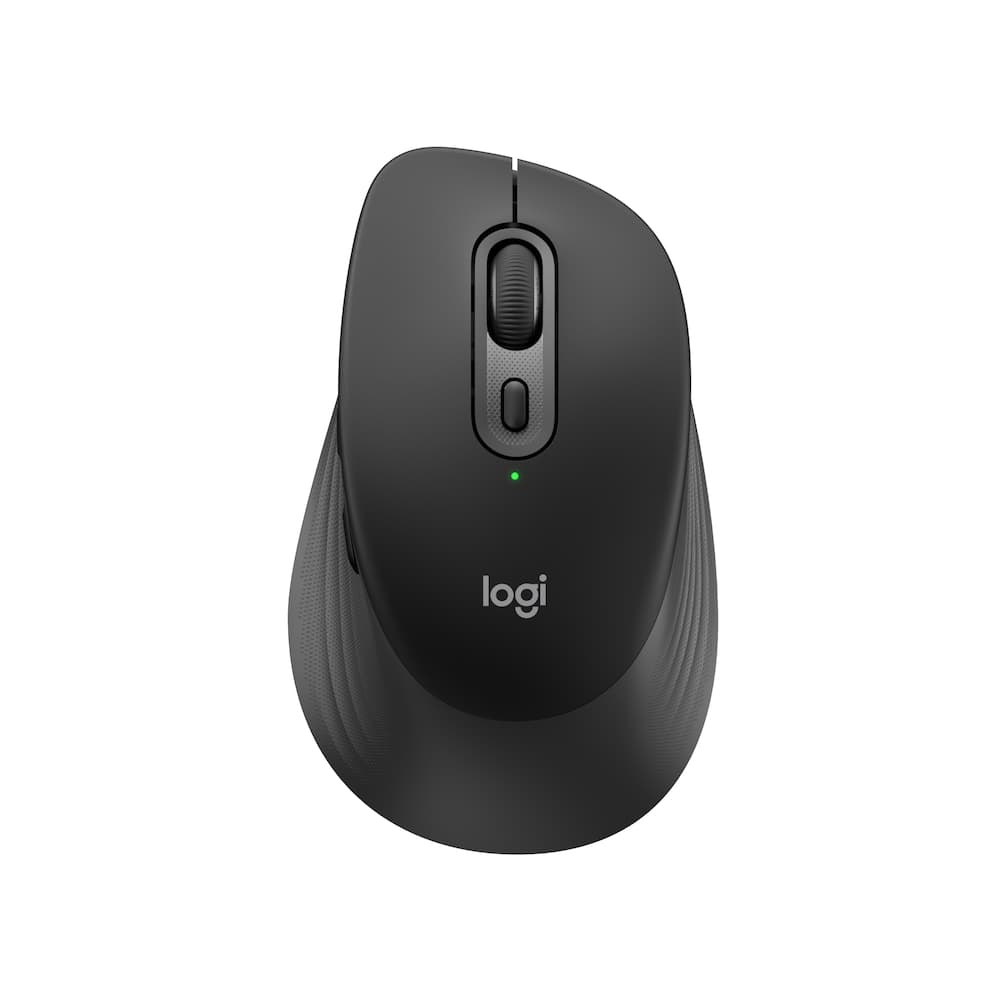
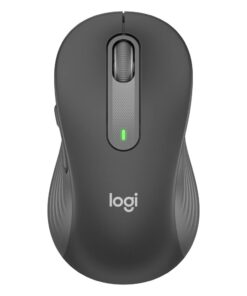
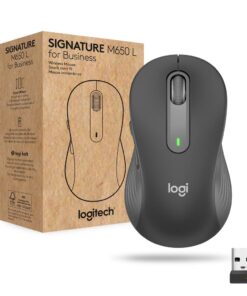
Logitech – Signature Comfort M840 L Wireless Bluetooth Mouse with Silent Clicks and Customizable Buttons – Wireless – Black
★★★★★★★★★★ (4.9) 17 reviews
Original price was: $39.99.$31.99Current price is: $31.99. Save $8.00
In stock · Ready to ship
Delivery Tue, Nov 24 – Thu, Nov 26 Free shipping on orders $60+
Secure checkout · Visa · Mastercard · Amex · Discover · PayPal
Questions? Talk to a product specialist
(888) 519-3048
- Free shipping $60+3–5 business days
- 30-day returnsMoney-back guarantee
- Brand-newManufacturer warranty
- Ships from the USColumbus, OH
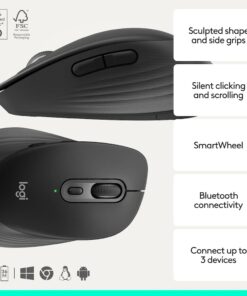
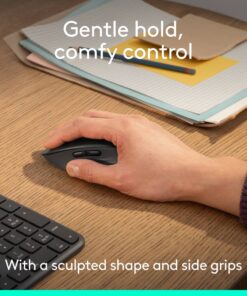
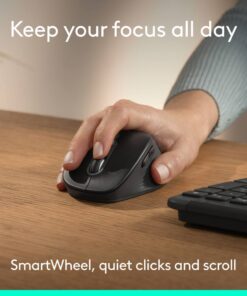
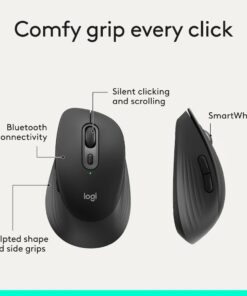
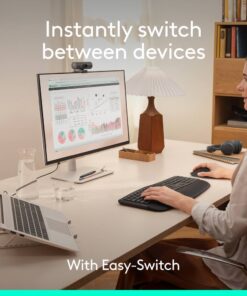
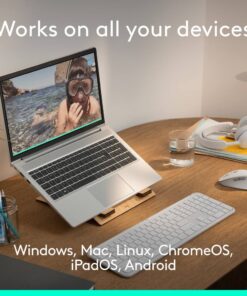
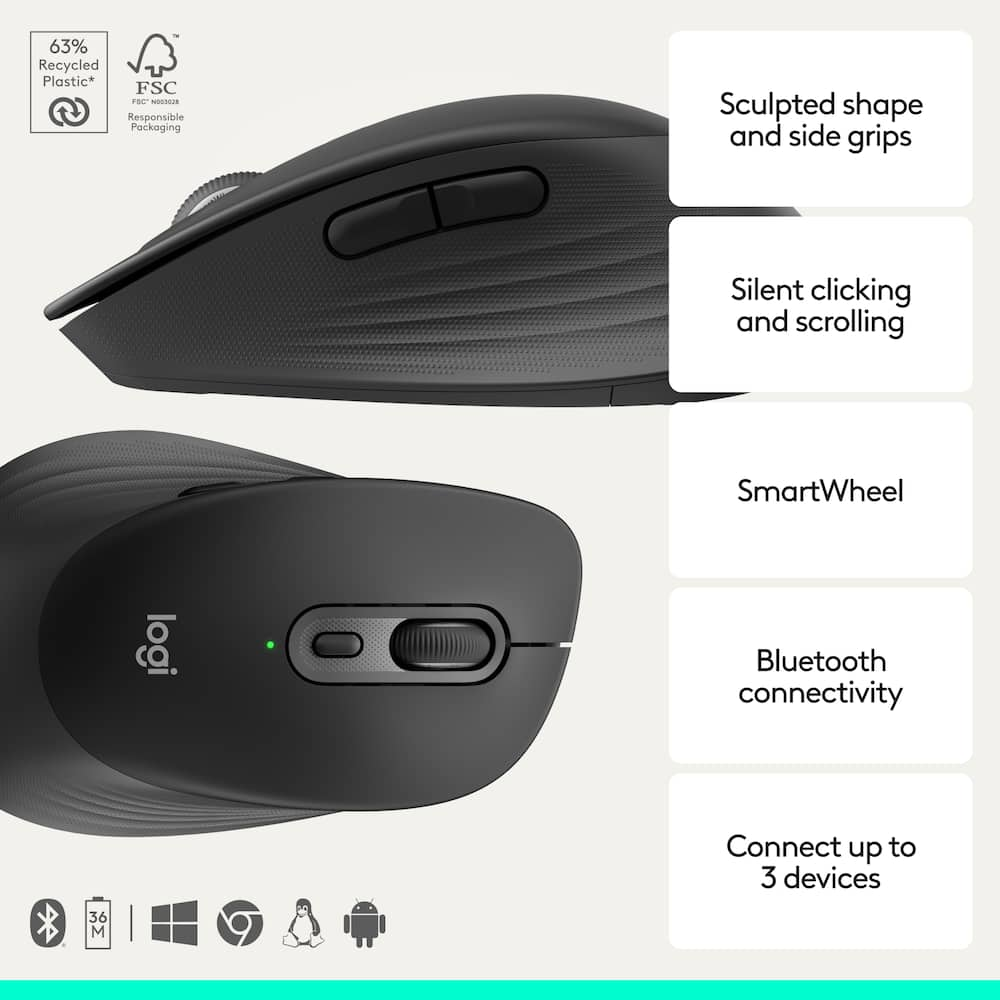
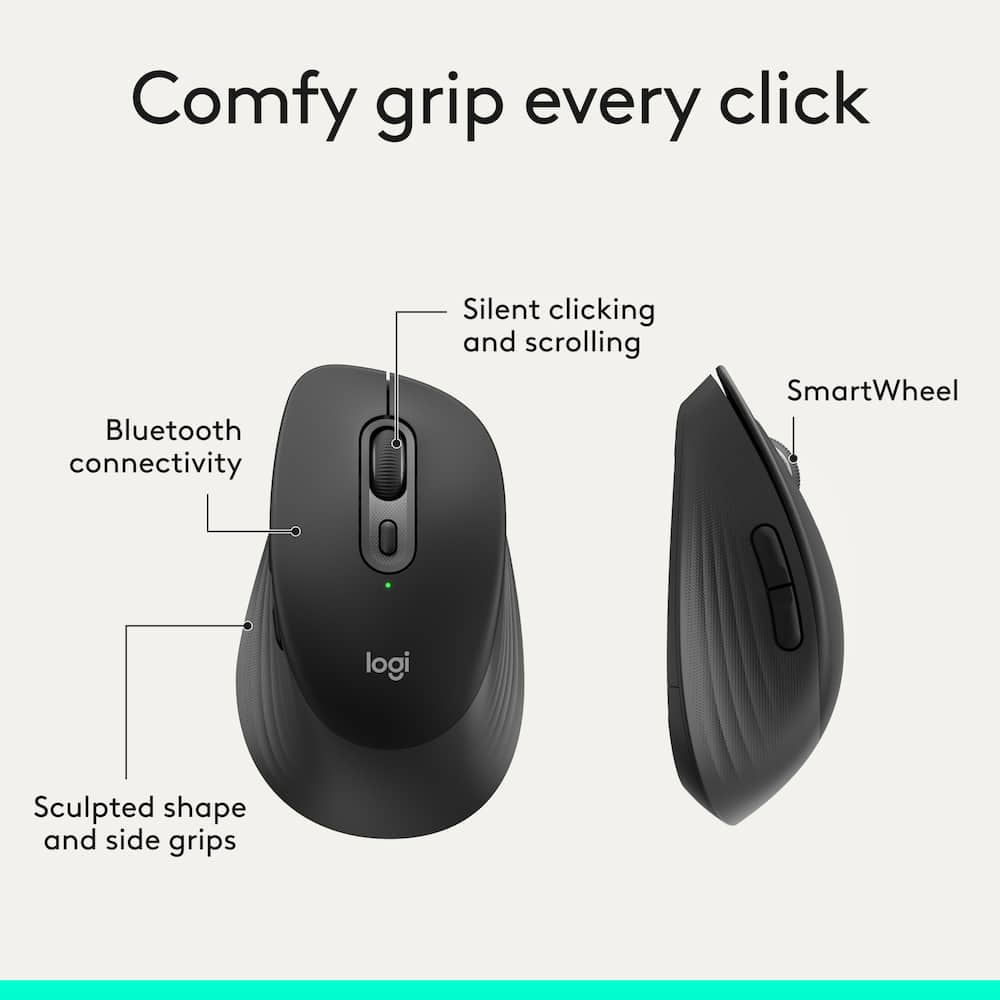
- Comfy grip, every click Contoured mouse shaped for right-handed use and adapted for most hand sizes, this comfortable mouse with cozy side grips make your workday more comfortableScroll faster, stay focused Scroll line by line or fly through pages with SmartWheel; quiet clicks reduce noise in shared or home officesMake it yours Customizable buttons via Logi Options+ adapt to your tasks and help you do more; in the app you can boost productivity across apps, adjust DPI levels and personalize your workflow.Simple connections Connect this multi-device mouse with Bluetooth pairing, then swap up to 3 devices instantly with Easy-Switch—just a tap, no dongle needed; perfect for multitaskingPower that just keeps going Logitech Signature Comfort M840 L wireless Bluetooth mouse stays powered up for up to 24 months—no constant battery changesPower that just keeps going Logitech Signature Comfort M850 L wireless Bluetooth mouse stays powered up for up to 24 months—no constant battery changesWorks on nearly any platform Compatible with Windows, macOS, Chrome OS, Linux, ipadOS and Android; one mouse for all your devices and desk setupsDesigned for sustainability The plastic parts of Signature Comfort Plus M850 L are made with a minimum of 49% post-consumer recycled plastic
Key specs
- Weight
- 104.6 lbs
- Dimensions
- 4.8 × 2.93 × 1.7 in
- Color
- Black, Off-white
- Brand
- Logitech
- Model Number
- 910-007714
- Product Name
- Signature Comfort M840 L Wireless Bluetooth Mouse with Silent Clicks and Customizable Buttons
- Mouse Type
- Standard
- Weight
- 104.6 lbs
- Dimensions
- 4.8 × 2.93 × 1.7 in
- Color
- Black, Off-white
- Brand
- Logitech
- Model Number
- 910-007714
- Product Name
- Signature Comfort M840 L Wireless Bluetooth Mouse with Silent Clicks and Customizable Buttons
- Mouse Type
- Standard
- Lighting Type
- None
- Mouse Operation
- Button(s)
- Mouse Grip Style
- Ergonomic
- Handedness
- Right-handed
- Tracking Method
- Optical
- Maximum Sensitivity
- 4000 dots per inch
- Minimum Sensitivity
- 400 dots per inch
- Number of Buttons (Total)
- 6
- Adjustable Weight
- No
- Connection Type
- Wireless
- Wireless Connectivity
- Bluetooth
- Operating System Compatibility
- Windows
- Mouse Power Source
- Battery-powered
- On/Off Switch
- Yes
- Rechargeable Battery (Mouse)
- No
- Battery Size
- AA
- Number of Batteries Required
- 1
- Batteries Included
- Yes
- Mouse Pad Included
- No
- Product Height
- 1.7 inches
- Product Length
- 4.8 inches
- Product Width
- 2.93 inches
- Product Weight
- 104.6 grams
- System Requirements
- Via Bluetooth Low Energy Wireless Technology, Windows 10, 11 or later, macOS 12 or later, Linux, ChromeOS, iPadOS 15 or later, Android OS 12 or later
- Warranty - Parts
- 1 year limited
- Warranty - Labor
- None
- UPC
- 097855210036, 097855209931
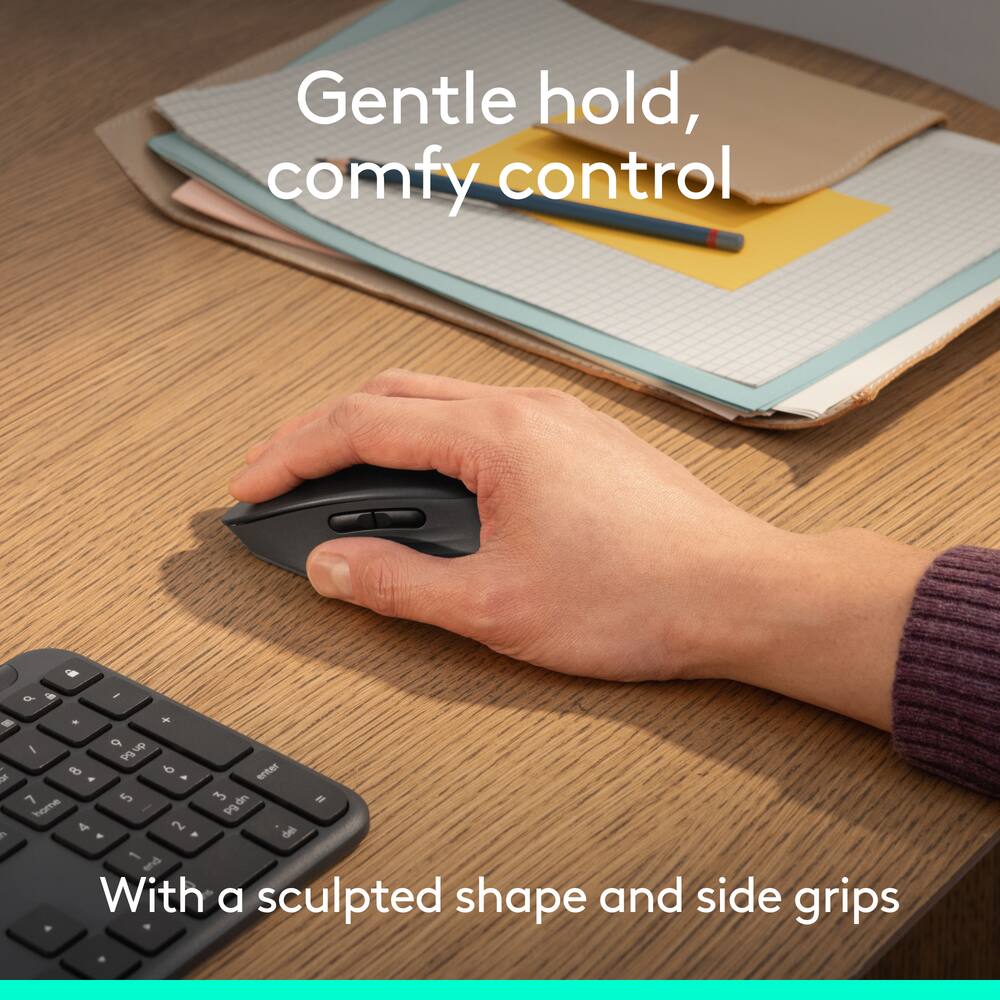
- Comfy grip, every click
Contoured mouse shaped for right-handed use and adapted for most hand sizes, this comfortable mouse with cozy side grips make your workday more comfortable - Scroll faster, stay focused
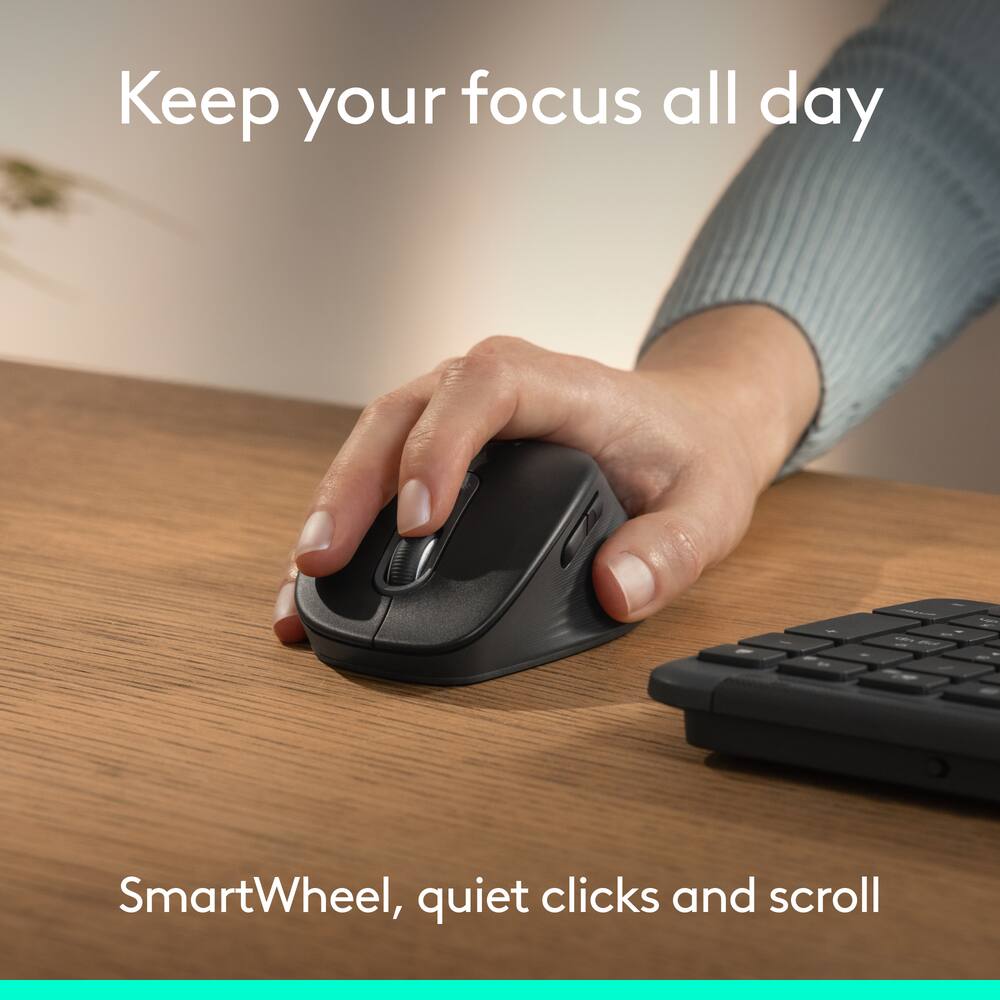
Scroll line by line or fly through pages with SmartWheel; quiet clicks reduce noise in shared or home offices - Make it yours
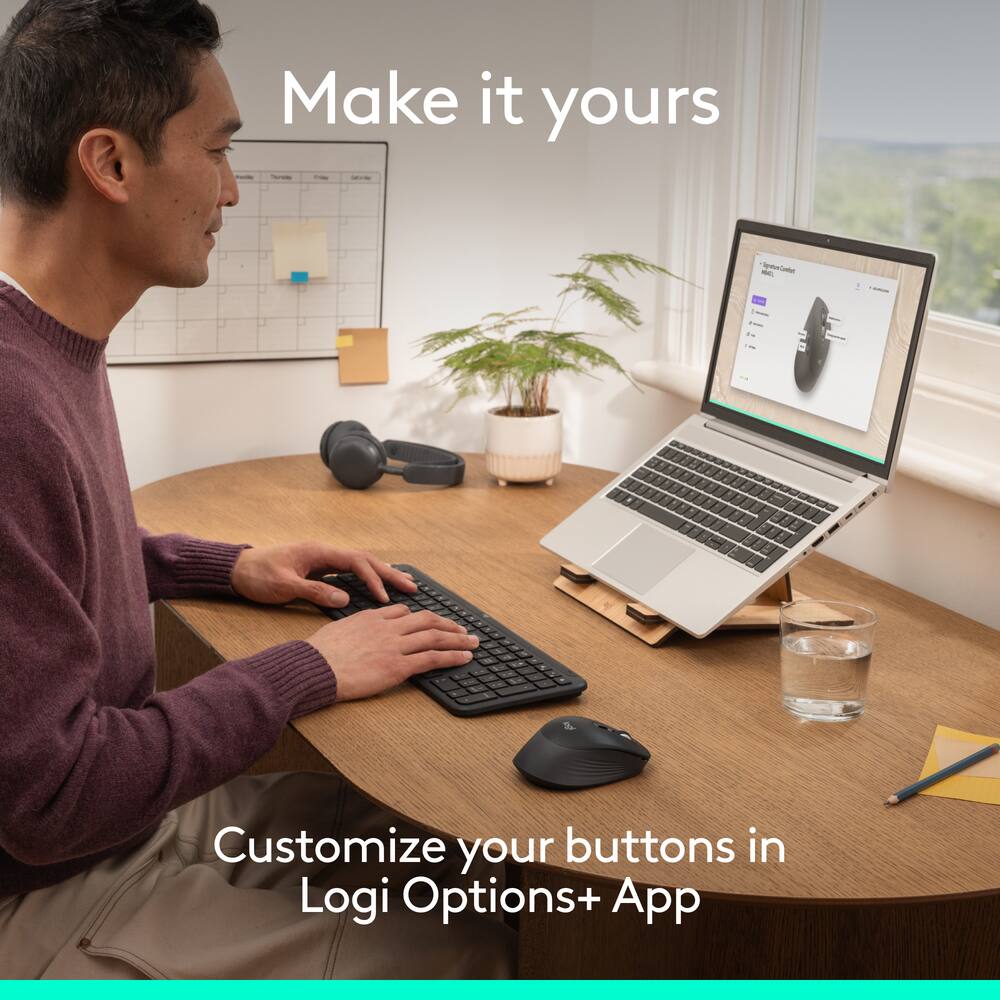
Customizable buttons via Logi Options+ adapt to your tasks and help you do more; in the app you can boost productivity across apps, adjust DPI levels and personalize your workflow. - Simple connections
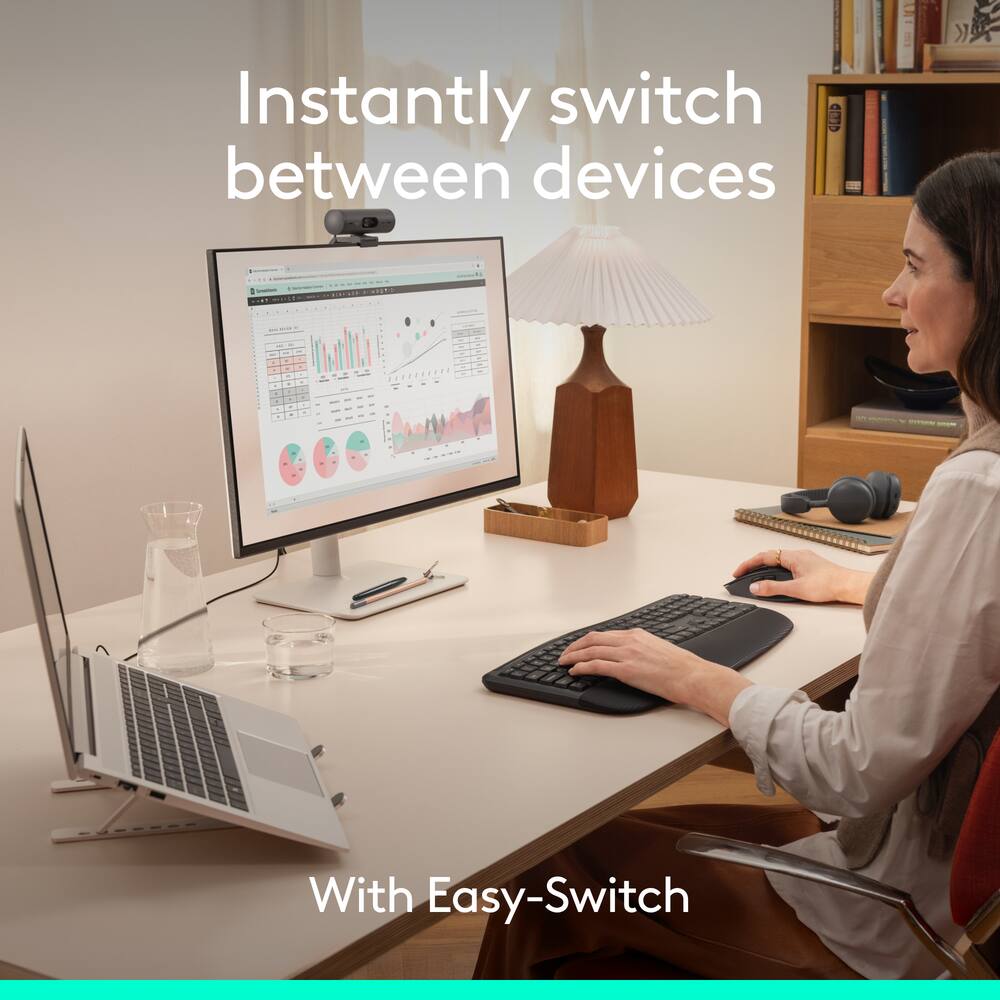
Connect this multi-device mouse with Bluetooth pairing, then swap up to 3 devices instantly with Easy-Switch—just a tap, no dongle needed; perfect for multitasking - Power that just keeps going
Logitech Signature Comfort M840 L wireless Bluetooth mouse stays powered up for up to 24 months—no constant battery changes - Power that just keeps going
Logitech Signature Comfort M850 L wireless Bluetooth mouse stays powered up for up to 24 months—no constant battery changes - Works on nearly any platform
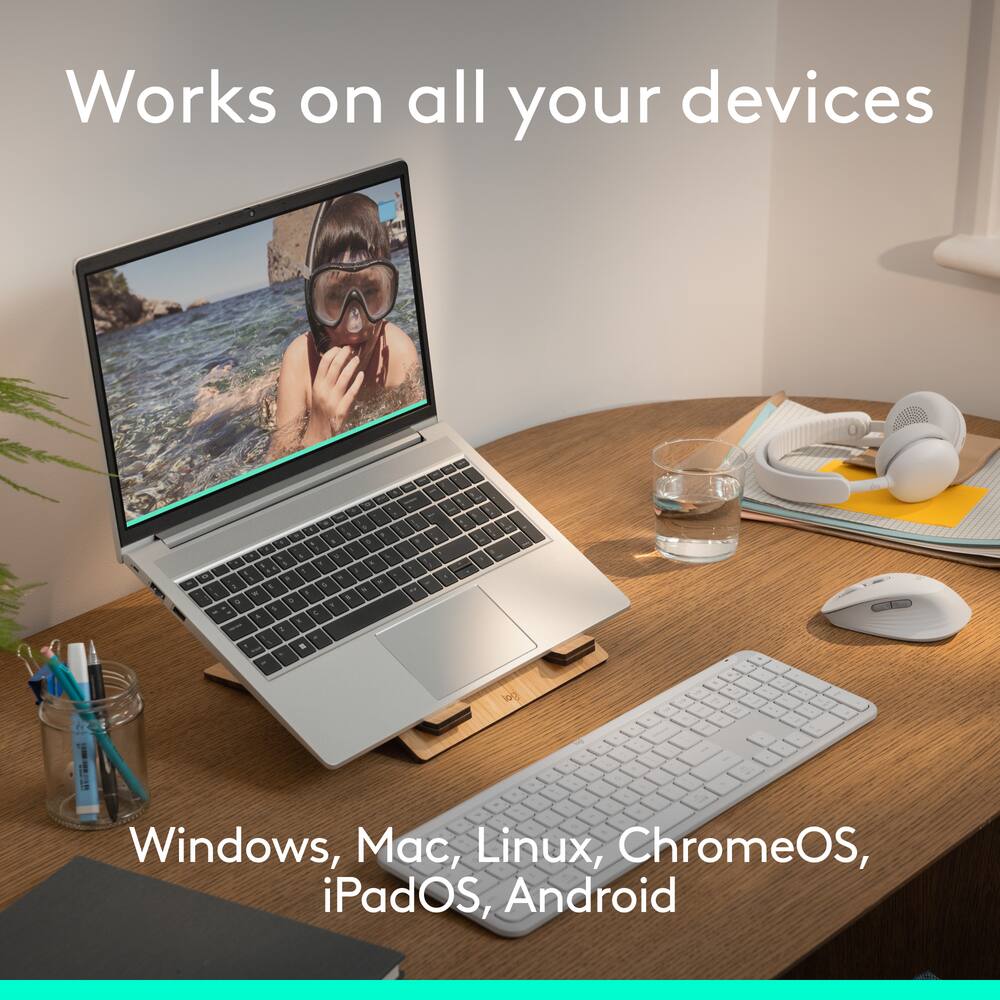
Compatible with Windows, macOS, Chrome OS, Linux, ipadOS and Android; one mouse for all your devices and desk setups - Designed for sustainability
The plastic parts of Signature Comfort Plus M850 L are made with a minimum of 49% post-consumer recycled plastic
Standard US ground delivery is $5.49 and arrives in 3–5 business days. Orders over $60 ship free. Returns are accepted within 30 days of delivery.
UncleLenny (verified owner) –
Needed updated wireless mouse – The Logitech M840L is exactly what I needed. A big upgrade from what I’d been using. It’s comfortable and quick to respond. I now have the same model at work as well.
ANDREWM (verified owner) –
Nice shape – I have large hands, and this is very comfortable in the hand. I originally bought the M850L which is the same shape as this one, but has an ad added cushion on top. But that one cost $10 more and because I use a mouse pad with a wrist pad, my hand didn’t touch the top of the mouse, so I exchanged it for this one, and I’m really happy with this one.
DAVISB (verified owner) –
The usability – Highly recommend this over the pricier Logitech mouse models. It’s slick, silent and easily connectable. It’s such a good product that I don’t worry about comparisons from any other mouse models. For 39.99, I personally think that this is the best mouse
JamesSellsHomes (verified owner) –
Very Nice Mouse – Moves smoothly, comfortable. Definitely a keeper for my computer, will be buying a 2nd one for my wife to use.
BRANDONF (verified owner) –
Love being able to switch between computers – Its improed my efficiency with editing photos. I haven’t used the app yet, but being able to set custom buttons will be helpful as well. I do love that I can press a button and switch which computer I am connected to!
SERGIOV (verified owner) –
Best Logitech Mouse – Good product and good brand, I would but it again
MAXC (verified owner) –
Great – Perfect little mouse with excellent ergonomics for small hands
WILLIAMP (verified owner) –
Mouse review – Sweet mouse! Would absolute recommend to anyone! 10 out of 10
JasonNewsman (verified owner) –
Smooth, Substantial, Responsive Mouse – I was worried that the mouse was too large, but the comfort of it is through the roof. I love how it feels in my hand, the quiet clicks. So far the only issue I’ve had is that I sometimes accidentally hit the customizable button on the side of the mouse, clicking backwards on a webpage. Of course, it’s easy to change and customize it, so this is a me problem, not a product problem. Love it! Would recommend, especially at the great value of this mouse.
PIETRAD (verified owner) –
Best Choice Mouse – This is the best mouse to use with a laptop. I feel extremely comfortable recommending this item to those who need a mouse instead of using the laptop pad.
AliceS (verified owner) –
Logitech Signature Comfort Wireless Mouse – This is such a great feature of being wireless. No hassle of cords.
KEVIN (verified owner) –
Good quality but connection issues – Very good quality; it’s really smooth and comfortable. I like the low-noise click feature. One issue I have is that it seems to have connectivity issues and gets stuck in a loop trying to connect to my laptop.
Soulsearcher (verified owner) –
Reliable – Logitech makes solid products. I used them through the years in my professional capacity and now in retirement. This wireless mouse is another solid product and I recommend it for those who want a small, ergo, wireless mouse which doesn’t require a dongle.
WILLIAMH (verified owner) –
Hand mouse – Works very well, well made would recommend i liked it very well use it every day good for class work too
DOUGM (verified owner) –
Easy to use Bluetooth Mouse – After using this product for a while I find it meets all of my needs and is easy to use. The set up was fast and easy right out of the box and I would recommend this to anyone looking for one to use with their own MacBook Air.
CORYD (verified owner) –
Best mouse I ever owned! – Right when I pulled the battery tab, the computer connected it instantly! The clicks make no noise at all!
Very silent and responsive! Extremely satisfied! I have never paid so little for so much!
ROBERTR (verified owner) –
Nice mouse! – Works well, very quiet. Wireless range is great, the computer is a few feet away.