Sale



Sale!

Adobe Model 6570513
Adobe – Express for Chromebooks – Chrome [Digital]
★★★★★★★★★★ (5.0) 2 reviews
Original price was: $99.99.$79.99Current price is: $79.99. Save $20
In stock · Ready to ship
Delivery Tue, Nov 10 – Thu, Nov 12 Free shipping
Secure checkout · Visa · Mastercard · Amex · Discover · PayPal
Questions? Talk to a product specialist
(888) 519-3048
- Free shipping $60+3–5 business days
- 30-day returnsMoney-back guarantee
- Brand-newManufacturer warranty
- Ships from the USColumbus, OH
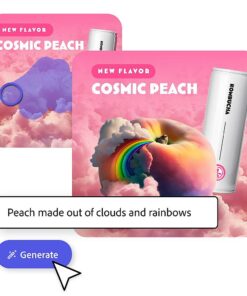
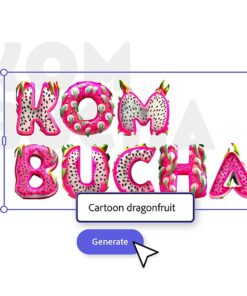
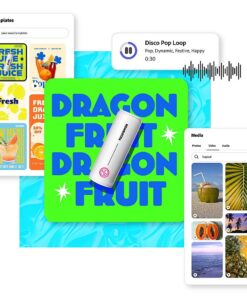
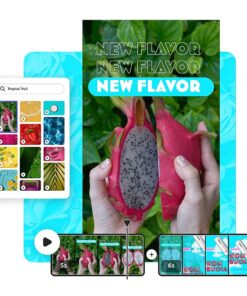
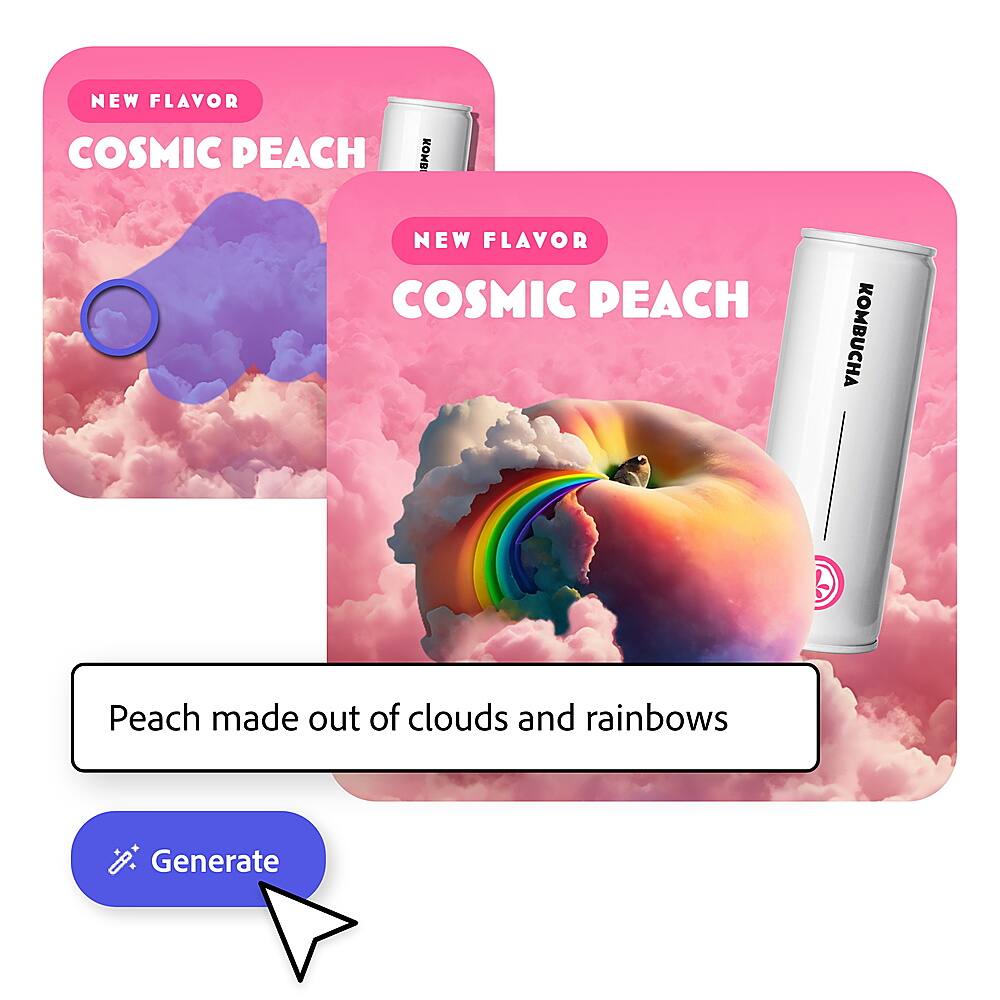
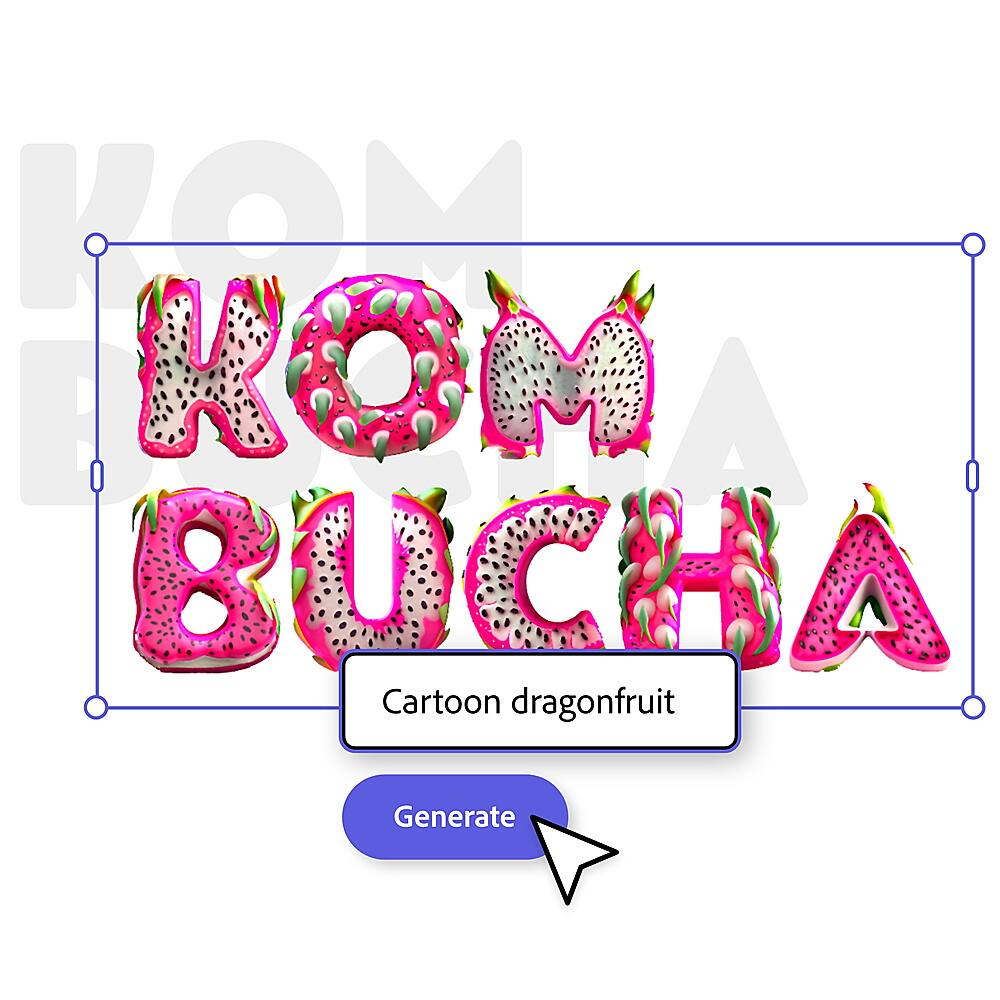
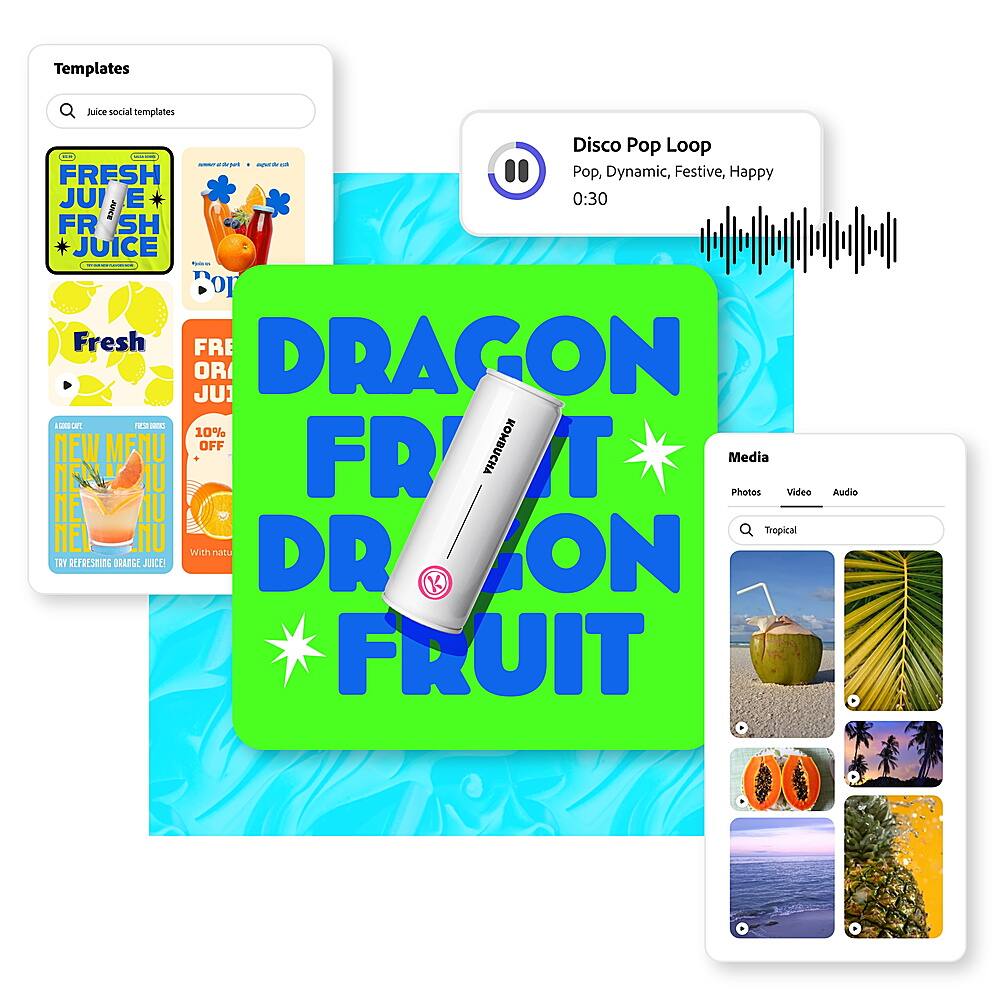
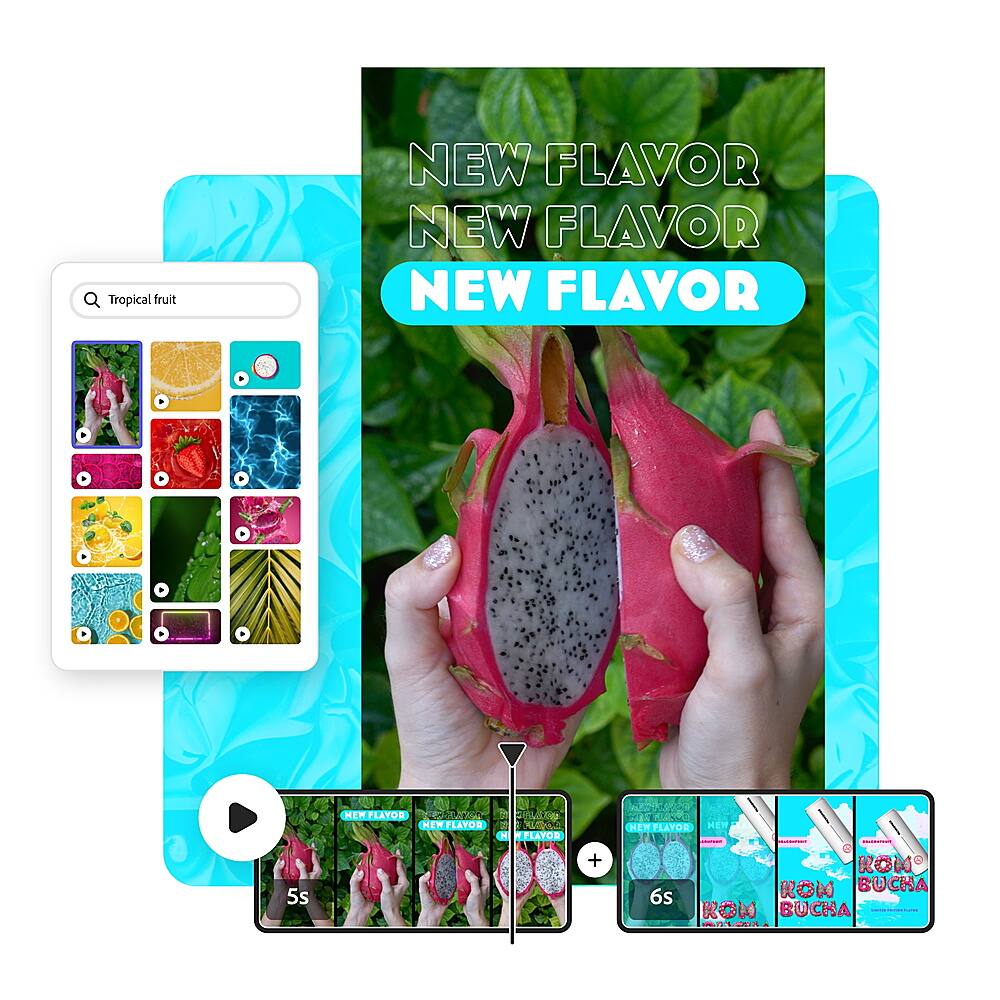
- Text to image Generate images from a detailed text description.Generative fill Add or remove elements with a text prompt.Text to template Create templates from a text prompt.Text effects Apply styles or textures to text with a text prompt.One-click quick action Explore one-click tasks for videos, photos, PDFs, and more.Tons of templates Start inspired with thousands of professionally-designed templates - free and easy.Video made easy Drag.
- Add Adobe Stock videos and music quickly for social videos that stand out.
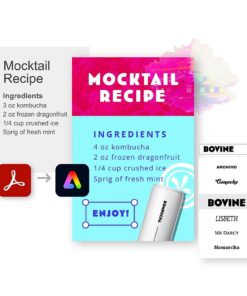
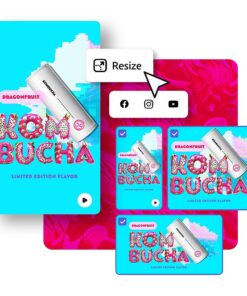
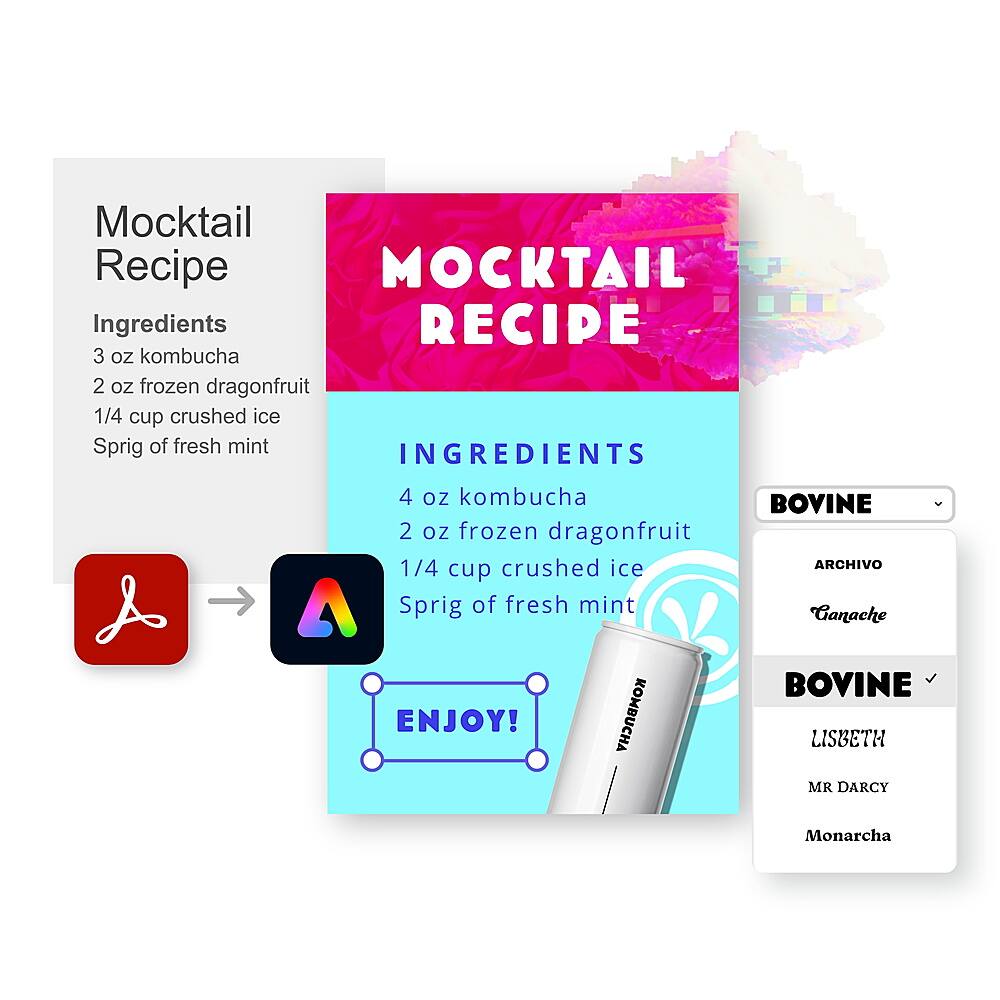
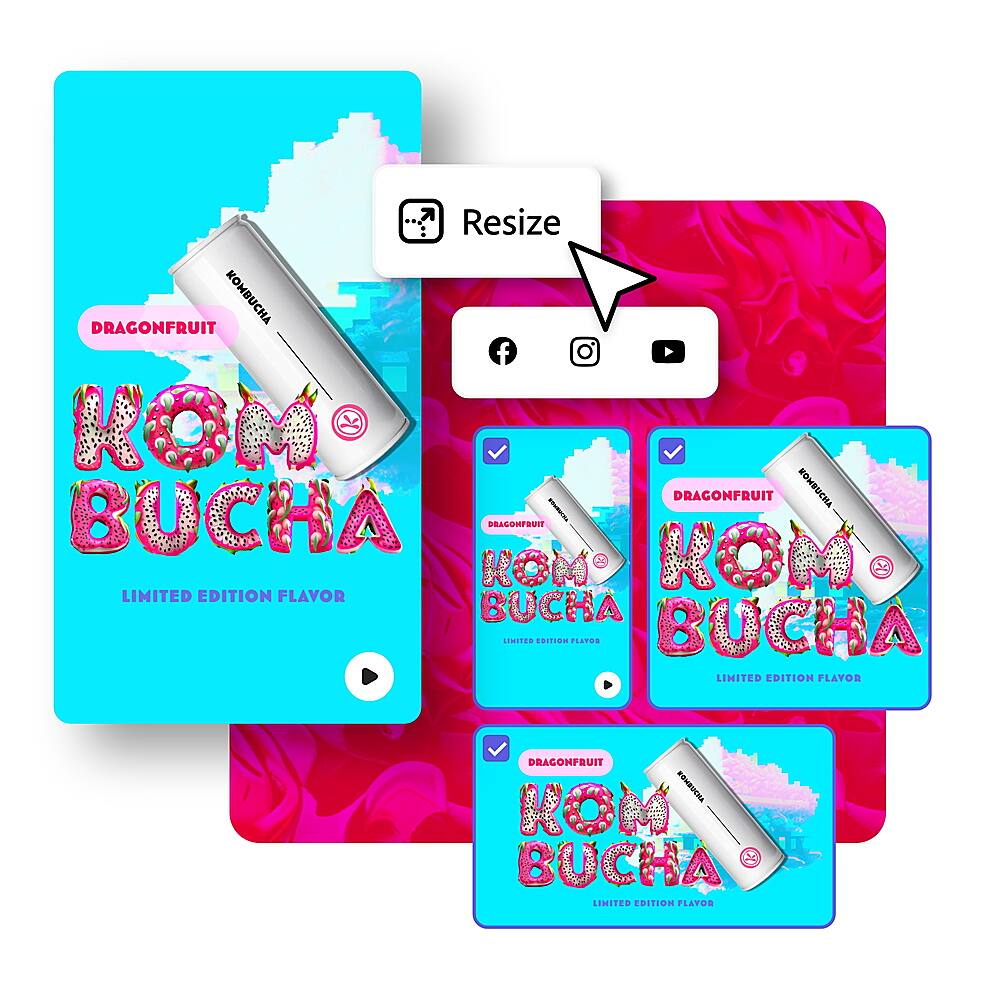
- No experience necessary.Take your PDF's from drab to fab Drag and drop your PDF's into Adobe Express to take them from drab to fab with eye-catching text, backgrounds, and design elements.Resize any asset Turn your design into a social campaign instantly.
- Resize for any channel in one click.
- Schedule it.Build your brand Brand kits make it easy to stay on brand with Adobe Express.
- All your fonts, colors, and logos are ready to drop into any design.
Key specs
- Brand
- Adobe
- Model Number
- ADO951800V238
- Product Name
- Adobe Express for Chromebooks
- Software Subject
- Photo editing
- Language(s)
- English
- Operating System Compatibility
- Chrome
- Software Format
- Digital
- Brand
- Adobe
- Model Number
- ADO951800V238
- Product Name
- Adobe Express for Chromebooks
- Software Subject
- Photo editing
- Language(s)
- English
- Operating System Compatibility
- Chrome
- Software Format
- Digital
- Digital Delivery Type
- Download
- Publisher
- Adobe
- UPC
- 883919289847
- Text to image
Generate images from a detailed text description. - Generative fill
Add or remove elements with a text prompt. - Text to template
Create templates from a text prompt. - Text effects
Apply styles or textures to text with a text prompt. - One-click quick action
Explore one-click tasks for videos, photos, PDFs, and more. - Tons of templates
Start inspired with thousands of professionally-designed templates – free and easy. - Video made easy
Drag. Drop. Impress. Add Adobe Stock videos and music quickly for social videos that stand out. No experience necessary. - Take your PDF’s from drab to fab
Drag and drop your PDF’s into Adobe Express to take them from drab to fab with eye-catching text, backgrounds, and design elements. - Resize any asset
Turn your design into a social campaign instantly. Resize for any channel in one click. Download it. Schedule it. - Build your brand
Brand kits make it easy to stay on brand with Adobe Express. All your fonts, colors, and logos are ready to drop into any design.
Standard US ground delivery is $5.49 and arrives in 3–5 business days. Orders over $60 ship free. Returns are accepted within 30 days of delivery.

LucilleM (verified owner) –
Chromebook order – Easy ordering. Quick pickup, good sale price. Pleasant shopping.
Cellholder (verified owner) –
Cool – I haven’t really used it yet, so I don’t have a lot of words to say.