Sale


Sale!
ASUS
ASUS – ROG Swift 32″ 4K OLED 240Hz 0.03ms Gaming Monitor with FreeSync Premium Pro and HDR (DisplayPort, HDMI) – Black
★★★★★★★★★★ (5.0) 20 reviews
Price range: $799.99 through $1,039.99 Save $260
In stock · Ready to ship
Delivery Tue, Nov 24 – Thu, Nov 26 Free shipping
Secure checkout · Visa · Mastercard · Amex · Discover · PayPal
Questions? Talk to a product specialist
(888) 519-3048
- Free shipping $60+3–5 business days
- 30-day returnsMoney-back guarantee
- Brand-newManufacturer warranty
- Ships from the USColumbus, OH
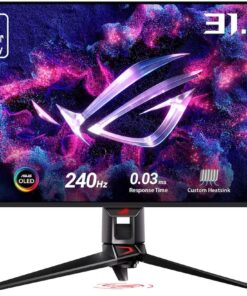
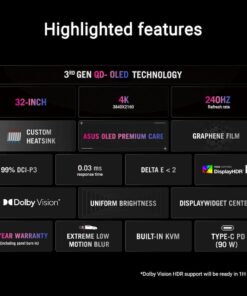
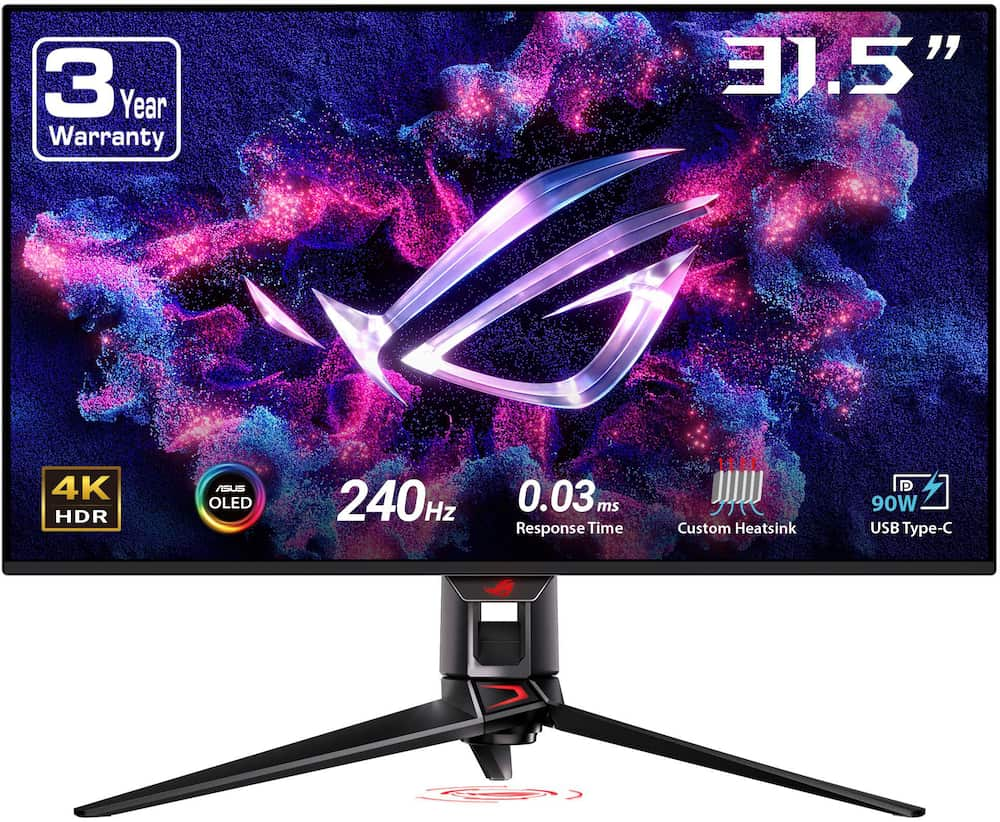
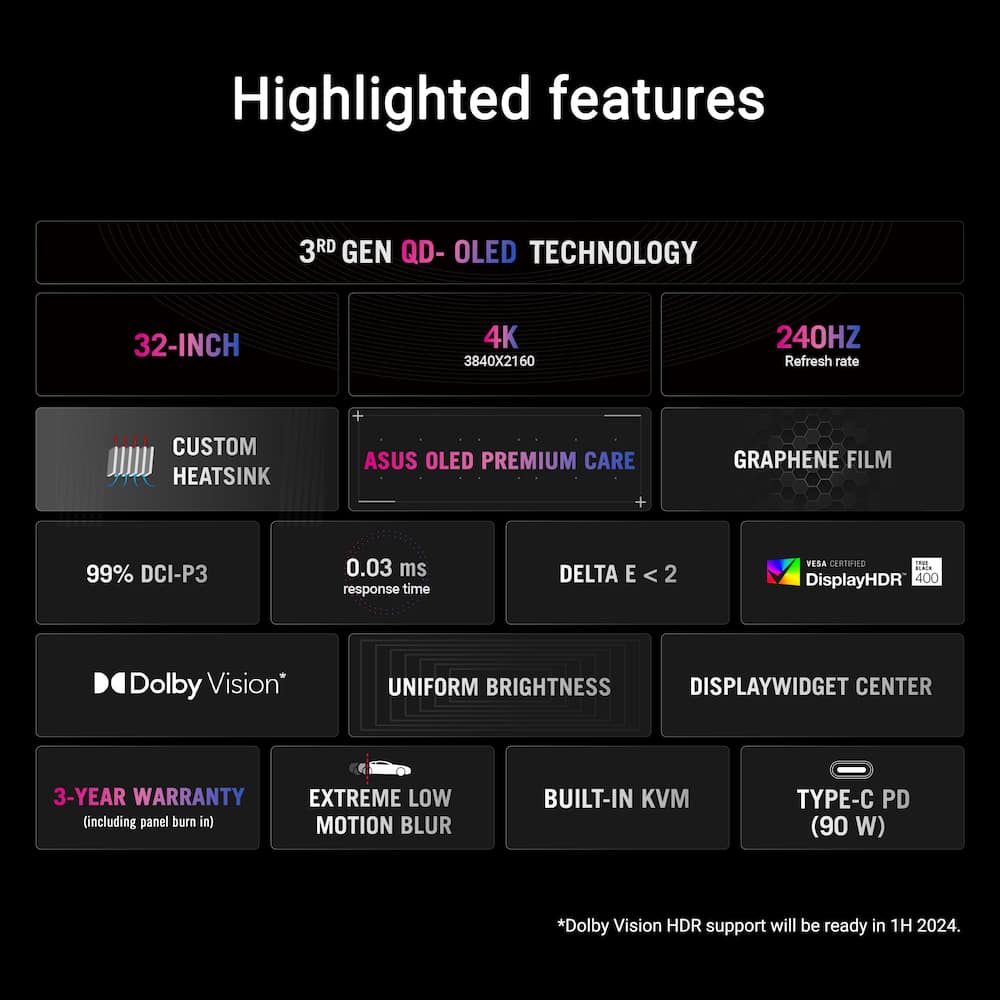
- UHD 3840x2160 Resolution The 32-inch 4K QD-OLED panel of the PG32UCDM opens up a world of unbelievably lifelike gaming and entertainment experiencesNVIDIA G-SYNC G-SYNC Compatible, delivering a seamless, tear-free gaming experience by enabling VRR by default240Hz Refresh Rate Features 240Hz refresh rate for ultra fast and smooth gameplayASUS Aura Sync Synchronizing up lighting effects between all Aura-capable peripheralsViewing Angle 178°(H)/178°(V)Brightness 450 cd/㎡Contrast Ratio 1,500,000:1Response Time 0.03msInputs/Connections 1x DP (v1.4), 2x HDMI (v2.1)
Key specs
- Weight
- 19.4 lbs
- Dimensions
- 28.27 in
- Screen Size
- 32", 27"
- Brand
- ASUS
- Model Number
- PG32UCDM
- Product Name
- ROG Swift 32" 4K OLED 240Hz 0.03ms Gaming Monitor with FreeSync Premium Pro and HDR (DisplayPort, HDMI)
- Color
- Black
- Weight
- 19.4 lbs
- Dimensions
- 28.27 in
- Screen Size
- 32", 27"
- Brand
- ASUS
- Model Number
- PG32UCDM
- Product Name
- ROG Swift 32" 4K OLED 240Hz 0.03ms Gaming Monitor with FreeSync Premium Pro and HDR (DisplayPort, HDMI)
- Color
- Black
- Refresh Rate
- 240Hz
- Maximum Resolution
- 3840 x 2160
- Native Resolution
- 3840 x 2160
- Contrast Ratio
- 1,500,000:1
- Response Time
- 0.03 milliseconds
- Display Type
- OLED
- Synchronization Technology
- FreeSync Premium Pro (AMD Adaptive Sync)
- Aspect Ratio
- 16:9
- Display Contour
- Flat
- Brightness
- 450 candela per square meter
- High Dynamic Range (HDR)
- Yes
- High Dynamic Range Format
- Dolby Vision
- Horizontal Viewing Angle
- 178 degrees
- Vertical Viewing Angle
- 178 degrees
- Touch Screen
- No
- On-Screen Display Languages
- English
- Display Surface
- Anti-reflective
- OLED Technology
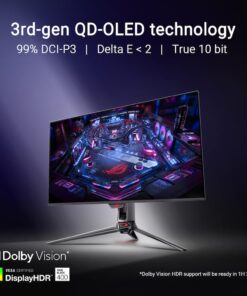
- QD-OLED
- Number of DisplayPort Inputs (Total)
- 1
- Number of HDMI Inputs (Total)
- 2
- Display Connector(s)
- 1 x DisplayPort 1.4
- Number of USB Ports (Total)
- 2
- USB Ports
- 1 x USB-A 3.2
- Headphone Jack
- Yes
- Wall Mountable
- Yes
- VESA Wall Mount Standard
- 100mm x 100mm
- Stand Type
- Adjustable height stand
- Stand Ergonomics
- Tilt
- Eye Relief Features
- Flicker free
- Built-In Webcam
- No
- Integrated Speaker(s)
- No
- Product Width
- 28.27 inches
- Product Weight
- 19.4 pounds
- Maximum Adjustable Height
- 22.8 inches
- Product Depth (With Stand)
- 10.79 inches
- Power Consumption
- 42 watts
- Power Saving/Off Mode
- 0.5 watts
- ENERGY STAR Certified
- No
- Operating System Compatibility
- Windows
- Warranty - Parts
- 3 years
- Warranty - Labor
- 3 years
- UPC
- 197105413726, 199291616424
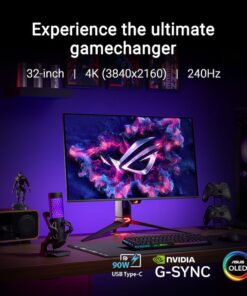
- UHD 3840×2160 Resolution
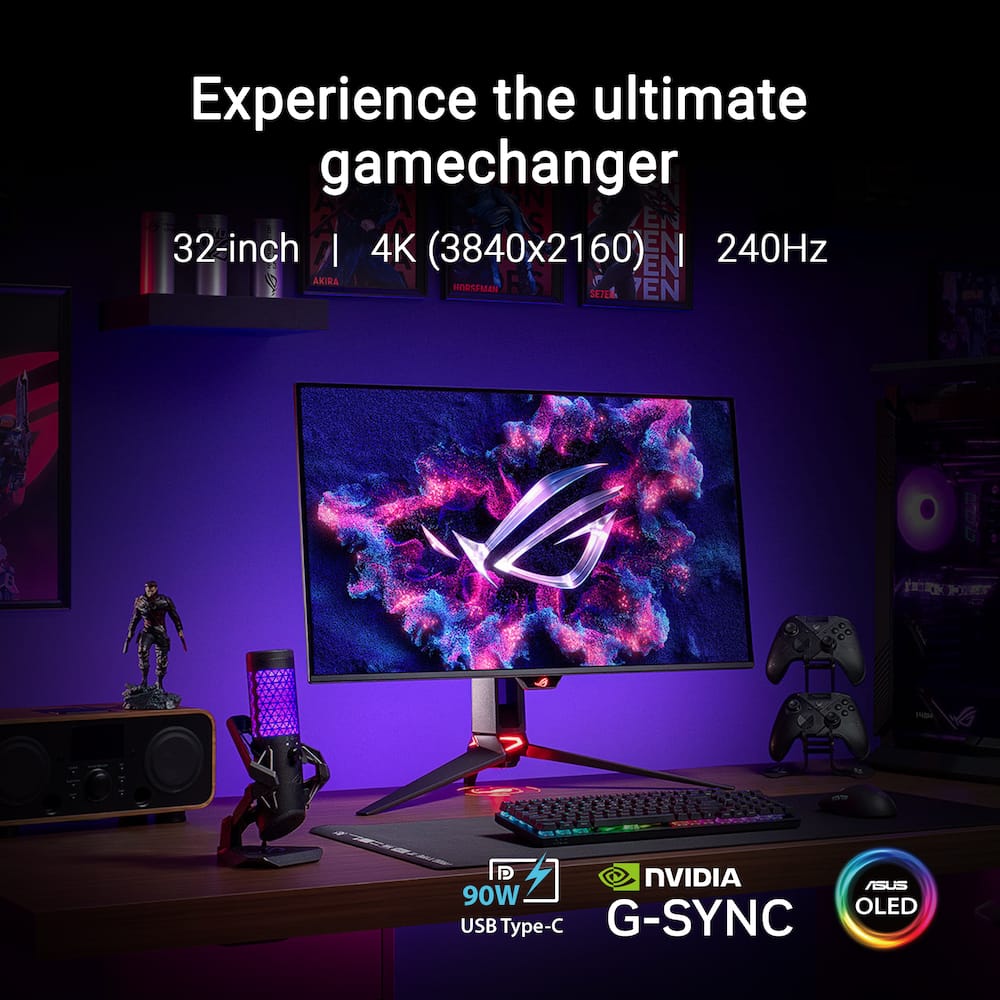
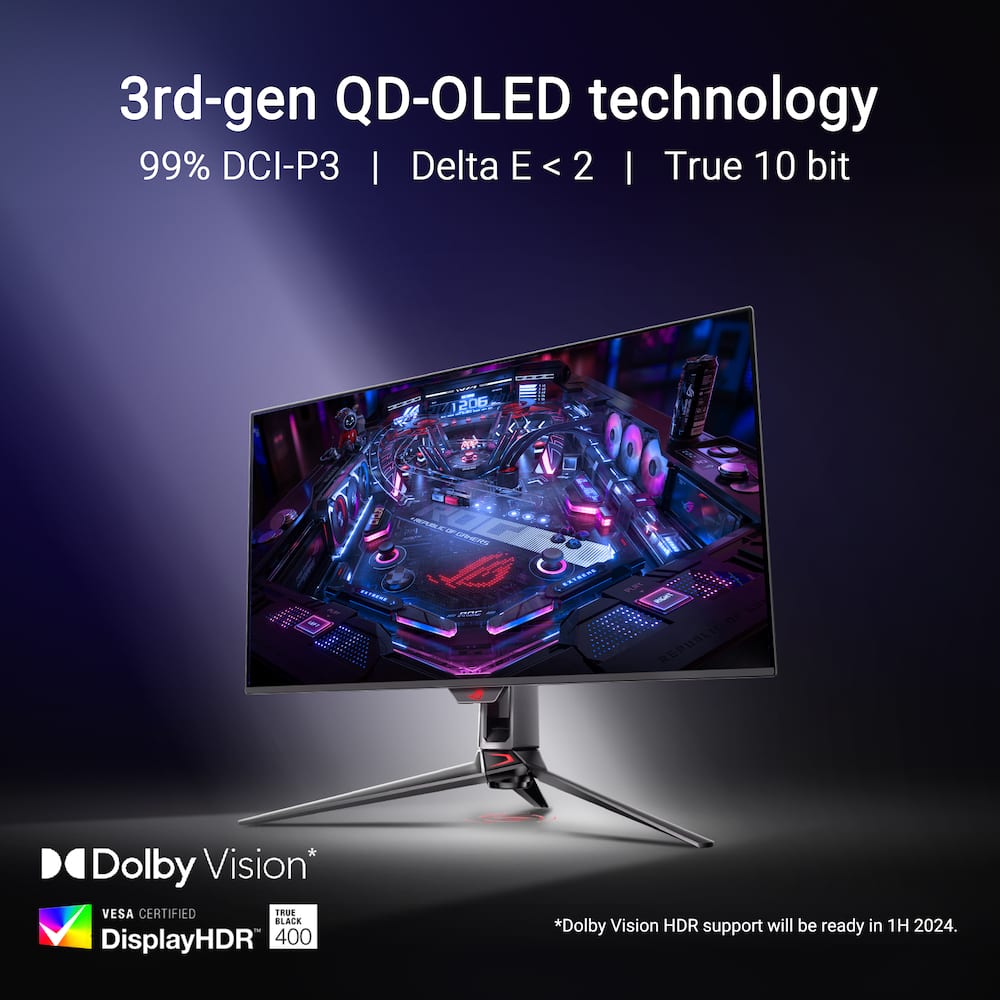
The 32-inch 4K QD-OLED panel of the PG32UCDM opens up a world of unbelievably lifelike gaming and entertainment experiences - NVIDIA G-SYNC
G-SYNC Compatible, delivering a seamless, tear-free gaming experience by enabling VRR by default - 240Hz Refresh Rate
Features 240Hz refresh rate for ultra fast and smooth gameplay - ASUS Aura Sync
Synchronizing up lighting effects between all Aura-capable peripherals - Viewing Angle
178°(H)/178°(V) - Brightness
450 cd/㎡ - Contrast Ratio
1,500,000:1 - Response Time
0.03ms - Inputs/Connections
1x DP (v1.4), 2x HDMI (v2.1)
Standard US ground delivery is $5.49 and arrives in 3–5 business days. Orders over $60 ship free. Returns are accepted within 30 days of delivery.
Mouse (verified owner) –
Pretty – Looked really good perfer the ability to swap to 1080p and 4k, but if you just want 4k this is probably the best monitor
Mega (verified owner) –
Lovin the screen – Using this with a 5080 and its been pretty awesome. The size is great for both gaming and working. With games I can really see the fps and the true darkness. One issue I have with the monitor though is that it doesnt have speakers. Even if theyre usually not the best quality they can be handy. The monitor has a ton of ports so I can charge my laptop while im working just by plugging into the monitor. I can also hook up my headphones and charge them through the monitor.
Winston (verified owner) –
Pretty good oled – Very nice, the picture and quality is very good. Would recommend
Cool (verified owner) –
Great Monitor – Been using this monitor for some months now and its still great. Going from 1080p to this is a game changer and it looks great with the PS5 pro
Bestbuygiftcard (verified owner) –
Perfect OLED monitor – Beautiful OLED monitor right out of the box. No issues and looks amazing.
ikonickk (verified owner) –
Great Monitor! – This monitor checks all the boxes! Great monitor so far!
Joerex (verified owner) –
Product is good – I am using the monitor for 3 months. I love the visuals from the monitor. It is very good product for gaming and movie visuals. I love it
Ruddd (verified owner) –
Best monitor – Best quality with no issues. I would recommend this being your go to
RutulP (verified owner) –
Great panel for gaming – OLES beats any other panel and QD-OLED is best at it. And this has the firmware update that allows the panel to use Dolby Vision and it’s all worth it for that. I do wish there was DP 2 but HDMI 2.1 makes up for it.
AnthonyS (verified owner) –
Best monitor ever – This monitor is everything that I expected to be wish I had gotten it sooner this is a most have
Anthony (verified owner) –
Best 4K 32 inch Oled monitor – Fantastic monitor. I had the Alienware aw3225qf before I upgraded to this monitor and it blows that monitor out of the water which is more accurate hdr. Also no dsc is nice quality of life and I could see a difference even though dsc was fine.
Get this monitor if you have an rtx 5000 series card.
Also don’t listen to the one star review. This monitor is gold. Every tech will have a bad apple but this monitor is best one I have
Scope (verified owner) –
Asus ROG Swift – This monitor exceeded my expectations! Vibrant color, smooth motion, and superior design!
JeromeC (verified owner) –
Asus Rocks – Amazing monitor, beautiful colors, uses it heavy with no heat soak, and also love the pixel cleaning feature
DakotaJ (verified owner) –
Amazing OLED Monitor that is super crispy! – I’ve been using this monitor for everything from gaming, watching videos, freelance work, to emailing. Beautiful and bright without any issues! Asus really knocked it out of the park with this one!
OffshoreManiac (verified owner) –
ASUS Monitor – Best 4K Monitor out there! Gaming, browsing watching TV simply the best all around monitor
JoeyCanadezo (verified owner) –
Amazing oled screen – After owning it for a year, i can say it held up to the hype.
Display stream compression works without flaws even on older hardware. Bright enough for daytime use but anti-reflective coating could be a little better. I installed it on the asus rog monitor arm that admittedly pairs very well with it and lends it a “cyberpunk” aesthetic. Port-wise, it is slightly lacking, sporting 2 hdmi 2.1 connections, 1 displayport 1.4, and a thunderbolt 4 connection that also provides about 90 watts or so. Wish it had hdmi arc instead of toslink but it is a monitor and not a conventional tv.
Bugs/glitches
Proximity sensor works as intened as far as i know but seems to dim the display when waking for whatever reason. Everytime it wakes the display, i have to adjust the brightness level to go back to its original setting.
I tried changing settings, reseting user profiles and updating firmware but nothing seems to work so i ended up just disabling it. Another issue is the Asus display widget for windows. Im not sure why but when switching hdr settings in the display widget app, it corrupted the nvidia display drivers or windows drivers..? i dont know but i had to use ddu to reinstall both display drivers on my laptop to function properly. DONT USE ASUS DISPLAY WIDGET!!!
no burn in as far as i can tell.. and i use max brightness with screen protection off
Dread (verified owner) –
Awesome monitor, pwning noobs and destroying scrubs. None can cower in the dark corners anymore
TerrenceP (verified owner) –
Insane visuals and speed – This monitor is honestly crazy. The OLED panel makes everything look super clean with deep blacks and really vibrant colors. Games look amazing, especially in 4K, and the 240Hz refresh rate makes everything feel insanely smooth. The 0.03ms response time is noticeable too, no blur at all when moving fast.
The size is perfect if you want something immersive but not overwhelming. It’s great for both competitive games and single player games where you want the best visuals.
Only thing I’ll say is you definitely need a strong PC to take full advantage of it, otherwise you’re not really using it to its full potential. Also, OLED means you gotta be a little mindful about static images over time, but that’s expected.
Overall, if you can afford it and have the setup to match, this monitor is top tier and easily one of the best you can get right now.
RonnieB (verified owner) –
Beautiful – I never realized what I was missing before purchasing this monitor. 200+ fps is a sight to behold if your hardware can push it.
DYLANC (verified owner) –
ASUS Monitor – Great looking monitor. It has a nice oled screen and it looks great on everything. I love the deep blacks it provides as well.