Sale



Sale!
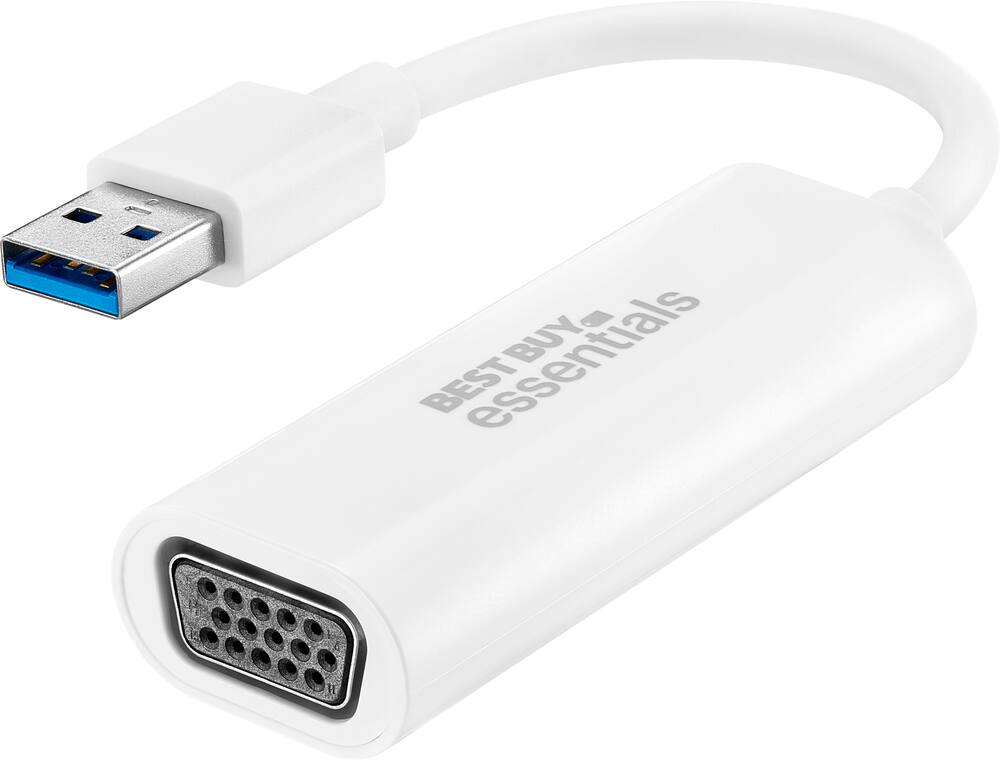
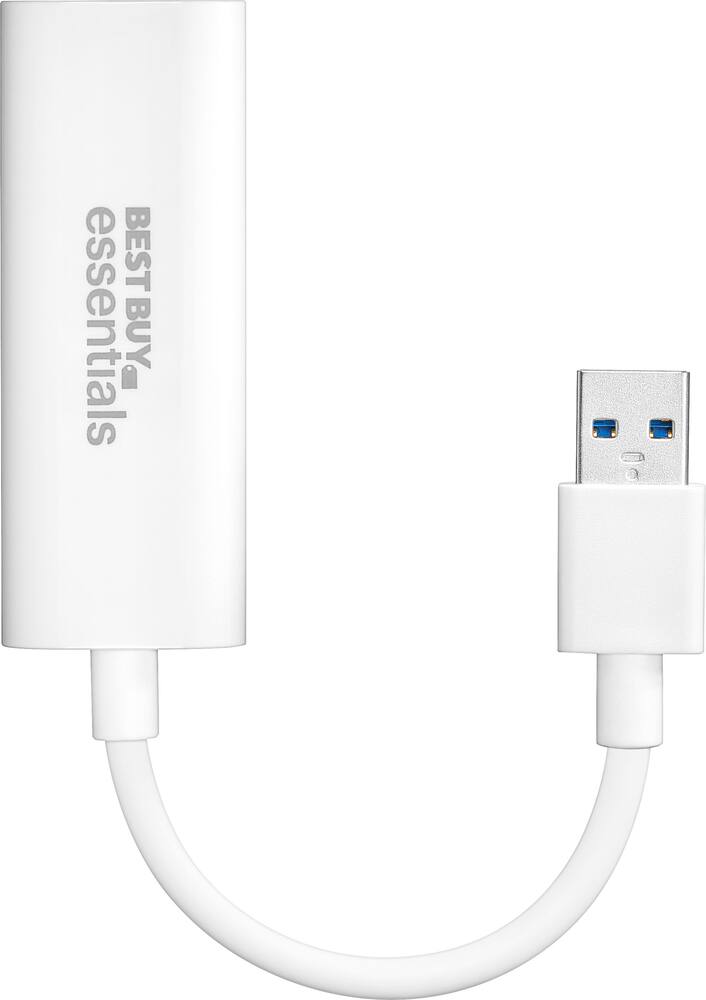
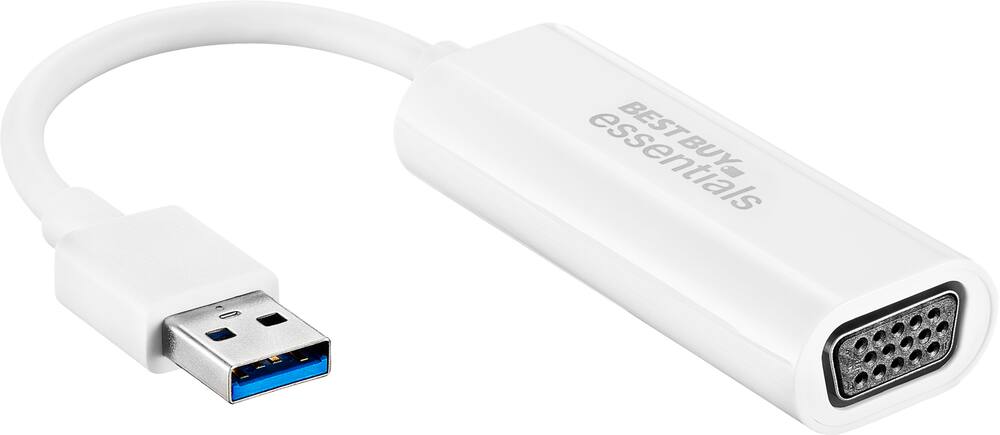
Best Buy essentials™ Model 6451324
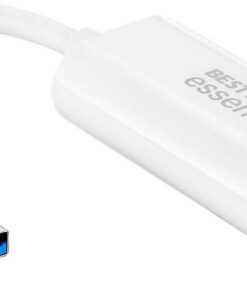
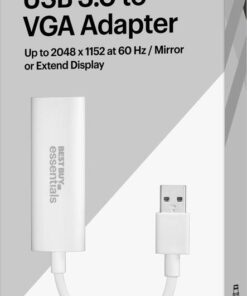
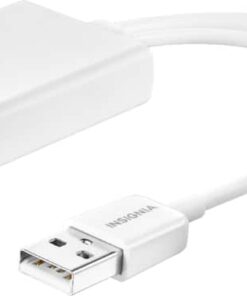
Best Buy essentials™ – USB to VGA Adapter – White
★★★★★★★★★★ (4.0) 20 reviews
Original price was: $24.99.$19.99Current price is: $19.99. Save $5
In stock · Ready to ship
Delivery Mon, Nov 9 – Wed, Nov 11 Free shipping on orders $60+
Secure checkout · Visa · Mastercard · Amex · Discover · PayPal
Questions? Talk to a product specialist
(888) 519-3048
- Free shipping $60+3–5 business days
- 30-day returnsMoney-back guarantee
- Brand-newManufacturer warranty
- Ships from the USColumbus, OH
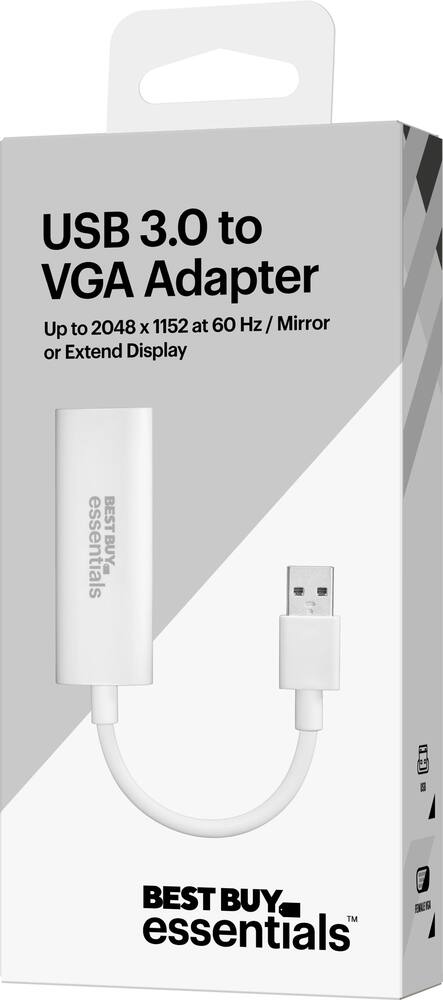
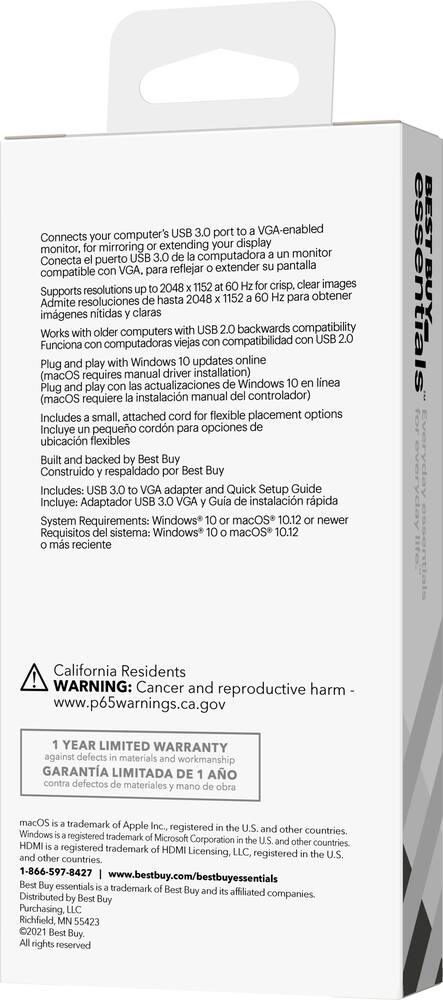
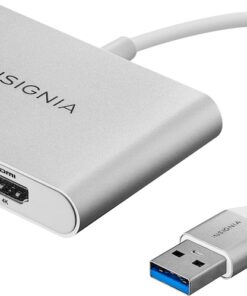
- Male USB 3.0 to female VGA conversion Connects your computer’s USB 3.0 port to a VGA-enabled monitor, for mirroring or extending your display.Wide-ranging use Connects USB 3.0 computers and laptops running Windows 10 (32 bit/64 bit) or macOS 10.12 through 11.4.
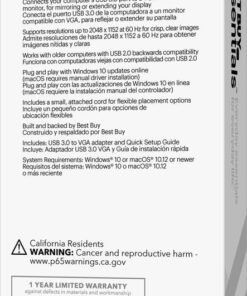
- View your content on VGA-compatible TVs, monitors and projectors.High-quality video Supports up to 2048 × 1152 resolution at 60 Hz for crisp, clear images.USB 2.0 backwards compatibility Works with older computers.Windows Plug-and-play connection Provides a hassle-free connection with Windows 10 updates online (macOS requires manual driver installation).3 in.
- cord Includes a small, attached cord for flexible placement options.Compact Our small design makes the adapter simple to transport.Backed by Best Buy For quality and reliability that you can trust.Backed by Best Buy For quality and reliability that you can trust.
Key specs
- Brand
- Best Buy essentials™
- Model Number
- BE-PA3UVG
- Product Name
- USB to VGA Adapter
- Color
- White
- Cable Type
- USB
- Product Type
- Adapter
- Connector Type (End 1)
- USB-A
- Brand
- Best Buy essentials™
- Model Number
- BE-PA3UVG
- Product Name
- USB to VGA Adapter
- Color
- White
- Cable Type
- USB
- Product Type
- Adapter
- Connector Type (End 1)
- USB-A
- Gender (End 1)
- Male
- Connector Type (End 2)
- VGA
- Gender (End 2)
- Female
- Indoor Or Outdoor Use
- Indoor
- Warranty - Parts
- 1 year limited
- Warranty - Labor
- 1 year limited
- Quantity
- 1
- Compatibility
- Most USB 3.0 port to a VGA-enabled monitors
- UPC
- 600603275654
- Male USB 3.0 to female VGA conversion
Connects your computer’s USB 3.0 port to a VGA-enabled monitor, for mirroring or extending your display. - Wide-ranging use
Connects USB 3.0 computers and laptops running Windows 10 (32 bit/64 bit) or macOS 10.12 through 11.4. View your content on VGA-compatible TVs, monitors and projectors. - High-quality video
Supports up to 2048 × 1152 resolution at 60 Hz for crisp, clear images. - USB 2.0 backwards compatibility
Works with older computers. - Windows Plug-and-play connection
Provides a hassle-free connection with Windows 10 updates online (macOS requires manual driver installation). - 3 in. cord
Includes a small, attached cord for flexible placement options. - Compact
Our small design makes the adapter simple to transport. - Backed by Best Buy
For quality and reliability that you can trust. - Backed by Best Buy
For quality and reliability that you can trust.
Standard US ground delivery is $5.49 and arrives in 3–5 business days. Orders over $60 ship free. Returns are accepted within 30 days of delivery.
HHreview (verified owner) –
Not plug and play as advertised. – this device would not load its driver. instructions to get driver point to best buy. but at that location the mentioned windows .zip is not there to download as admitted by geek squad. you can imagine ‘next steps’ mentioned by geek squad. suffice to say a very disappointing experience.
Gieu (verified owner) –
USB adaptor – Did not have specific instructions for the application. It was the wrong adaptor and did not work for what I needed.
BethB (verified owner) –
USB to VGA adapter – Works great to use my old monitors. Just needed to use some velcro to make sure they didn’t come apart.
Dallas208383 (verified owner) –
dongle saves the day (and an old monitor) – Plug it in and go. The picture was good enough for a non-techie like me to know it would work.
HalGameGuru (verified owner) –
When you need it, you NEED it. – When you NEED an extra display output, for an older monitor, you are scrambling to find something like this.
Stephen (verified owner) –
Not for macOS 12+ – Not plug and play for my macOS 12.7.4. Spent over an hour on chat and phone with Geek Squad. Finally found driver for manual download and install. For Mac OS 10.15? From 2021 doesn’t work on 12.7.4. Searched on Internet, this was latest driver that I could find.
MohinderS (verified owner) –
USB to VGA Adapter – It’s good and easy to use. Very handy.My friends like it very much
RonJ (verified owner) –
Good Choice – It was just what I needed.
I appreciate Best Buy transporting the USB to VGA Adapter to the Best By Closer to me.
GeraltofLA (verified owner) –
No drivers – Plug and play! It detected the monitor immediately!
RogerK (verified owner) –
Did the job. – Used this to connect a Surface Book to an older monitor I had lying around. It worked like it was supposed too, so I consider that good.
KARENA (verified owner) –
Returned – Your staff are just too buay selling and not guiding.
CharlesS (verified owner) –
Great USB to VGA adapter. – Great product, easy to use. Set up was very simple.
BBGUY44 (verified owner) –
VGA Adapter – Was exactly what I needed for a new build computer to connect my monitor to the computer
Tewkewl6 (verified owner) –
Works – Fit perfectly allows me to keep using an older monitor
BrandyB (verified owner) –
USB/VGA Adapter – Easy to install, worked perfectly for the connection that i needed for a separate monitor
GEB1 (verified owner) –
USB to VGA Adapter – Excellent! Exactly what I need to set up a new monitor on my desktop.
trouble (verified owner) –
USB to VGA Adapter – This was not the adapter I needed to connect my Monitor to the Windows 11. I carried it back for a refund. I went to the Computer Problem and he printed me out the adapter I needed and I went to Best Buy and purchased it.
Enkay (verified owner) –
Great – Is a great product but ended up not needing it afterall.
TachMN (verified owner) –
Works on Windows 10 for systems to get more ports – I have a four mongrel (Craigslist, thrift store, etc.) monitor setup.
But my Optiplex 9020 Minitower i7-4770 only has three monitor ports (VGA, DP X 2).
So I decided to try a USB to VGA adapter to connect to the unused VGA port of a PLANAR PLL2210W.
I considered the Insignia NS-PA3UVG adapter, but reviews here said the driver was online but could not be found.
But the reviews here for the Best Buy essentials BE-PA3UVG said that Windows 10 Update would have the driver.
So I went with that.
Ordered an Open-Box to take advantage of a recently arrived BB $5 certificate.
Ordered 5/14; shipped 5/15 from Lorton, VA; arrived 5/18 SE MN via FedEx.
Package was in good shape and had the Quick Setup Guide.
Followed the instructions to connect the VGA end to the powered off PLL2210W.
Powered on the monitor.
Then plugged in the USB end to a USB 3 port.
And… nothing.
Quick search online mentioned unplugging and replugging the USB end.
I did so with the monitor still on and…
Success! Windows 10 automatically downloaded the drivers. I did not have to go to Windows Update. (In hindsight I should have downloaded the manuals first, both mentioned Windows 10 automatically downloading without going to Windows Update.)
The Firmware, Drivers & Software link on BB downloads a file without an extension. It is a zip file, some of the contents have pkg extensions which implies Mac.
(I did not see the reviews for NS-PA3UVG mentioning that Windows 10 automatically downloaded the drivers. Its Firmware, Drivers & Software link on BB downloads a docx filetype but is actually a zip file. The non-Mac zip is actually a DMG file, version 2022-02-07, the Mac zip is a DMG file, version 2024-04-11.)
I right mouse clicked on the desktop -> Display Settings and Rearrange your displays to reposition the now four monitors.
Windows Settings -> Bluetooth & other devices lists:
T6 USB Station (Connected to USB 3.0)
Trigger 6 External Graphics
Device Manager lists two items:
Under Display adapters:
Trigger 6 External Graphics
Device type: Display adapters
Manufacturer: Magic Control Technology Corp.
Under Universal Serial Bus controllers:
T6 USB Station
Device type: Universal Serial Bus controllers
Manufacturer: Magic Control Technology Corporation
I think I will stop there and not go further into Device Manager specifics.
Two directories were created in C:\Windows\System32\DriverStore\FileRepository:
trgidd64.inf_amd64_9ca8ddc86e55172a
t6sta.inf_amd64_0ae76a2246bffa86
That might be useful if I ever want to try this in Windows 11, assuming it doesn’t download drivers.
The PLL2210W is at its recommended resolution of 1920×1080. But Planar does not provide drivers so it shows up as a Generic PnP Monitor.
And there is no information (e.g. Color profile) for it in Desktop -> Display settings.
No complaints, the PLL2210W has been working fine for my use case (not a gamer or similar).
seaden (verified owner) –
It’s an adapter as described and it works. I got it a reasonable price.