Sale


Sale!
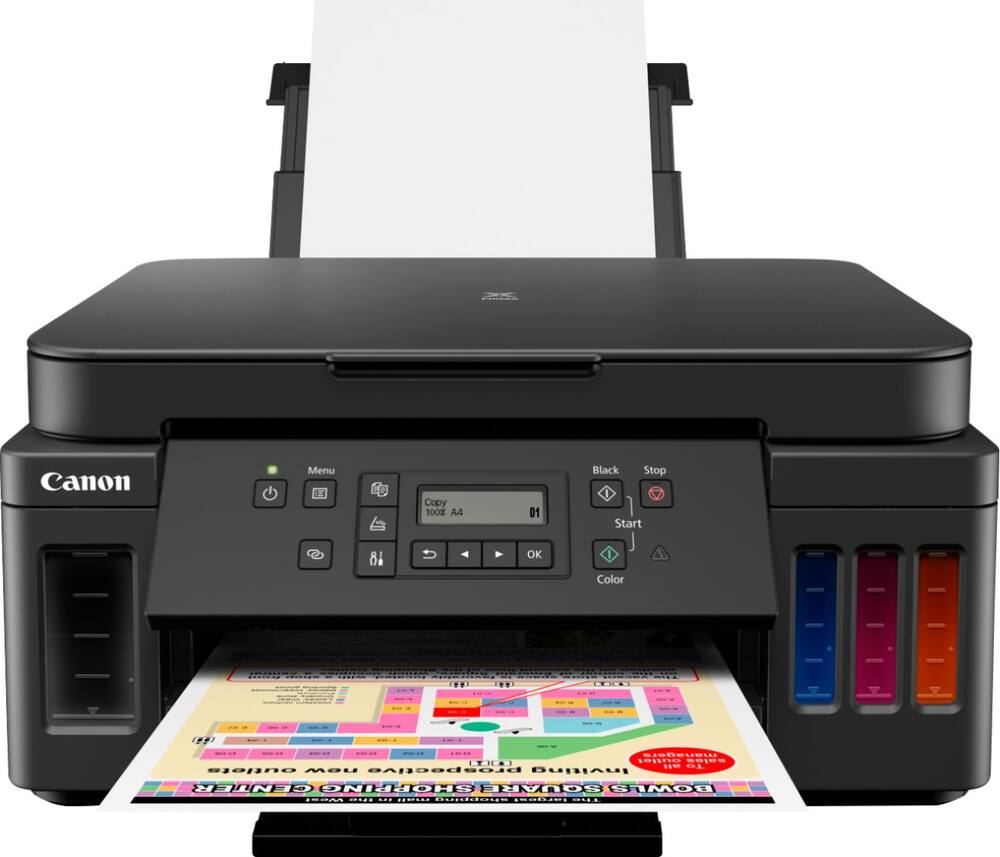
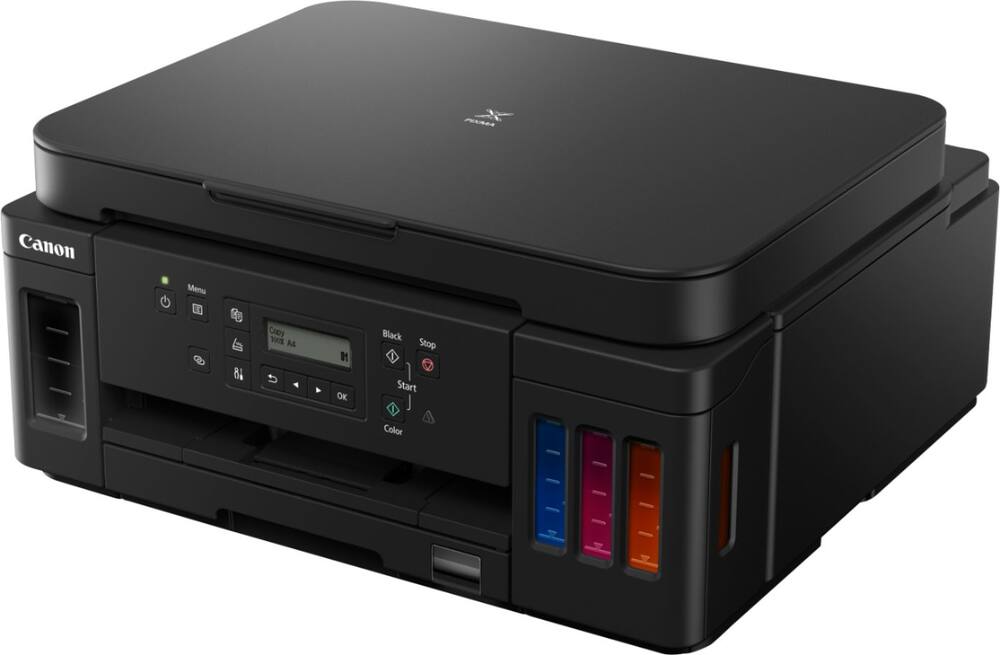
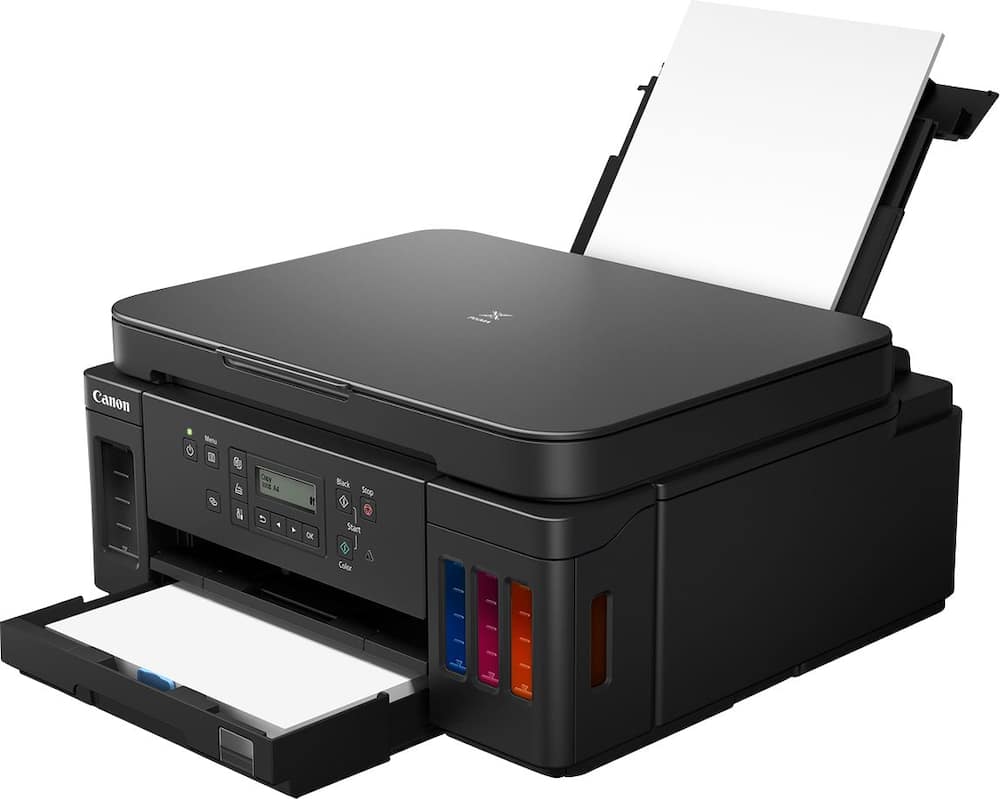
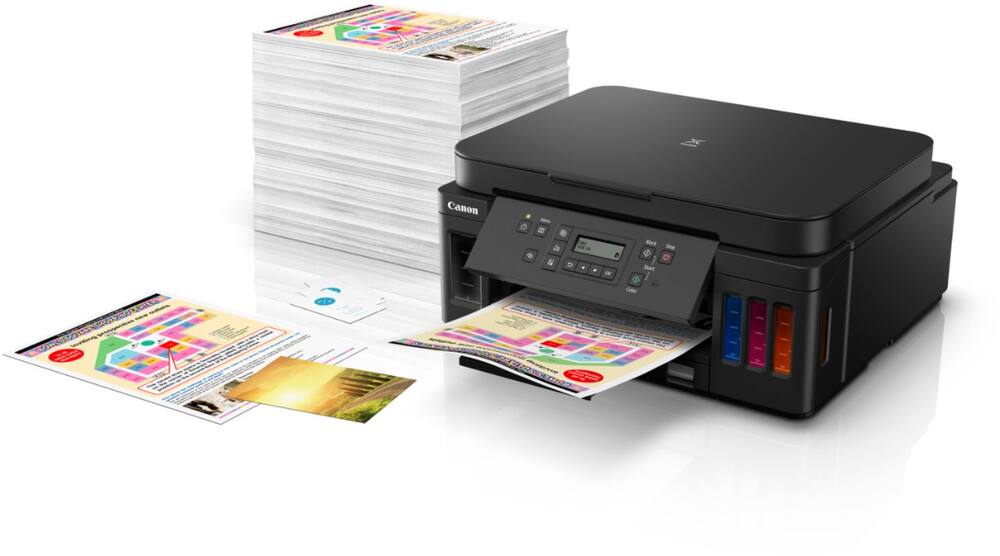
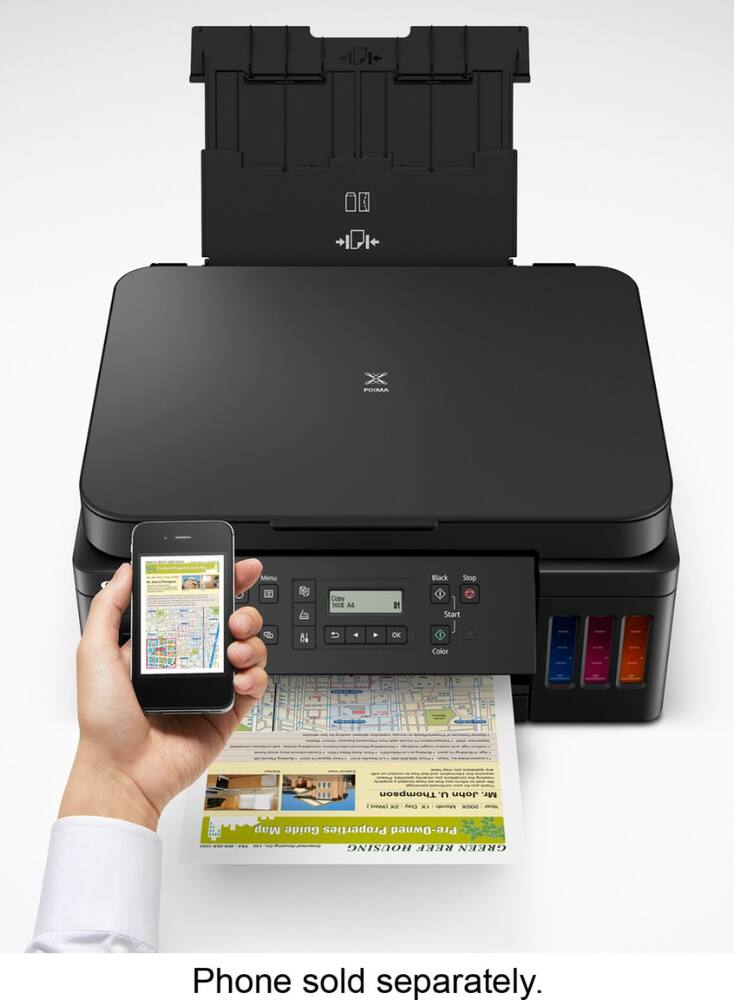
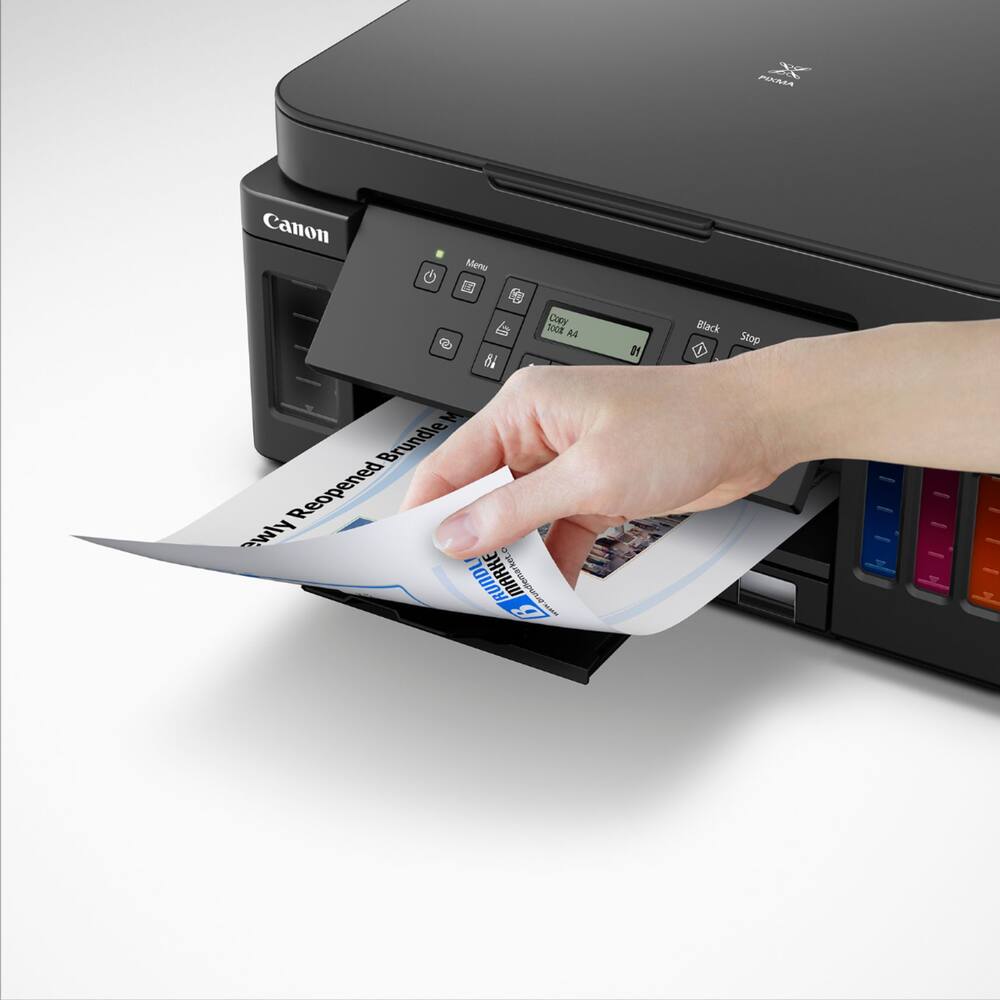
Canon Model 6356231
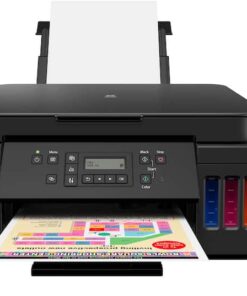
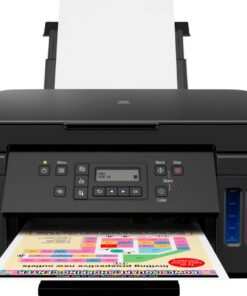
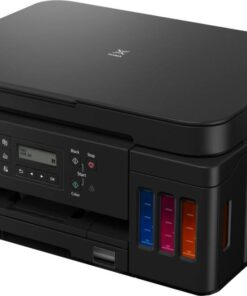
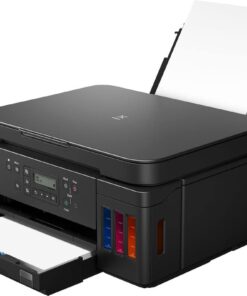
Canon – PIXMA Megatank G6020 Wireless All-In-One Supertank Inkjet Printer – Black
★★★★★★★★★★ (4.3) 20 reviews
Original price was: $323.00.$258.40Current price is: $258.40. Save $65
In stock · Ready to ship
Delivery Fri, Nov 20 – Tue, Nov 24 Free shipping
Secure checkout · Visa · Mastercard · Amex · Discover · PayPal
Questions? Talk to a product specialist
(888) 519-3048
- Free shipping $60+3–5 business days
- 30-day returnsMoney-back guarantee
- Brand-newManufacturer warranty
- Ships from the USColumbus, OH
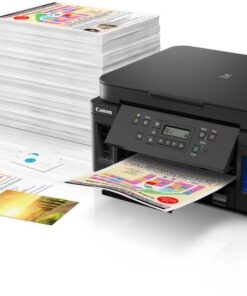
- Prints up to 13 ISO ipm* in black and up to 6.8 ISO ipm* in color Produces a 4" x 6" borderless photo-quality print in 45 seconds.*Works with Amazon Alexa for voice control Ask a compatible voice assistant (device required) to help you print shopping and to-do lists, various crossword puzzles and games, coloring activities, comics and more.Compatible with Google Assistant Use the Google Assistant (device required) to print your Google Calendar, various crossword puzzles and games, comics and more.Ideal for home or small business use This inkjet printer offers excellent print quality for photos and documents and accepts a variety of paper types and sizes.Wireless and mobile printing capability Connect this printer to your home or office network with built-in Ethernet or wireless LAN.
- You can also print from your mobile device with the free Canon PRINT app or Apple AirPrint.Apple AirPrint enabled You can use it for Apple iPad and iPhone printing.Up to 4800 x 1200 dpi (dots per inch) color resolution High resolution allows producing incredible quality and detail in documents and photos.Four economical individual ink tanks Only replace the ink tank you need when a color runs out.
- Three dye-based inks produce vivid color in photos, and the pigment-based black ink provides crisp text.Large paper trays for high-volume printing Reload less often with 250-sheet front and 100-sheet rear input trays.Monochrome two-line full dot-matrix display Easily input commands for printing, copying, and scanning directly from the printer.USB port for simple connectivity The high-speed USB 2.0 port offers a standard connection to your PC.More print, copy, and scan solutions Automatically print two-sided documents, scan documents to your computer or directly to e-mail.Apple, the Apple logo, iPod, iPad, and Apple AirPrint are trademarks of Apple Computer, Inc., registered in the U.S.
- and other countries.Requires high-speed Internet connection.* Print speeds vary with use.
- See manufacturer for the information on print speeds.
Key specs
- Weight
- 17.8 lbs
- Dimensions
- 14.6 × 15.9 × 7.7 in
- Brand
- Canon
- Model Number
- 3113C002
- Product Name
- PIXMA Megatank G6020 Wireless All-In-One Supertank Inkjet Printer
- Color
- Black
- Networking
- Wireless
- Weight
- 17.8 lbs
- Dimensions
- 14.6 × 15.9 × 7.7 in
- Brand
- Canon
- Model Number
- 3113C002
- Product Name
- PIXMA Megatank G6020 Wireless All-In-One Supertank Inkjet Printer
- Color
- Black
- Networking
- Wireless
- ENERGY STAR Certified
- Yes
- Product Height
- 7.7 inches
- Product Width
- 15.9 inches
- Product Depth
- 14.6 inches
- Product Weight
- 17.8 pounds
- Automatic Document Feeder
- No
- Photo Printing
- Yes
- Wide Format Printing
- No
- Wide Format Scanning
- No
- Printer Type
- All In One
- Monochromatic/Color
- Color
- Wired Connectivity
- USB-A
- Wireless Connectivity
- Wi-Fi
- Automatic Two-Sided Printing
- Yes
- Tray Capacity
- 350
- Scanner Type
- Flatbed
- Duplex Scan Function
- No
- Integrated Fax
- No
- Duty Cycle
- Up to 5,000
- Compatible Cartridges
- Canon GI-20
- Ink Subscription Service Available
- No
- Ink Cartridges Required
- None
- Ink Cartridges Included
- None
- Ink Bags/Bottles Required
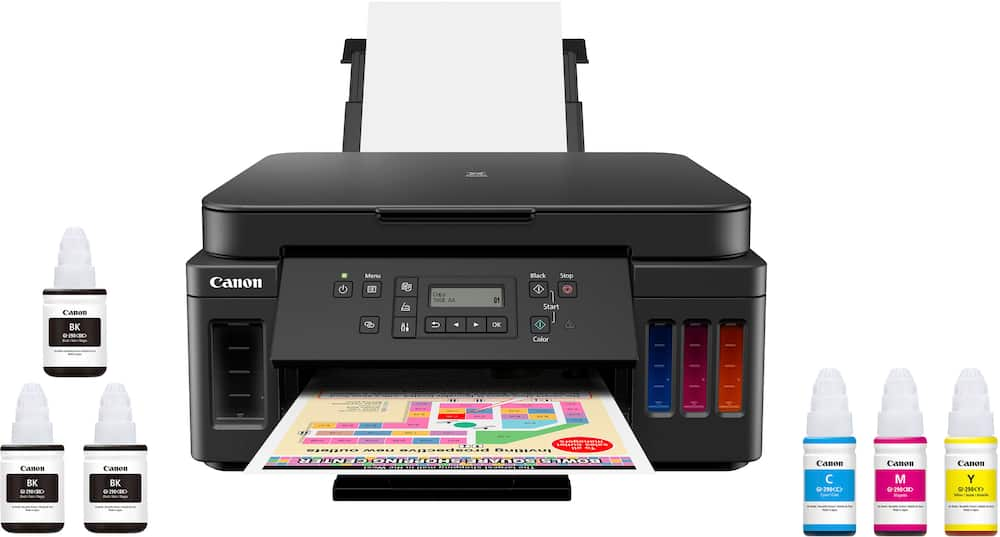
- 1 x Black
- Ink Bags/Bottles Included
- 1 x Black
- Memory Card Slot
- No
- Maximum Document Length
- 26 inches
- Maximum Document Width
- 8.5 inches
- Supported Paper Sizes
- 3.5 x 3.5, 4 x 4, 4 x 6, 5 x 5, 5 x 7, 7 x 10, 8 x 10, Letter, Legal, U.S. #10 Envelopes
- Paper Feeder
- Tray loader
- Maximum Number Of Copies
- 99
- Paper Handling
- Front paper cassette: 250 sheets of plain paper; rear paper tray: 100 sheets of plain paper or 20 sheets of 4 x 6 / 10 sheets of 5 x 7 photo paper
- ISO Color Print Speed
- 6.8 pages per minute
- ISO Mono Print Speed
- 13 pages per minute
- First Page Out Time
- 9 seconds
- Printer Resolution (Black)
- Up to 4800 x 1200
- Printer Resolution (Color)
- Up to 4800 x 1200
- Scanner Resolution
- Up to 1200 x 2400
- Output Tray Capacity
- Not specified
- Compatible Media Types
- [Plain Paper, Canon High Resolution Paper, Photo Paper Pro Platinum, Photo Paper Glossy II, Photo Paper Pro Luster, Matte Photo Paper]
- Touch Screen
- No
- Warranty - Parts
- 1 year limited
- Warranty - Labor
- 1 year limited
- Works With
- Amazon Alexa
- Display Screen
- Yes
- Display Screen Size
- 2 inches
- UPC
- 013803317824
- Prints up to 13 ISO ipm* in black and up to 6.8 ISO ipm* in color
Produces a 4″ x 6″ borderless photo-quality print in 45 seconds.* - Works with Amazon Alexa for voice control
Ask a compatible voice assistant (device required) to help you print shopping and to-do lists, various crossword puzzles and games, coloring activities, comics and more. - Compatible with Google Assistant
Use the Google Assistant (device required) to print your Google Calendar, various crossword puzzles and games, comics and more. - Ideal for home or small business use
This inkjet printer offers excellent print quality for photos and documents and accepts a variety of paper types and sizes. - Wireless and mobile printing capability
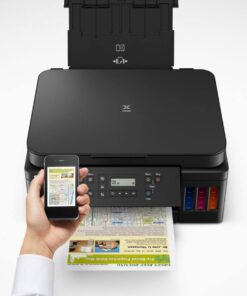
Connect this printer to your home or office network with built-in Ethernet or wireless LAN. You can also print from your mobile device with the free Canon PRINT app or Apple AirPrint. - Apple AirPrint enabled
You can use it for Apple iPad and iPhone printing. - Up to 4800 x 1200 dpi (dots per inch) color resolution
High resolution allows producing incredible quality and detail in documents and photos. - Four economical individual ink tanks
Only replace the ink tank you need when a color runs out. Three dye-based inks produce vivid color in photos, and the pigment-based black ink provides crisp text. - Large paper trays for high-volume printing
Reload less often with 250-sheet front and 100-sheet rear input trays. - Monochrome two-line full dot-matrix display
Easily input commands for printing, copying, and scanning directly from the printer. - USB port for simple connectivity
The high-speed USB 2.0 port offers a standard connection to your PC. - More print, copy, and scan solutions
Automatically print two-sided documents, scan documents to your computer or directly to e-mail. - Apple, the Apple logo, iPod, iPad, and Apple AirPrint are trademarks of Apple Computer, Inc., registered in the U.S. and other countries.
- Requires high-speed Internet connection.
- * Print speeds vary with use. See manufacturer for the information on print speeds.
Standard US ground delivery is $5.49 and arrives in 3–5 business days. Orders over $60 ship free. Returns are accepted within 30 days of delivery.
JUANB (verified owner) –
excellent printer/scanner – Printer’s features are great, still figuring out how to use it.
Lizzy (verified owner) –
Love it! – I use this for homeschooling and home purposes works great!
GREGA (verified owner) –
Second try also sucked – I have had two of this exact model of Canon printer. The first one failed in less than two years (less than 300 pages printed). It stopped working with all color printing, then eventually stopped printing with black. Of course I ran all cleaning and diagnostics multiple times, and updated firmware etc, but could not get it to work. Since I still had a bunch of ink for that printer, and I assumed this was just a fluke defect, I bought another of the same model. Here we are 400 pages into it’s life (about two years), and it’s having exactly the same issues. Fortunately, I bought the Geek Squad warranty this time… so, I’ll take the printer to the store and see if they can repair it. That’s a far better outcome than another printer in the recycle pile, and spending another $200ish for a new (non-Canon!!!) printer.
Bruce (verified owner) –
Works good until a defect – It was doing good for a while, until the blue ink doesn’t print any more. It was within warranty, so the problem was solved for free. In a working status, I think it’s function is good and easy to use
SHAWND (verified owner) –
Would recommend – Initial setup was quick and easy.
Wifi and Bluetooth connectivity work great.
Definitely a good product.
Killerbeast (verified owner) –
Awesome printer – Great affordable printer. Able to print all of my needs.
Productivity (verified owner) –
Cannon Printer – Incredible! – I have nothing but great things to say about this printer. Firstly, it’s so convenient. I print anywhere; it seamlessly flows from my computer to my laptop. Everything is under my fingertips. Secondly, the ink tank is a bona fide game-changer! I have enough ink that I truly have an abundance mindset. I can print forever! Lastly, connectivity. It is honestly ready to go on day one. I was able to connect to my network and bam! I can print from anywhere around the house. Got files on my phone to print, done! Working on my desk with the laptop, done! I love it!
JasonR (verified owner) –
Excellent printer, doesn’t use a lot of ink. Only time it does is if you have to flush the system if it hasn’t been used in a while
NATASHAL (verified owner) –
Works great! – Easy to setup and the print quality is great. There are two paper trays, one for regular print paper and one for higher quality printing paper which is especially nice for those of us who regularly use both. I’m satisfied with this purchase!
ADRI (verified owner) –
so far so good – I did my research and read a lot of good things about this printer. We have had no issue with it so far and it is easy to use.
Cjuar (verified owner) –
its ok, its a little noisy but does print well.. The ink can be tricky- I filled them all up and only one color did not fill up at the same level as others. Not sure why. I wish the screen was bigger and brighter.
SUZANV (verified owner) –
Second Purchase – I bought the previous version of this printer several years ago. It died and I didn’t want to spend the money to get it fixed, so I bought a new one. No printers are perfect, but I love the ones that are Supertank…ink is so much more reasonable and lasts a very long time.
ETHAND (verified owner) –
Great, long lasting printer! – Overall the printer was easy to set up, even through multiple moves. A quick Google search answered any questions I had!
Print quality is good for the price.
ANDREW (verified owner) –
Canon G 6020 mega tank – This is the 2 nd one I’ve owned. 1000’s of color printing before refilling the ink tanks. Great printer.
BILLT (verified owner) –
Canon Printer – Works good it took awhile to load the password
Prints well very reliable
IraP (verified owner) –
Canon pixma printer – This printer is perfect for our needs. It was very easy to set up.
ConferenceMonitor (verified owner) –
Canon is the BEST – I have a Canon 35mm camera. I bought a Canon printer to go with that quality! This is my 3rd Canon printer and I love the results I get. Canon is the BEST !!!
DENNISH (verified owner) –
Great Printer/Scanner – This printer has fulfilled our needs perfectly. The print quality is supurb, although it is a little slow. Very happy!
BRETTD (verified owner) –
Printer – This printer works great. We mainly ise it for our homeschooling activities.
Vivien (verified owner) –
too slow – The printing is too slow took me a long time to print a document from mu computer. Besides, this printer isn’t cheap either.