Sale


Sale!
Dell Model 6673778
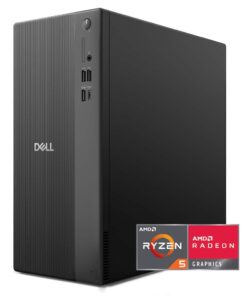
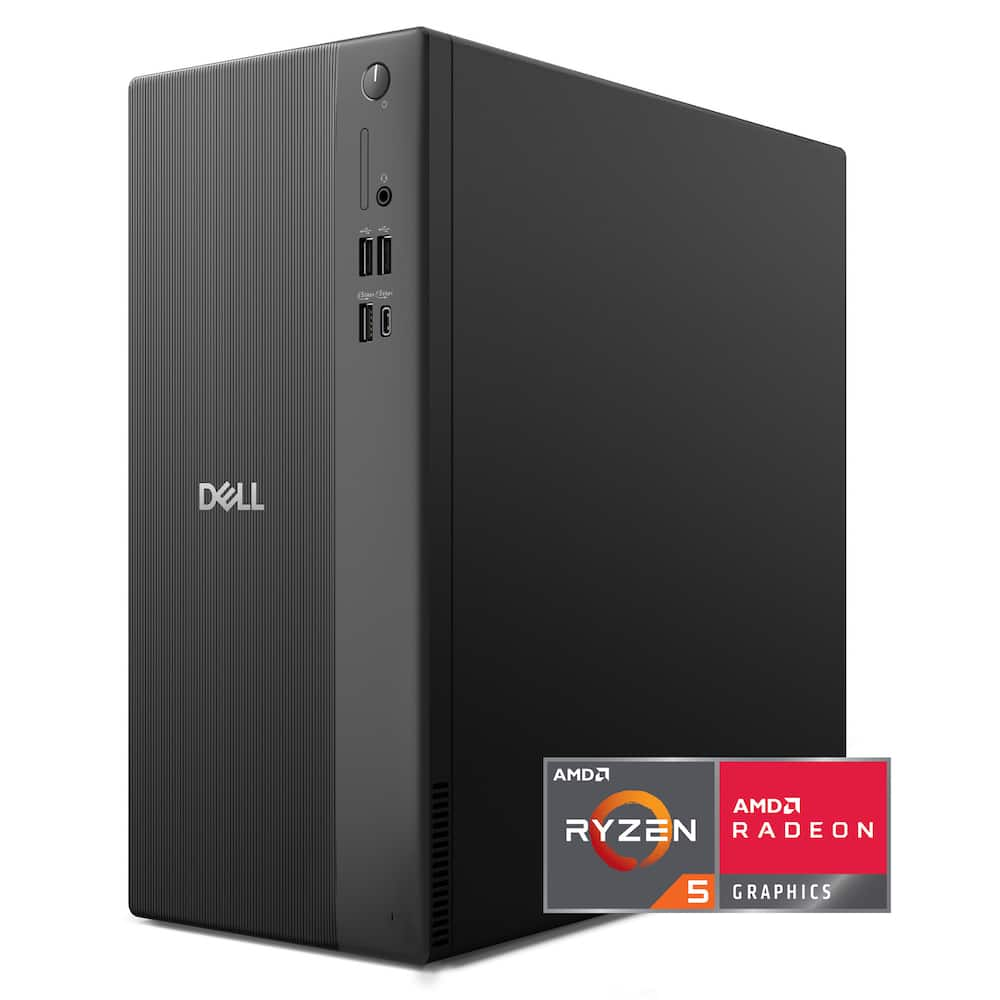
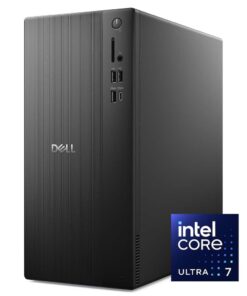
Dell – DT1265 Desktop – AMD Ryzen 100 Series Ryzen 5 2025 – 16GB Memory – AMD Radeon 660M – 512GB Storage – Black
★★★★★★★★★★ (4.8) 20 reviews
Original price was: $1,059.99.$847.99Current price is: $847.99. Save $212
In stock · Ready to ship
Delivery Tue, Nov 24 – Thu, Nov 26 Free shipping
Secure checkout · Visa · Mastercard · Amex · Discover · PayPal
Questions? Talk to a product specialist
(888) 519-3048
- Free shipping $60+3–5 business days
- 30-day returnsMoney-back guarantee
- Brand-newManufacturer warranty
- Ships from the USColumbus, OH
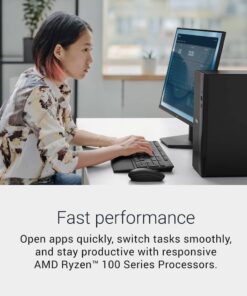
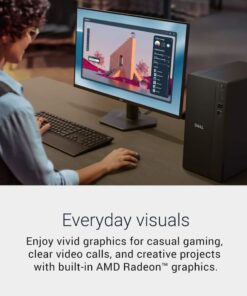
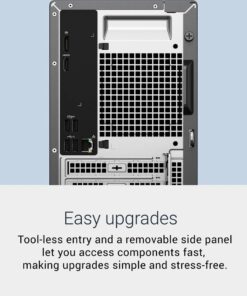
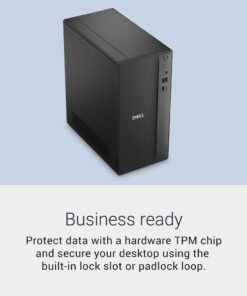
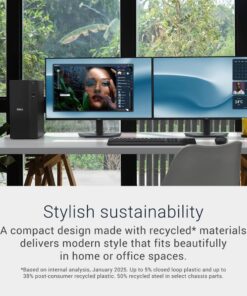
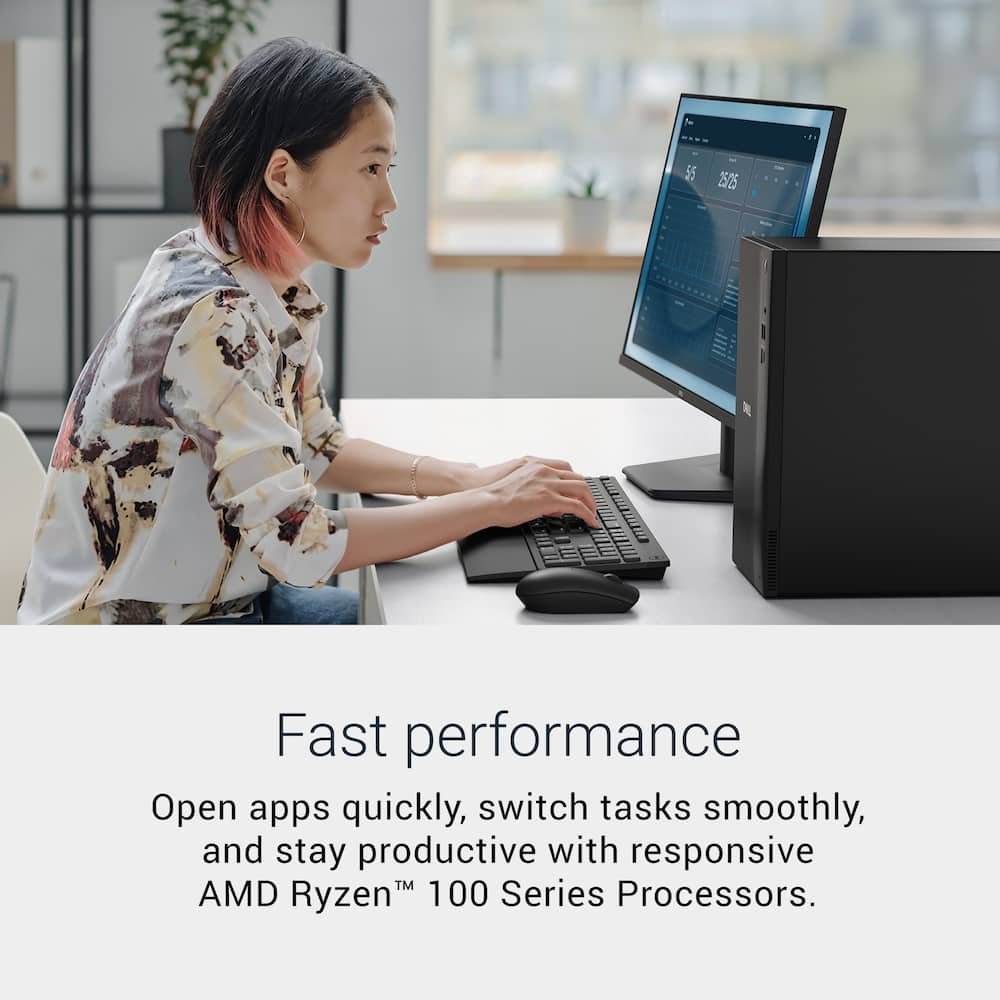
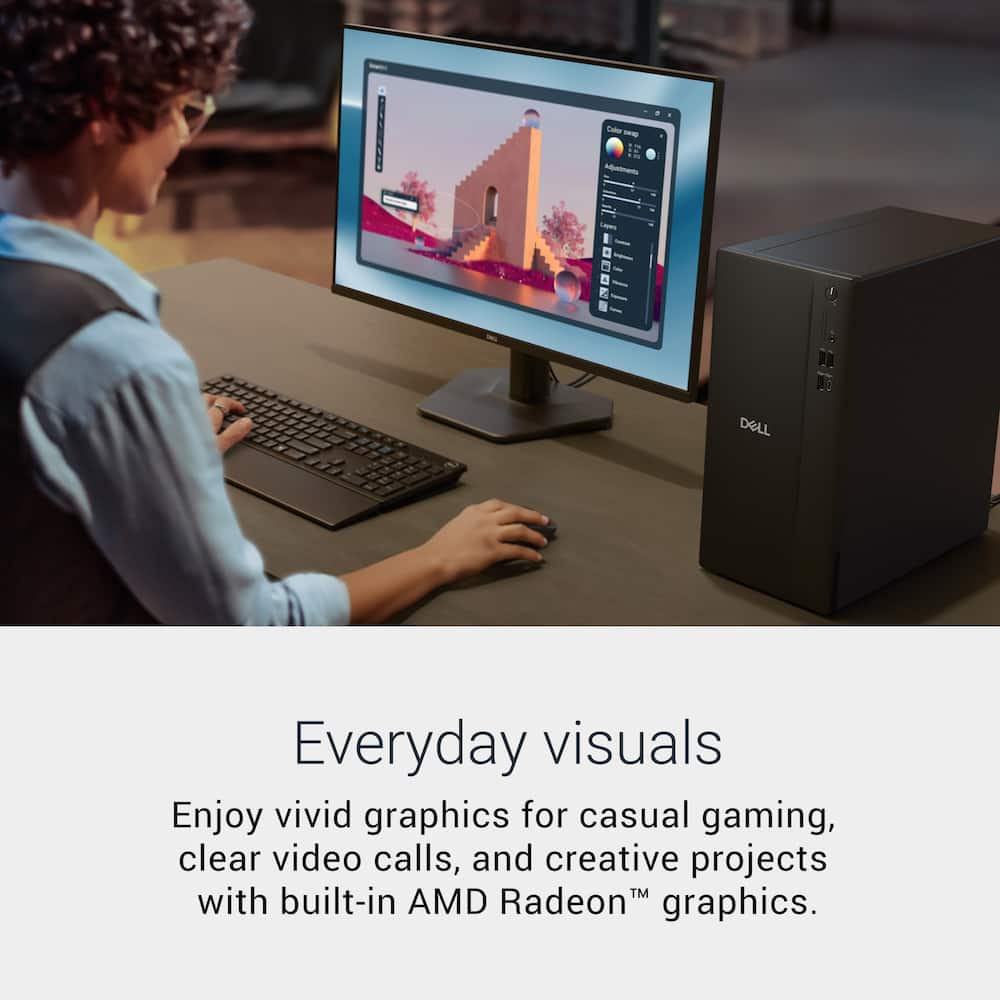
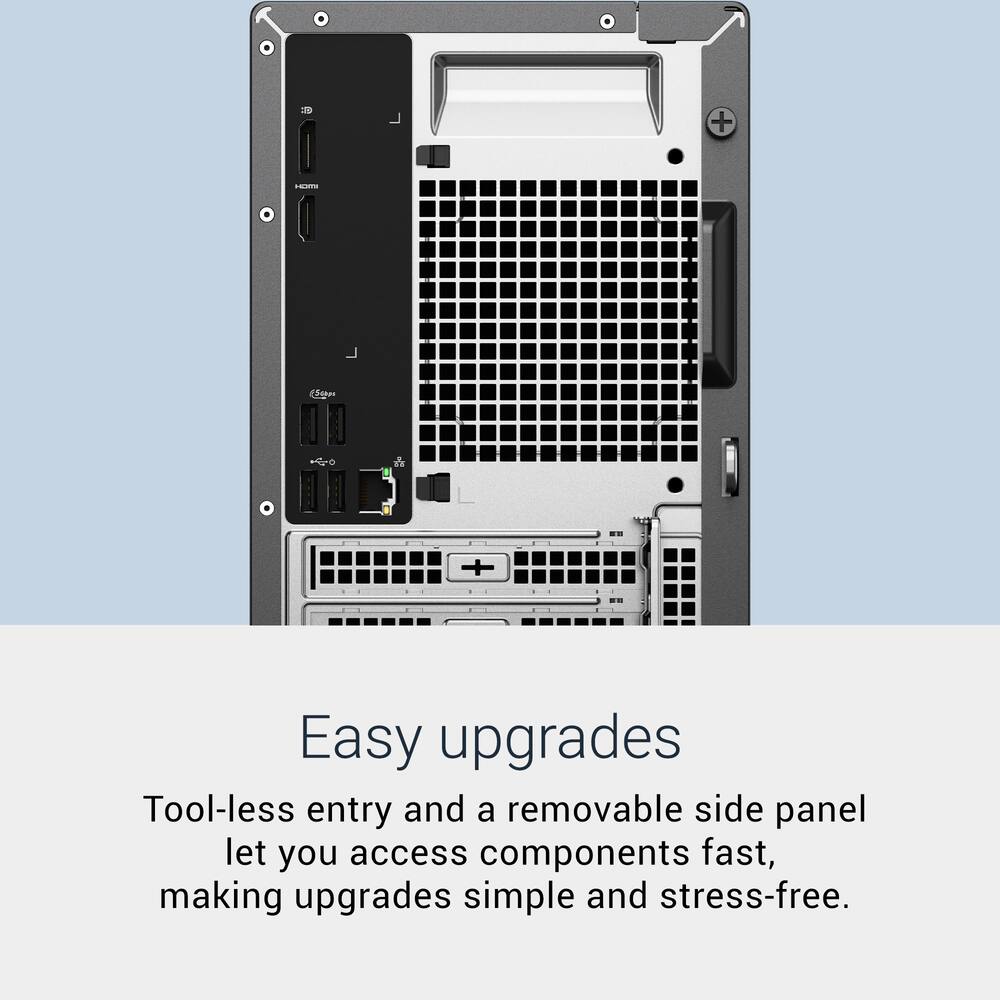
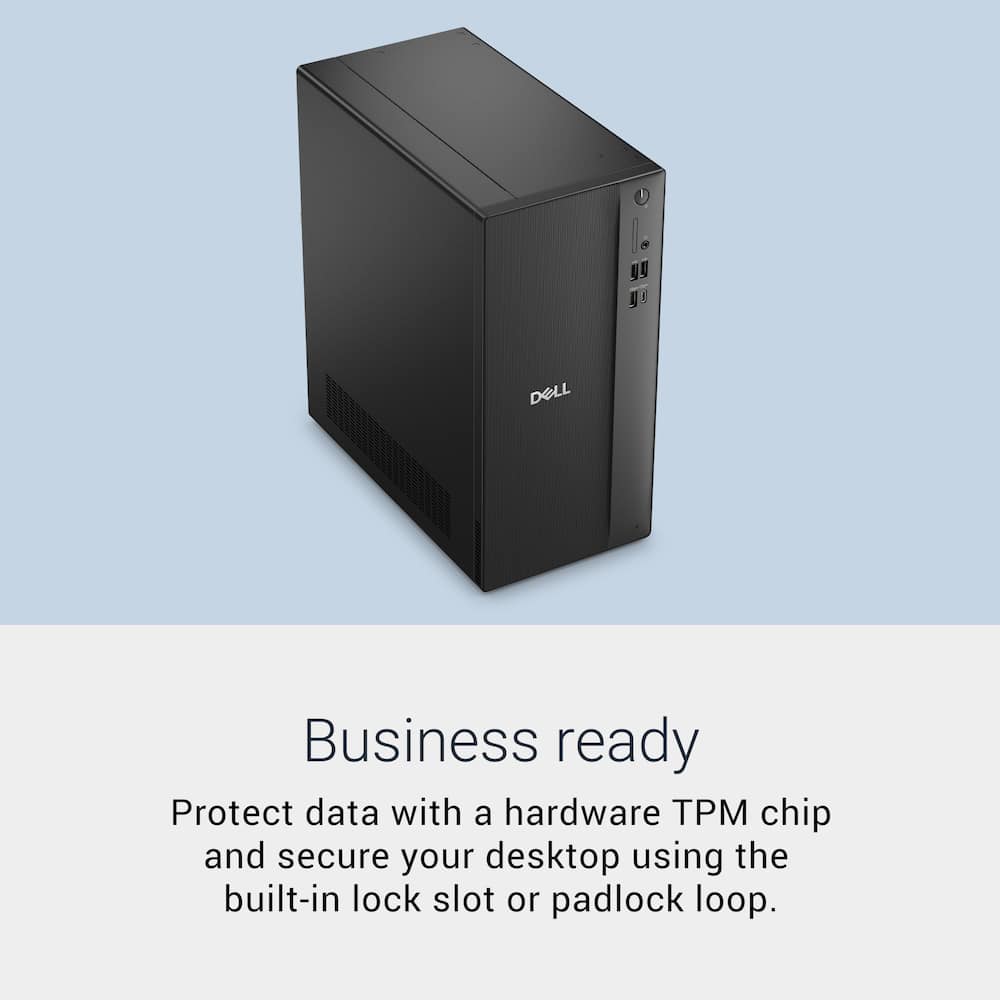
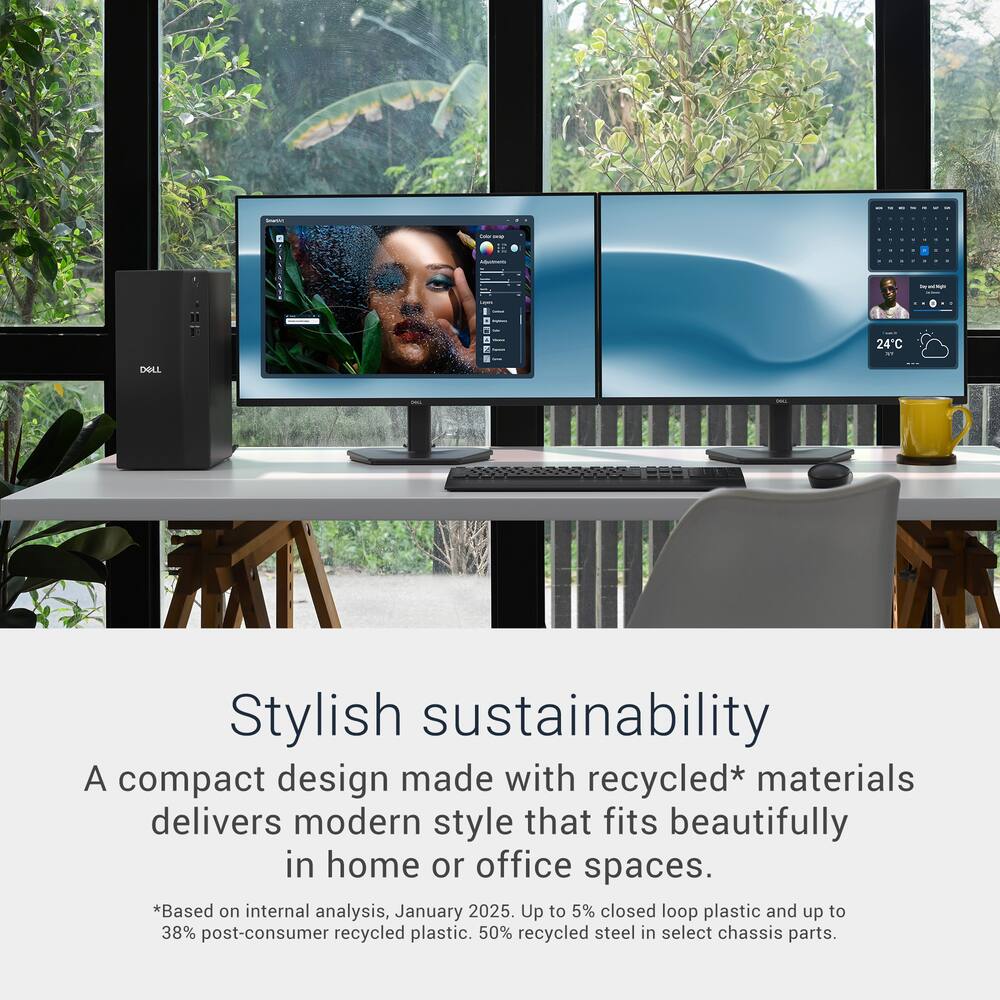
- Fast performance Launch apps instantly, switch tasks without slowdown, and work efficiently with the responsive power of AMD Ryzen 100 Series Processors.Everyday visuals Experience vibrant graphics for casual play, smooth video calls, and creative tasks powered by integrated AMD Radeon graphics.Multi‑monitor support Connect up to four FHD displays via DisplayPort 1.4 with Daisy Chaining¹ or two 4K displays with HDMI 2.1 and DP 1.4.Easy upgrades Access internal components quickly using the tool‑less entry and removable side panel, making upgrades convenient and hassle‑free.Style meets sustainability A sleek tower crafted with recycled²³.
Key specs
- Weight
- 8.84 lbs
- Dimensions
- 11.54 × 6.06 × 12.77 in
- Brand
- Dell
- Model Number
- DDT1265-5981BLK-PUS
- Product Name
- DT1265 Desktop - AMD Ryzen 100 Series Ryzen 5 2025 - 16GB Memory - AMD Radeon 660M - 512GB Storage
- Color
- Black
- Processor Brand
- AMD
- Weight
- 8.84 lbs
- Dimensions
- 11.54 × 6.06 × 12.77 in
- Brand
- Dell
- Model Number
- DDT1265-5981BLK-PUS
- Product Name
- DT1265 Desktop - AMD Ryzen 100 Series Ryzen 5 2025 - 16GB Memory - AMD Radeon 660M - 512GB Storage
- Color
- Black
- Processor Brand
- AMD
- Processor Model
- AMD Ryzen 100 Series
- Processor Model Number
- 150
- Processor Model Year of Release
- 2025
- CPU Base Clock Frequency
- 3.3 gigahertz
- CPU Boost Clock Frequency
- 4.55 gigahertz
- Number of CPU Cores
- 6-core
- Number of CPU Threads
- 12
- CPU Cache Memory Level
- L1
- L1 Cache
- 0 megabytes
- L2 Cache
- 3 megabytes
- L3 Cache
- 16 megabytes
- Neural Processing Unit (NPU)
- No
- Storage Type
- SSD
- Total Storage Capacity
- 512 gigabytes
- Solid State Drive Capacity
- 512 gigabytes
- Solid State Drive Interface
- PCIe
- System Memory (RAM)
- 16 gigabytes
- Type of Memory (RAM)
- DDR5
- System Memory RAM Speed
- 4800 megahertz
- Number Of Memory Slots
- 2
- Number of Memory Sticks Included
- 1
- System Memory RAM Expandable To
- 64 gigabytes
- Graphics Type
- Integrated
- GPU Brand
- AMD Radeon
- Graphics
- AMD Radeon 660M
- Operating System
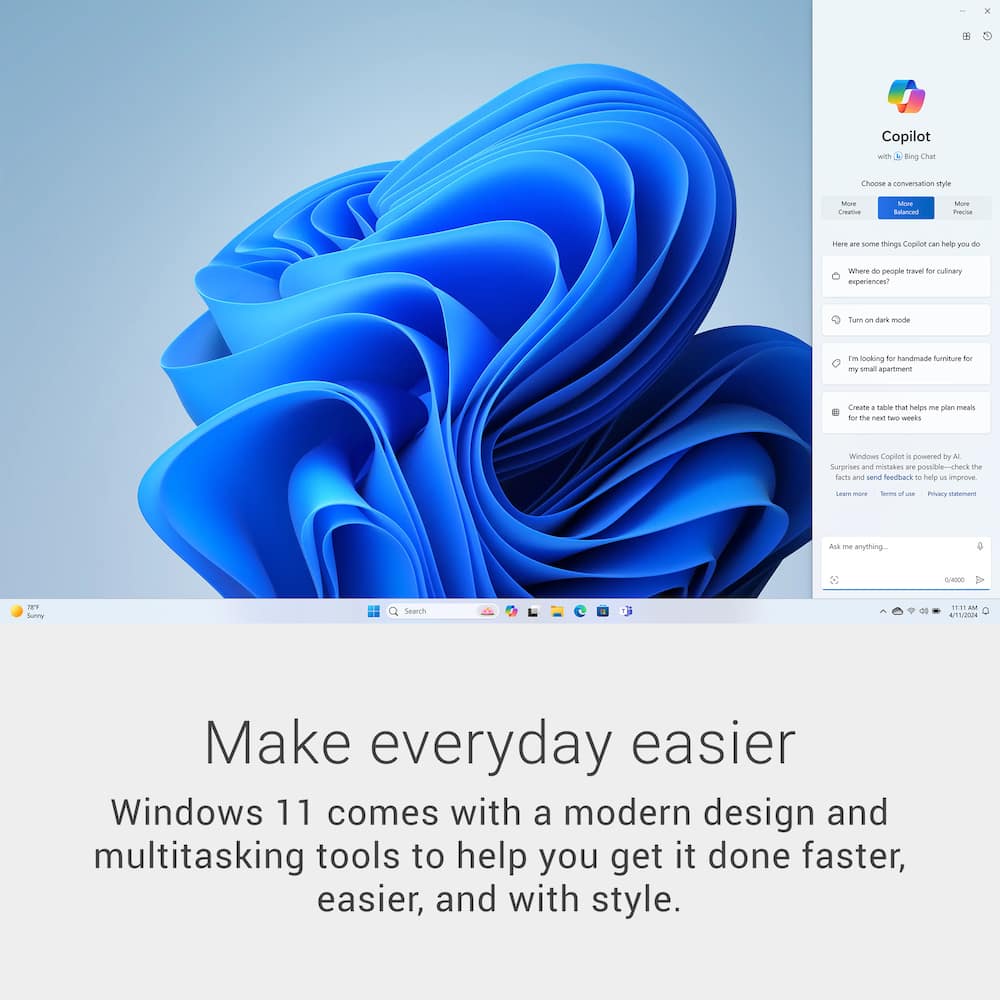
- Windows 11 Home
- Operating System Architecture
- 64-bit
- Display Connector(s)
- 1 x DisplayPort 1.4
- Number of HDMI Outputs (Total)
- 1
- Number of DisplayPort Outputs (Total)
- 1
- USB Ports
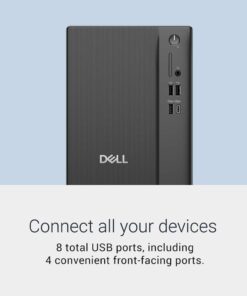
- 4 x USB-A 2.0
- Number of USB Ports (Total)
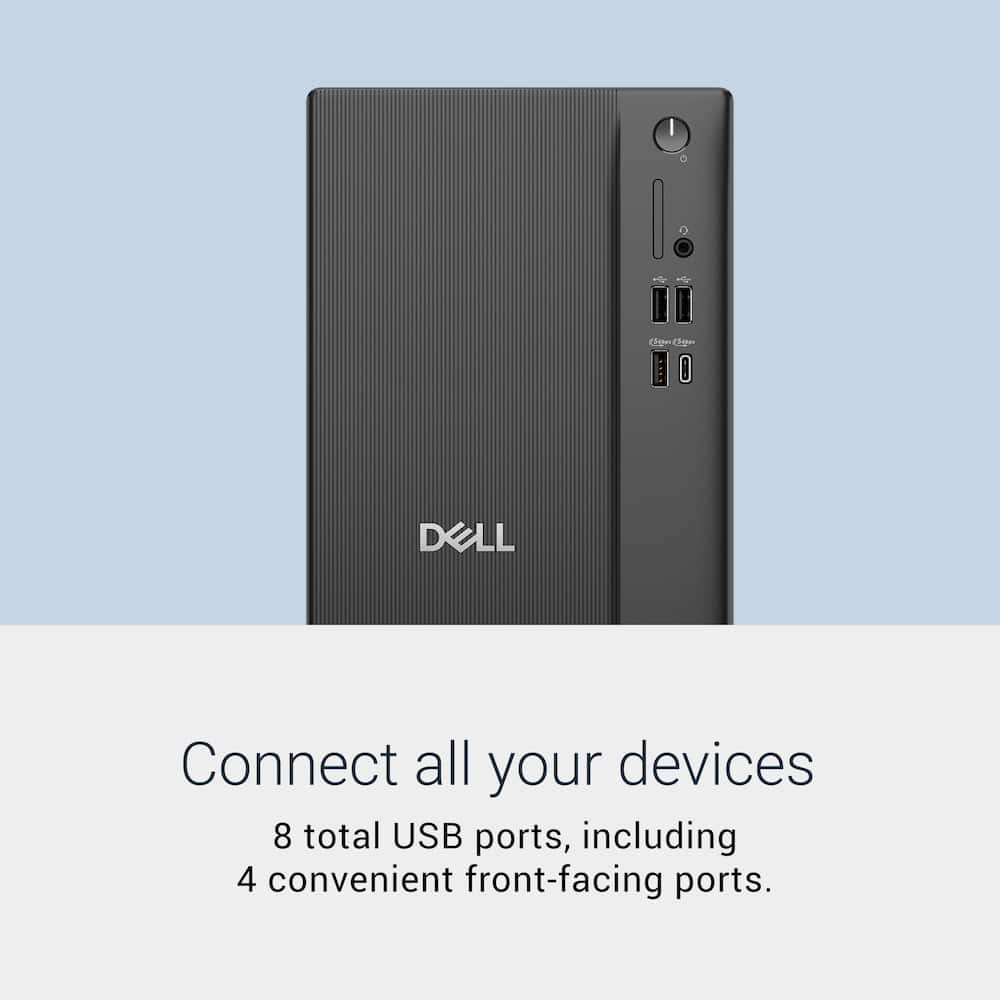
- 8
- Wireless Connectivity
- Wi-Fi
- Wireless Standard
- AX
- Wireless Networking Standard
- Wi-Fi 6
- Ethernet Card
- 10/100/1000
- Number Of Ethernet Ports
- 1
- Power Supply Maximum Wattage
- 180 watts
- Audio Technology
- Realtek ALC3204 Audio Controller
- Windows AI
- Copilot
- Size
- Standard
- Product Height
- 12.77 inches
- Product Width
- 6.06 inches
- Product Depth
- 11.54 inches
- Product Weight
- 8.84 pounds
- ENERGY STAR Certified
- Yes
- EPEAT Registered
- Yes
- EPEAT Level
- Silver
- Included Software
- McAfee LiveSafe 30-day trial
- Optical Drive Type
- None
- Keyboard Included
- Yes
- Mouse Included
- Yes
- Wireless Keyboard
- No
- Wireless Mouse
- No
- Warranty - Parts
- 1 Year Basic Onsite Service after remote diagnosis with Hardware-Only Support-Retail
- Warranty - Labor
- 1 Year Basic Onsite Service after remote diagnosis with Hardware-Only Support-Retail
- Year of Release
- 2026
- UPC
- 884116695981
- Fast performance
Launch apps instantly, switch tasks without slowdown, and work efficiently with the responsive power of AMD Ryzen 100 Series Processors. - Everyday visuals
Experience vibrant graphics for casual play, smooth video calls, and creative tasks powered by integrated AMD Radeon graphics. - Multi‑monitor support
Connect up to four FHD displays via DisplayPort 1.4 with Daisy Chaining¹ or two 4K displays with HDMI 2.1 and DP 1.4. - Easy upgrades
Access internal components quickly using the tool‑less entry and removable side panel, making upgrades convenient and hassle‑free. - Style meets sustainability
A sleek tower crafted with recycled²³.
Standard US ground delivery is $5.49 and arrives in 3–5 business days. Orders over $60 ship free. Returns are accepted within 30 days of delivery.
JamexRZ (verified owner) –
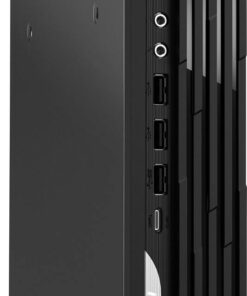
Silent, power efficient and compact – Very nice desktop computer. It came with an included keyboard and mouse (wired, and the keyboard has low profile keycaps). The tower itself is very compact and light weight. It comes with plenty of USB ports (4 type A on the back, 3 type A and 1 type C on the front). There is also a HDMI and DP ports on the back for video out from the integrated APU. There is also an 1gb ethernet port and although it does not have a Wi-Fi external antenna, it does have a Wi-Fi adapter. The motherboard is a custom one, but it does have a full size PCIe empty slot to be able to upgrade to a discrete video card (check sizing, not much space, so I would say a compact or mid range one). The RAM is actually one Sodimm of 16gb DDR5 4800mhz, and there is an empty slot to be able to add more.
Setting it up was plenty easy, just plug and play. I plugged it via the HDMI port to my 4k TV to use it a as fast an snappy media center PC. The HDMI port does support VRR and is max 60hz, I have not tried the DP port. The CPU is a 6 core 12 thread Ryzen 5 and is fast and snappy, also thanks to the included 512gb solid drive. Its one of those NVME style ones (the size is a 2230, however there is space and a mount to upgrade to a regular 2280 one). Plenty good for a home office, student or light media entertainment. As a media center PC, is perfect and silent. I have not heard its CPU fan at all (only when the bios was updating). Everything starts fast and have not had any issues. The integrated Radeon graphics APU is more than enough for a media center PC. For gaming, I would say very few very light weight games on low would run, like indie games. It does have the benefit of the empty PCIe slot to upgrade to a discrete video card. I may do that in the future.
NJRY (verified owner) –
Compact starter desktop with the room for growth – If you’re looking for a solid starter desktop, this Dell tower is right for you. It has all the basics you need for your everyday home or office workstation. While it lays a good foundation of everything needed for creatives, professionals, and gamers alike, Dell’s newest desktop leaves plenty of runway to expand and upgrade with ease so it can grow with you.
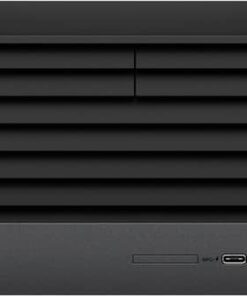
This Dell tower doesn’t exactly catch the eye; it isn’t going to be the centerpiece of your multimedia setup. Rather, it’s the unassuming backbone of your workstation, the jack-of-all-trades getting things done in the background so you don’t have to worry about the groundwork as you do your thing, be it something creative, professional, entertaining, or wherever your needs lead you. The machine is light but not little, space-saving but not slim. I personally like the modern black design that is made with recycled materials and the visually pleasing vertical line sheen. I appreciate the connectivity options on this tower, which supports up to four displays and eight USB-connected devices. Finally, the setup on this machine was so simple; it comes equipped with Windows 11 Home Edition and gets you up and running within minutes of startup.
What’s nice about this small tower is its versatility to future upgrades. The box has an easily removable side panel that gives you quick access to all things internal. The desktop has a sufficient 512 GB SSD and 16 GB RAM, both of which can be bumped up to your liking. And the somewhat basic graphics card can be switched out with ease as your needs grow. This tower can be as powerful as you need it to be.
While the Dell tower itself is a great machine with a sensible, simple design, it is packaged with a flimsy wired keyboard and wired mouse that kind of underwhelms. The keyboard buttons are softer than I like when pressed so I find myself accidentally double-clicking keys. At least it is a full-sized keyboard with number pad, if that appeals to you. Likewise, the mouse isn’t anything to write home about, and I even had some trouble getting the scroll to properly work. Eventually, I just chucked those accessories aside to use some better wireless options I already had. You’re probably better off upgrading these accessories right out of the gate, but to each their own. Luckily, these aren’t dealbreakers for what I find to be a solid desktop computer.
If you’re looking for a sensible starter computer that showcases value in its high floor and expandability, this Dell desktop stands out as a great option. Out of the box, it can handle the applications, media, and software for which most people need it quickly and efficiently, but it is ready-made to be upgraded as you need it. While the included accessories leave much to be desired, this Dell desktop stands out for its reliable performance while leaving room for more.
Michael (verified owner) –
Punches above its weight for everyday computing – Picked this up a few weeks ago and I’ve been genuinely happy with it. I knew going in that the Ryzen 5 and integrated Radeon 660M weren’t going to blow anyone away on paper, but for what I needed, the specs made sense and the price was right.
Setup was dead simple. Out of the box, Windows was ready, drivers were in order, and I was up and running in under fifteen minutes. Dell doesn’t overcomplicate things and that’s appreciated.
Day to day performance is solid. I run a lot of browser tabs, spreadsheets, the occasional video call, and some light photo editing. Nothing bogs it down. The 16GB of RAM is really what makes this machine feel capable. I had an 8GB system before and the difference is night and day.
Storage is 512GB which is on the smaller side, but I keep most of my files on an external drive so that’s a non-issue for me. The Radeon 660M handles 4K streaming and basic display tasks without breaking a sweat.
The form factor is great too. Small footprint, quiet fans, runs cool. It just sits on the desk and does its job without drawing attention to itself.
If you need a reliable everyday machine and don’t want to overpay for specs you’ll never use, this one delivers.
hokie00 (verified owner) –
Good desktop for office or casual gaming – The Dell DDTI265-5981BLK-PUS fulfilled all my needs exactly as advertised. The seven USB-A ports allow for all the connections one could need in daily use, which for me includes microphones, external drives, additional monitors, game controllers, keyboard and mouse, all without buying extra USB hubs. While the included mouse and keyboard were low quality, they were useful for setup of the device. Windows 11 takes time to install and update upon unboxing but was extremely easy to set up along with the computer as a whole. My only real complaint with its setup is I wasn’t a fan of the automatic installation of the Realtek audio controller, as when running it may override microphone settings on applications like Zoom, Discord, and OBS, and doesn’t always close without using Task Manager. The PC is very quiet even when running multiple programs and has enough storage for the average user’s needs internally. While it struggles a bit with high-intensity multiplayer games, it will suit most users’ more casual gaming and browsing needs. With both HDMI and DisplayPort access, it can be easily connected to both current and older monitors as well as TVs without purchasing and managing extra hubs and converters. For a desktop PC it’s pretty lightweight, making for easy transportation. While not top of the line, the desktop functions exactly as advertised, making it great for general use.
Goconfigure (verified owner) –
A great full-size rig for some DIY projects – This tower makes a really good media PC for my use case. It’s full-size so upgrades are extremely quick and easy and being full-size has advantages like having easy access to all components. I plugged it directly into my 85 inch television, set the resolution size down a bit and now it’s a gatekeeper to my NAS. The included Radeon chip can game as well but you’re gonna want to stick to Fortnite, Rocket League, Minecraft, Roblox, and the like. It’s going to struggle on AAA games like Starfield, Cyberpunk, etc because it uses shared RAM and it’s not built for those type of games. In that case, my use case is perfect. This is a great little computer for light gaming, browsing the Internet, doing a little bit of Photoshop, RC simulation, and the like. The build quality is sturdy and I can see this machine lasting for years if kept clean and dust free. Dust is the enemy here. You get a mouse and a keyboard to get you started just bring your own monitor and you have a nice capable setup. If you’re a student, you’re going to love this desktop.
nautec (verified owner) –
Great daily workhorse for a home user – The Dell desktop features an AMD Ryzen 5 150 processor and Radeon 660M graphics in a compact tower with enough internal space to grow as your needs evolve. Its slim profile design makes it easy to tuck behind a monitor and keep out of sight. Between the front and back panels, you get plenty of USB‑A ports, along with both DisplayPort and HDMI outputs for dual‑monitor setups. The Ryzen 5 150 handles everyday workloads effortlessly. Multitasking across several programs is smooth, and the included single DDR5 stick of 16GB RAM is the minimum you want for Windows 11 to run comfortably. The motherboard includes an open slot for a second RAM stick making future expansion easy. Storage is provided by a single M.2 2230 drive. While there’s physical room inside the case for additional storage, adding a second internal drive will require a PCIe X8 adapter due to the limited onboard connectors. Upgrading is possible, but you may need extra hardware to take full advantage of the available space. From a performance standpoint, this machine shines as an everyday workhorse with the ability to play most games on the market. It runs titles from Steam and Epic smoothly at 1080p, and handles 3D modeling tools like AutoCAD, Revit, and Fusion without issue. Image editing programs such as Photoshop and GIMP perform well, and DAWs for music recording run reliably. Even with multiple programs and browser tabs open across a dual monitor setup, the system stays responsive. Overall, if you’re looking for a dependable daily driver, this desktop delivers excellent value. It’s fast out of the box, handles a wide range of tasks with ease, and offers a straightforward upgrade path such as adding a second stick of DDR5 RAM when the time comes. Plus, you get Dell’s solid support should you ever need it.
mskelbel (verified owner) –
Dell Desktop; decent for the basics – My husband’s old desktop was way overdue to be replaced. It was reminiscent of the old days: Turn it on, go get a cup of coffee while waiting for it to finish booting for about 15 minutes. I understood his frustration. He didn’t need anything special, like a gaming machine or very high powered productivity so we opted for this one. He’s not one for multitasking so I felt like we could go for a budget model. I usually do all his tech setup so I handled getting it unboxed and running. In the box was the tower, power adapter, keyboard, mouse and a few pieces of paper. I plugged everything in and powered it on. First screen I saw was the boot menu. Uhhh ok. I selected the UEFI option, saved and exited. I then went through the usual windows setup. It had an update to complete before it finishes the booting into windows. The update took a long time and finally told me it failed and would attempt to do it again later. The computer rebooted. And rebooted again. And rebooted again. I was worried I was in a boot loop. It then did boot into windows. I went into the update settings and ran any available updates to make sure everything was good. It seemed to run ok after that. It was late so I opted to continue the next day and shut it down. When turning it on again from power off, it again booted into the boot menu. In fact, from a power off state, it will consistently boot into the boot menu, each and every time. Luckily my husband is good at following instructions so he knows how to get into windows.
This system is equipped with 16GB Ram, 512GB total storage, AMD Ryzen 5 150 processor, and AMD Radeon 660 M integrated graphics. These are packed into a mini to medium sized tower that was lighter than expected. Graphics look fine for basic tasks, browsing, streaming. It’s not powerful enough for high end gaming. There’s enough ports to run two monitors. The RAM and SSD can easily be upgraded with the easy open design. It was able to keep up with the testing I threw at it: Multiple tabs, Spotify, a couple of browser games; Forge of Empires, Elvenar, some streaming. This computer is great for everyday basic use, not including high end gaming or huge amounts of multitasking. I would be happier if it didn’t boot into boot manager every time we turn it on though.
RAM2060 (verified owner) –
A Well-Rounded, Straightforward PC! – This Dell desktop is a very well-rounded home computer!
With 16GB memory and an AMD Ryzen 5 150 processor, this computer can do pretty much anything you need it to except for hardcore gaming. I use this computer as a home server for self hosting, and with ~10 cpu/memory-intensive services running, including databases and long-running tasks, the computer can handle it no problem! Internet browsing, coding, and casual usage are also all highly performant, with no noticeable lag or performance hiccups, even with many processes running!
A few notable items about the PC itself: it comes with a standard Dell wired keyboard and mouse, which are nice to have included with the PC, but note that they feel relatively cheap and the key presses on the keyboard are extremely mushy/shallow. The PC is also shockingly lightweight, as the inside of the PC frame is mostly empty space and there aren’t any large complicated components such as heat dissipation mechanisms or a large graphics card. Overall, it’s a simple and straightforward PC that handles all of the fundamentals very well!
Sean (verified owner) –
Solid option for a family or office PC – The Dell DDT1265 is a solid option for those who need a simple PC for web browsing, running office applications, and even some light-weight gaming.
It’s a good option for an entry level PC. There are lower spec’d options that could be serviceable, but this system has a few tiered-up options that meet my personal minimum recommended specs for a modern computer. These include a series 5 processor, a minimum of 16GB RAM, and at least 512GB of NVMe storage. As said, you can get by with some cheaper options but I feel these specs offer a good balance of cost and how long the hardware will be relevant.
The build is fairly compact but it does use a proprietary motherboard layout similar in size to Micro-ATX, so it’s not as small as the Dell slim line that is mostly designed around laptop style internals.
Speaking of laptop internals, one odd choice on this PC is that they opted to use DDR5 SODIMM (aka laptop) RAM. They also only chose to populate one of the two RAM slots, I’m assuming both of these choices are due to cost saving measures. I don’t mind the SODIMM choice but I would have preferred to see both RAM slots populated. The performance hit is not really going to be noticeable on most menial tasks, but considering this makes use of an intergraded GPU it can seriously impact graphics performance.
The included NVMe SSD is a 2230 form factor Samsung drive, so no complaints there. If you do want to upgrade or replace the SSD it does have a 2280 mounting point as well. Note there is only ONE slot for an NVMe SSD.
There is a PCIE8x slot open on the motherboard however you’ll be limited to what you can connect here as the included 180W power supply does not have any available leads, and even if it did, it does not have much headroom at only 180W. This limits you to smaller expansion cards for additional SSD storage or something like an audio card.
I know it seems like I mentioned a lot of downsides about this PC but that’s just coming from a PC enthusiast perspective. Given the target audience and usage of this computer, I don’t really have any complaints from a serviceability aspect. These Dell towers have always represented a good value option and usually prove themselves reliable in the long run.
This PC strikes a good balance of performance, size, upgradability, and quiet operation for an entry computer. I am confident that 99% of people looking at this PC would be quite happy with their purchase.
BARBARAC (verified owner) –
New Computer – We had our Dell Computer for over ten years. It was slow, shutting down, not uploading, etc. Our new one is like a miracle! Everything works.
PaRoy (verified owner) –
Just what I needed for my home – The Best Buy rep guided me to this on what we use it for at home. Our uses are searching the internet, using microsoft products and photo editing. No gaming.
DryAir (verified owner) –
Great Replacement for an old one – So far is doing great. Much better than my old 10+ year old computer. Fast and no problems. Still have more to check out.
RONALDM (verified owner) –
Another great product from Dell – Glad this great product was available at Best Buy.
gene (verified owner) –
Dell Desktop Computer – A very powerful computer. It is the right size for
KENNETHB (verified owner) –
Dell desktop – old computer quit. Needed new unit. There wasn’t a lot of choice in desktops, but salesman was very helpful. This one works fine, but I am not a computer person.
TeckOne (verified owner) –
Great computer at this price! – The product is as advertised. It is very responsive and works great
ILEENF (verified owner) –
Has a lot of features, too many to mention – I am not a very techy person and I had no issues getting the system up and running. Using for home and work, great product.
PATW (verified owner) –
Dell desktop – Good computer for all of my household needs. Easy to set up.
DougG (verified owner) –
Quick Delivery – Nice computer for our Wizard CMC mat cutter in our picture frame shop.
JCMolina (verified owner) –
Affordable Desktop – Good components – great for medium office work load