Sale


Sale!
Insignia™ Model 6504515
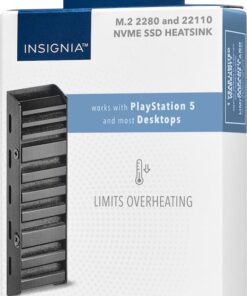
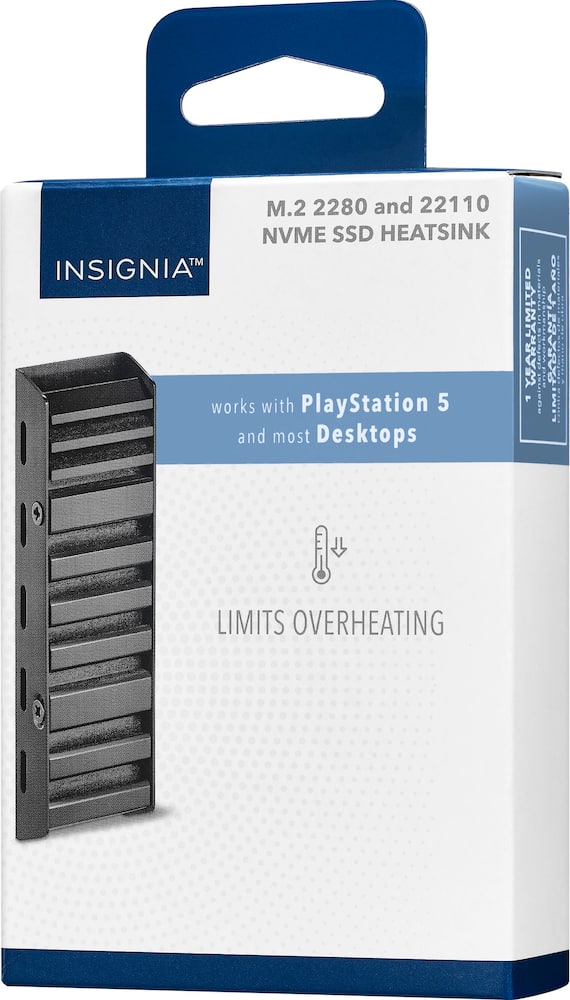
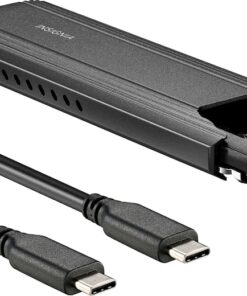
Insignia™ – Heatsink Enclosure for M.2 NVMe SSDs and PS5 – Black
★★★★★★★★★★ (4.7) 20 reviews
Original price was: $14.99.$11.99Current price is: $11.99. Save $3
In stock · Ready to ship
Delivery Fri, Nov 20 – Tue, Nov 24 Free shipping on orders $60+
Secure checkout · Visa · Mastercard · Amex · Discover · PayPal
Questions? Talk to a product specialist
(888) 519-3048
- Free shipping $60+3–5 business days
- 30-day returnsMoney-back guarantee
- Brand-newManufacturer warranty
- Ships from the USColumbus, OH
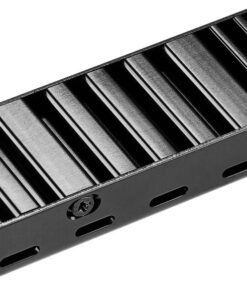
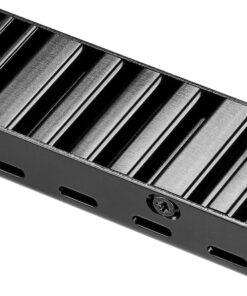
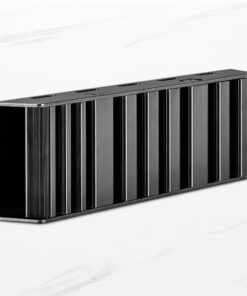
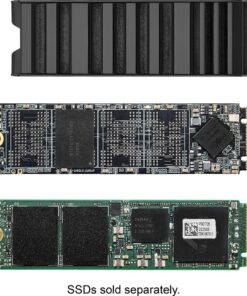
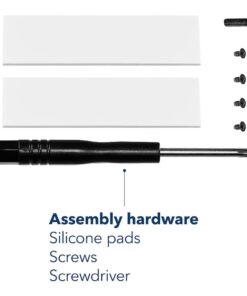
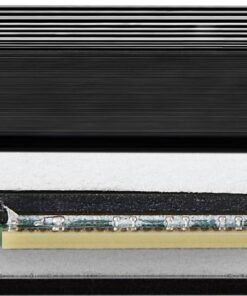
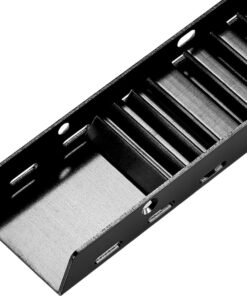
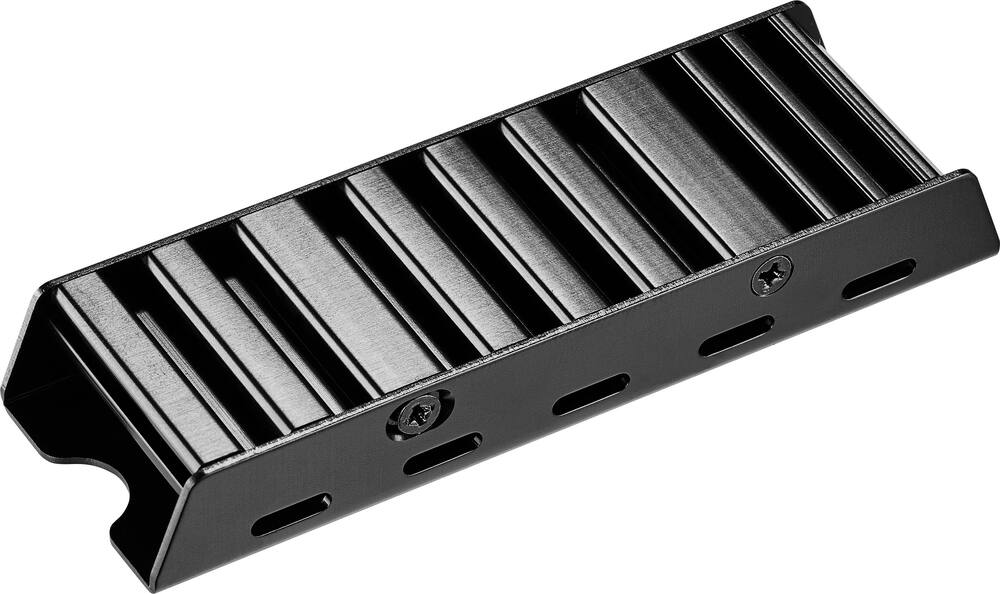
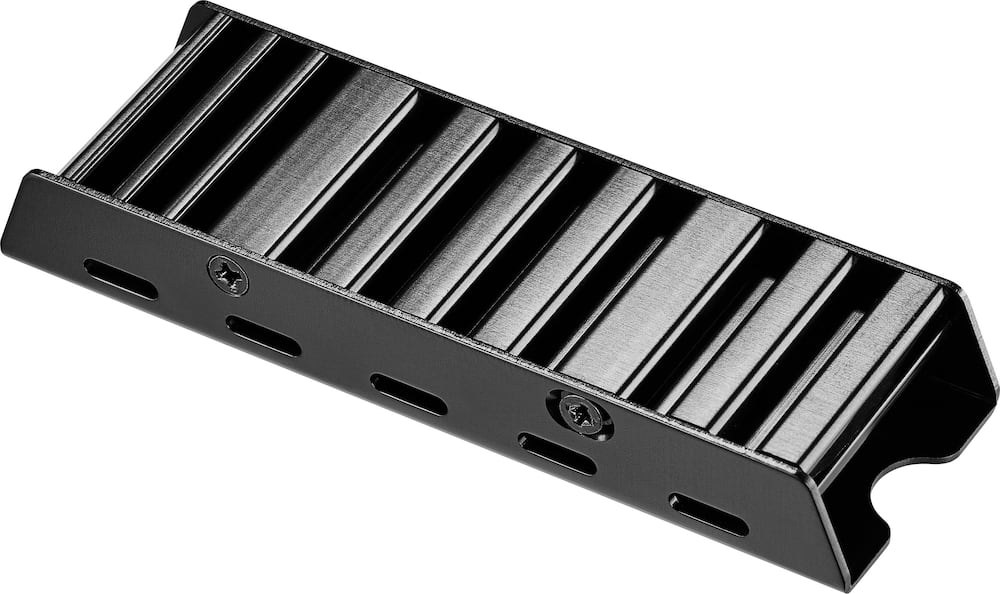
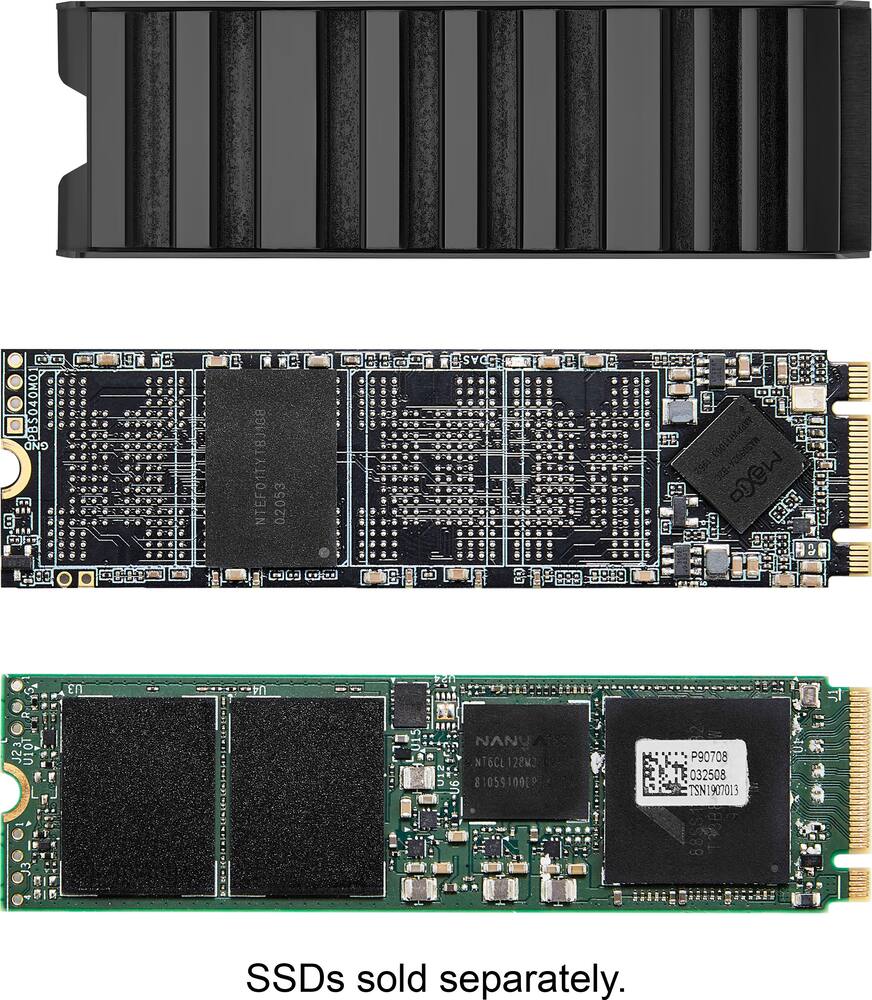
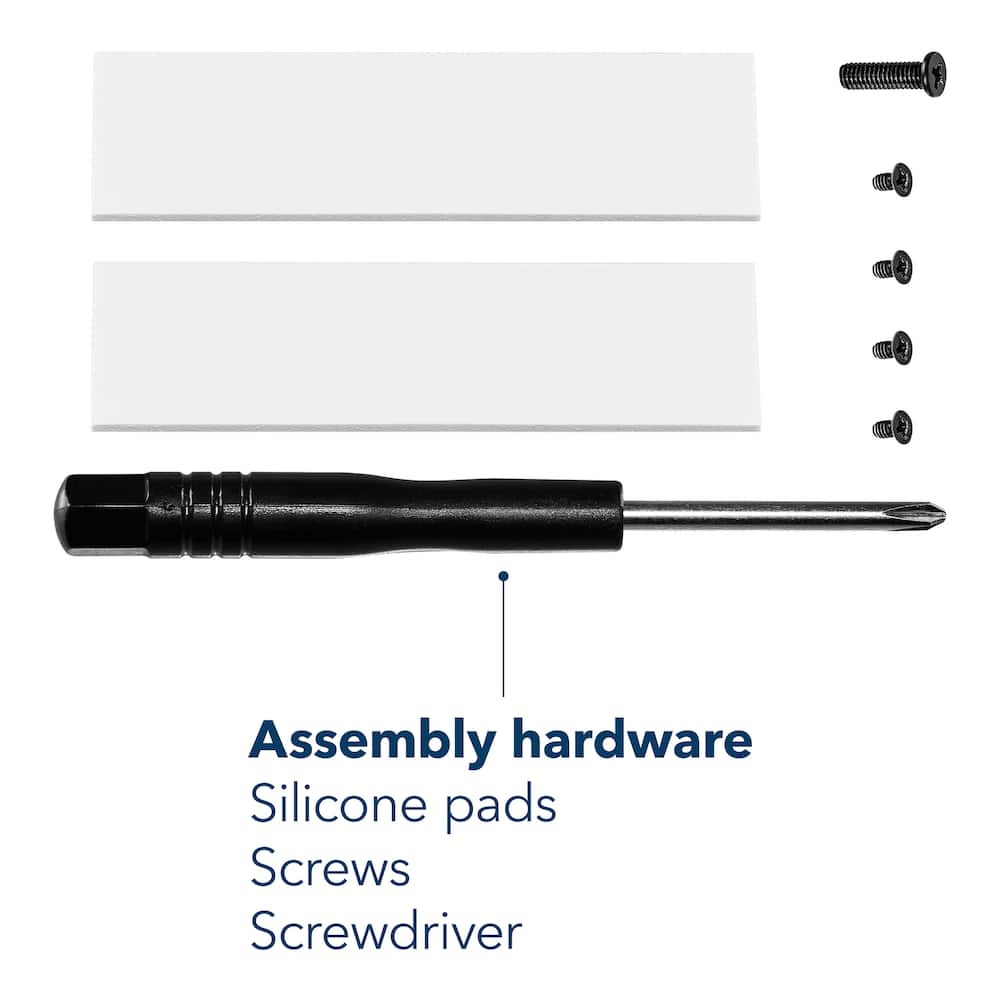
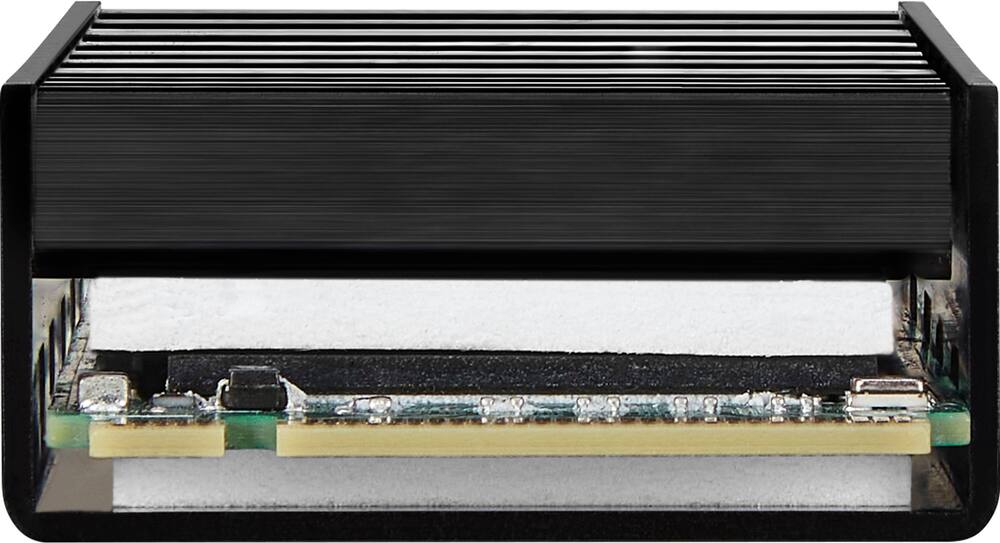
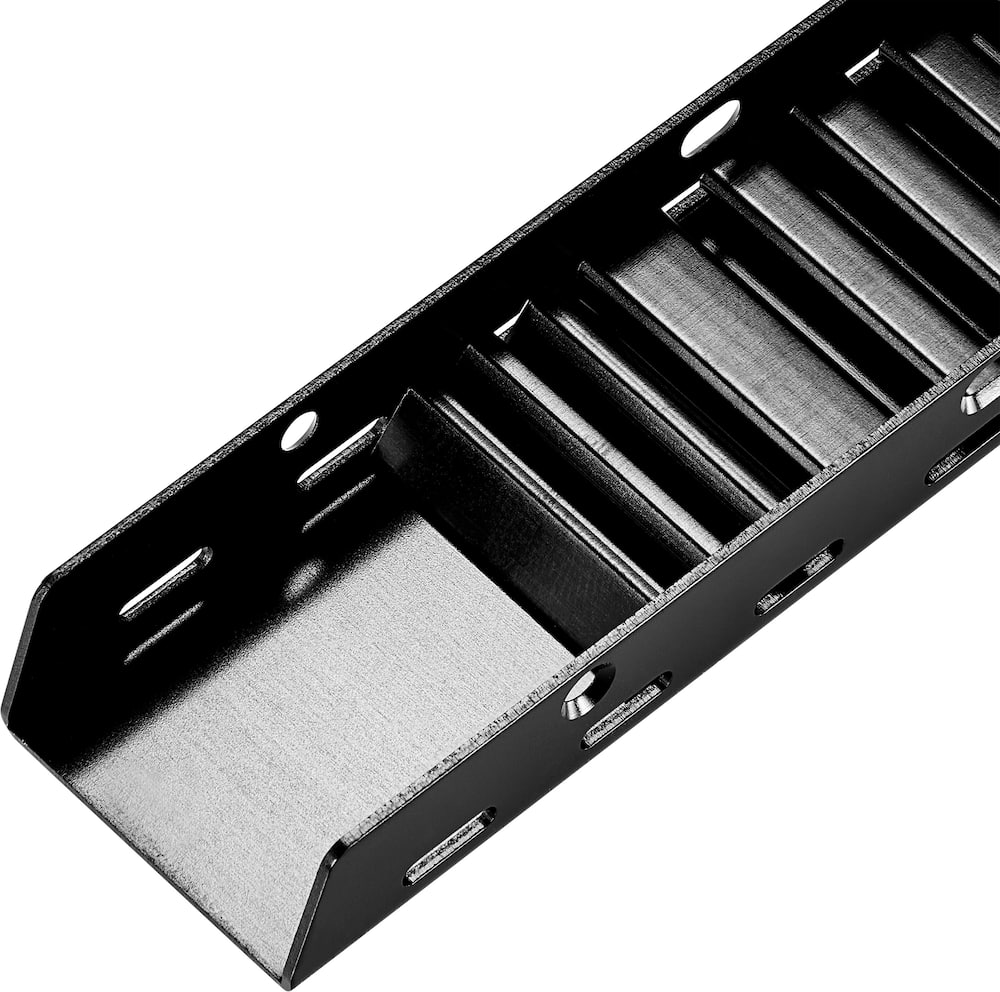
- Wide compatibility Designed for PlayStation 5 and most desktop computers.M.2 B&M key or M key Supports both 2280 and 22110 SSDs.Double sided construction Helps prevent overheating and throttling, improving the performance of your device.Vented aluminum and silicone thermal pads Grants durability, protection and improved heat dissipation.Hardware included Includes everything you need for a simple setup process.Easily set up your heatsink Remove the protective film from both thermal pads.
- Place one pad inside the heatsink and the other on top of your M.2 SSD.
- Place the M.2 SSD with thermal pad in the center of your heatsink.
- Screw top cover into place before installing the SSD into your device.
Key specs
- Brand
- Insignia™
- Model Number
- NS-PM2HS
- Product Name
- Heatsink Enclosure for M.2 NVMe SSDs and PS5
- Color
- Black
- Drive Form Factor
- M.2
- Warranty - Parts
- 1 year
- Warranty - Labor
- 1 year
- Brand
- Insignia™
- Model Number
- NS-PM2HS
- Product Name
- Heatsink Enclosure for M.2 NVMe SSDs and PS5
- Color
- Black
- Drive Form Factor
- M.2
- Warranty - Parts
- 1 year
- Warranty - Labor
- 1 year
- UPC
- 600603314834
- Wide compatibility
Designed for PlayStation 5 and most desktop computers. - M.2 B&M key or M key
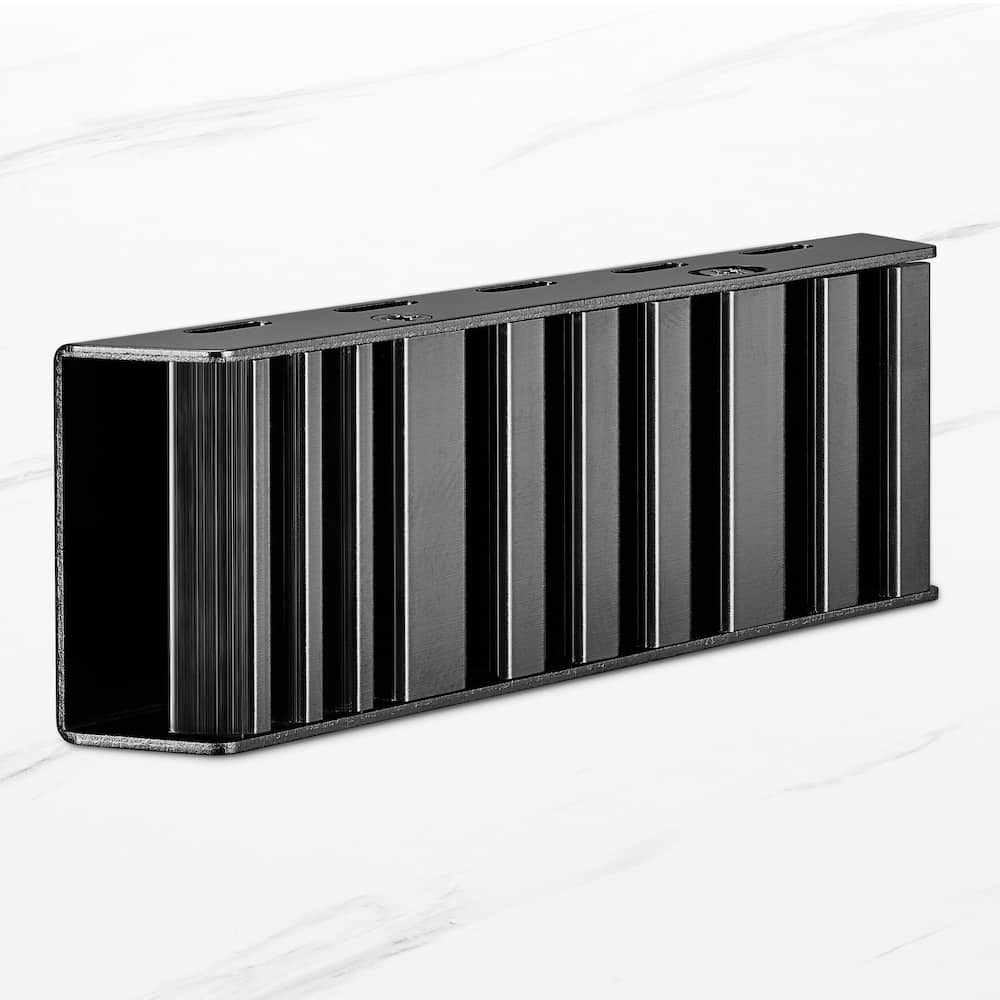
Supports both 2280 and 22110 SSDs. - Double sided construction
Helps prevent overheating and throttling, improving the performance of your device. - Vented aluminum and silicone thermal pads
Grants durability, protection and improved heat dissipation. - Hardware included
Includes everything you need for a simple setup process. - Easily set up your heatsink
Remove the protective film from both thermal pads. Place one pad inside the heatsink and the other on top of your M.2 SSD. Place the M.2 SSD with thermal pad in the center of your heatsink. Screw top cover into place before installing the SSD into your device.
Standard US ground delivery is $5.49 and arrives in 3–5 business days. Orders over $60 ship free. Returns are accepted within 30 days of delivery.
PadraigO (verified owner) –
Nvme heatsink – Keeps the drive cool while I’m game or working on a 3d models and looks kinda cool
PyRo (verified owner) –
PS5 ADD-ON – Bought this as an amazing addition to my Playstation 5 gard drive.
Kate (verified owner) –
Heatsink – Worked perfectly for me! Super easy to use and made sending everything from one ssd to the other super easy!
X90j (verified owner) –
looks good – worked fine a little bulky make sure it fits keeps temps good
AidanG (verified owner) –
SSD Port – Worked great and employees were helpful, getting the PlayStation open was the hardest part of the process, the SSD portion was easy.
MichaelW (verified owner) –
Works* with extra parts – It works as you would expect a heatsink to in a small enough form that it fits inside a thin client HP 600 G2. My biggest complaint would be a lack of heat pad open sizes. My M.2 coral had massive gap between the pad and the top plate. Since the chip was only on half the board, I folded it in half to fill the void. And that was using the thicker of two included pads.
I did end up swapping in a traditional M.2 into this and there was still a gap.
So TLDR, make sure you have extra thickness heat pads. To accommodate your drive
Roland (verified owner) –
Ssd shroud – Does what it needs to i have t had my ssd overheat
JorgeR (verified owner) –
Ps5 memory – Fits perfectly, great storage capacity for alot of games . Well worth the price
RichardB (verified owner) –
Fits inside rog ally x – Used this for my 4tb upgrade in my rog ally x and it’s doing exactly what its supposed to.
CEBR (verified owner) –
Ssd sink – Works great to keep sp 4tb ssd cool on my build. I would use this if you need a cover to keep ssd cool in build if it does not already have one.
JBoogie (verified owner) –
It just works – It was easy to use and I haven’t had any issues with it
Johall1991 (verified owner) –
Insignia ssd heatsink – This heatsink is very simple and better quality than a lot that are probably 3x the price, also extremely easy installation, fits perfectly in ps5.
MichaelC (verified owner) –
Works like a charm – Works as intended. My m.2 ssd was over heating being just below my gpu. Slapped this heatsink on and no more over heating. Great price as well.
Junaid (verified owner) –
Decent heatsink, needs more options – decent heatsink, does not offer a lot of options for motherboard screws, just comes with one long screw for motherboard which may or may not fit
AndreG (verified owner) –
It’s works well. – Easy to install and does its job well.
Can’t show pics since it now lives inside my ps5 lol
LawrenceS (verified owner) –
temperature dropped significantly – My computer was running hot, which led to a myriad of issues. installed the heat sink and a couple of new case fans, and my rig is running cool, quiet, and efficient. Great buy for the price.
MIKE (verified owner) –
Quick and Simple – I bought this to an NVME HD for my PS5. Needless to say, it was so simple to install and came with everything that was necessary. I highly recommend!
Chaddywick (verified owner) –
Fits perfectly – This product is good, material is durable and it fits SSD perfectly
Marcy (verified owner) –
Gets the job done – Easy enough to setup, it’s cheap and gets the job done. Haven’t had any heat issues at all.
JeffC (verified owner) –
Easy to use, works well. – I I got a 2nd hand motherboard that didn’t have a heatsink for the top NVME drive, and I found this one at my local Best Buy. It was easy to install, and came with thermal pads for heat transfer. It has performed well, I even ran some tests on my pc to see about temps in read/write situations, and it keeps temps quite regular now. I would absolutely get more if I needed them!