Sale



Sale!

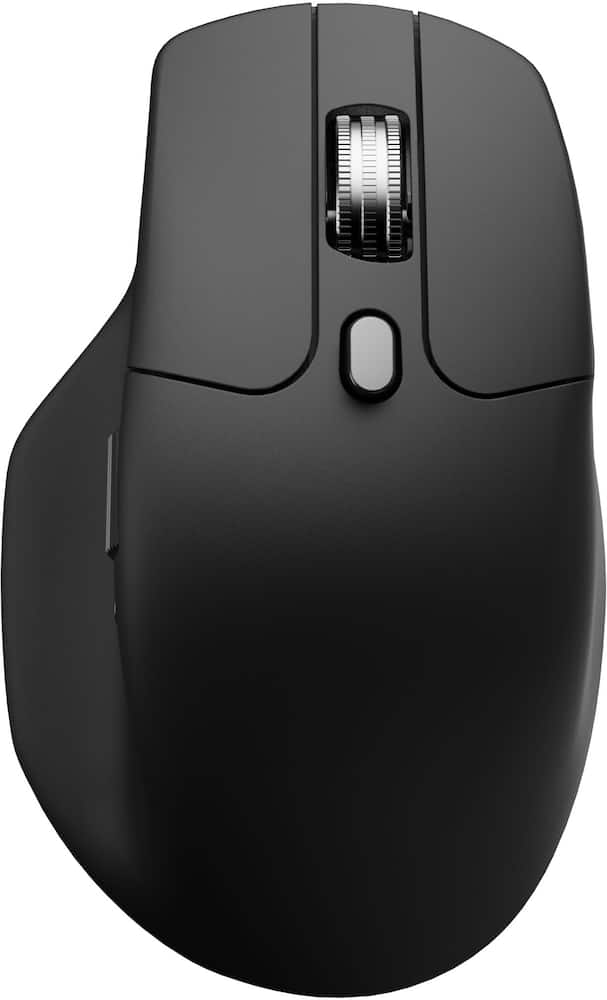
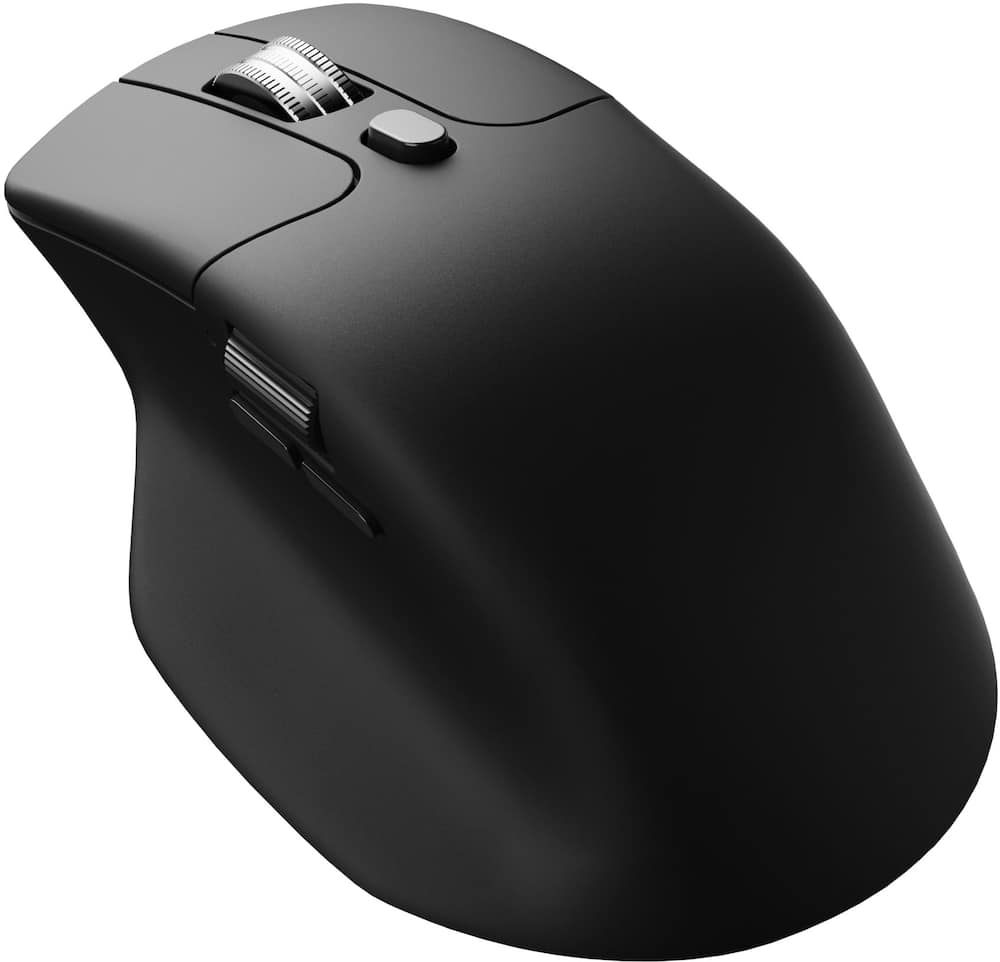
Keychron Model 6644716
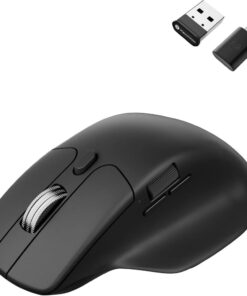
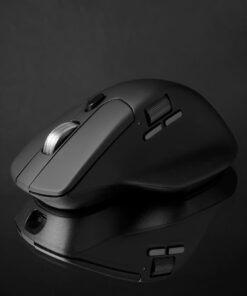
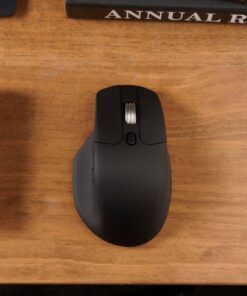
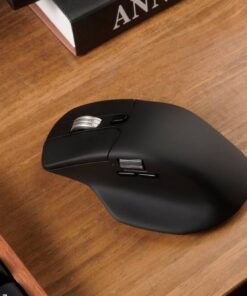
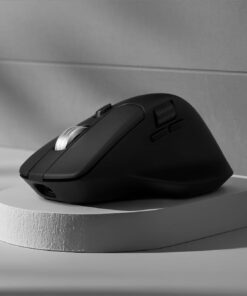
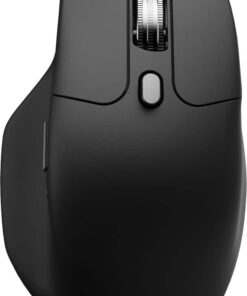
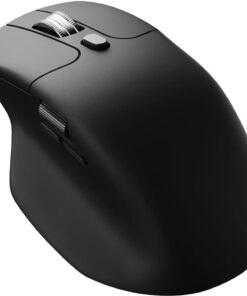
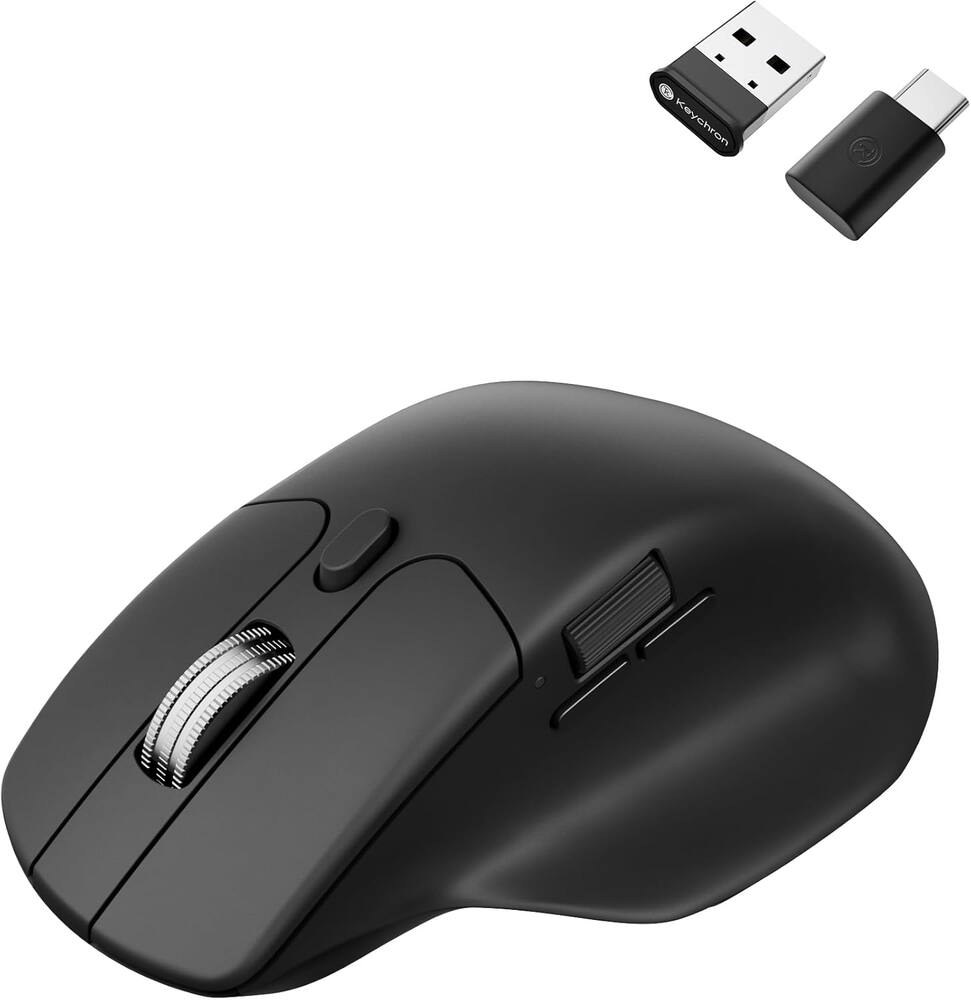
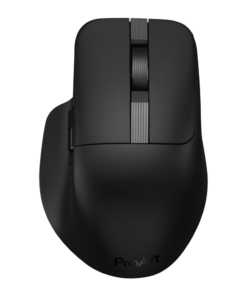
Keychron – M6 Ergonomic Wired & Wireless Laser Mouse w/ Macro Button & Fast-Scrolling Metal Wheel, For Windows PC & Mac – Wired – Black
★★★★★★★★★★ (4.4) 20 reviews
Original price was: $49.99.$39.99Current price is: $39.99. Save $10
In stock · Ready to ship
Delivery Tue, Nov 24 – Thu, Nov 26 Free shipping on orders $60+
Secure checkout · Visa · Mastercard · Amex · Discover · PayPal
Questions? Talk to a product specialist
(888) 519-3048
- Free shipping $60+3–5 business days
- 30-day returnsMoney-back guarantee
- Brand-newManufacturer warranty
- Ships from the USColumbus, OH
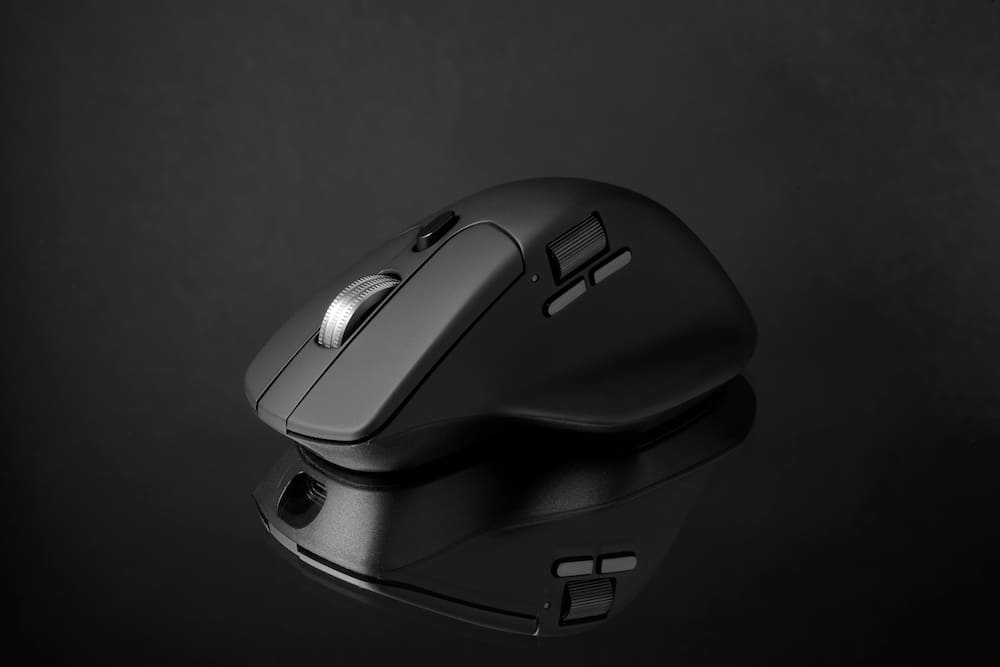
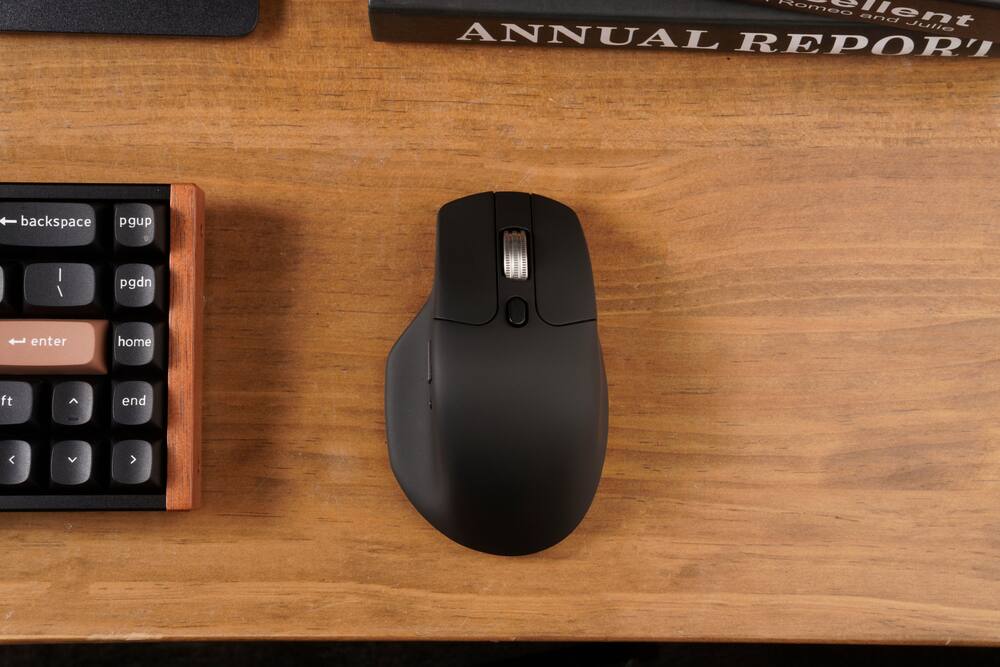
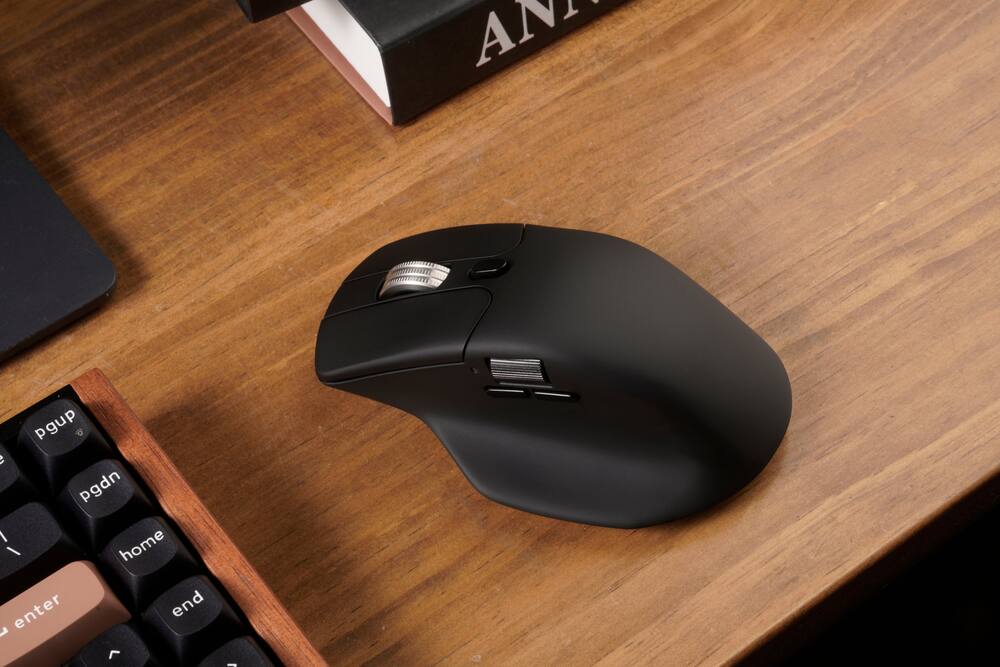
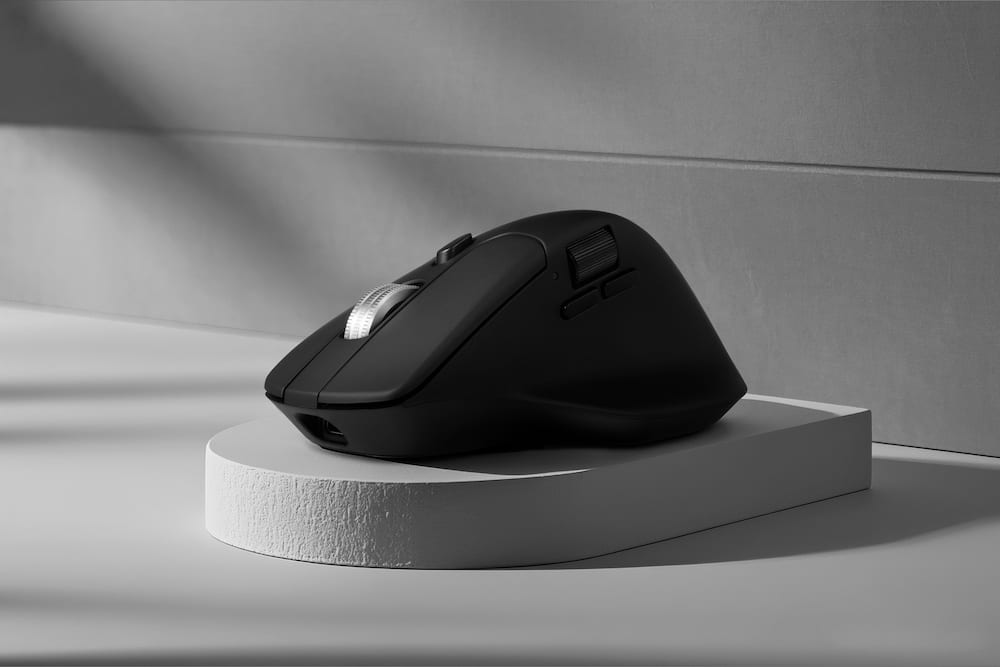
- Dual Wired & Wireless Connectivity Use seamlessly in wired mode via USB-C or go wireless with 2.4 GHz and Bluetooth for flexible setups and devices.Premium Sensor & Performance Equipped with a PixArt 3395 sensor (up to 26,000 DPI and 650 IPS) for accurate tracking whether gaming or working.Ergonomic Design with Thumb Wheel & Dual Scroll Modes Designed for right-hand ergonomics, it features a side thumb-wheel for horizontal scrolling, and a top wheel that toggles between notched and infinite scroll.Fully Programmable Macro Button & Software Support Customize buttons, DPI, profiles and macros with comp-pat software on both Windows and macOS.Lightweight yet Durable Build At ~78 g and featuring Huano micro-switches rated for tens of millions of clicks, it’s built for extended use in both work and play.
Key specs
- Weight
- 0.18 lbs
- Dimensions
- 4.82 × 2.96 × 1.96 in
- Brand
- Keychron
- Model Number
- M6S-A1
- Product Name
- M6 Ergonomic Wired & Wireless Laser Mouse w/ Macro Button & Fast-Scrolling Metal Wheel, For Windows PC & Mac
- Color
- Black
- Mouse Type
- Standard
- Weight
- 0.18 lbs
- Dimensions
- 4.82 × 2.96 × 1.96 in
- Brand
- Keychron
- Model Number
- M6S-A1
- Product Name
- M6 Ergonomic Wired & Wireless Laser Mouse w/ Macro Button & Fast-Scrolling Metal Wheel, For Windows PC & Mac
- Color
- Black
- Mouse Type
- Standard
- Lighting Type
- None
- Tracking Method
- Laser
- Connection Type
- Wired
- Wireless Connectivity
- Bluetooth
- Maximum Wireless Range
- 10 feet
- Operating System Compatibility
- Windows
- Plug and Play Operation
- Yes
- Number of Devices Connectable Simultaneously
- 3
- Product Height
- 1.96 inches
- Product Length
- 4.82 inches
- Product Width
- 2.96 inches
- Product Weight
- 0.18 grams
- Warranty - Parts
- 1 year limited
- Warranty - Labor
- None
- UPC
- 4894979048257
- Dual Wired & Wireless Connectivity
Use seamlessly in wired mode via USB-C or go wireless with 2.4 GHz and Bluetooth for flexible setups and devices. - Premium Sensor & Performance
Equipped with a PixArt 3395 sensor (up to 26,000 DPI and 650 IPS) for accurate tracking whether gaming or working. - Ergonomic Design with Thumb Wheel & Dual Scroll Modes
Designed for right-hand ergonomics, it features a side thumb-wheel for horizontal scrolling, and a top wheel that toggles between notched and infinite scroll. - Fully Programmable Macro Button & Software Support
Customize buttons, DPI, profiles and macros with comp-pat software on both Windows and macOS. - Lightweight yet Durable Build
At ~78 g and featuring Huano micro-switches rated for tens of millions of clicks, it’s built for extended use in both work and play.
Standard US ground delivery is $5.49 and arrives in 3–5 business days. Orders over $60 ship free. Returns are accepted within 30 days of delivery.
IdkHow (verified owner) –
Awsome – Amazing, worth the price. Surpised me when youre able to choose between wired and wireless
Matt (verified owner) –
Great mouse held back by inconsistent scroll wheel – Bought three of these (3395 sensor, metal scroll wheel). First unit is excellent — comfortable shape that rivals the MX Master, lighter weight, both USB-A and USB-C receivers with adapters, charging cable in the box, onboard DPI storage. At $50 it destroys the MX Master 4’s value proposition on paper.
The problem is the scroll wheel. First unit is perfect in tactile mode. Units two and three both rattle and vibrate the mouse body, making them unpleasant to use. This isn’t a random defect — it’s a known tolerance issue with the infinite/tactile toggle mechanism that’s been documented since the original M6.
Keychron nailed the shape, weight, sensor, polling rate, accessories, and software. They’re so close to dethroning the MX Master in the productivity ergo space. But the one component you touch thousands of times a day is the one they cut corners on. Fix the scroll wheel and this is the best productivity mouse on the market.
KennedyE (verified owner) –
Awesome mouse, awesome price – Awesome product for work and play, Side scroll wheel works wonders if you’re doing photo editing or video editing or any 3D work. Be careful with the scroll wheel (might just be an issue with my mouse) beyond that. Perfect mouse, 1k hz is all you need for getting tasks done
Dominic (verified owner) –
Mouse – This is one of the best mice I have ever used. It is super comfortable and I like the scrolling wheels.
Richard (verified owner) –
Mouse good – Feels good, connects quick and the battery lasts quite awhile. Great on a Mac laptop
Verified Buyer (verified owner) –
Light and comfortable – Replaced an Logitech Mx anywhere. works just as well. Many connectivity options makes it useful with multiple PCs. Slippery case surface makes it easy to drop. Have to be careful when picking it up.
Martin (verified owner) –
Excellent mouse – Great mouse, great value. Bought three of them and plan to buy more.
Staffie (verified owner) –
Holy battery life Batman! – Purchased this back in the beginning of January, charged it fully before using. Use it 5 days a week, 8+ hours a day for work, leave on desk when not in use. It is now May 15th, and I’ve only had to charge it once. (currently sits at 91% after recharging 2+ weeks ago). Feel of the mouse is nice, not too heavy, not too light. Can program the buttons (haven’t done so yet.. I’m lazy). The horizontal scroll is pretty cool for wide Excel documents and the button for clicky or infinite vertical scroll is nice. Nothing bad to say about this mouse.
Pzeus (verified owner) –
Love it! – Super smooth mouse, customizable, and ergonomic. W
MICHAELR (verified owner) –
Pairs well with Keychron Keyboard – I bought this to pair with my Keychron keyboard instead of the MX Master 4 and am absolutely satisfied with my choice.
BBwen (verified owner) –
Good price but bad switch – The price is unbeatable for its triple mode connection, ergonomic design and metal wheel. But I have to return it due to the occasional missed click, very rare occasion, when I double clicked, it turns out to be a single click, so I have to click again, which is annoying. I’m not sure if it is only me but dont want to bother for another one
JamesB (verified owner) –
Good mouse for multiple machines – This mouse satisfies all of the requirements I had for multiple computers, helping me jump between work, home, and project boxes. The one grievance I have is that the cable overrides the input selector, so you cannot charge and use Bluetooth or the 2.4Ghz at the same time.
ChrisF (verified owner) –
It’s okay – It has really soft clicks, muffled clicks, and occasionally disconnects.
MAXZ (verified owner) –
First month great – The good: the battery lasts for weeks. It is pretty light for its size, although I rarely have to lift it. Much cheaper currently than similar models from Logitech. I also like that the mouse is configured using a website, no software installation necessary. However, this website can only be accessed on Google Chrome web browser. I also like that the mouse comes with several connection options: wire, usb c radio receiver, usb a to c converter, and bluetooth.
The bad: It is sort of portable, but there is nowhere to hide the usb radio connector; sticking the connector into the mouse’s charging port is the best workaround but it will be hard to take out. Also, it was impossible to find the mouse in the Best Buy store, even though they said they had it online, they don’t keep it with the other mice for some reason.
JeremyV (verified owner) –
A Surprisingly Excellent Mouse
I bought the Keychron M6 expecting a good mouse. What I got was a tiny ergonomic command center for my desk.
The shape is incredibly comfortable, the metal scroll wheel feels ridiculously satisfying, and the fast-scrolling feature has officially ruined ordinary scroll wheels for me. The macro button is also dangerously convenient—because apparently I now need a shortcut for everything.
It works great wired or wireless, feels solid without being a brick, and glides smoothly. The black finish looks sleek, too, which is important because my mouse apparently needs to look more professional than I do on Monday mornings.
After using the M6, going back to a basic mouse feels like trading in a sports car for a shopping cart.
Pros: Comfortable, smooth, fast scrolling, versatile wired/wireless connection, awesome wheel, useful macro button.
Cons: My productivity has improved, so I have fewer excuses for getting nothing done.
5/5 — Would absolutely click again.
Collin (verified owner) –
Decent quiet mouse. Scroll wheel is annoying. – I’ve used this daily for basic tasks and some light gaming. I think its good if you need a quiet mouse. However the scroll wheel is very annoying and hardly works as it should.
Pros
– Comfortable in hand.
– Easy software to use to customize mouse settings, can be accessed in any web browser.
– Clicks are quiet.
– Good battery life.
– Side scroll wheel is a nice feature and works well.
Cons
– Middle mouse wheel does not work well. Feels like it falls asleep and wakes up after a few scrolls. The scroll indentations are mushy feeling and sometimes doesn’t scroll.
– Right click is starting to stick after a long period of use.
PhillipC (verified owner) –
Silent – Was very amazed by the silent clicks, sensor is amazing as well and works on any surface
Nischal (verified owner) –
Great Product – I had only used some generic mice with some substandard build and felt like this is some huge upgrade on them. The mouse feels very light and fits my hand perfectly. The buttons are smooth and as said are silent. The one thing I particularly liked was the second scroll wheel that had helped me in my modelling tasks hugely. Great product at a great price.
SuzanneM (verified owner) –
mouse that you can use wired or wireless – I prefer wired so I was happy to find one that could be either. My laptop has never really worked well and so I thought why not try a mouse. Good thing I did it kept me from having to buy a new computer. The only thing I might change is the length of the cord it’s too long but I can live with it.
Barnabas (verified owner) –
Replaced my Logitech MX mouse – I had been happy with my Logitech MX Master 2 mouse, but it was old and was malfunctioning. I was looking for something that was ergonomic and had a high quality mouse wheel. This has been a great replacement that is more affordable and highly capable.