Sale


Sale!
Razer Model 6610559
Razer – USB C Dock Station with 11 Ports for Windows 10 or later (PC with USB‑C); macOS 10.13 or later (Mac) – Black
★★★★★★★★★★ (4.1) 7 reviews
Original price was: $129.99.$103.99Current price is: $103.99. Save $26
In stock · Ready to ship
Delivery Tue, Nov 24 – Thu, Nov 26 Free shipping
Secure checkout · Visa · Mastercard · Amex · Discover · PayPal
Questions? Talk to a product specialist
(888) 519-3048
- Free shipping $60+3–5 business days
- 30-day returnsMoney-back guarantee
- Brand-newManufacturer warranty
- Ships from the USColumbus, OH
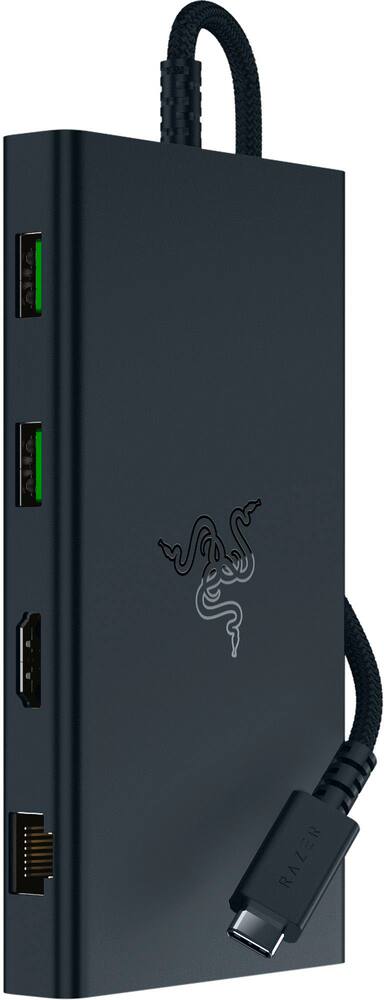
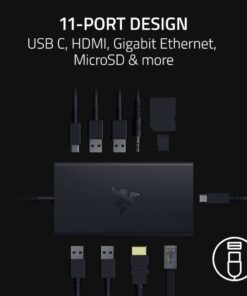
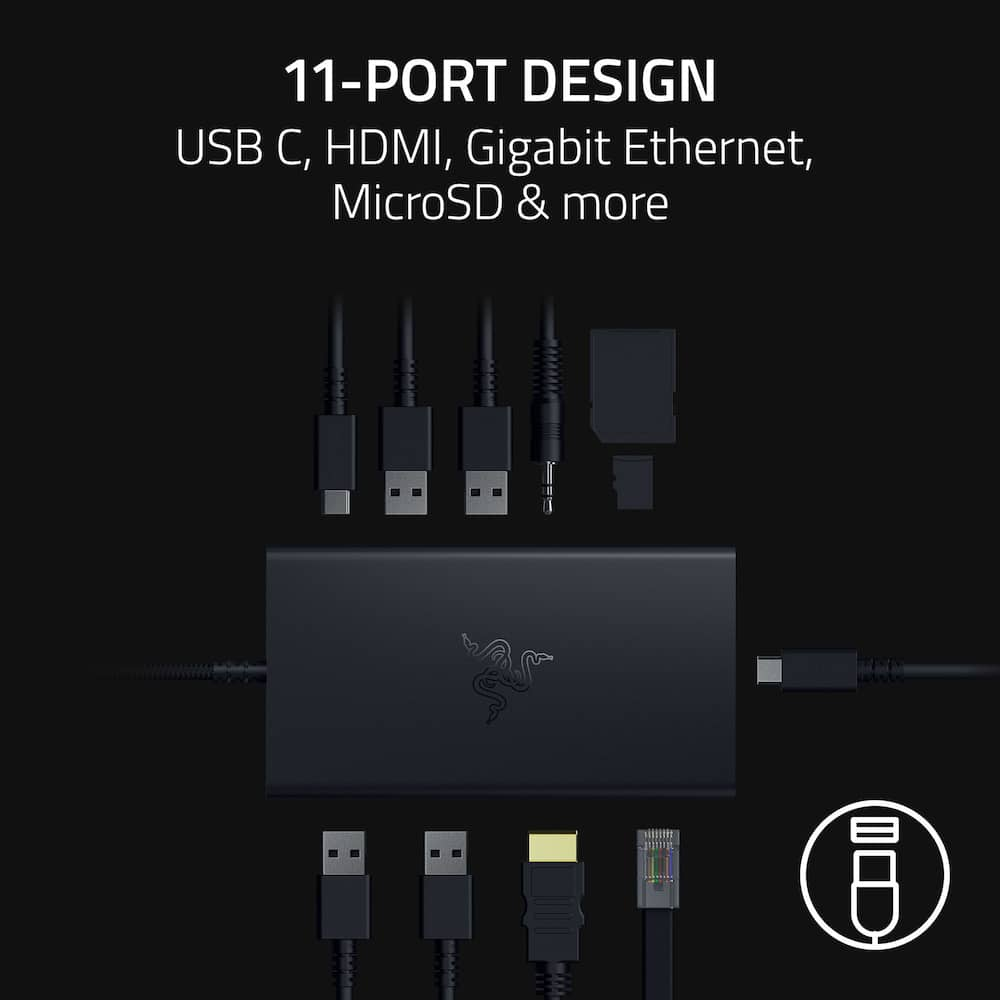
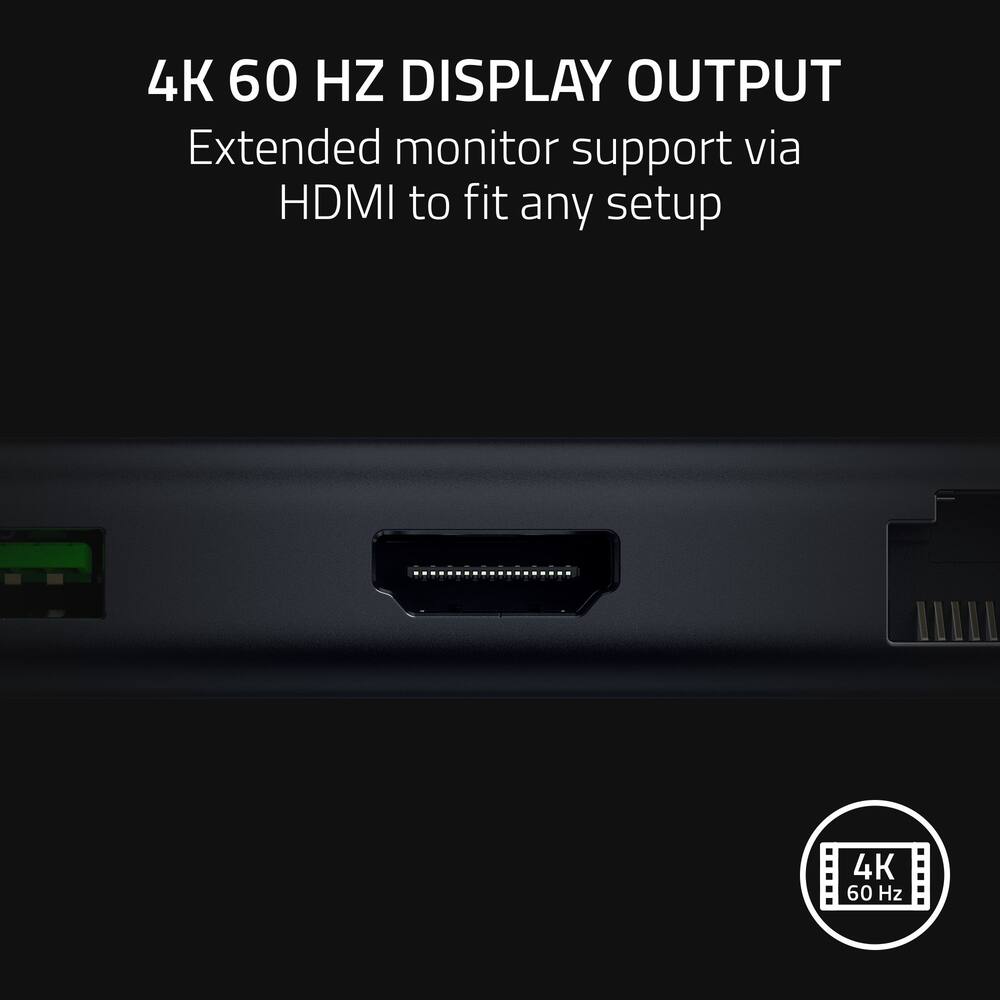
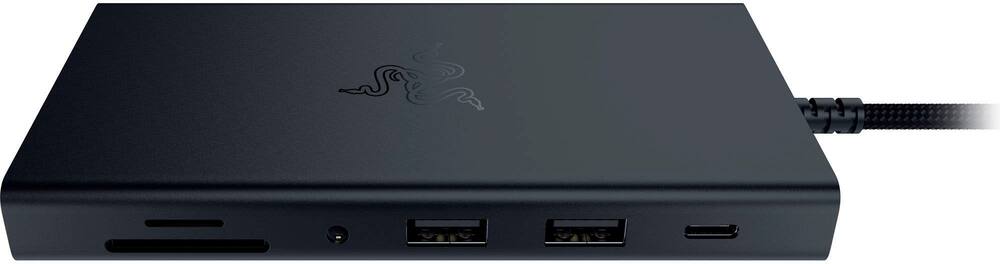
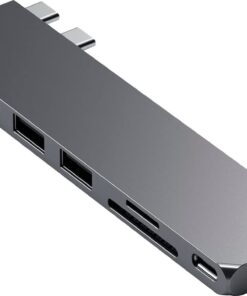
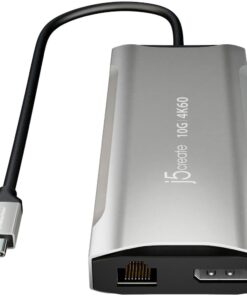
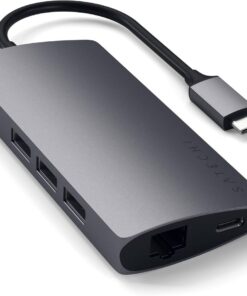
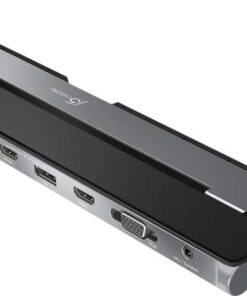
- 11-Port Design Get a docking solution for every scenario with 2 USB C ports, 4 USB-A ports, a Gigabit Ethernet port, an HDMI port, UHS-I SD/MicroSD card slots, and a 3.5 mm audio combo jack.4K 60 Hz Display Output Do more with more screen real estate.
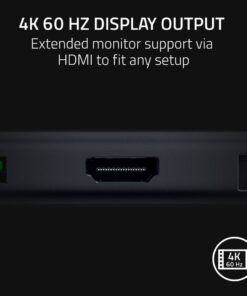
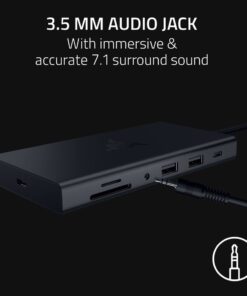
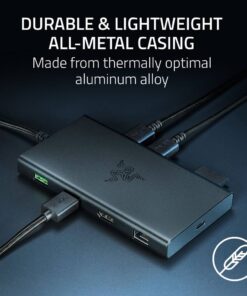
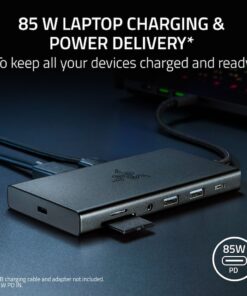
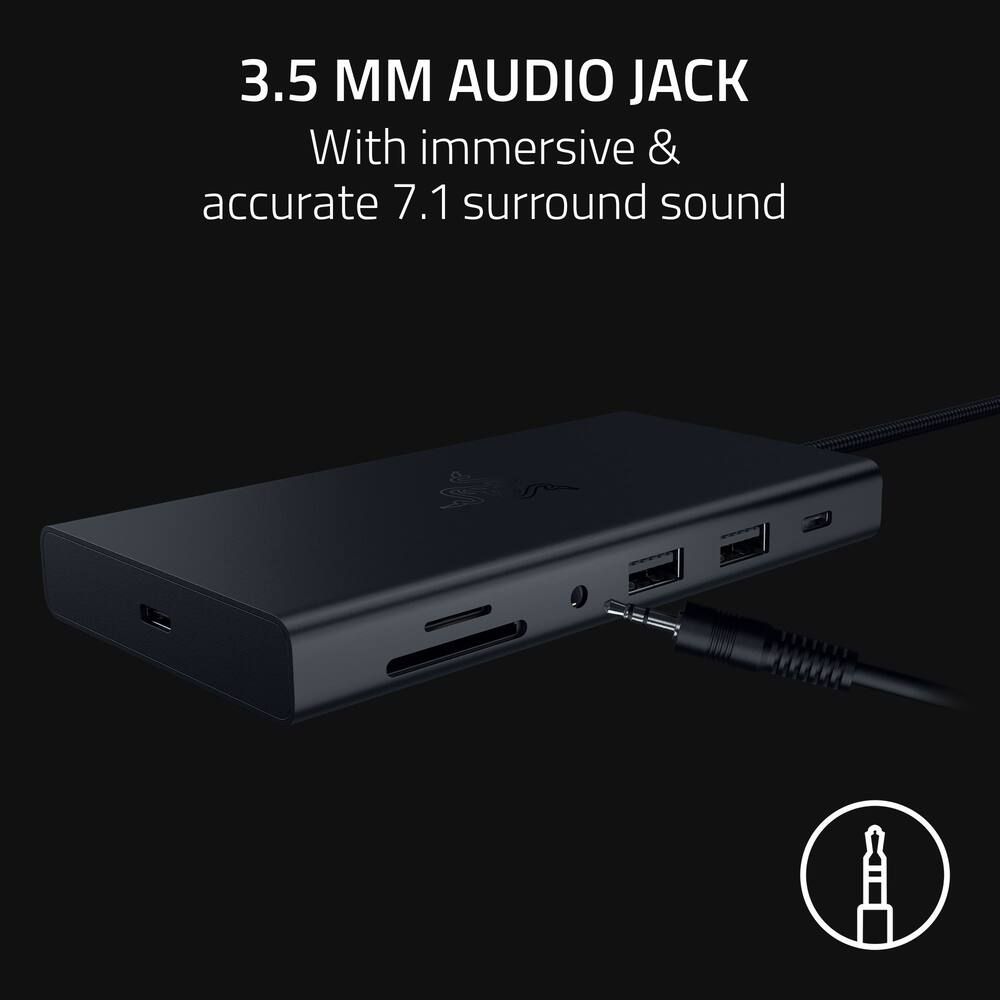
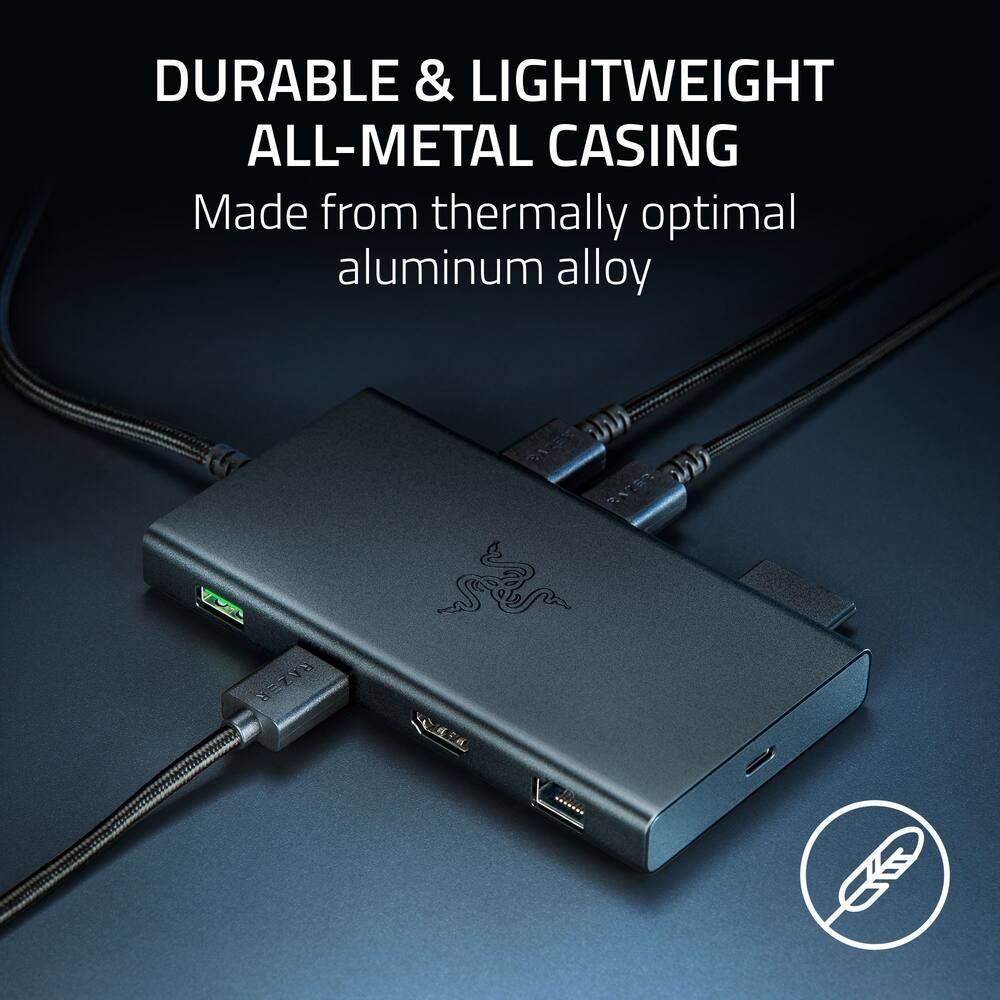
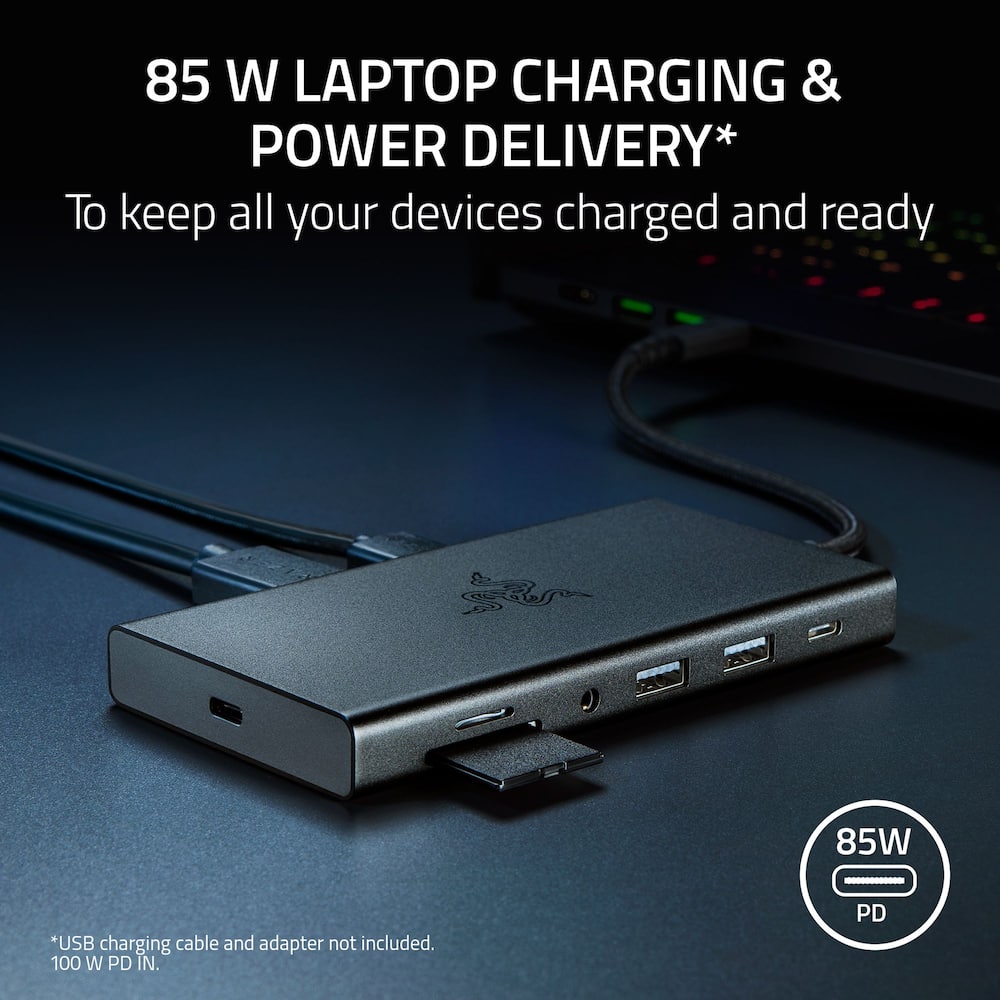
- Create in brilliant 4K (60 Hz) or game at 240 Hz in Full HD.3.5 mm Audio Jack Advanced 7.1 surround sound provides pinpoint positional accuracy for your connected speakers or headphones—delivering immersive, lifelike audio for stereo and multi-channel content alike.Durable & Lightweight All-Metal Casing On top of being extremely portable, the Razer USB C Dock is resistant to everyday wear and tear and ensures minimal heat buildup, making it ideal for constant use.85 W Laptop Charging & Power Delivery* Keep your USB C powered laptop topped off at all times using the dock’s built-in feature to charge your system, while simultaneously powering all other connected devices.
- *USB charging cable and adapter not included.
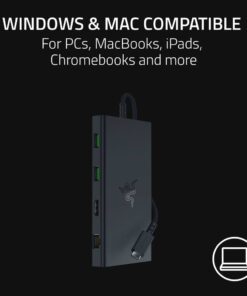
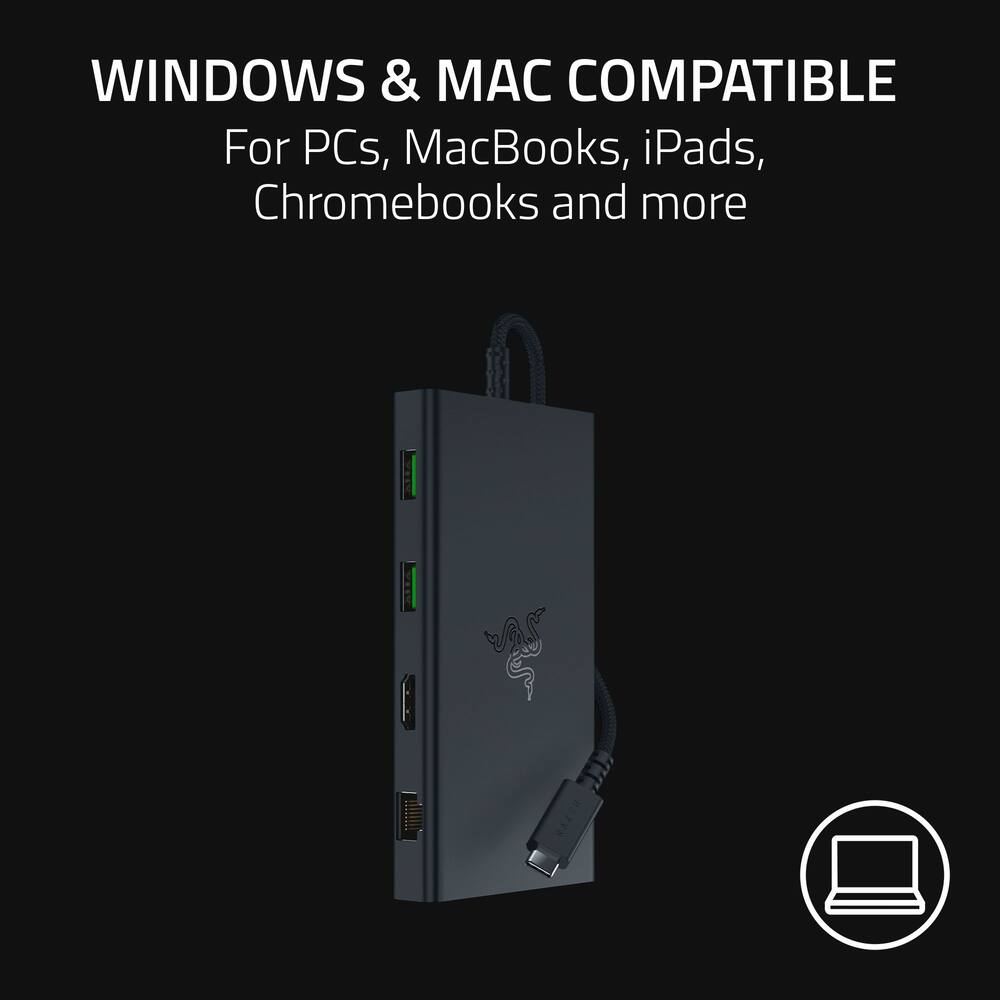
- 100 W PD IN.Windows & Mac Compatible With tons of port connectivity for almost any device, the Razer USB C Dock is the perfect complement to both desktop setups and mobile workstations.
Key specs
- Weight
- 8.8 lbs
- Dimensions
- 5.12 × 2.76 × 0.61 in
- Brand
- Razer
- Model Number
- RC21-02250100-R3U1
- Product Name
- USB C Dock Station with 11 Ports for Windows 10 or later (PC with USB‑C); macOS 10.13 or later (Mac)
- Color
- Black
- Maximum Number of Displays Supported
- 1
- Weight
- 8.8 lbs
- Dimensions
- 5.12 × 2.76 × 0.61 in
- Brand
- Razer
- Model Number
- RC21-02250100-R3U1
- Product Name
- USB C Dock Station with 11 Ports for Windows 10 or later (PC with USB‑C); macOS 10.13 or later (Mac)
- Color
- Black
- Maximum Number of Displays Supported
- 1
- Maximum Supported Resolution
- 4K (2160p)
- Maximum Supported Refresh Rate
- 240Hz
- Display Connector(s)
- 1 x HDMI
- Number of DisplayPort Outputs (Total)
- 0
- Number of HDMI Ports (Total)
- 1
- Number of Thunderbolt Ports (Total)
- 0
- Number of VGA Ports
- 0
- Number Of Ethernet Ports
- 1
- Number of USB Ports (Total)
- 6
- USB Ports
- 1 x USB-C 3.2
- Headphone Jack
- Yes
- Microphone Input
- Yes
- Memory Card Slot
- Yes
- Memory Card Type
- Secure Digital
- Powered
- Yes
- Power Supply Included
- No
- Power Supply Input
- USB-C
- Maximum Input Power
- 100 watts
- Maximum Input Voltage
- 20 volts
- Maximum Input Amperage
- 5 amperes
- Passthrough Power
- Yes
- Power Supply Output
- USB-C
- Maximum Output Power
- 85 watts
- Maximum Output Voltage
- 20 volts
- Maximum Output Amperage
- 5 amperes
- Maximum Data Speed
- 4000 megabits per second
- Brand Compatibility
- Windows 10 or later (PC with USB‑C); macOS 10.13 or later (Mac)
- Model Compatibility
- Windows 10 or later (PC with USB‑C); macOS 10.13 or later (Mac)
- Cable Lock Slot
- None
- Material
- Aluminum Alloy
- Indicator Light(s)
- Yes
- Product Height
- 0.61 inches
- Product Length
- 5.12 inches
- Product Width
- 2.76 inches
- Product Weight
- 8.8 ounces
- Warranty - Parts
- 2 years
- Warranty - Labor
- 2 years
- UPC
- 840272912669
- 11-Port Design
Get a docking solution for every scenario with 2 USB C ports, 4 USB-A ports, a Gigabit Ethernet port, an HDMI port, UHS-I SD/MicroSD card slots, and a 3.5 mm audio combo jack. - 4K 60 Hz Display Output
Do more with more screen real estate. Create in brilliant 4K (60 Hz) or game at 240 Hz in Full HD. - 3.5 mm Audio Jack
Advanced 7.1 surround sound provides pinpoint positional accuracy for your connected speakers or headphones—delivering immersive, lifelike audio for stereo and multi-channel content alike. - Durable & Lightweight All-Metal Casing
On top of being extremely portable, the Razer USB C Dock is resistant to everyday wear and tear and ensures minimal heat buildup, making it ideal for constant use. - 85 W Laptop Charging & Power Delivery*
Keep your USB C powered laptop topped off at all times using the dock’s built-in feature to charge your system, while simultaneously powering all other connected devices. *USB charging cable and adapter not included. 100 W PD IN. - Windows & Mac Compatible
With tons of port connectivity for almost any device, the Razer USB C Dock is the perfect complement to both desktop setups and mobile workstations.
Standard US ground delivery is $5.49 and arrives in 3–5 business days. Orders over $60 ship free. Returns are accepted within 30 days of delivery.

Alex (verified owner) –
Its nice – The only thing i wish it had, is a longer USB C cable. But i understand that its meant for it to lay flat on a table
JustinE (verified owner) –
Sleek, Powerful Dock with Great Connectivity — Jus – The Razer USB-C Dock Station with 11 Ports is exactly what you’d expect from Razer — premium build quality, great performance, and a clean, modern design that looks right at home next to a high-end laptop or desktop setup. The matte black aluminum finish feels sturdy and professional, and the compact footprint helps keep your workspace organized.
Performance:
All the ports work flawlessly — USB-C, HDMI, Ethernet, SD card, and multiple USB-A ports — everything you’d need for a full workstation setup. It supports dual 4K displays (depending on your system) and has solid data transfer speeds. I experienced no lag or dropouts when running multiple peripherals at once, including an external SSD, keyboard, mouse, and webcam.
Ease of Use:
Setup is plug-and-play for both PC and Mac. It recognizes instantly and doesn’t require extra drivers. The included power delivery is a nice bonus, keeping your laptop charged while you work.
Downsides:
The main drawback is the price — it’s definitely on the premium side compared to other 11-port docks. Also, the power brick is bulky, which slightly undermines the otherwise sleek design. Finally, the USB-C cable is a bit short if your setup requires extra reach.
Verdict:
If you want a reliable, all-in-one dock that performs as well as it looks, this Razer Dock Station delivers. It’s ideal for professionals, gamers, and anyone who wants to streamline their setup — just be ready to pay a bit more for that Razer polish.
Pros:
Excellent build quality
11 versatile ports
Strong data and video performance
Easy setup with fast charging
Cons:
Expensive for what it offers
Large power adapter
Short USB-C cable
Deathwish (verified owner) –
Defective – Either mines is defective or it doesnt put the power output as it says it does which means false advertisement I RAZER is known for there RGB lighting on all there product I bought this so i can plug in my wireless mouse, headphone, and other accessories that uses USB A/C and its Not charging my devices ill get an error messages across my screen. I wouldn’t reccomen this one at all
bawbwhoa (verified owner) –
Solid USB-C Hub, If A Bit Pricey – I have a lot of Razer products. They are all made from solid materials and have consistent and reliable drivers. This item is no different. It’s great. It does its job and it does it well and I feel like it’s going to last a long while. With that said, you can find something similar for less on Amazon, for sure. I just got tired of rolling the dice on other brands that would go bad quickly and bit the bullet with this. No regrets. I would recommend to a friend, with the caveat thag they’ll be paying more for it.
ISAAC (verified owner) –
Great for Gaming Laptop – Works well connected to a gaming laptop. It can feel hot after a while when you have the monitor connected but that is normal as the metal plate manages heat distribution pretty well.
Notsure (verified owner) –
Good for school and adding a monitor – Good product if needing more ports/outlets. Though is a bit confusing that for it to work seamlessly, the USBC port opposite of the main plug in needs to be grounded to a 30-65W charger to give the doc sufficient power otherwise your peripherals won’t connect to the laptop
0016 (verified owner) –
Good so Far – I only have the desktop hooked up with soundbar,printer, dvd and backup storage. Waiting to see how it goes when I get my mini Mac connected and hopefully everything works smoothly. For single computer use I would recommend. Especially if you’re looking for multiple device connection. Works great.