Sale



Sale!

TP-Link Model 6508223
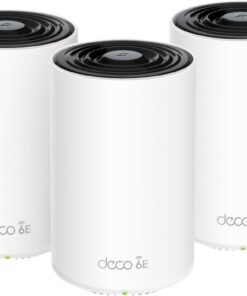
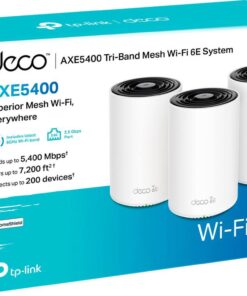
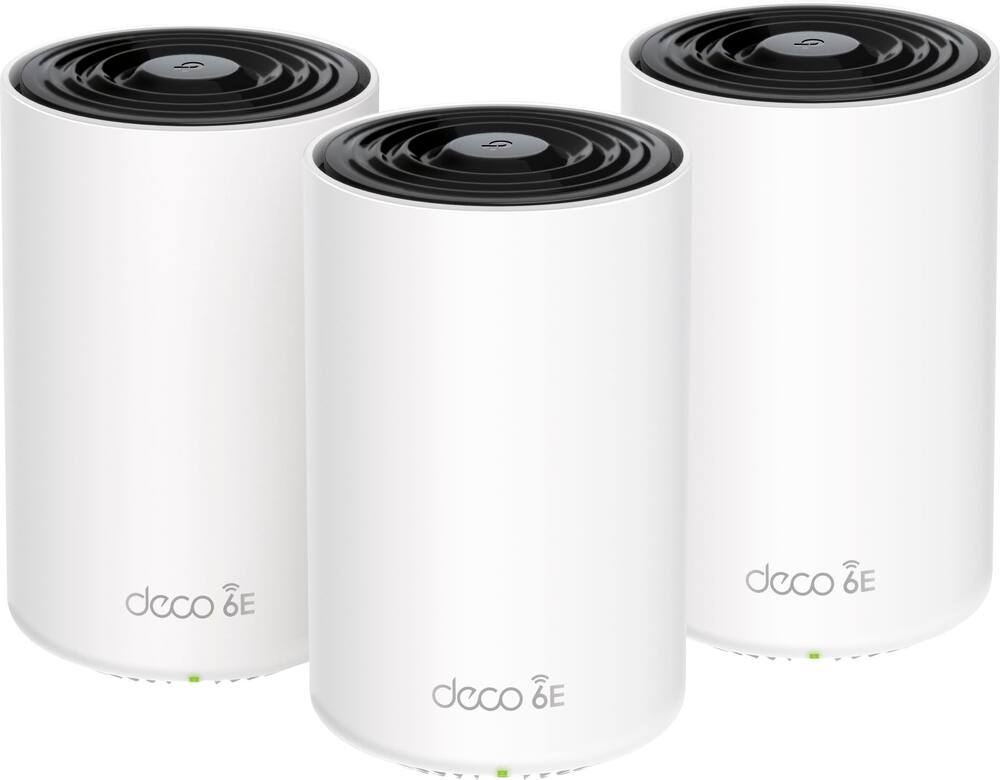
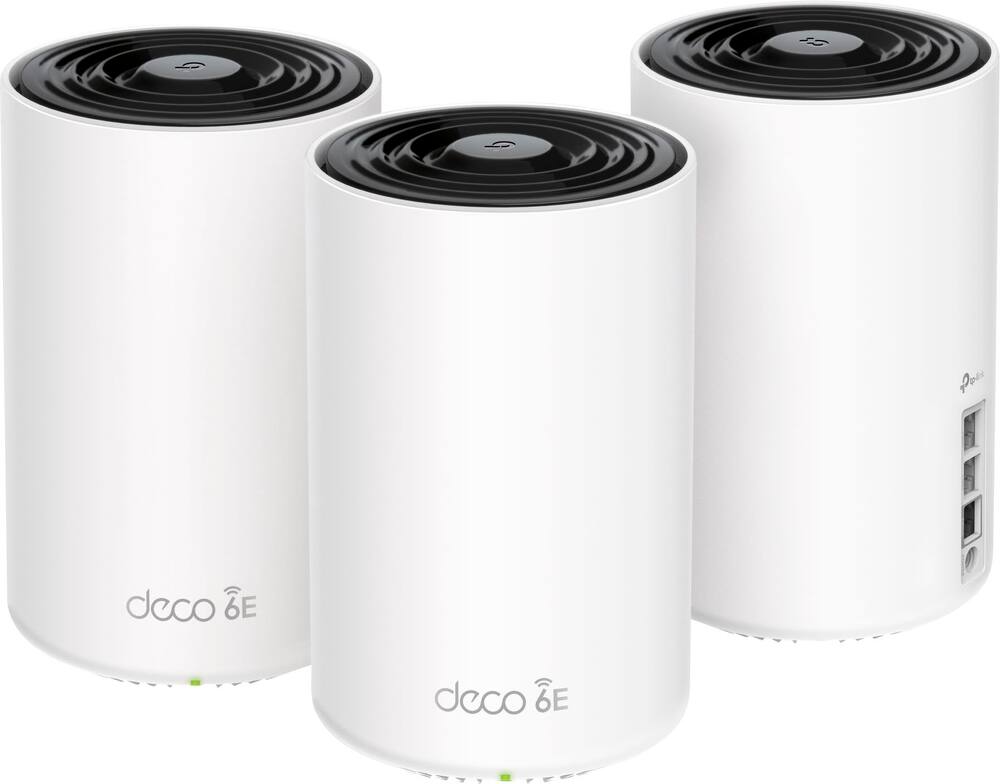
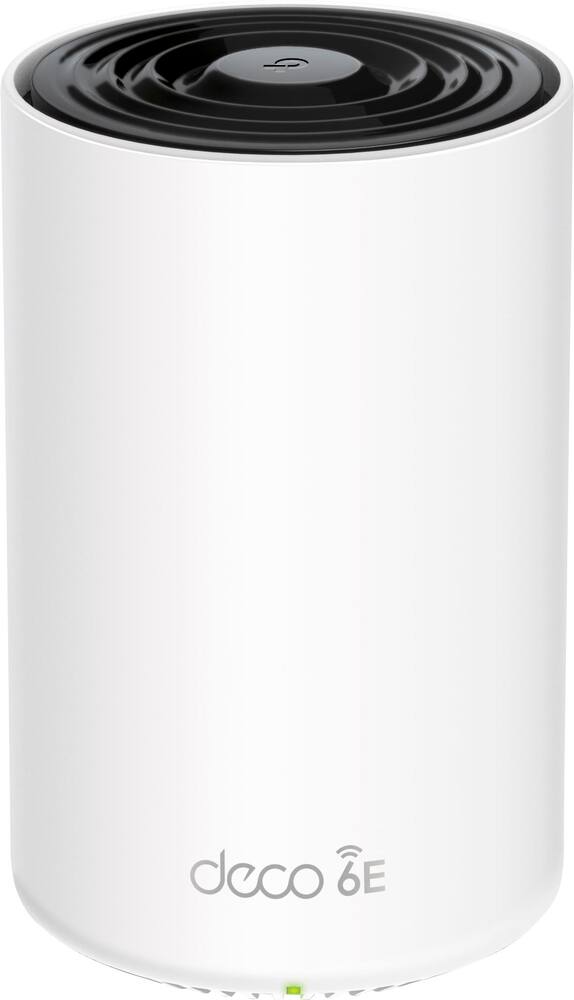
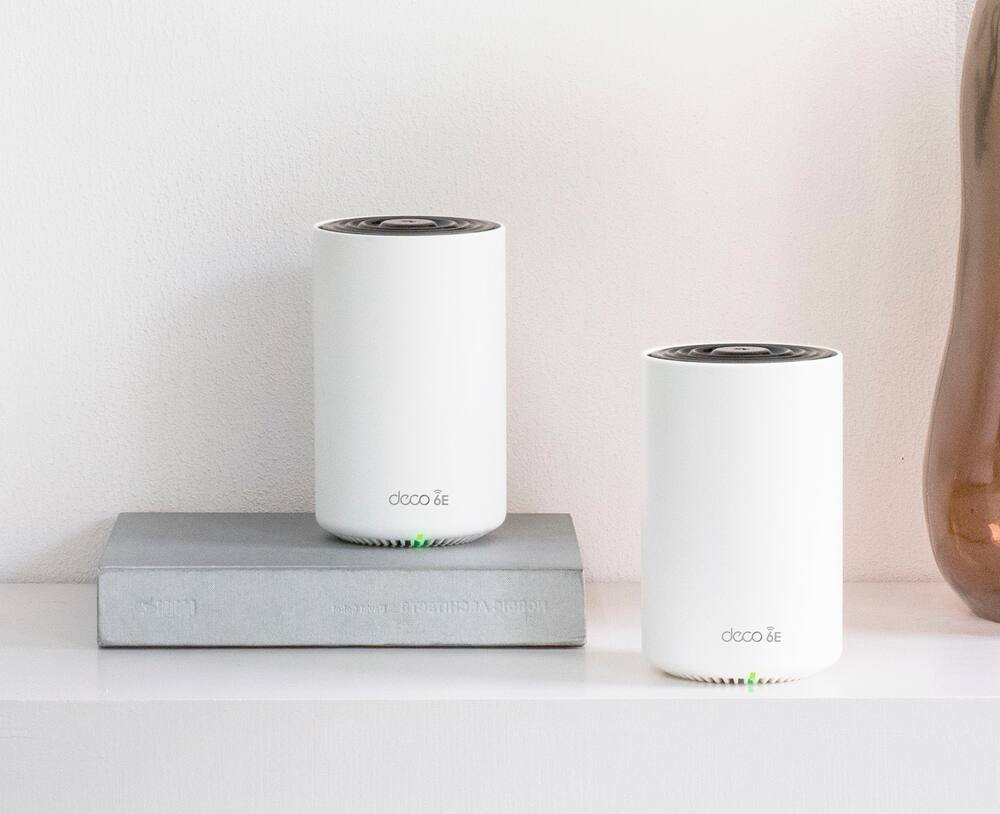
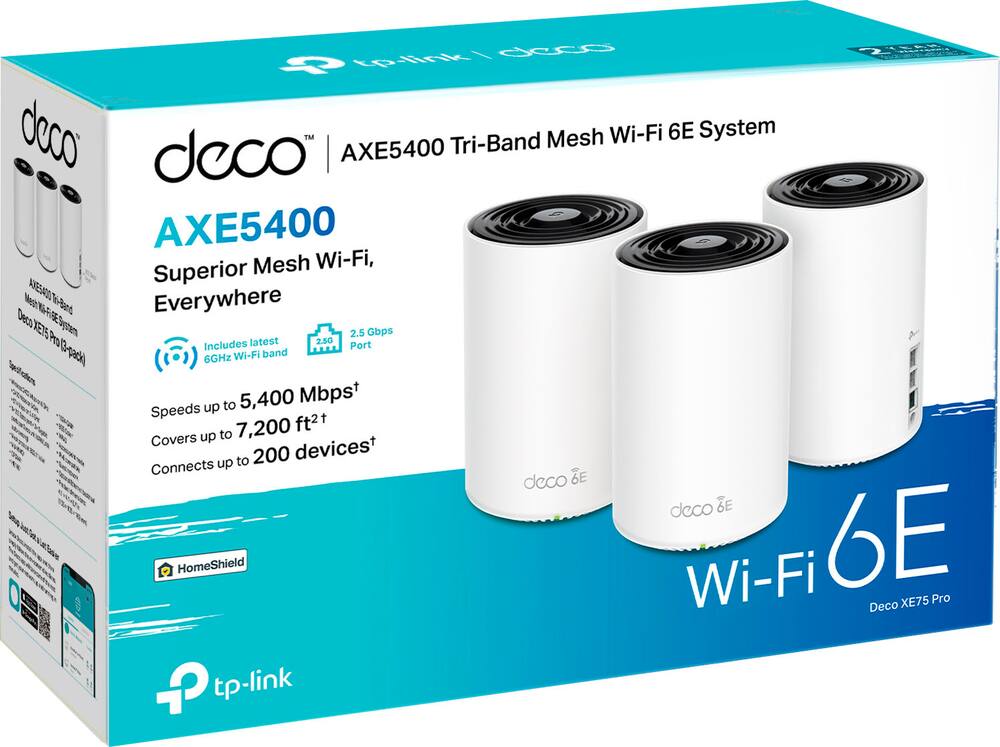
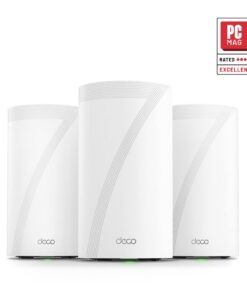
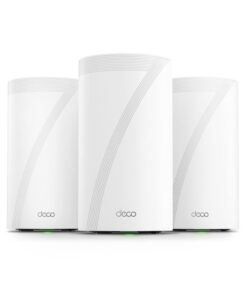
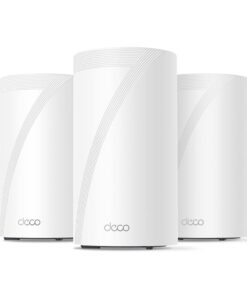
TP-Link – Deco XE75 Pro AXE5400 Tri-Band Wi-Fi 6E Whole Home Mesh System (3-Pack) – White
★★★★★★★★★★ (4.6) 20 reviews
Original price was: $429.99.$343.99Current price is: $343.99. Save $86
In stock · Ready to ship
Delivery Mon, Nov 23 – Wed, Nov 25 Free shipping
Secure checkout · Visa · Mastercard · Amex · Discover · PayPal
Questions? Talk to a product specialist
(888) 519-3048
- Free shipping $60+3–5 business days
- 30-day returnsMoney-back guarantee
- Brand-newManufacturer warranty
- Ships from the USColumbus, OH
- Wi-Fi 6E Tri-Band Mesh Wi-Fi Cover up to 7,200 Sq.
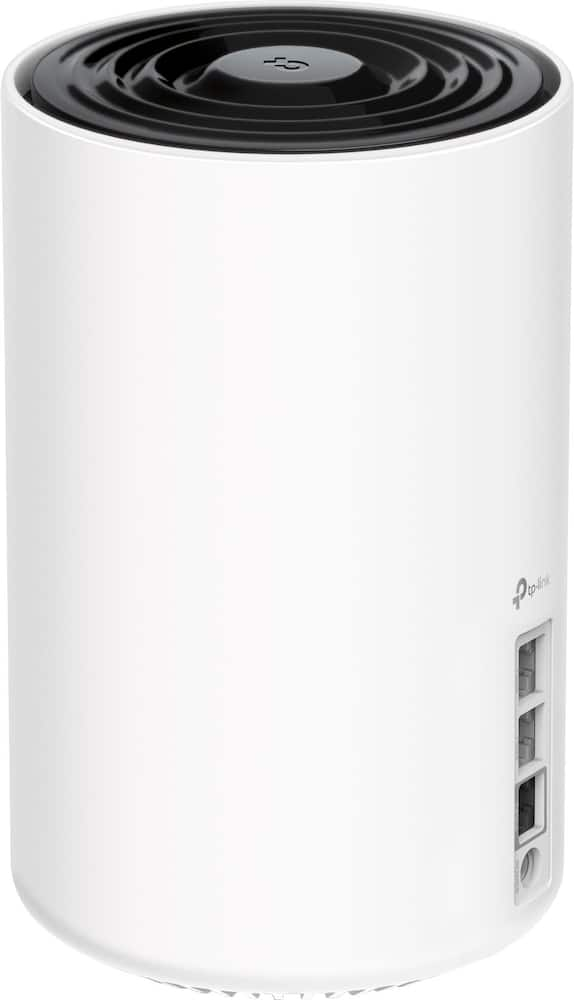
- with next-gen seamless Wi-Fi and make dead zones and buffering a thing of the past.Beyond the speed of Gigabit A 2.5 Gbps port and two Gigabit ports per unit allow you to take full advantage of your broadband speed (ideal for gigabit+ internet plans up to 2.5 Gbps).
- Plug your PCs, smart TVs, or game consoles into the ports for blazing-fast wired connections.Brand-new 6 GHz band 6 GHz Wi-Fi band provides open and clear signal, eliminating interference from older devices.True Tri-Band speed All three Wi-Fi bands work together to unleash your network’s total speeds up to 5,400 Mbps for 200 devices (6 GHz: 2402 Mbps (HE160); 5 GHz: 2402 Mbps (HE160); 2.4 GHz: 574 Mbps)AI-Driven mesh Deco intelligently customizes an ideal mesh Wi-Fi solution unique to your home by automatically learning the network environment and user behaviors.Easy setup and management The Deco app helps you set up your network in minutes with clear visual guidance and keeps you in control even when you are not home.Connect more devices Communicate with up to 200 devices simultaneously without slowing down.Works with all Deco models All Deco products work together, add another Deco to expand your network.Seamless roaming Create a single network name and password for all your Decos and receive the best possible connection as you walk from room to room.Total security Protect your network and data with TP-Link HomeShield featuring IoT protection, cyber threat prevention, robust parental controls, and comprehensive reports.Works with Alexa and Google Assistant Control your network with your voice.
- Turn on or off Guest Wi-Fi by simple voice commands and automatically trigger actions between smart home devices and applications.Warranty and support 2-year warranty, 24/7 unlimited technical support by phone and email.
Key specs
- Weight
- 1.39 lbs
- Dimensions
- 4.1 × 4.1 × 6.7 in
- Brand
- TP-Link
- Model Number
- Deco XE75 Pro (3-Pack)
- Product Name
- Deco XE75 Pro AXE5400 Tri-Band Wi-Fi 6E Whole Home Mesh System (3-Pack)
- Color
- White
- Firewall Type
- SPI
- Weight
- 1.39 lbs
- Dimensions
- 4.1 × 4.1 × 6.7 in
- Brand
- TP-Link
- Model Number
- Deco XE75 Pro (3-Pack)
- Product Name
- Deco XE75 Pro AXE5400 Tri-Band Wi-Fi 6E Whole Home Mesh System (3-Pack)
- Color
- White
- Firewall Type
- SPI
- Security Features
- Parental Controls, Guest Network, WPA3, HomeShield
- Parental Controls
- Yes
- Quality Of Service (QoS) Traffic Prioritization
- Yes
- Band Technology
- Tri
- Ethernet Standard
- 10/100/1000/2500
- Number Of Connected Devices
- 200
- Frequency Band
- 6.0 GHz
- Wireless Networking Standard
- Wi-Fi 6E
- Wireless Standard
- AX
- Wi-Fi Range
- 7200 square feet
- Wi-Fi Mesh System
- Yes
- Number of Wi-Fi Satellites Included
- 3
- Number of Wi-Fi Satellites Supported
- 3
- ENERGY STAR Certified
- No
- App Compatible
- Yes
- App Name
- TP-Link Deco
- Beamforming
- Yes
- Integrated Modem
- No
- Wireless
- Yes
- Number Of WAN Ports
- 1
- Port Type(s)
- USB
- Number Of LAN Ports
- 2
- Wi-Fi Speed
- 5.4 gigabits per second
- System Requirements
- Microsoft Windows 98SE, NT, 2000, XP, Vista™ or Windows 7, Windows 8/8.1/10, MAC OS, NetWare, UNIX or Linux
- Works With
- Amazon Alexa
- Product Height
- 6.7 inches
- Product Length
- 4.1 inches
- Product Width
- 4.1 inches
- Product Weight
- 1.39 pounds
- Warranty - Parts
- 2-Years
- Warranty - Labor
- 2-Years
- UPC
- 840030704994
- Wi-Fi 6E Tri-Band Mesh Wi-Fi
Cover up to 7,200 Sq. Ft. with next-gen seamless Wi-Fi and make dead zones and buffering a thing of the past. - Beyond the speed of Gigabit
A 2.5 Gbps port and two Gigabit ports per unit allow you to take full advantage of your broadband speed (ideal for gigabit+ internet plans up to 2.5 Gbps). Plug your PCs, smart TVs, or game consoles into the ports for blazing-fast wired connections. - Brand-new 6 GHz band
6 GHz Wi-Fi band provides open and clear signal, eliminating interference from older devices. - True Tri-Band speed
All three Wi-Fi bands work together to unleash your network’s total speeds up to 5,400 Mbps for 200 devices (6 GHz: 2402 Mbps (HE160); 5 GHz: 2402 Mbps (HE160); 2.4 GHz: 574 Mbps) - AI-Driven mesh
Deco intelligently customizes an ideal mesh Wi-Fi solution unique to your home by automatically learning the network environment and user behaviors. - Easy setup and management
The Deco app helps you set up your network in minutes with clear visual guidance and keeps you in control even when you are not home. - Connect more devices
Communicate with up to 200 devices simultaneously without slowing down. - Works with all Deco models
All Deco products work together, add another Deco to expand your network. - Seamless roaming
Create a single network name and password for all your Decos and receive the best possible connection as you walk from room to room. - Total security
Protect your network and data with TP-Link HomeShield featuring IoT protection, cyber threat prevention, robust parental controls, and comprehensive reports. - Works with Alexa and Google Assistant
Control your network with your voice. Turn on or off Guest Wi-Fi by simple voice commands and automatically trigger actions between smart home devices and applications. - Warranty and support
2-year warranty, 24/7 unlimited technical support by phone and email.
Standard US ground delivery is $5.49 and arrives in 3–5 business days. Orders over $60 ship free. Returns are accepted within 30 days of delivery.
JEROME (verified owner) –
Home Set up – Set up was pretty simple. But I have lost connection a few times. Pain reconnecting 20+ devices. But other than that, it is doing what I purchased it to do.
SCOTTW (verified owner) –
Easy to setup – Great product that’s easy to setup. I recommend this if you have older people or others who are less tech savvy in your life who need your help with their home network.
ChrisM (verified owner) –
Easy Set Up and Configuration – This WiFi set up was an upgrade for my inlaws and met all desired needs. The tri-band allows for traffic between nodes without complication when the extended family is visiting and the configuration options allowed me to customize things like status lights (which turn off at 10 PM and come back on at 8 AM) without feeling overcomplicated. The nodes found each other shortly after getting plugged in. The main access point will take a few minutes but the guide via app is sufficient. This was overkill for their house but I don’t want to help troubleshoot issues from 2 hours away so it works great for these purposes.
BALASUBRAMANIAMS (verified owner) –
Very good reception – I have recently purchased this and installed in 3 different rooms, now my tv which can connect to 5Ghz and all other smart devices that use 2.4 ghz as their primary all are working great and getting good reception. No more blind spots and disconnections due to low wifi signals any more. Thanks for DECO for making such a good product.
Cpvnj (verified owner) –
Exactly what we needed – We live in a 2500 sq foot bi level house that is quite long and our signal wasn’t always reaching downstairs. The set up was easy and immediately we saw a huge difference abs we haven’t had an issue since.
upnorthcompute (verified owner) –
Replacing the google nest – twice – I have two properties. In both cases the had the google nest WiFi (w/speech recognition in mesh units version). They were solid for a long time, purchased within a month of each other. Google home ok, but not very helpful most of the time to managed, but lived with it. After a few years ago, within about 60 days of each other, both starting loosing connectivity, tv going off line more (which turned me, the home IT admin to having to keeping tv going etc). I have door locks and and garage openers as well, not as bad as tvs, but we’re also having trouble. Key, those are 2.4 ghz. When the nest WiFi went bad, I thought I would just upgrade to new google, but those don’t support these other devices. Thus after looking quite a bit, I went with the xe75 pro. Works with my new ocs, tablets, phone, garage door openers, locks without hassle and the network app is much better than Google home without all the hassle. Eg, now I can watch tv vs explain why it is not working, which is super useful for out renters, let alone not getting skeptical spouse look who just wants watch Netflix ;-). One network replaced 60 days ago, the other about 4 weeks ago.
Saber (verified owner) –
TL;DR review – It’s a lot faster than my old Google mesh system. I have a tri-level home and the signal strength is pretty strong everywhere. My internet speed is 500 Mbps and the slowest speed in the house is between 250 and 300 Mbps.
Kanzer (verified owner) –
Great product. – This is a great router. I recently got Xfinity internet. But the modem was not powerful enough to give full strength signal to my entire house. So I got this 1-pack. And it did the trick. Although I would recommend getting the 3-pack, instead of just the 1 if you want full strength through out you house if you have 3 levels. But even with a 1-pack it boosts the signal.
Redd (verified owner) –
Fantastic product and super easy set up – I came from a 5 year old Acer router and my goodness have things changed. It was set up in less than 10 minutes, is incredibly user friendly, and works like a dream. I eventually installed a cat 6 wired backhaul in my bedroom and have a solid 600 mbps. The Deco app is intuitive and detailed. It also handles router level VPN like a champ. Fantastic upgrade and highly recommended!
Gary (verified owner) –
Nice Package but not Easy to Reconnect – Nice package for placement of devices. Not the easiest to reconnect the WiFi devices. Good coverage, but not as much as I was hoping for our 3000 sqft house & garage.
Steve (verified owner) –
DECO XE75 PRO AXE5400 – The TP-Link Deco XE75 Pro was everything I hoped for and more. It has been extremely reliable, completely eliminating the intermittent signal drops I used to experience. The mesh system provides consistent bandwidth across my entire 4,000 sq. ft. home with zero dead spots. Highly recommended!
Anthony (verified owner) –
As promised – Installation is easy, but DO follow the directions given. It will take some time for the pods to acclimate, i.e., for the satellite devices to locate the closest and strongest signal. The app is especially helpful for more advanced functions. If replacing an existing router, but multiple devices are connected to that router, change/use the same SSID and password for the new TP-link router and most devices will reconnect. This saves considerable time and trouble, as each device will not have to be reset for the replacement router. There are multiple tutorials for this on various websites.
SEBASTIANF (verified owner) –
Reliable Wi-Fi Across a 20,000+ Sq. Ft. Space – I use this Deco system in a commercial space of more than 20,000 square feet, and it works great. The Wi-Fi reaches throughout the building. We were given several much more expensive options to get coverage everywhere, but this was the easiest, fastest, and most affordable solution. Excellent purchase.
BRIDGETTEM (verified owner) –
Easy setup – The best product to setup, th instructions were on point. Setup only took 20 mins
ROGER (verified owner) –
Best Wifi upgrade for older homes – This mesh network has drastically improved the range and connectivity of my wifi. With a block home from the 40’s signal would drop off fast as you moved further away from the router, but now laptops, tvs, gaming systems, phones and tablets stay connected.
Kasanova (verified owner) –
Trash! Turn and sprint until you faint! – I was trying, REALLY trying to give these a chance as they were specifically recc to me by the AT&T agent. I have a rather robust sized home, 4,988sqft and needed something to extend my then current wifi throughout the upstairs… HAHAHA! I had a single Netgear Nighthawk from 6 years ago that ran circles around this three-piece, supposedly industry-leading mesh system.
From day one we have had issues so I fault myself for not immediately returning them. They would not connect to my router regardless of instructions, community forums, Redditt, etc. So as a last ditch effort… Because no piece of plastic technology will ever outwit my exceptionally gifted husband brain, I called the manufacturer’s customer service. Why!? After AI hung up on my almost half a dozen times I finally got a human. A rude one at that. Apparently women know nothing about technology, or anything where he is from so the agent was clearly dumbfounded and a loss for words when this… unbeknownst to him… AuDHD female, born “gifted” with an IQ higher than every person I have ever met, has earned seven degrees-three undergrad: all Summa, and 4.0s for all four master’s-and who has been dismantling, studying, and reassembling electronics since the age of three corrected him numerous times. Needless to say I ended the call and eventually figured it out. However, they NEVER stay connected forcing numerous resets each week. Even now as I am writing this I am unable to get a proper signal sitting 3 ft from 1 of 3 satellites. Showing full bars and testing at “max” speeds yet apps freeze or crash and searches stay in a circling loop. I am on the second story in the closest to the front of the house room there is and with a minuscule two bars for my main router located on the first floor and in the back corner room known as the formal office, literally the farthest back you can go in this home. I am over it! Warranty trade here I come!!
RobMTB (verified owner) –
Great coverage! – Our previous Deco mesh router was one model down from this one. We were happy with that one but lightning zapped the cable and router fried with it. This newer model is giving us even faster WiFi and slightly better distance for coverage also. No issues, easy setup and we highly recommend it!
RYANW (verified owner) –
Great product – These solved my spotty internet issues. They are awesome.
MarvinG (verified owner) –
HOME MESH SYSTEM – GREAT PRODUCT. GAVE USE MUCH MORE CAPACITY AND SPEED
Gordon (verified owner) –
Solid Mesh Set – It’s a good set, overall I’d say I’d give it 4.5 stars, but will give it the 5 vs the 4. Only complaint is it isn’t always the best at swapping devices to the nearest mesh device if there’s overlap, so there are times where a device will have a less than ideal network signal even if a mesh router is sitting right next to it. You can assign them, but *shrug*. Anywho, great set, TPLink rarely disappoints. I would recommend to anyone looking for a great mesh network.