Sale


Sale!
Trezor Model 6562428
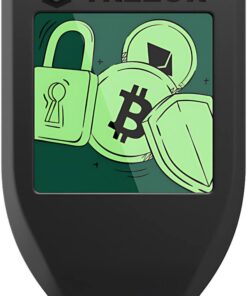
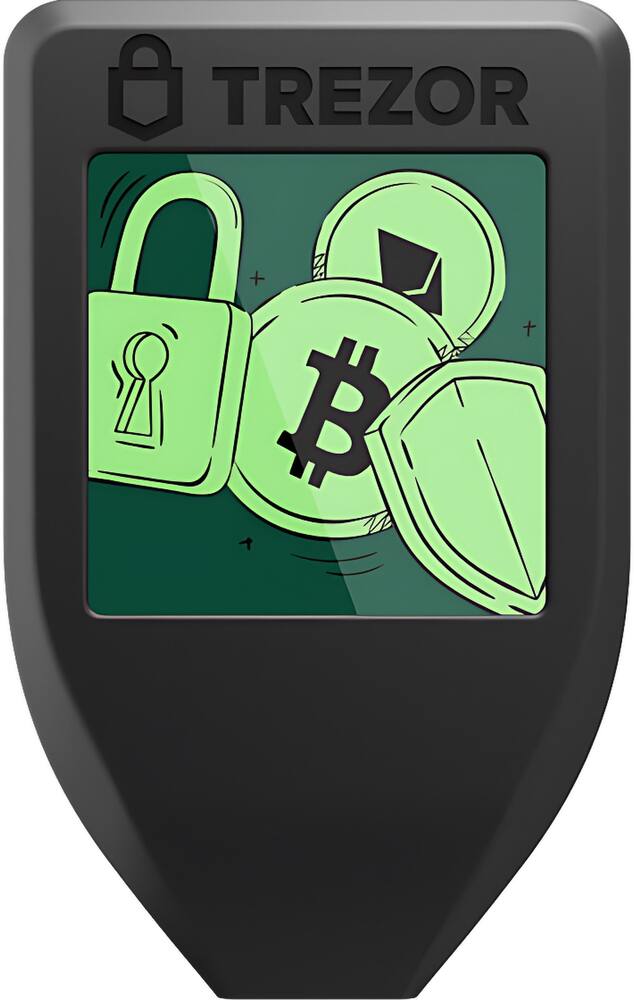
Trezor – Model T – Advanced Crypto Hardware Wallet with LCD Touch Screen – Black
★★★★★★★★★★ (4.9) 20 reviews
Original price was: $129.00.$103.20Current price is: $103.20. Save $26
In stock · Ready to ship
Delivery Tue, Nov 10 – Thu, Nov 12 Free shipping
Secure checkout · Visa · Mastercard · Amex · Discover · PayPal
Questions? Talk to a product specialist
(888) 519-3048
- Free shipping $60+3–5 business days
- 30-day returnsMoney-back guarantee
- Brand-newManufacturer warranty
- Ships from the USColumbus, OH
- Unmatched Coin Security Give yourself peace of mind.
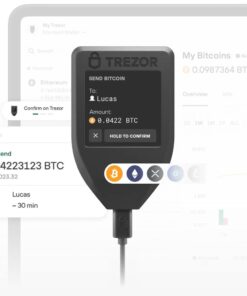
- Store your assets offline with your Trezor device, creating a physical barrier from online threats.Quick and seamless app integration Plug in your Trezor, download the Trezor Suite app, and swiftly take control 7000+ digital assets.Direct Transaction Confirmation Take control and personally confirm transactions directly on your Trezor Model T for unmatched securityProtection Against Threats Use Trezor to shield your assets from malicious apps and exchanges, regain authority over your financial security.Robust Device Security Activate PIN and passphrase protection on your Trezor, making your wallet an impenetrable safeguard for your assets.Effortless Wallet Backup Easily create a wallet backup to ensure access to your coins, even if your Trezor faces unexpected mishaps.Elevate your privacy Use coinjoin, coin control, and the Tor network with your Trezor Model T for superior transaction security.Dedicated Bitcoin Experience Install an available Bitcoin-only firmware on your Model T to fully immerse in the original cryptocurrency experience
Key specs
- Weight
- 0.77 lbs
- Dimensions
- 0.39 × 1.54 in
- Brand
- Trezor
- Model Number
- SLABTRT0
- Product Name
- Model T - Advanced Crypto Hardware Wallet with LCD Touch Screen
- Color
- Black
- Operating System Compatibility
- Windows
- Weight
- 0.77 lbs
- Dimensions
- 0.39 × 1.54 in
- Brand
- Trezor
- Model Number
- SLABTRT0
- Product Name
- Model T - Advanced Crypto Hardware Wallet with LCD Touch Screen
- Color
- Black
- Operating System Compatibility
- Windows
- Connector Type(s)
- USB-C
- Supported Cryptocurrencies
- Bitcoin, Ethereum and over 7000 more digital assets.
- Display Type
- LCD
- Touch Screen
- Yes
- Screen Size
- 1.54 inches
- Product Length
- 2.52 inches
- Product Width
- 1.54 inches
- Product Depth
- 0.39 inches
- Product Weight
- 0.77 ounces
- Warranty - Parts
- 2 years
- Warranty - Labor
- 2 years
- UPC
- 8594194880033
- Unmatched Coin Security
Give yourself peace of mind. Store your assets offline with your Trezor device, creating a physical barrier from online threats. - Quick and seamless app integration
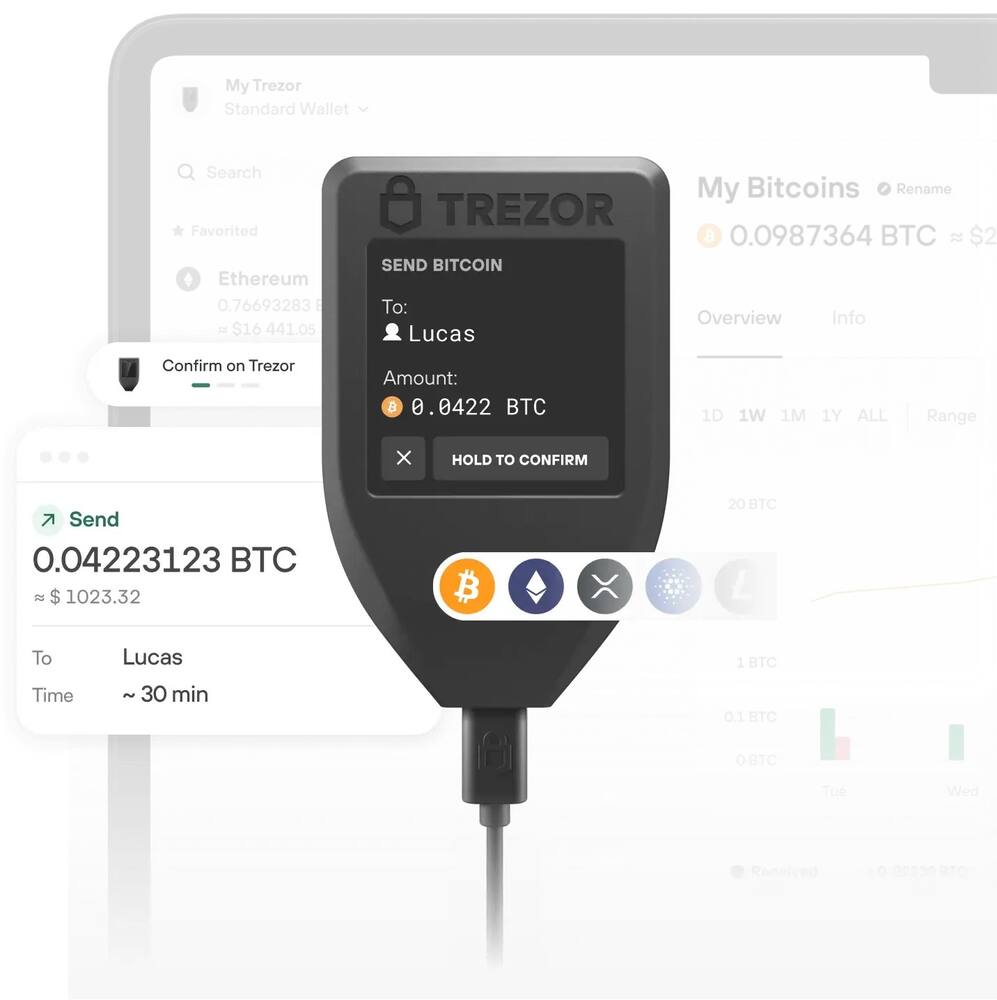
Plug in your Trezor, download the Trezor Suite app, and swiftly take control 7000+ digital assets. - Direct Transaction Confirmation
Take control and personally confirm transactions directly on your Trezor Model T for unmatched security - Protection Against Threats
Use Trezor to shield your assets from malicious apps and exchanges, regain authority over your financial security. - Robust Device Security
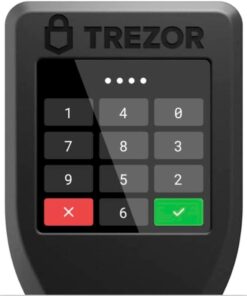
Activate PIN and passphrase protection on your Trezor, making your wallet an impenetrable safeguard for your assets. - Effortless Wallet Backup
Easily create a wallet backup to ensure access to your coins, even if your Trezor faces unexpected mishaps. - Elevate your privacy
Use coinjoin, coin control, and the Tor network with your Trezor Model T for superior transaction security. - Dedicated Bitcoin Experience
Install an available Bitcoin-only firmware on your Model T to fully immerse in the original cryptocurrency experience
Standard US ground delivery is $5.49 and arrives in 3–5 business days. Orders over $60 ship free. Returns are accepted within 30 days of delivery.
PeboQuattro (verified owner) –
Tried and True – The Trezor Model T is a tried and true crypto wallet from Satoshi Labs, a trusted name in cryptocurrency. The Model T has been around for a few years but is still a great choice today thanks to its continual updates that increase functionality such as SegWit or new coins. At this time, the Model T supports Bitcoin, Bitcoin Gold, Bitcoin Cash, Litecoin, Ethereum, Ethereum Classic, Dash, XRP, DigiByte, Namecoin, Vertcoin, Zcash, Solano, and Cardano coins and an abundance of Ethereum ERC-20 tokens. The wallet itself is fairly simple, with a recessed 1.54” tough screen that is a touch small and difficult to use. In the future it would be nice for them to update it with a slightly larger, flush screen. The wallet is powered by USB-C and includes a USB-A to USB-C cable, which is nice for legacy computers but most modern devices have native USB-C ports.
Setting up the device was fairly simple. As expected the Model T is factory sealed, with security foil over the port to ensure no tampering. Once removed, the Trezor Suite walks you through the setup. I like how you can chose your recovery method such as a basic 12 word seed for simplicity or the Shamir Backup for redundancy. The device also offers an optional PIN to confirm all wallet actions for security. Trezor also allows you to setup a hidden wallet secured by a passphrase, that is not normally visible, effectively thwarting any wallet thieves. In the event the wallet is lost or stolen, you recover your crypto using your seed words or with enough shares in the case of Shamir.
The Trezor suite provides a clean interface with your hardware wallet, allowing you to not just send/receive coins but also buy, sell, and exchange coins through a variety of third parties. Unfortunately, the fees these providers charge can vary substantially and I found dedicated exchanges to offer a better value. Regardless, it is great to have the functionality built into the suite. Though the wallet does not interact directly with a mobile device, there is a companion app you can use to check balances and receive coins.
The Model T is a great choice for hardware wallets, thanks to its open source nature and proven track record. For someone looking to take control of their private keys and their crypto, the Trezor Model T should be at the top of their list.
EvilChaderCheez (verified owner) –
High-quality, secure digital asset wallet – The Trezor – Model T – Advanced Crypto Hardware Wallet is a very handy device that allows you to store your crypto assets offline. This is a far more secure way to store your coins as opposed to leaving them in an online exchange like Coinbase where someone could potentially steal your coins by simply gaining access to your online account.
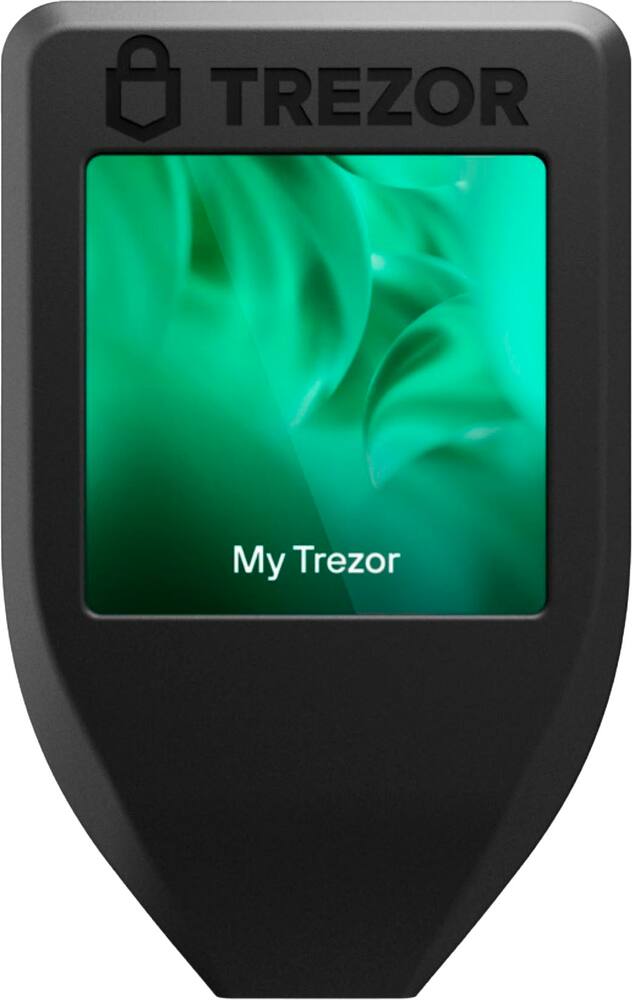
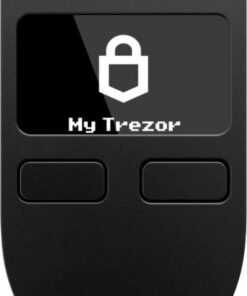
I really like the design of the device. It is small and ergonomic and comes with a nice little magnetic dock that can be placed anywhere. The touchscreen is responsive but a little small which can sometimes make inputting my pin a little difficult but it isn’t too much of a problem.
Setting up the Trezor – Model T was pretty easy and straightforward. The small (and very limited) instruction packet that came with the Model T suggests you first go online to the Trezor website to download the Trezor Suite software to assist with setting up the device. I decided to install the desktop app for Windows but there are other options including iOS and Android as well as a web app. It is nice to have these multiple options which can all be used to access your wallet(s) once setup.
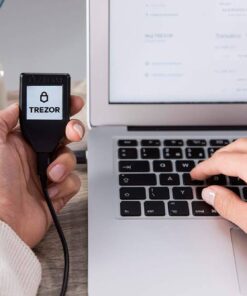
After installing the Windows desktop app, I was instructed to plug-in the device. There is a small piece of holographic tape covering the USB-C port on the device itself for security purposes. This needs to be removed to access the port but removing the tape was not very easy and left some residue on the device itself. Once connected to my PC using the included USB-C to USB-A cable, the Trezor Suite software immediately recognized the device and guided me through the rest of the setup process.
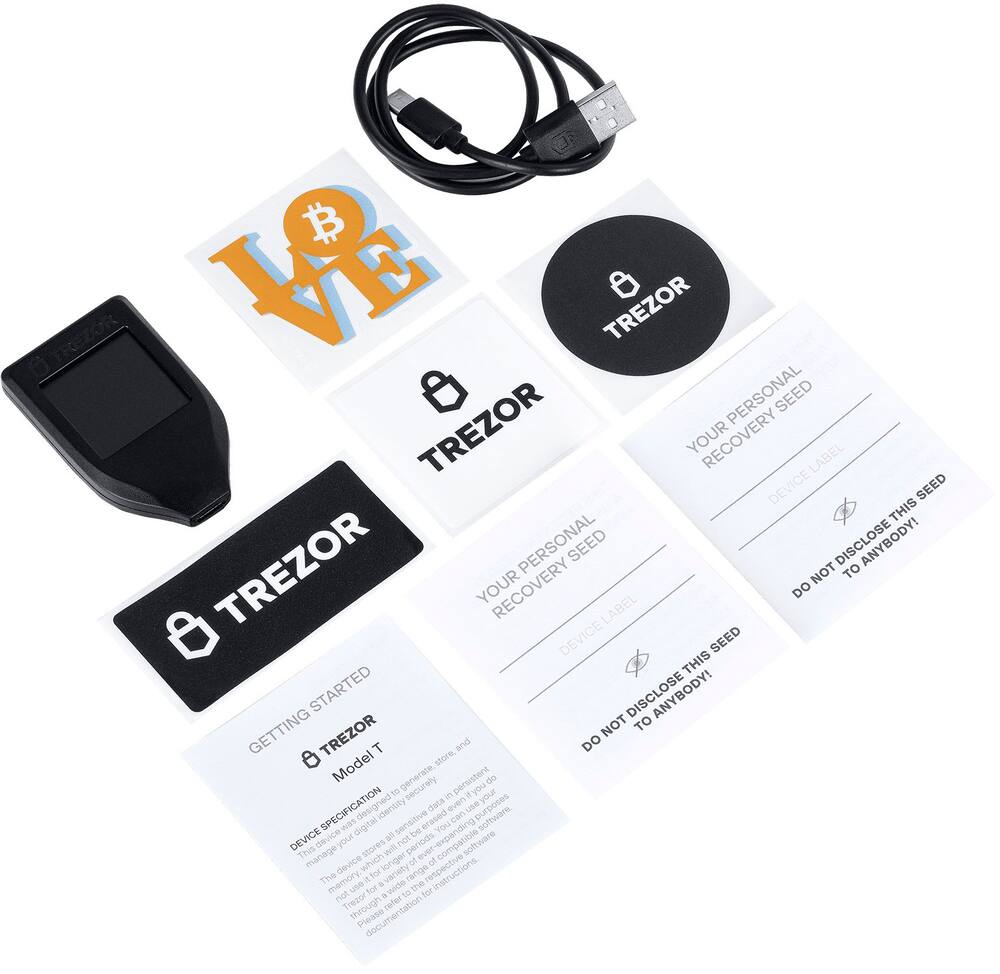
One of the most important steps in the setup process is setting up the backup for the device. The device generates a series of 12 words which is referred to as your “recovery seed”. It is an ordered list of English words that contains all of the information that is necessary to recover your wallet if your device is lost, stolen, or no longer operating. Included in the package are two separate cards with spaces for your 12 words to make it easier to store. It is highly recommended that you not keep digital copies of your recovery seed because it is less secure and anyone who steals your recovery seed could then access your coins using a different device or wallet.
After writing down and confirming your recovery seed, you then select a pin for the device itself and then you can choose which coins you want to appear in the Trezor Suite software. Even though the Trezor is advertised as having support for over 7000+ digital assets, only a select few of the main coins are natively available at this step.
After selecting the coins you want to have listed in your wallet, the next step is to actually create your wallet. There are two options: standard or hidden. A hidden wallet is a wallet that is protected by a custom passphrase for additional security. Once the wallet is setup, clicking on “Receive” or the “Accounts” tab at the top takes you to a screen that lists the coins previously selected during setup. One of the interesting things I noticed here was the fact that the coins cannot be rearranged, even after transferring digital assets to the wallet which I found strange but it isn’t that big of a deal.
One other thing to note that I found pretty cool is the ability to purchase assets right from within the Trezor Suite. All you have to do is select the asset you wish to purchase, indicate the dollar amount or number of coins you wish to purchase, and then a list of available transactions from different vendors pops up with the exact details on the potential purchase so you can compare and select the best offer. This is very handy since you can purchase assets and have them sent directly to your device for safekeeping.
Overall, I am very impressed with the Trezor – Model T – Advanced Crypto Hardware Wallet and I highly recommend it!
TechGuru (verified owner) –
Crypto Hardware Wallet That is Easy to Use! – The Trazor Model T advanced crypto hardware wallet is a fantastic device, and if you have a lot of cryptocurrency, this is a very affordable way to take steps to protect your crypto.
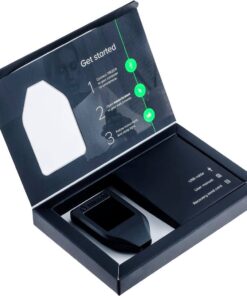
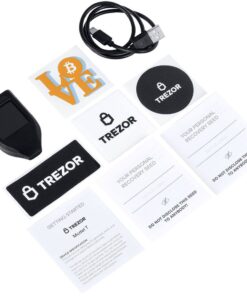
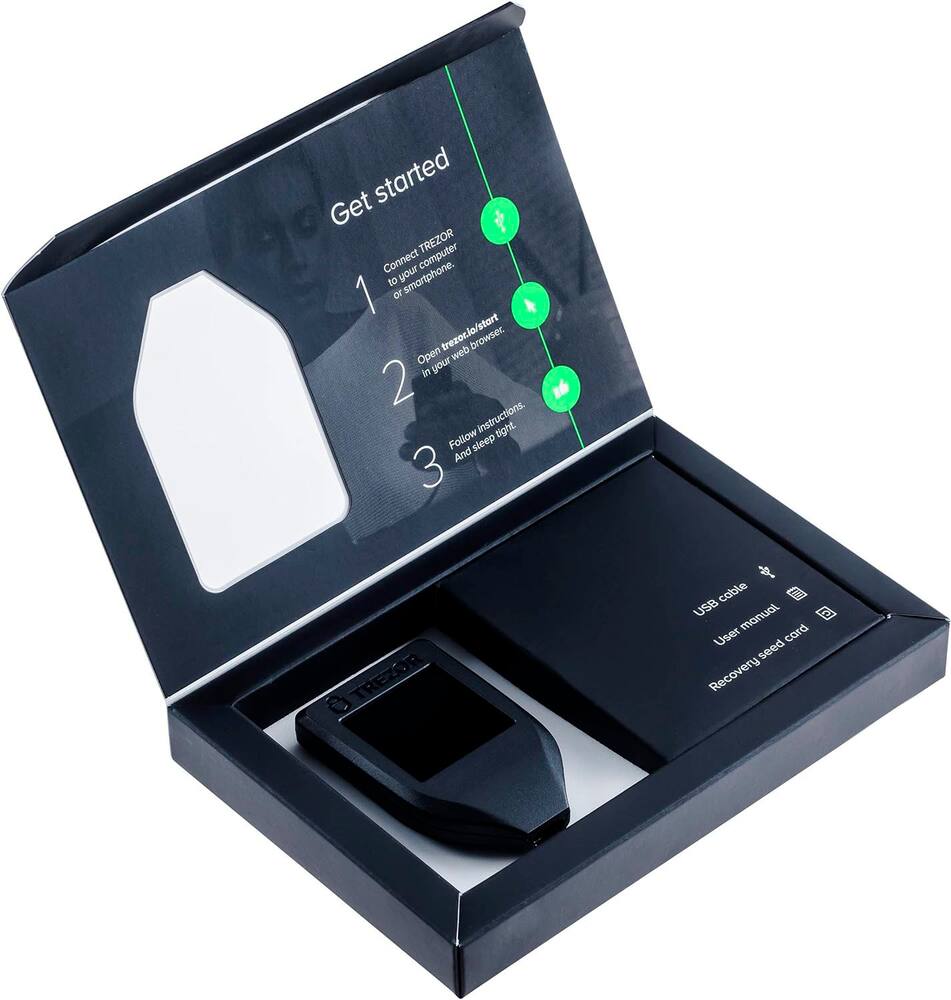
The package comes with a USB a to USB c cable, the wallet itself, some stickers, and two recovery seed cards. I recommend keeping the recovery seed cards at a completely different location than where you keep your crypto wallet. Perhaps with a best friend, parent, or adult child.
What I love most about this wallet is that you can also back it up, which gives you even more protection of your assets. If you do back it up, again, just like above, store the backup somewhere other than where you are storing the hardware wallet.
Anyway, set up is easy, and taking your cryptocurrency out of online marketplaces helps ensure that hackers, especially remote ones, cannot access your funds.
As with all hardware wallets, at least at the time of this writing, keep in mind that fire and water can easily ruin your hardware wallet, which is why it is so important to have a backup. I recommend storing this inside of a Ziploc bag inside of a firebox in your house, at a bare minimum.
Alan (verified owner) –
A practical solution to securing your crypto – When I first ventured into the world of cryptocurrency, I was searching for a wallet that provided top-notch security and ease of use. The Trezor Model T caught my eye, and after a few weeks of use, I am here to share my insights.
Setting up the Trezor Model T was effortless. The large, color touchscreen is a stylish addition and makes interaction smooth and intuitive. I particularly appreciated the clarity of the screen when confirming transaction details. The initial setup process, including the recovery seed phrase generation, was straightforward. Integrating the Trezor Suite app made managing my diverse digital assets seamless. I could easily send, receive, and track my crypto. This was a significant upgrade from my previous experiences with other wallets, where I had to juggle multiple apps and platforms, and transactions were often slow and complicated.
However, the Trezor Model T is not without its drawbacks:
– The price point is steep compared to other hardware wallets on the market, which may be a barrier for those just starting with crypto and hesitant to make a significant investment.
– While the device itself is pretty robust, I felt the need for a more rugged casing, given the importance of the device.
– Although the integration with the Trezor Suite app is a pro, the app itself could benefit from a more user-friendly interface, especially for beginners in the crypto space.
In conclusion, the Trezor Model T is a solid choice for anyone serious about cryptocurrency security. Its user-friendly touchscreen interface, robust security features, and seamless integration with the Trezor Suite app make it a standout product in its category. While it comes at a premium price and could benefit from a more intuitive app interface, the peace of mind it offers is invaluable. For instance, I no longer worry about losing my assets to a hacking attempt or misplacing my recovery phrase. Its ease of use also significantly reduces the time and stress involved in managing my crypto assets, making it a worthy investment for both seasoned crypto enthusiasts and newcomers.
gabemstr (verified owner) –
If you want a physical wallet, this is the way to go. If you’re thinking about what’s the difference between this and having another non-physical service, the primary thing is it’s physically with you and can’t/is difficult to get hacked. There are still fees for transactions, but very minimal.
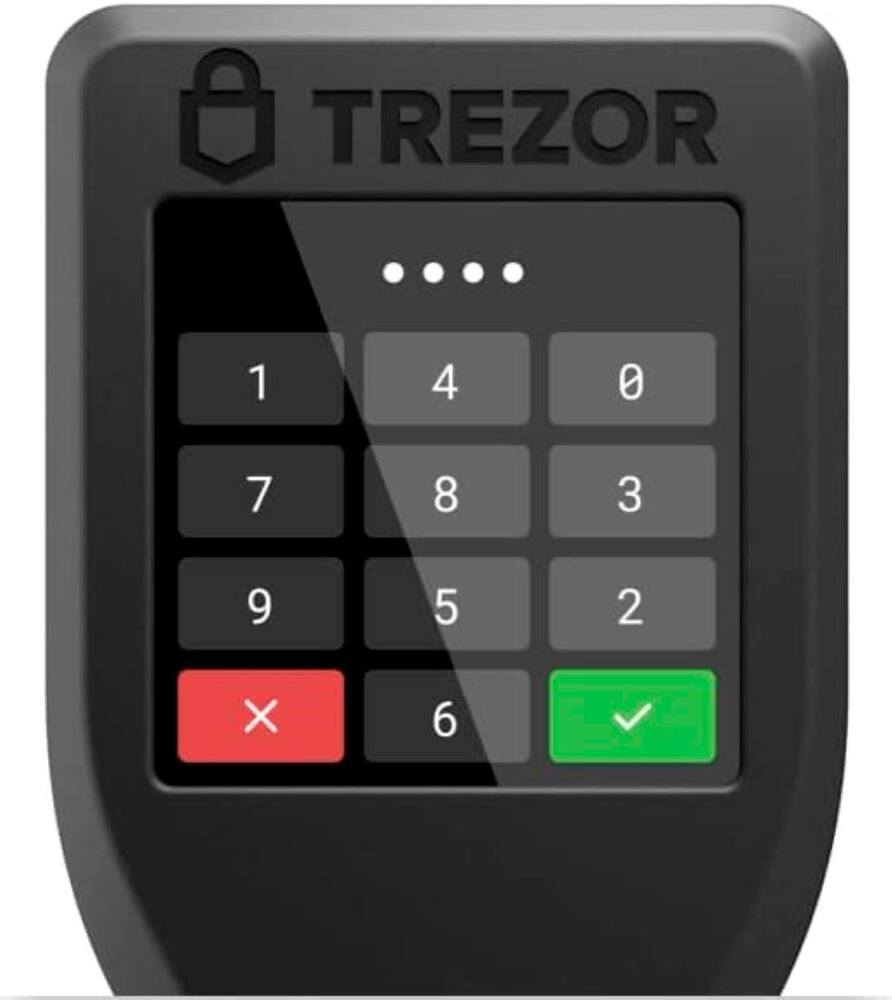
The ease of wallet setup is so easy that someone not tech savvy at all can set it up. The Trezor Suite tells you your exact options such as making or restoring a backup to start off. After you create backup and PIN, you choose which coins to activate to complete setup, then you’re well on your way.
You can then send crypto, add your wallet to metamask, and a plethora of other things. The interaction with the wallet and Trezor Suite software is seamless, which is good because it’s necessary. The ergonomics of the product are nice, it’s a simple but quality build, just be sure not to lose it.
Overall, a great device if you want a physical crypto wallet to deal with your crypto. For the price and reliability of the product, I say it’s well worth your purchase.
GraciaB (verified owner) –
Best gift for boyfriend – Boyfriend loves this gift. He has had other wallets and this is his favorite. He has more of a selection if coins
CodyCrypto (verified owner) –
***IMPORTANT*** – Make absolutely certain there is a holographic decal covering the USBC port when you get your Trezor. If it was tampered with, you could get hacked. I purchased mine from Best Buy and have had no issues. Never buy a digital wallet used, or from Amazon (third party).
Lisa (verified owner) –
Works Perfect! Easy To Use! – Works great. Easy to use. No issues. Gives you step by step instructions when starting it up. I was very surprised about how easy it is to set up and use
LutherKing (verified owner) –
Trezor Review – Great use, Convenient, works great. Highly recommend. Safe
EthanM (verified owner) –
Great buy – Great Wallet easy to use, love the user friendly interface and all the features
StanS (verified owner) –
Storage device – Works fine , but lacks features. Screen is too small to use a touch device.
Jeff (verified owner) –
Amazing – Excellent product with $400 gift card weeiii i highly recommend to buy
JenG (verified owner) –
The Best Hardware Wallet – i dislike ledgers greatly but trezor always made a solid product for a good price
DavidG (verified owner) –
Amazing! – Simple and very user friendly. Security is top notch!
LisaS (verified owner) –
Great for the price – This is a good wallet. Gave 4 stars because there are new and improved models out there. Considering the price I paid this… It is a 5 star deal!
OksanaK (verified owner) –
Trezor Model T – Bought the Trezor Model T on 09/04/2025 from BESTBUY.COM — very easy to set up, the touchscreen is convenient, and it feels highly secure. I feel confident my crypto is safe, definitely 5/5.
CindyH (verified owner) –
Seems Good To Me. – I have no issues with this device and it works as described.
user998529 (verified owner) –
Trezor T – Great item , security to protect your wallet. Easy access and protection.
Laura (verified owner) –
User friendly – Straight forward and user friendly. It seems to be very secure. Would recommend
RodrigoR (verified owner) –
EXCELLENT – Works better than i thought was very simple to set up